
Amber Commerce Slides
- Skill z Lab
- v1.0.1
- Product marketing
Explain how people find, buy and receive things in an illustrated retail deck: white pages with warm bands, tall arches and round fields, cream cards and capsules, compact heavy headlines and flat scenes of vans, baskets, doorsteps and shopfronts.
Przykłady · 2
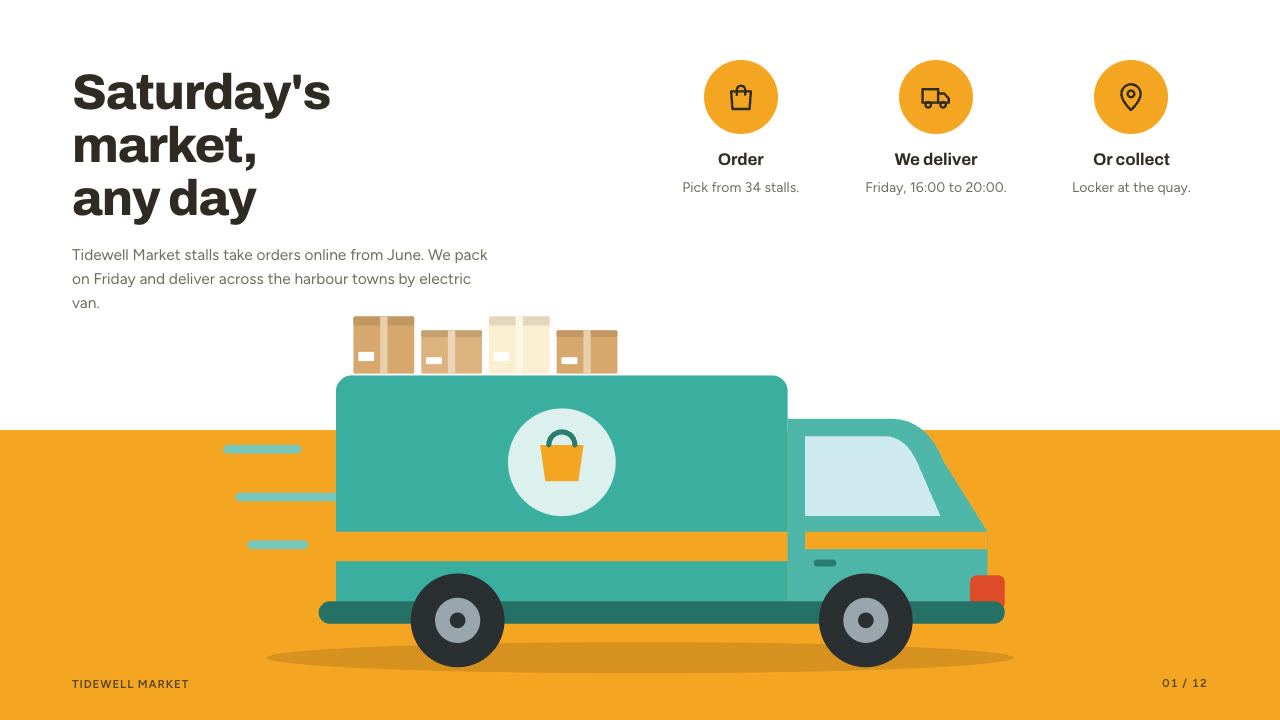
Co otrzymasz
Bring a brief with the shop or service, the audience, the decision you need and the figures you can stand behind; pictures optional. The Skill returns one offline HTML deck that edits in the browser and exports editable PowerPoint.
Jak to działa
- 01
Outline the shop story
Amber Commerce Slides asks for the shop, service or project, the audience, what they should decide, the prices, areas, dates and figures you can stand behind, the page count and the language. The Agent gives each page one job from thirteen layouts such as launch, arch, handoff, checks, channels, checkout, scorecard and matrix, alternating band, arch, orb and split fields.
- 02
Draw scenes and compose
Amber Commerce Slides places your pictures first, or describes flat scenes in scenes.json and runs python3 scripts/market-art.py scenes.json --out art/ to draw vans, trolleys, baskets, shopfronts, couriers and screens. kit.py compose builds deck.json from plan.json, and python3 scripts/apply-palette.py deck.json --palette amber applies one preset. Everything runs with the Python 3 standard library.
- 03
Build and verify the deck
make-deck.py writes presentation.html and verify-deck.py with --pages N reports any sample strings left to replace. The Agent then looks at headline wraps against badges and arches, capsule heights, bar labels, table rows and the page counter in a browser, and tries Edit, undo, Save and Present. An exported .pptx is checked with verify-pptx.py, which needs python-pptx.
FAQ
What is Amber Commerce Slides for?
Amber Commerce Slides builds illustrated retail and ecommerce decks: shop launches, delivery or pickup services, marketplaces, resale and repair programmes, checkout redesigns and customer-journey reviews. Pages are white with one warm colour field, cream cards and capsules, compact heavy headlines and small plain text. It is not suited to dense financial reporting or wordy pages.
Does Amber Commerce Slides need an API key?
No. Amber Commerce Slides draws its flat scenes with market-art.py and builds the deck with Python 3 standard-library scripts, so it makes no model call and spends nothing on your SandBase account. Only verify-pptx.py needs the python-pptx package. The output stays one offline HTML file with every asset inlined.
Which parts of the Amber Commerce Slides PowerPoint are editable?
Amber Commerce Slides exports text boxes, cards, capsules, bands, orbs, coins, bar fills and tables as native PowerPoint objects with speaker notes, and no slide is a full-page picture. The arch fields, dark-panel windows, canopies, sparks, dashes and line icons export as pictures. Pictures you placed stay pictures.
Which fonts does Amber Commerce Slides embed?
Amber Commerce Slides embeds Archivo 800 and 700 for headlines, numbers and table headers, and Figtree 400 and 600 for text, both under the SIL Open Font License. The embedded fonts cover Latin letters, digits and common punctuation, so Chinese, Japanese and Korean fall back to a system face. Install both fonts for exact PowerPoint wraps.
How many words fit on an Amber Commerce Slides page?
Amber Commerce Slides allows headlines of at most 8 words on two short lines, or about 16 Chinese or Japanese characters, one supporting line of at most 24 words and up to 60 words per page. Body text stays at 14 px or more. Copy far over budget runs into neighbouring blocks or under a picture, so detail belongs in speaker notes.
Can Amber Commerce Slides use real brand logos?
No. Amber Commerce Slides avoids logos and brand marks the user does not own, uses no emoji or icon fonts, and keeps the screens inside pictures abstract. The generated scenes show invented people built from geometric shapes. For a richer or photographic look, supply your own pictures, which always take priority over generated scenes.
Więcej Skills
Wszystkie Skills dla Product marketing →
Pixel Story
Turn a product brief into a pixel film with clear actions, scene traversal and a memorable payoff.
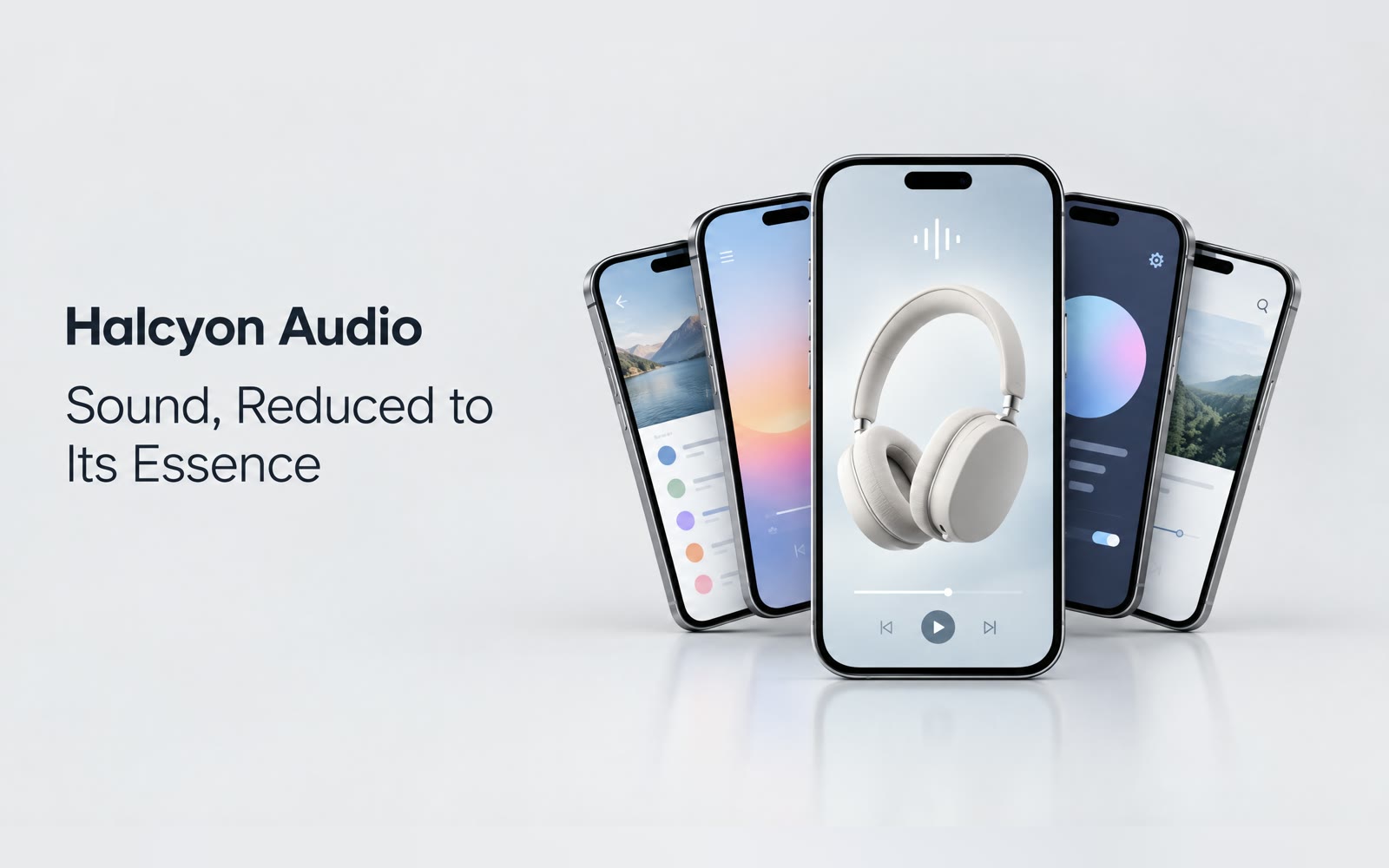
Device fan
Turn a brand, one headline and context into a calm device-showcase card.

Floating phones
Turn a brand, one headline and context into a warm-ivory card with floating phone screens and playful, friendly doodles.

Floating analytics dashboard
Turn a brand, one headline and context into a split-column card: a narrow charcoal brand column anchoring a large white analytics dashboard that floats across a vivid violet gradient field.
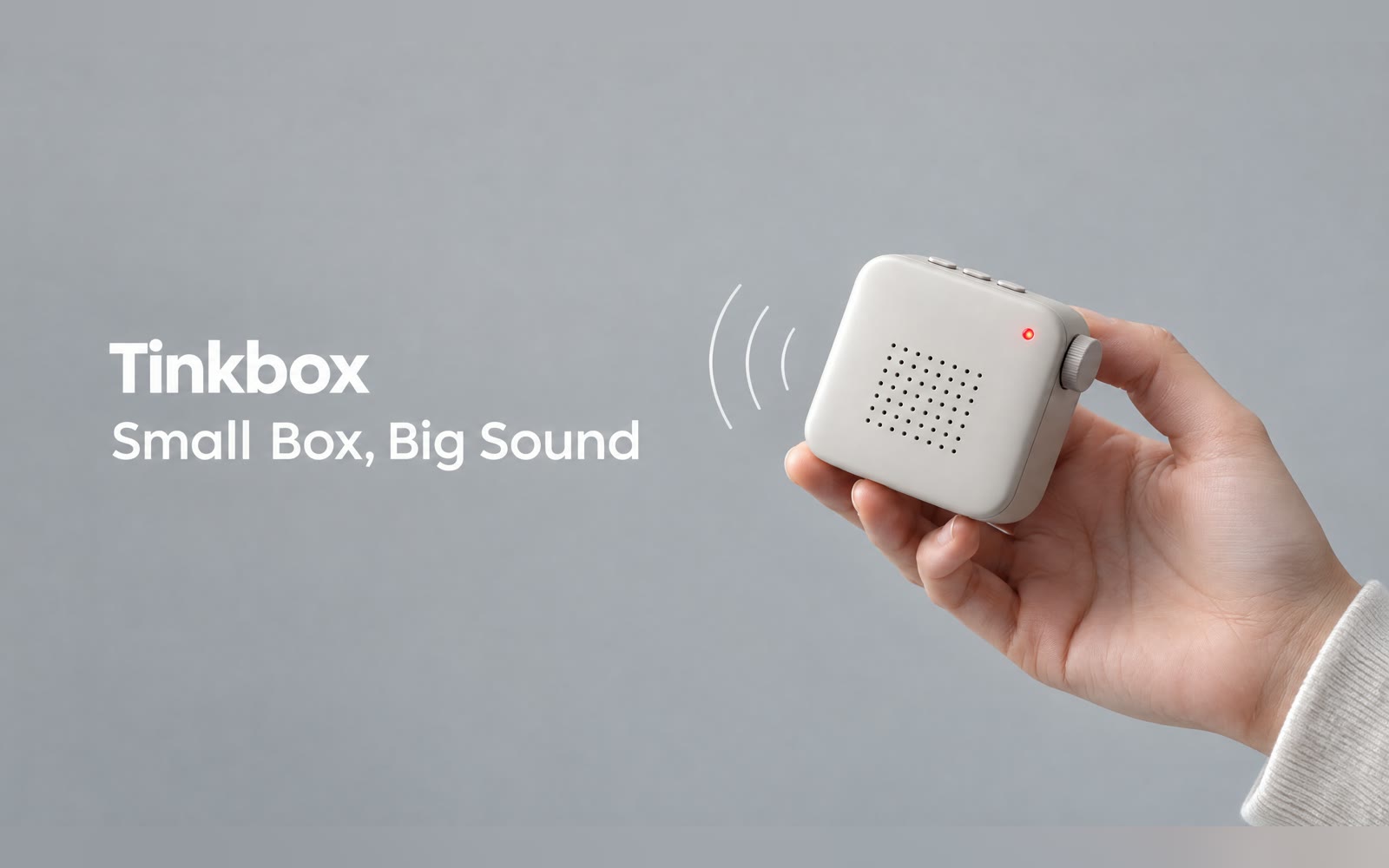
Minimal handheld product
Turn a brand, one headline and context into a high-key studio card: a softly lit hand holding an original compact pale device against a seamless gray background, with broad empty space and a tiny red light as the only accent.
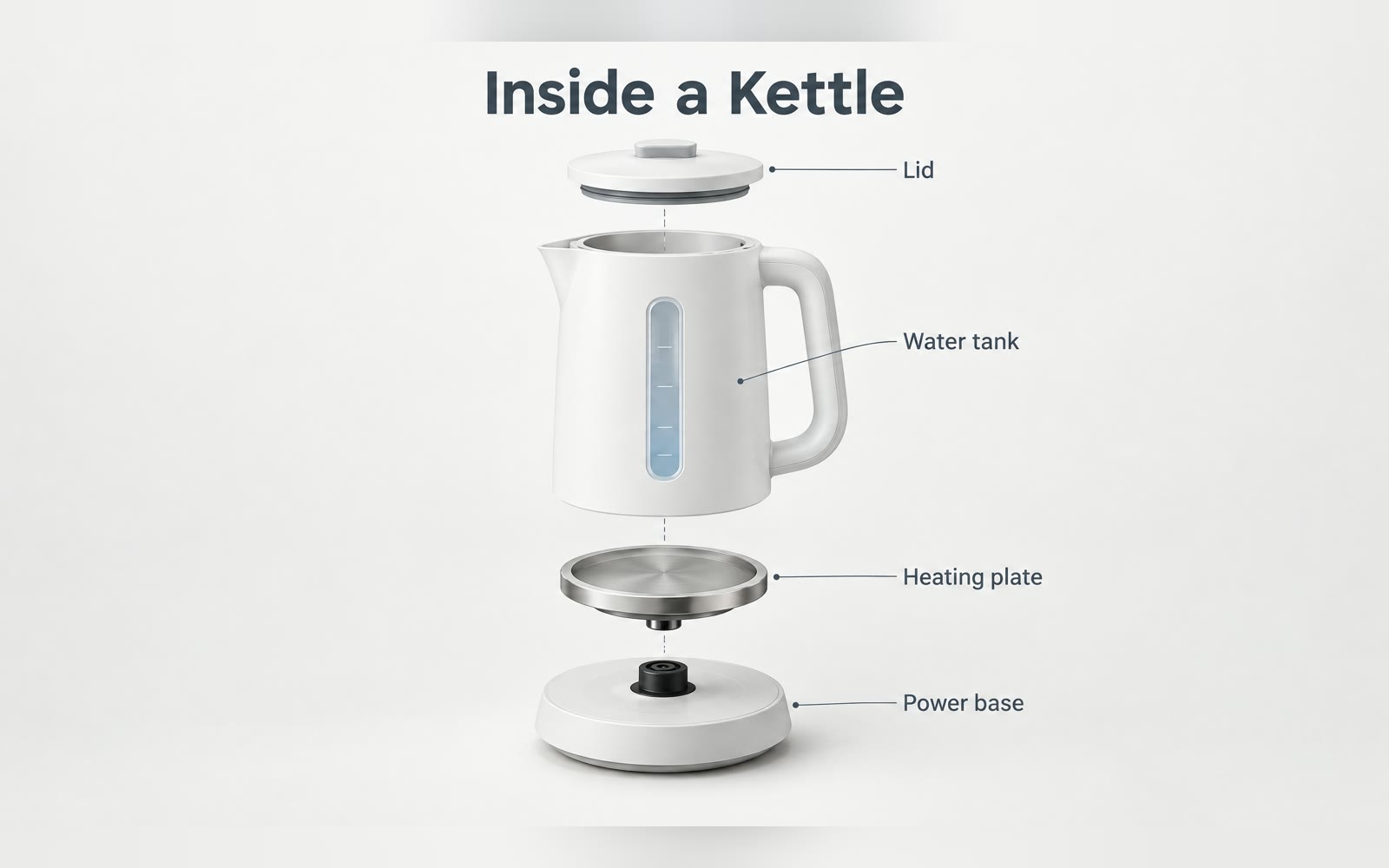
Appliance exploded poster
Turn a household appliance into a polished 16:9 exploded-view poster: part groups separated along one axis, with a title and three to five exact labels.