
UI Morph Loop
- Skill z Lab
- v0.1.0
- Product marketing
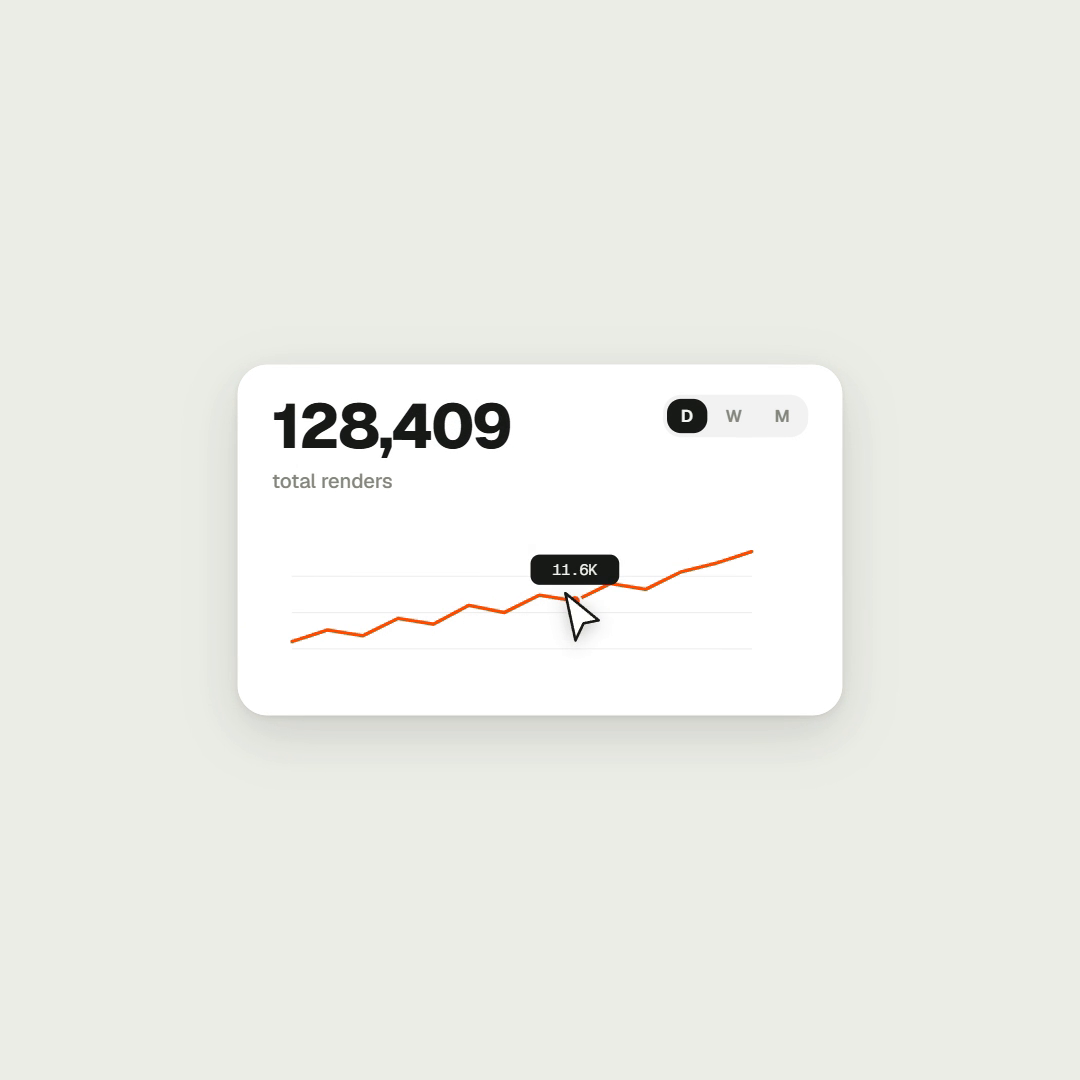
One shape morphs through a reel of interface states — button, loader, check, player, slider, toggle, tabs, chart, command palette, toast — never cutting; a cursor drives every click and drag, content swaps with a short blur, and the loop ends on its first frame.
Przykłady · 2
Uruchom online
Uruchom przykład UI Morph Loop w sandboxie SandBase i zobacz wynik tutaj.
Jak to działa
- 01
Write the sheet
Write sheet.json with a title, size, palette, tempo and 3 to 14 ordered interface states from a fixed vocabulary: button, loader, check, player, slider, toggle, tabs, chart, command palette, search and toast. Each state lasts 0.5 to 8 beats at 40 to 240 bpm, so every move lands on a beat grid. By default the last beat morphs back to the first state for a seamless loop.
- 02
Build and check stills
With Node 22 or newer and FFmpeg, run npm install and, the first time, npx hyperframes browser ensure. node scripts/build.mjs sheet.json --out build validates the sheet and names any bad field. node scripts/stills.mjs --build build --per-chapter 2 makes a contact sheet; check that text stays inside the shape and the cursor sits on the control it presses.
- 03
Render and verify
node scripts/render.mjs --build build --out film.mp4 runs HyperFrames with strict lint, then checks duration, size and a full decode and writes film.report.json. Frames depend only on time, so seeking backward reproduces them. The bundled reels are a 13.5-second square light reel with ten states and an 11-second dark widescreen Chinese reel with eight. No keys or model calls are used.
FAQ
What does UI Morph Loop make?
UI Morph Loop makes a 5 to 60 second motion-design reel in which one shape never cuts: it morphs its size, radius and colour from a button into a loader, a check, a music player, a slider and more, while a cursor performs every click and drag and the camera zooms so each state fills the frame.
Which interface states can UI Morph Loop show?
UI Morph Loop has eleven state types: button, loader, check, player, slider, toggle, tabs, chart, command palette, search and toast. Each has its own copy fields and a built-in action. A new kind of control is a new module in src/ui.js; the sheet cannot invent new state types at run time.
Does UI Morph Loop loop seamlessly?
Yes, by default. UI Morph Loop's last beat morphs back to the first state so the last frame equals the first, and loopBeats sets how long the return holds, 1.5 beats by default. Set loop to false for a reel that ends on its final state, and add a held tail of up to 5 seconds if needed.
Can I hide the cursor in UI Morph Loop?
No. UI Morph Loop always shows a white arrow cursor with a dark stroke; it presses, drags and hovers on every state. A state with no interaction drifts the cursor aside. This keeps every change driven by a visible action, which is what makes the reel read as one continuous interaction.
Does UI Morph Loop have sound?
No. UI Morph Loop is silent. The beat grid drives the motion, but no audio track is bundled; label exports as silent, or add a track at the sheet's tempo in an editor so the cuts land on the beat. The Skill calls no model and needs no API key.
Which sizes does UI Morph Loop support?
UI Morph Loop accepts even sizes with a short edge of at least 360 pixels and an aspect ratio from 1:2 to 2.5:1, so square and landscape both lay out. The fill setting, from 0.2 to 0.95, controls how much of the frame a state occupies after the camera zoom. Chinese copy renders through the bundled Noto Sans SC.
Więcej Skills
Wszystkie Skills dla Product marketing →
Pixel Story
Turn a product brief into a pixel film with clear actions, scene traversal and a memorable payoff.
Device fan
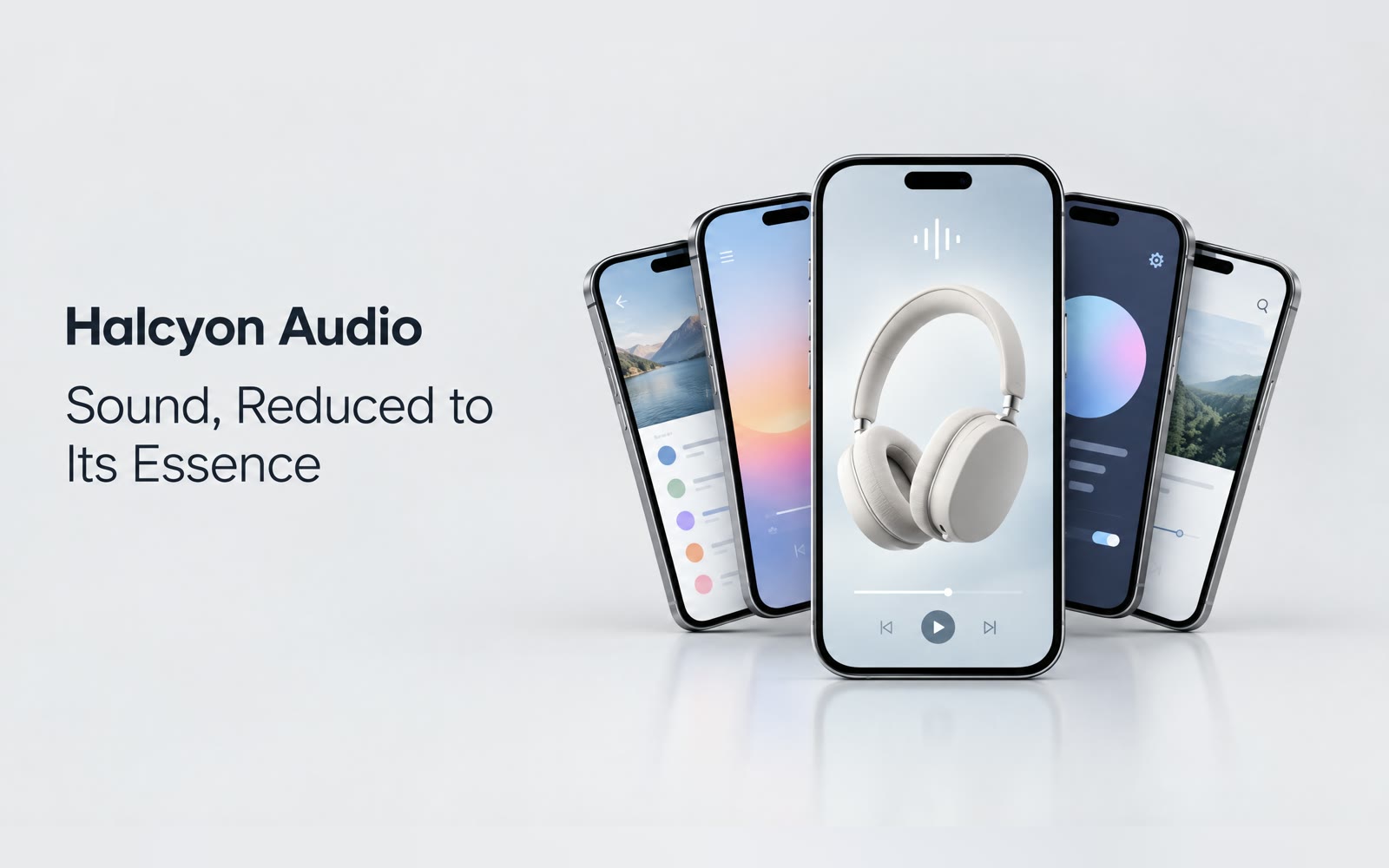
Turn a brand, one headline and context into a calm device-showcase card.
Floating phones
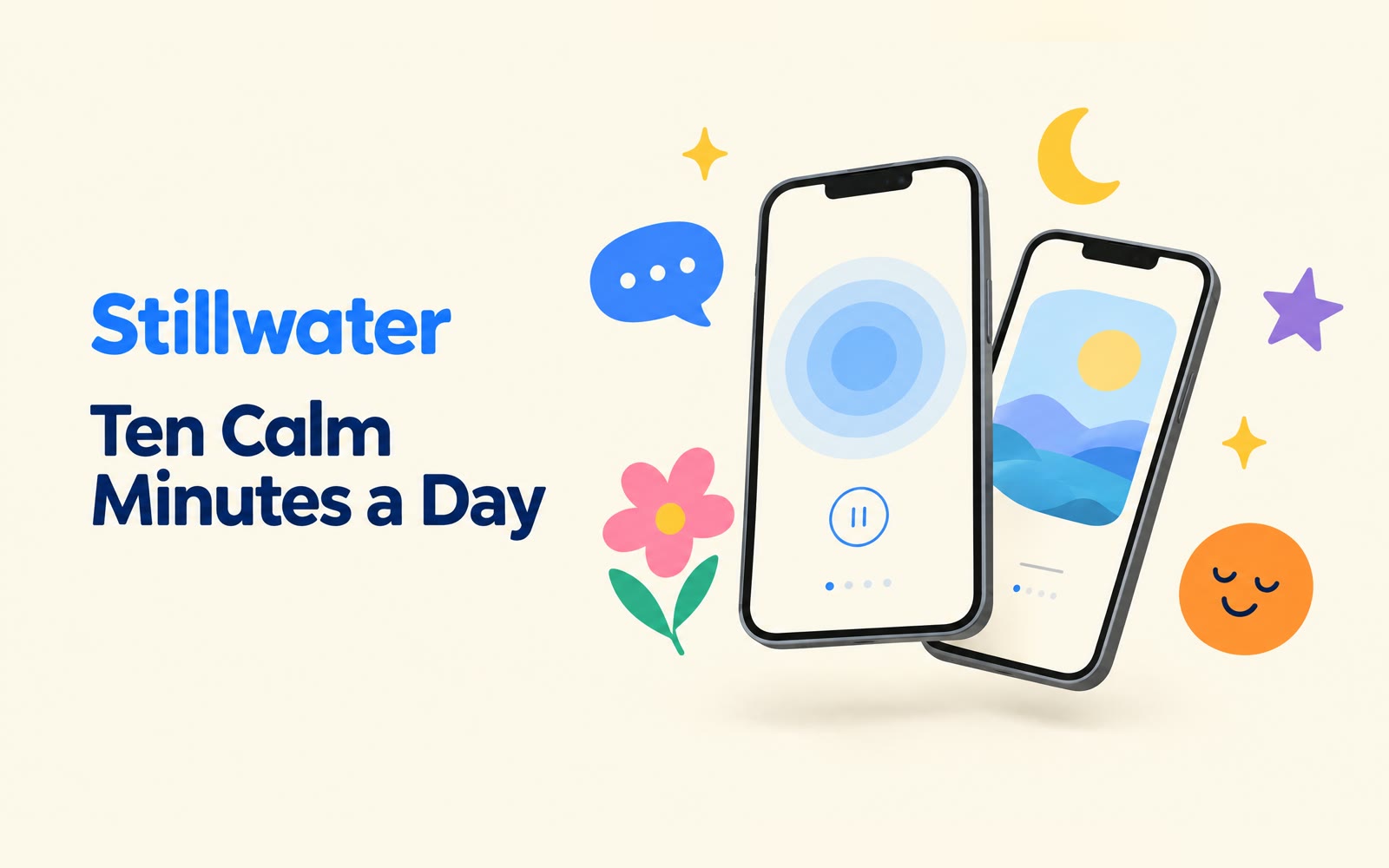
Turn a brand, one headline and context into a warm-ivory card with floating phone screens and playful, friendly doodles.

Floating analytics dashboard
Turn a brand, one headline and context into a split-column card: a narrow charcoal brand column anchoring a large white analytics dashboard that floats across a vivid violet gradient field.
Minimal handheld product
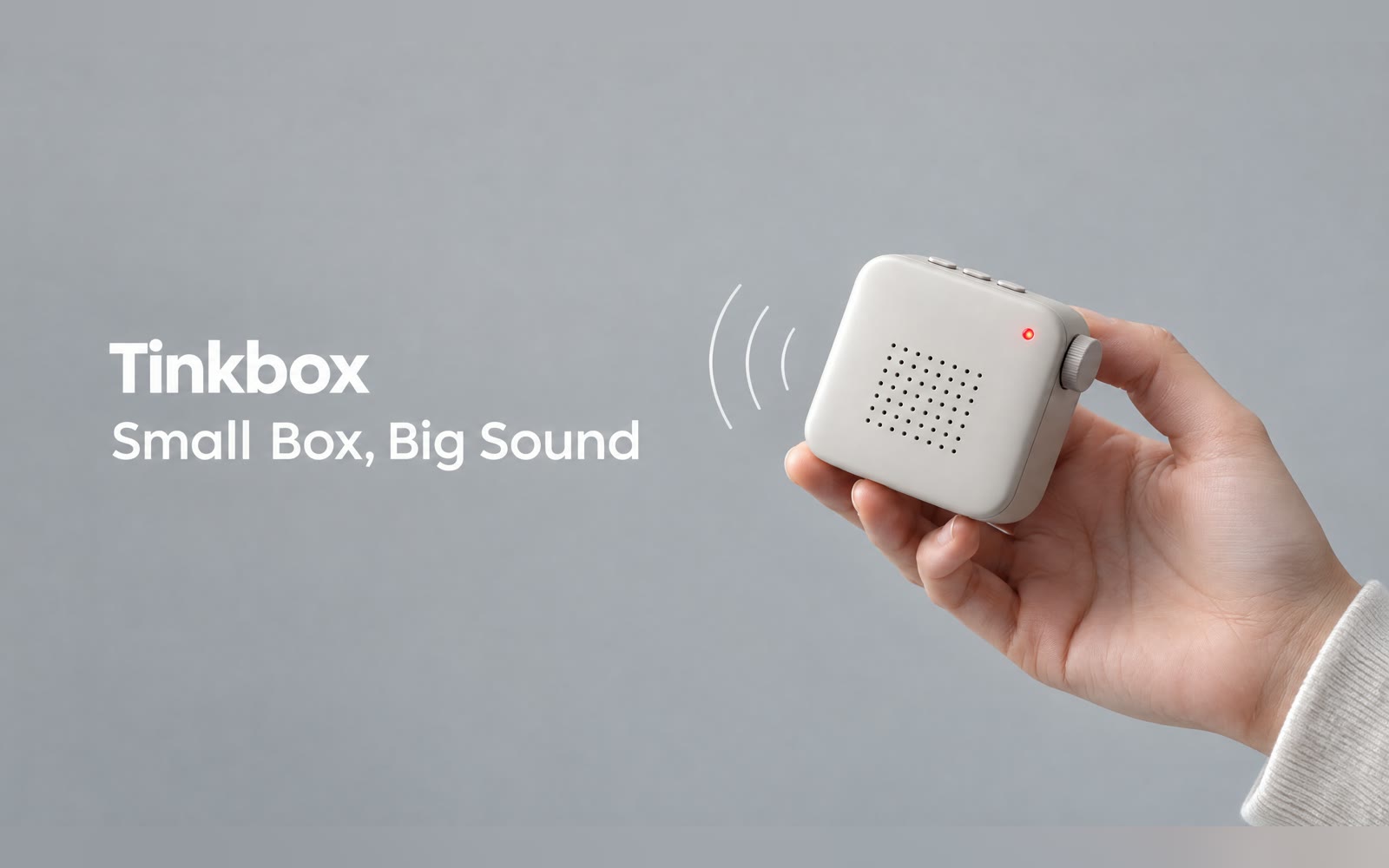
Turn a brand, one headline and context into a high-key studio card: a softly lit hand holding an original compact pale device against a seamless gray background, with broad empty space and a tiny red light as the only accent.
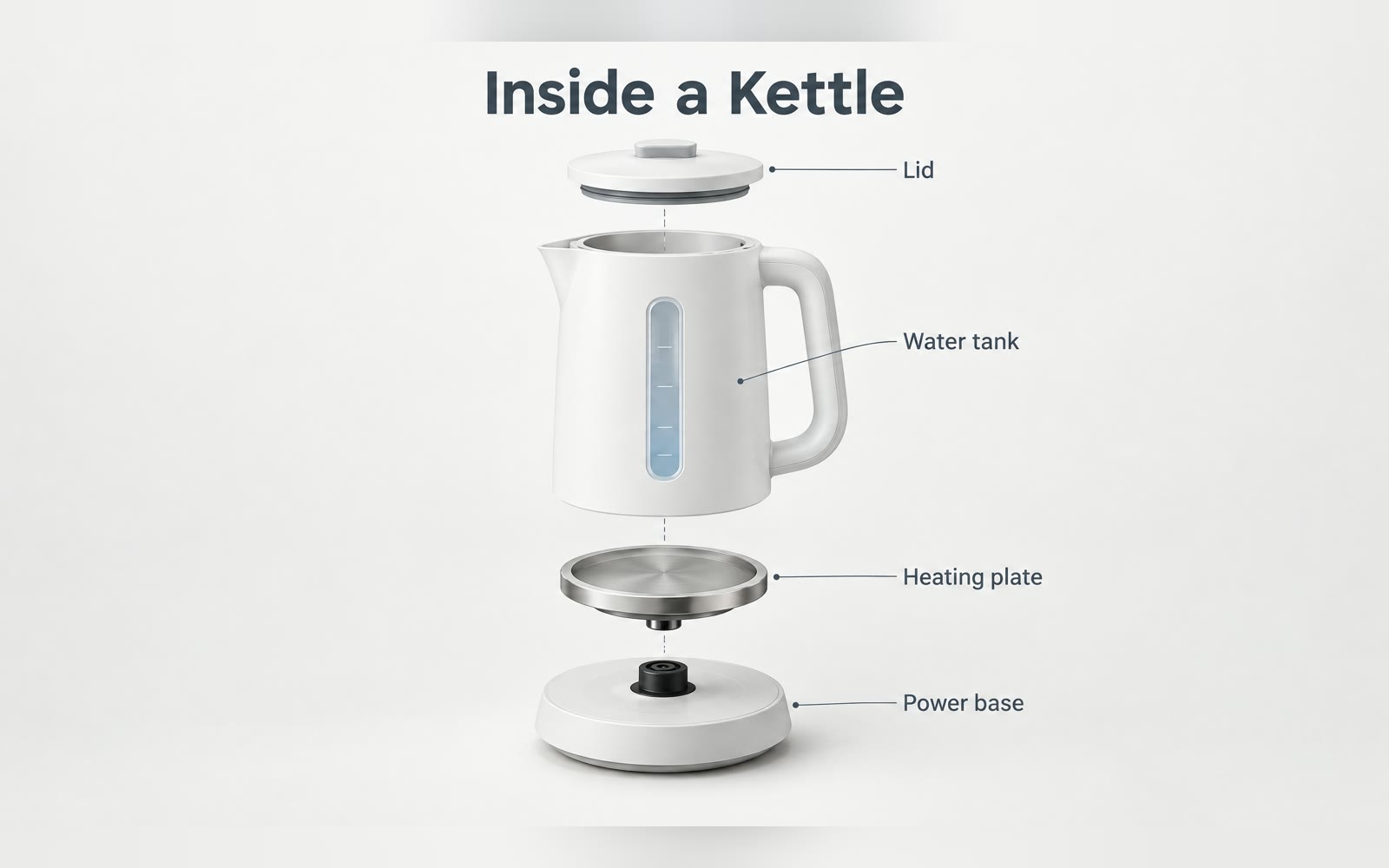
Appliance exploded poster
Turn a household appliance into a polished 16:9 exploded-view poster: part groups separated along one axis, with a title and three to five exact labels.