
Channel Review Slides
- Skill z Lab
- v1.0.1
- Social media
Make report decks for teams that review their channels, such as quarterly social and video reviews, newsletter or podcast seasons and community updates: heavy two-tone headlines on warm paper, screen-print groups of people at the page edge, tilted agenda tabs, stat rows, bars, an A/B/C top three, a native comparison table and a weekly column chart.
Przykłady · 2

Co otrzymasz
Bring the channels and period, the audience, the numbers to use exactly, what you learned, the next steps and the page count; pictures optional. The Skill returns one offline HTML deck that edits in the browser and exports editable PowerPoint.
Jak to działa
- 01
Outline the channel argument
Channel Review Slides asks once for topic, audience, page count, language, the decision the deck supports and the figures, dates and owners to use exactly. The Agent picks from ten layout recipes, such as a dark agenda with tilted tabs, stat rows, reach bars, an A/B/C top three, a comparison table and a weekly column chart, keeping dark pages to about one in three.
- 02
Paint the cast and compose
Channel Review Slides uses your grayscale pictures first. Otherwise the Agent defines a cast of invented people once in scenes.json and runs python3 scripts/crowd-print.py scenes.json --out art/, so the same person looks the same on every page. plan.json takes two-tone headlines as two strings, accent then ink, and kit.py compose writes deck.json.
- 03
Build and check charts
make-deck.py builds presentation.html and verify-deck.py checks it with --pages N, all on the Python 3 standard library. The Agent opens the file over local HTTP and checks headline wraps, faces inside frames, bars and columns against their values and table rows on one line, then tries Edit, Save and Present. verify-pptx.py, which needs python-pptx, checks the export.
FAQ
What does Channel Review Slides report on?
Channel Review Slides builds quarterly social, video, newsletter or podcast reviews, audience insights and member-council updates. The deck argues what happened, what worked, what it cost, what was learned and what comes next. It is not a dashboard tool: it has one bar page, one column chart and one table layout.
How does Channel Review Slides draw people?
Channel Review Slides paints invented people with crowd-print.py as monochrome screen-print cut-outs with halftone shading, anchored to the page edge. You define each person's hair, clothes, build, glasses, beard and tones once, and the painter draws them in rows, clusters, pairs or a wide band. They are stylised figures, not photographs.
Is Channel Review Slides billed?
No. Channel Review Slides paints with crowd-print.py and builds with Python 3 standard-library scripts, without network access and without calling a model or image service. The only extra package, python-pptx, is needed solely for verify-pptx.py. Nothing in the build reaches your SandBase account.
Can I move the highlight in Channel Review Slides?
No. Channel Review Slides fixes the highlighted item per layout: the first bar, first ring, second table row, second tab and second lesson. Order your items so the one to highlight lands there. Columns in the pulse layout are highlighted through css. Each page uses only one accent element.
Which fonts does Channel Review Slides use?
Channel Review Slides sets two-tone headlines in Bricolage Grotesque ExtraBold, labels in Bricolage Grotesque SemiBold and body text in Public Sans at 17 to 19 px, all under the SIL Open Font License. Install them for matching PowerPoint line breaks. CJK headlines use system faces at a reduced size, about sixteen characters per line.
What exports natively from Channel Review Slides?
Channel Review Slides exports headlines, numbers, labels, chart values and table cells as native text, bars, columns, rings and rules as shapes, and the comparison table as a native table, with speaker notes. The tilted tab backings and doodles arrive as small pictures under live text, so only their text is editable.
Więcej Skills
Wszystkie Skills dla Social media →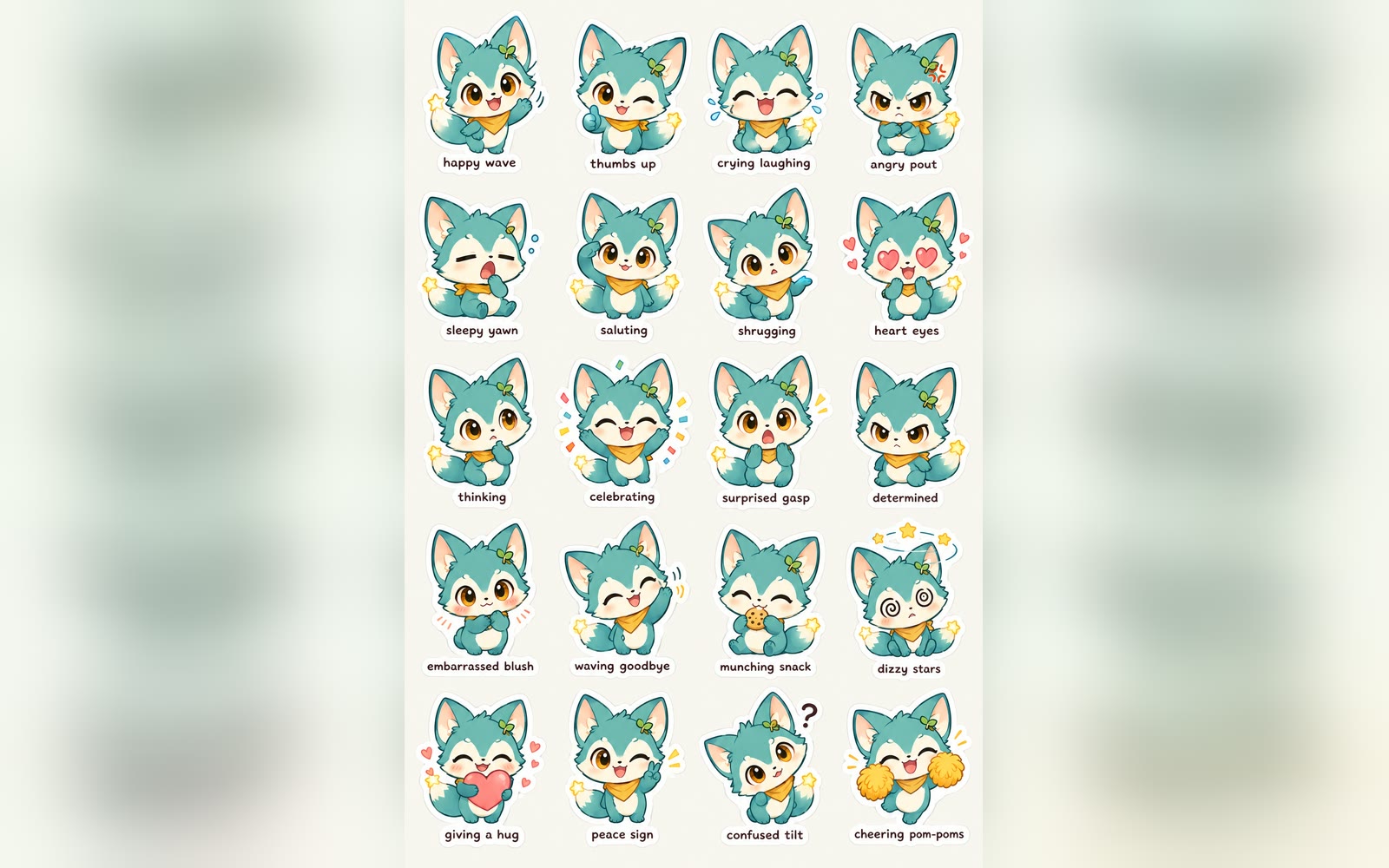
Chibi Sticker Sheet
One original mascot becomes a whole sheet of die-cut chibi stickers.
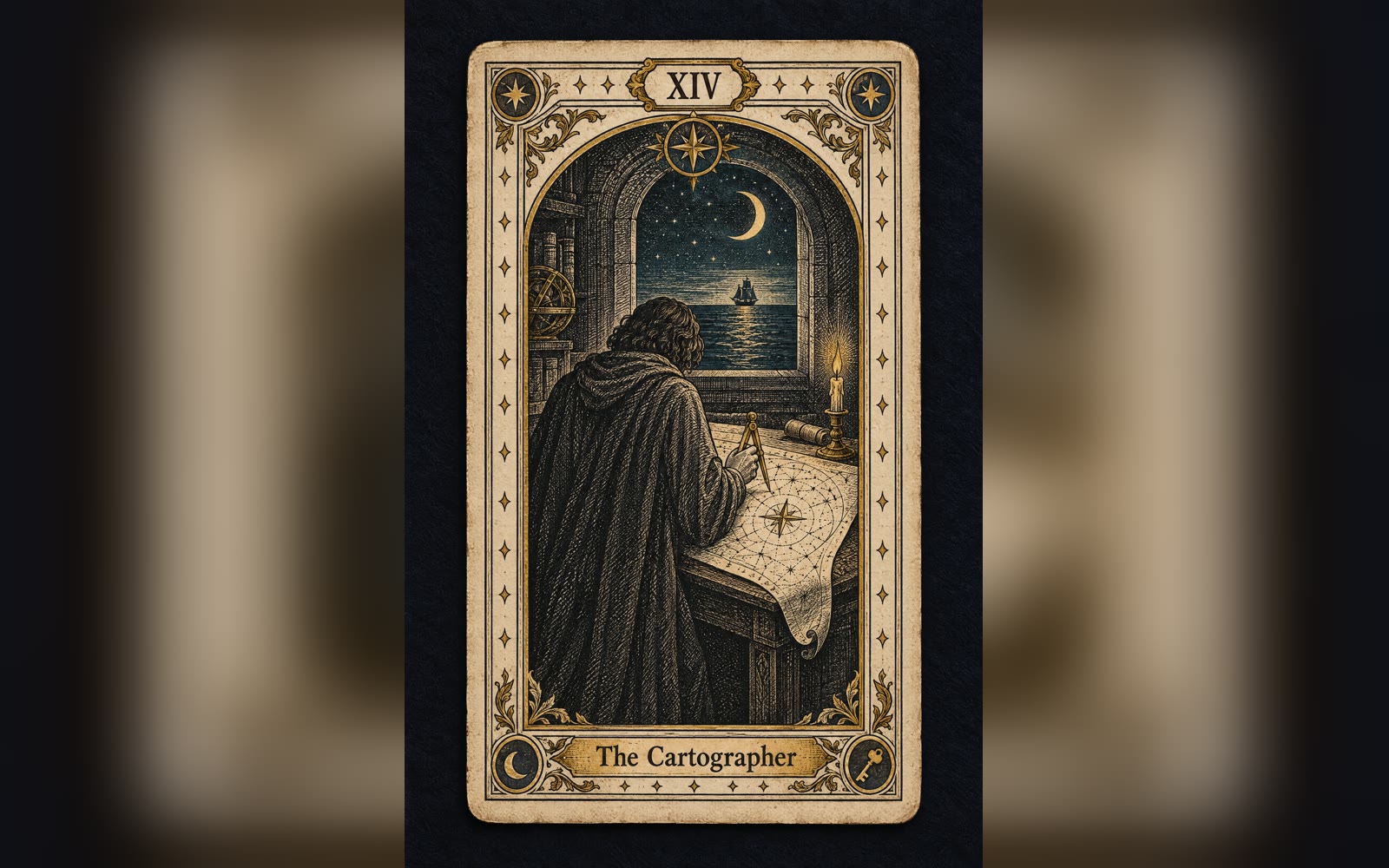
Tarot Card Poster
One invented arcana becomes an ornate engraved card face.

Emoji Pack Sheet
Turn one fictional character into a full grid of matching emoji faces.
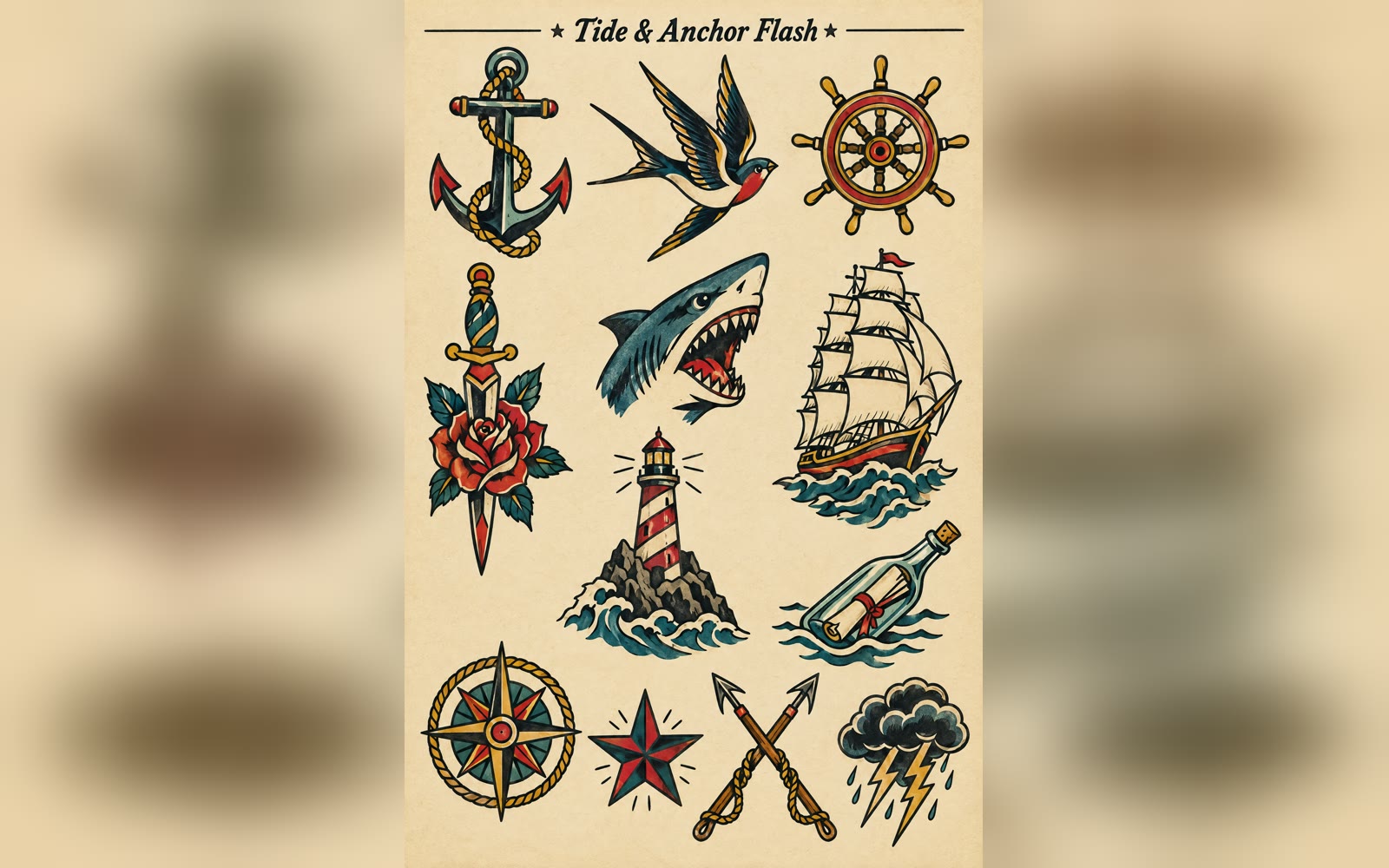
Tattoo Flash Sheet
Fill one aged-paper board with a matching set of traditional tattoo motifs.
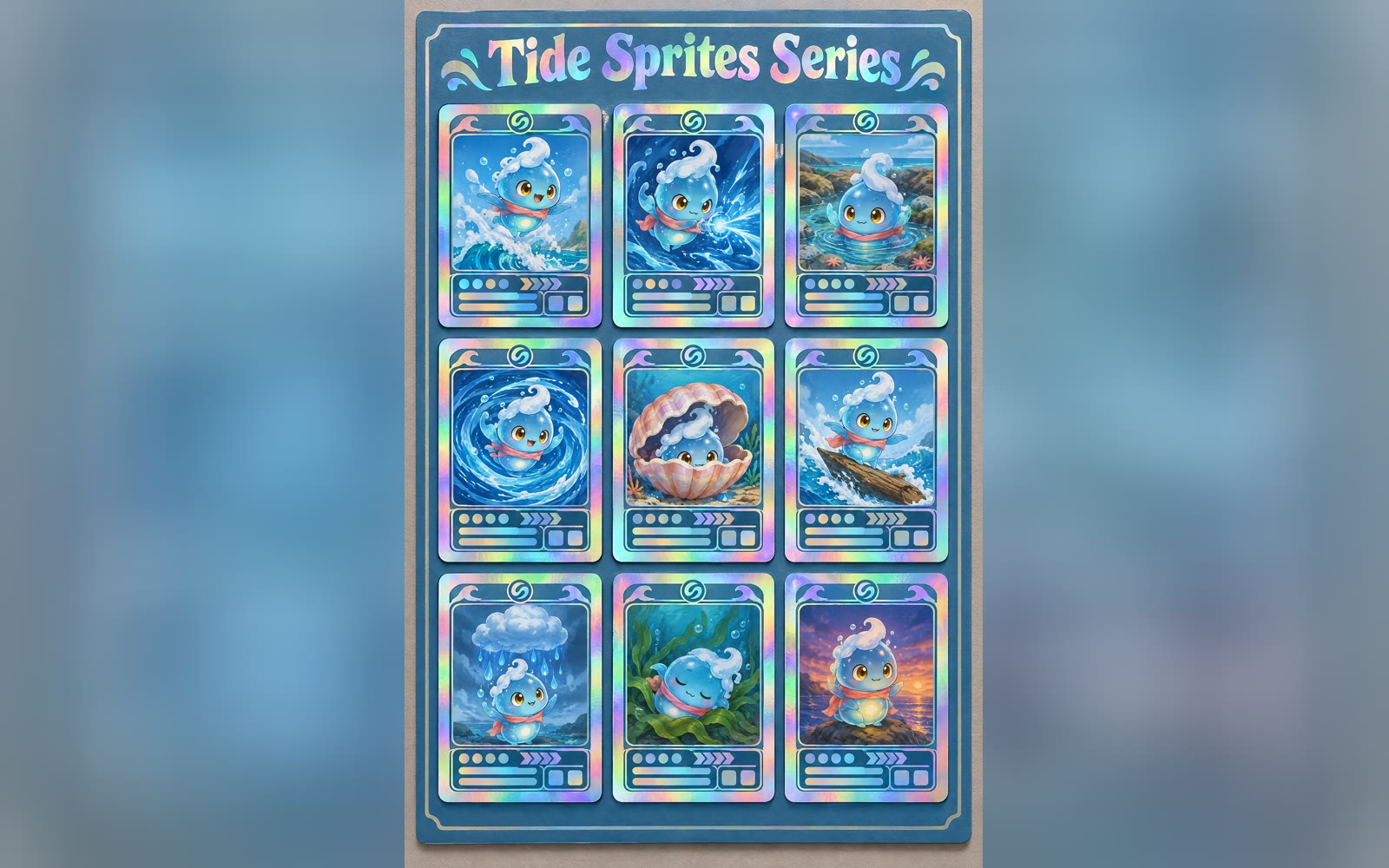
Trading Card Sheet
Reveal one invented character as a 3×3 set of collector game cards on a printed board.

Watercolor Pet Portrait
Paint one invented animal as a loose, keepsake-style watercolor portrait.