
Resize an image in inches
DarmoweNarzędzia do obrazówResize an image in inches is any print size you type in inches or centimeters. The default 300 DPI produces 1200 × 1800 pixels. This tool center-crops the source and exports a single JPG with the selected print density. Ask your printer which dimensions and density it needs; resizing cannot restore missing detail.
- Działa w Twojej przeglądarce
- Nic nie zostało przesłane
- Bez znaku wodnego
Jak używać Resize Image in Inches
- 01
Drop the image for Resize Image in Inches, or pick one from your device.
- 02
Check the print size, DPI and center crop; use the source pixel dimensions to judge whether enlargement is needed.
- 03
Download the result.
Do czego ludzie go używają
Any print size
Type the inches or centimeters you need.
Forms
Photos at an exact printed size.
Crafts
Iron-on transfers and stickers.
Wskazówki dla lepszego wyniku
- Ask your print provider for the required density; the tool offers 72, 150, 300 and 600 DPI.
- The picture is cropped to the shape you type.
- Check your printer prints at 100%.
FAQ
Does a higher DPI setting guarantee a sharper print?
No. This tool changes pixel dimensions as well as print density. Enlarging a small or blurred original does not recover detail. The result depends on the source, crop, print size, paper and viewing distance; follow your print provider’s requirements.
What happens if the photo has a different shape?
The tool crops from the center to fill the chosen width and height. Check that the preview retains faces, text and other important details. Changing units converts the measurements while preserving the physical size.
What file does this tool download?
One JPG, re-encoded at 95% quality with the selected DPI. Transparent areas become white. It does not create a PDF, add printer margins or arrange multiple photos on a sheet. Original EXIF is not copied. Print at actual size (100%); fit-to-page settings can change the physical dimensions.
How do I work out pixels from inches?
Multiply inches by DPI: 4 inches at 300 DPI is 1200 pixels.
Does Resize Image in Inches upload my image?
No. Resize Image in Inches crops and sizes the image in your browser, so the picture never leaves your device.
API SandBase do tego zadania
Te same dane we własnym kodzie lub Agent: jeden klucz API, rozliczanie za wywołanie.
Więcej narzędzi
 Darmowe
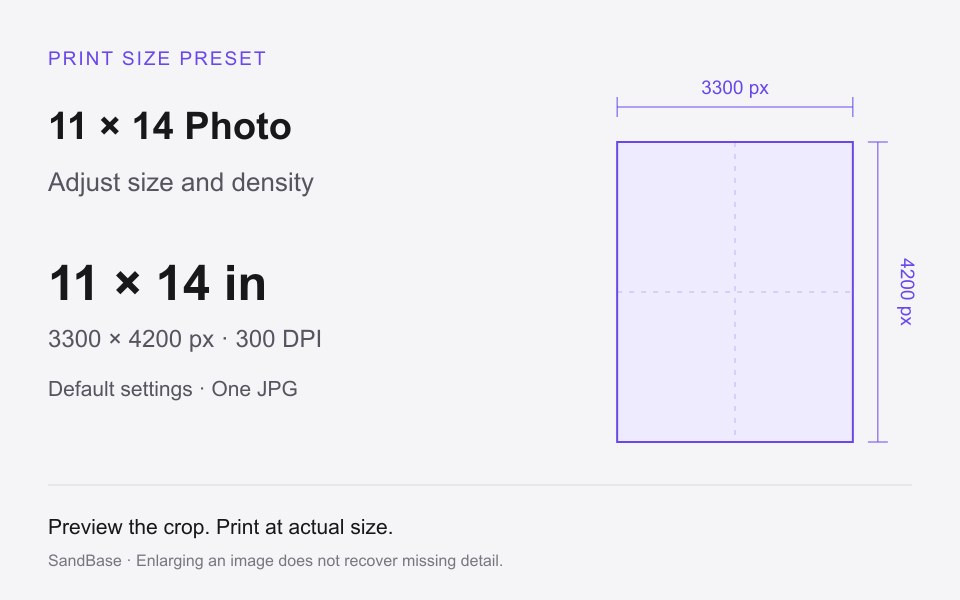
11 × 14 Photo Maker
Start with 11 × 14 in at 300 DPI; adjust the print size and density before saving.
 Darmowe
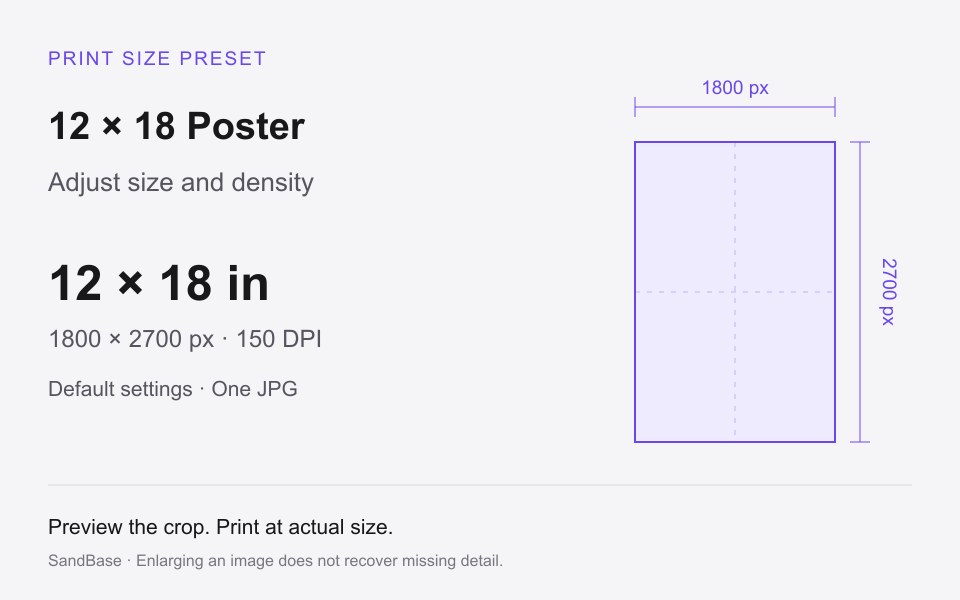
12 × 18 Poster
Start with 12 × 18 in at 150 DPI; adjust the print size and density before saving.
 Darmowe
16 × 20 Poster
Start with 16 × 20 in at 150 DPI; adjust the print size and density before saving.
 Darmowe
18 × 24 Poster
Start with 18 × 24 in at 150 DPI; adjust the print size and density before saving.
 Darmowe
24 × 36 Poster
Start with 24 × 36 in at 150 DPI; adjust the print size and density before saving.
Resize Image to 1920x1080
Resize a picture to 1920 × 1080 px for Full HD.