
Snow Veil Tarn
- Skill do Lab
- v0.1.0
- Interactive 3D
A frozen mountain lake seen from above in chunky pixels, where dragging sweeps the drifts off the ice to show bubbles and leaves frozen inside, a tap cracks it in a glowing web, and a long press floods dark water up along the cracks.
Exemplo
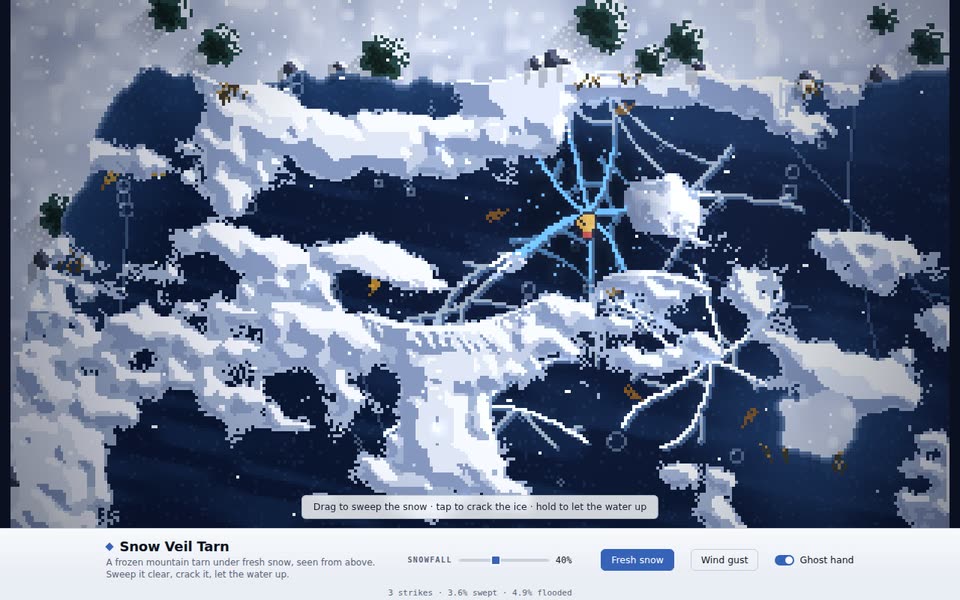
Snow Veil Tarn scene
O exemplo é executado em um frame isolado, sem acesso a esta página.
Executar online
Execute em um sandbox do SandBase e veja seus resultados no Lab.
Abrir no Lab ↗O que você recebe
Bring the shore, snow, palette, fish and copy for your tarn. The Skill returns a downloadable Skill and a runnable pixel-art ice scene.
Como funciona
- 01
Write the tarn briefs
Each brief in assets/briefs/ holds the copy, the readout format, the palette and the set: how deep the land reaches from the top and left, an optional island, how much of the ice the drifts cover and which way the wind shaped them, the sweep radius, the shoal of fish, the light pool, and how many ridges, bubble stacks, leaves, reeds, rocks and pines to paint. A new brief needs no code change. You might tell your Agent: "Use snow-veil-tarn to make a moonlit tarn with a rocky island and ginkgo leaves in the ice."
- 02
Build one offline page
npm run build inlines src/tarn.js and both briefs into dist/index.html, about 60 KB. ?lang=en or ?lang=zh-CN picks the brief. The shore, ice and pines are painted once into a 320 by 180 grid of cells. Each tick the snow depth, cracks and water are updated on that grid at 60 Hz, then drawn into the grid, scaled up four times without smoothing and given a soft glow along fresh cracks. There are no images or network requests, no API key and no model calls.
- 03
Check the tarn before you ship
npm install brings in playwright-core, then npm run shoot drives the page frame by frame in headless Chrome with the network blocked. It runs 52 checks: the ghost hand sweeps, strikes and floods by itself, a real drag clears a drift without breaking it, a tap draws spokes that cross a ring of pixels round the strike, a hold floods water, snowfall adds snow only while it is up, a gust moves it downwind, reduced motion opens still, and at 360, 390 and 768 px wide in both languages no two controls overlap.
FAQ
Does Snow Veil Tarn need an API key?
No. Snow Veil Tarn is a single offline HTML page drawn with Canvas 2D, so it needs no API key and makes no model or network calls, before or after it is built. Node.js is only needed to run the build script, and playwright-core with a local Chrome only for the bundled browser checks.
Are the cracks and the water really simulated?
In a simple way. Cracks grow by rules: each spoke takes small bending steps, may fork, and stops when it meets another crack or the shore, and curved chords join neighbouring spokes into rings. Water is a diffusion pass on the grid that moves quickly through cracked cells and slowly through solid ice, melting the snow it reaches. Neither is a physical fracture or fluid model.
Can I change the shore and what is frozen in the ice?
Yes. The brief sets how far the land reaches from the top and left edges, an optional island, the number of pines and boulders, and what is frozen in the ice: pressure ridges, bubble stacks, reeds and birch or ginkgo leaves. A custom coastline beyond those numbers needs a code change. Copy one of the two bundled briefs, edit it and pass its name to scripts/build.mjs.
Does Snow Veil Tarn work on a phone?
Yes. Drag a finger to sweep the snow, tap to crack the ice, and press and hold to flood water up through the cracks. Portrait phones get a taller stage that crops the tarn at the sides, and the control bar wraps under it. The checks ran at 360, 390 and 768 px wide under emulation, including a real touch tap, not on real devices.
What does reduced motion change?
With reduced motion set in the system, Snow Veil Tarn opens with the ghost hand off, no falling snow and a shoal of fish that stays still, on a tarn that is already swept, cracked and flooded. Sweeping, striking, holding and the controls still work, so a viewer can explore it at their own pace. The checks confirm nothing moves on its own over four seconds.
Mais Skills
Todas as Skills de Interactive 3D →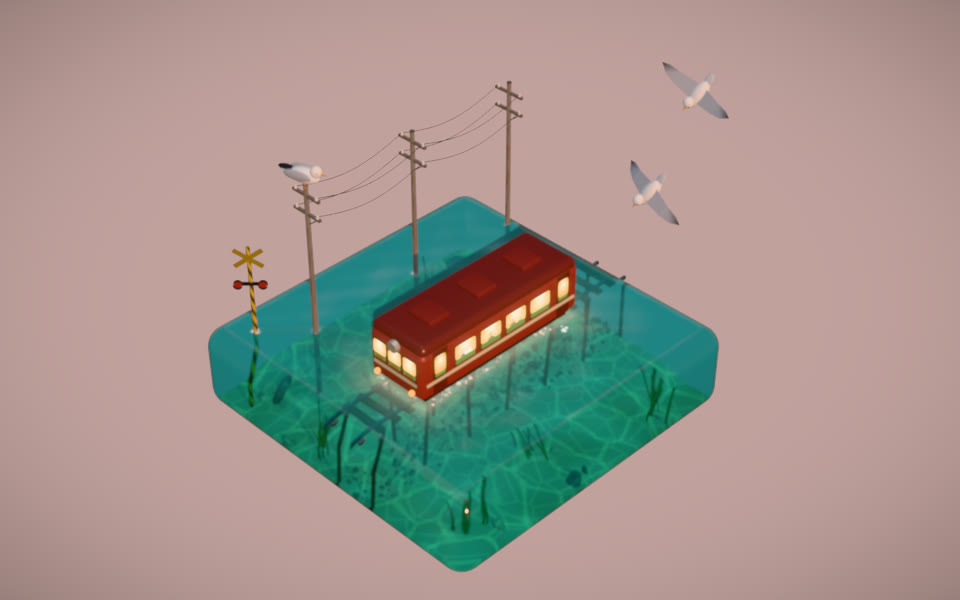
Resin Diorama
Live 3D resin-block dioramas in your browser: send a little tram across a clear turquoise sea, or ripple the bay of a cliff island. Synthesized sound, and every scene can be tuned.
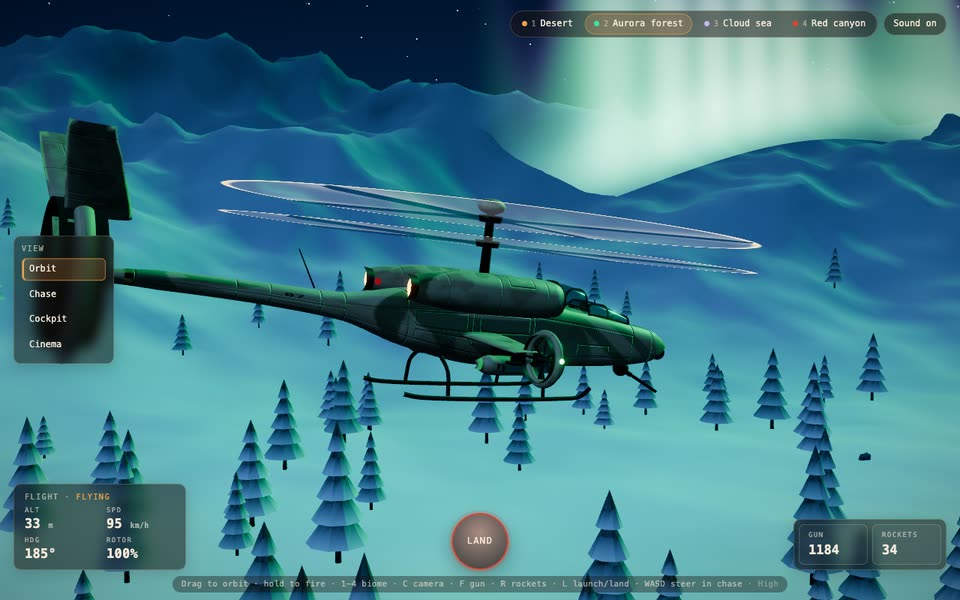
3D Vehicle Worlds
Explore interactive 3D vehicle worlds in your browser, with varied terrain, camera controls and driving effects. Choose a playable example to begin.
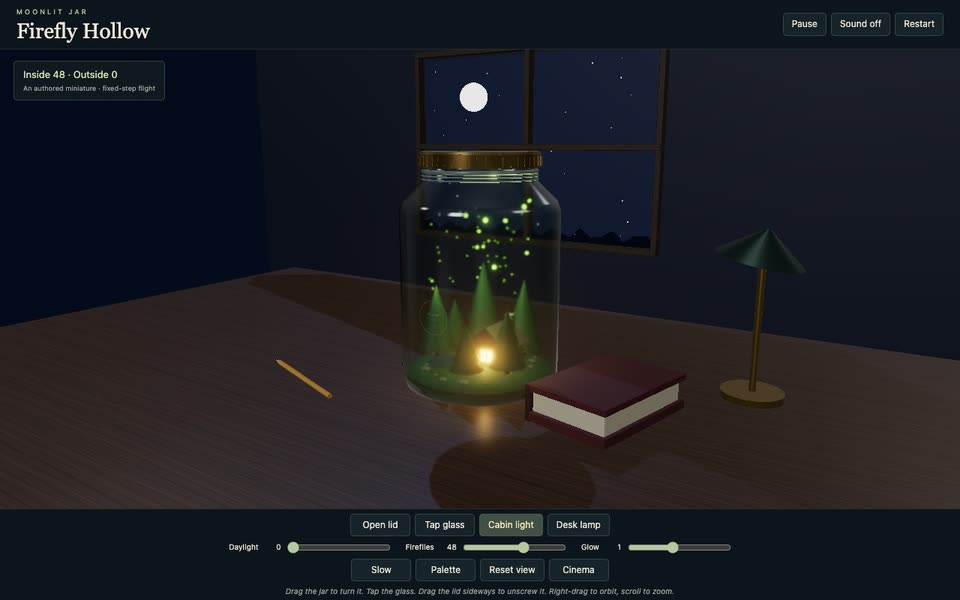
3D Firefly Terrariums
Turn a thick glass miniature, scatter glowing fireflies and open its brass lid. Actual particles leave through the neck and return before it seals. A moonlit cabin, forest and real local lights in one offline HTML.
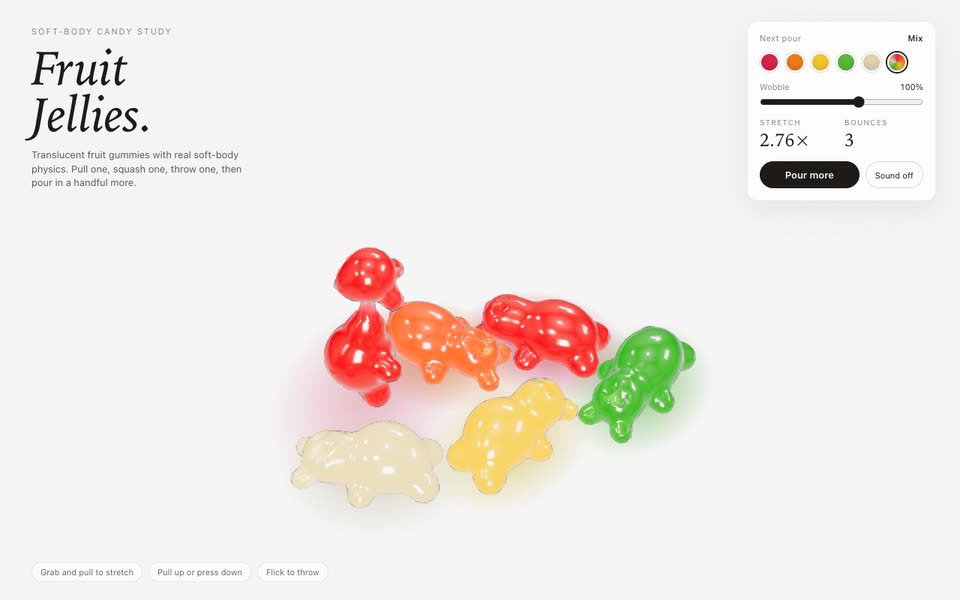
Jelly Candy: Fruit Bears
Six translucent fruit gummies on a white table. Grab any part and pull, lift a head until the neck stretches thin, press one flat until it springs back, flick one across the pile or pour in more. Fixed-step soft-body physics and a marching-cubes skin in one offline HTML.
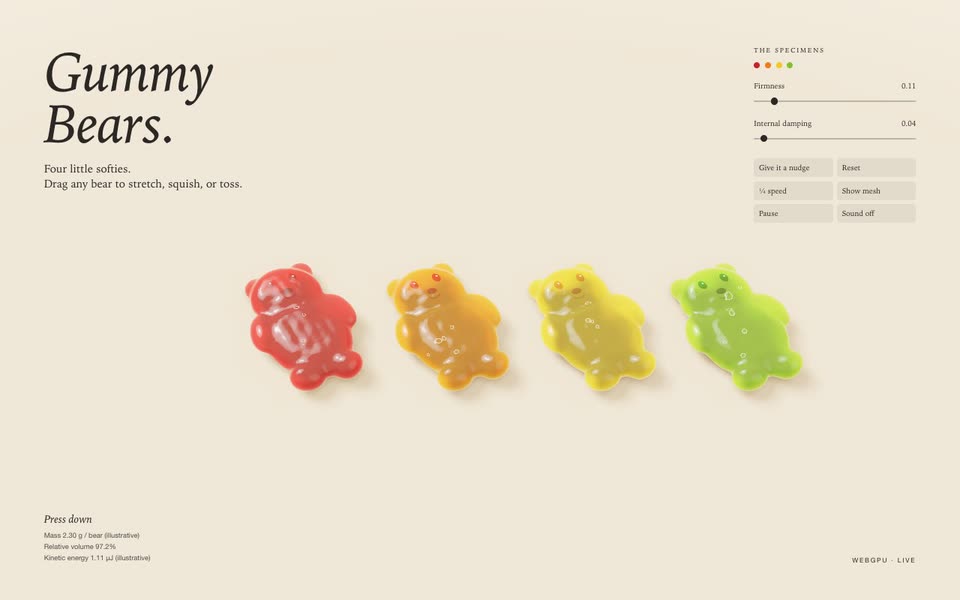
WebGPU Soft-Body Gummy Bears
Four translucent gummy bears on an ivory floor, rendered with native WebGPU. A deterministic 36-second choreography stretches, presses, flips and tumbles them before they settle back to the exact rest pose. Drag any bear to stretch, squish or toss it. A fixed-step tetrahedral XPBD solver in one offline HTML.
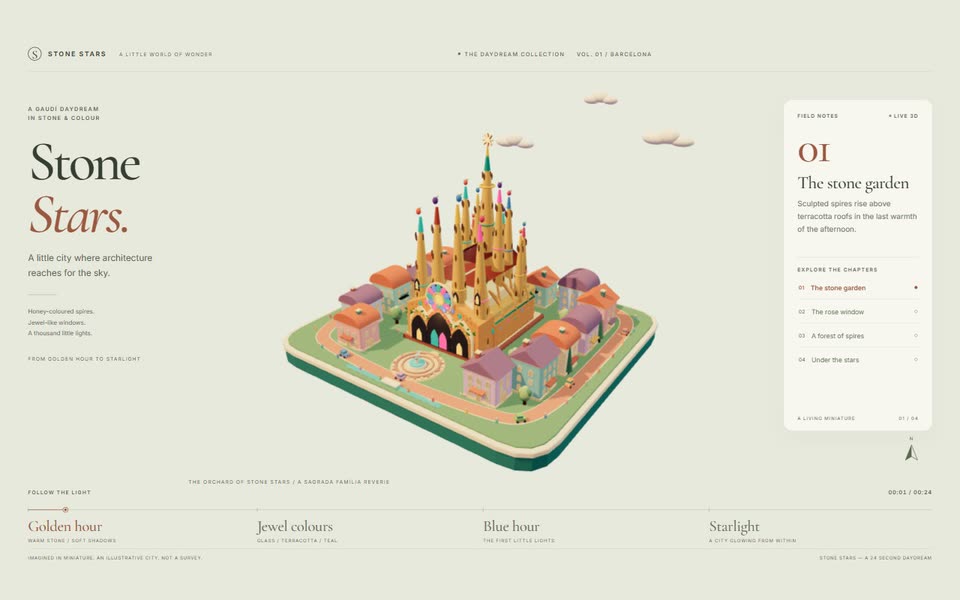
Stone Stars: 3D Miniature Landmark City
Turn a city into a storybook 3D island around one landmark, with chapters, a daylight-to-starlight slider, street life and a matching scored 24-second film. Sample: a Gaudí-style basilica.