
LinkedIn Poll Plan
- Skill do Lab
- v0.2.0
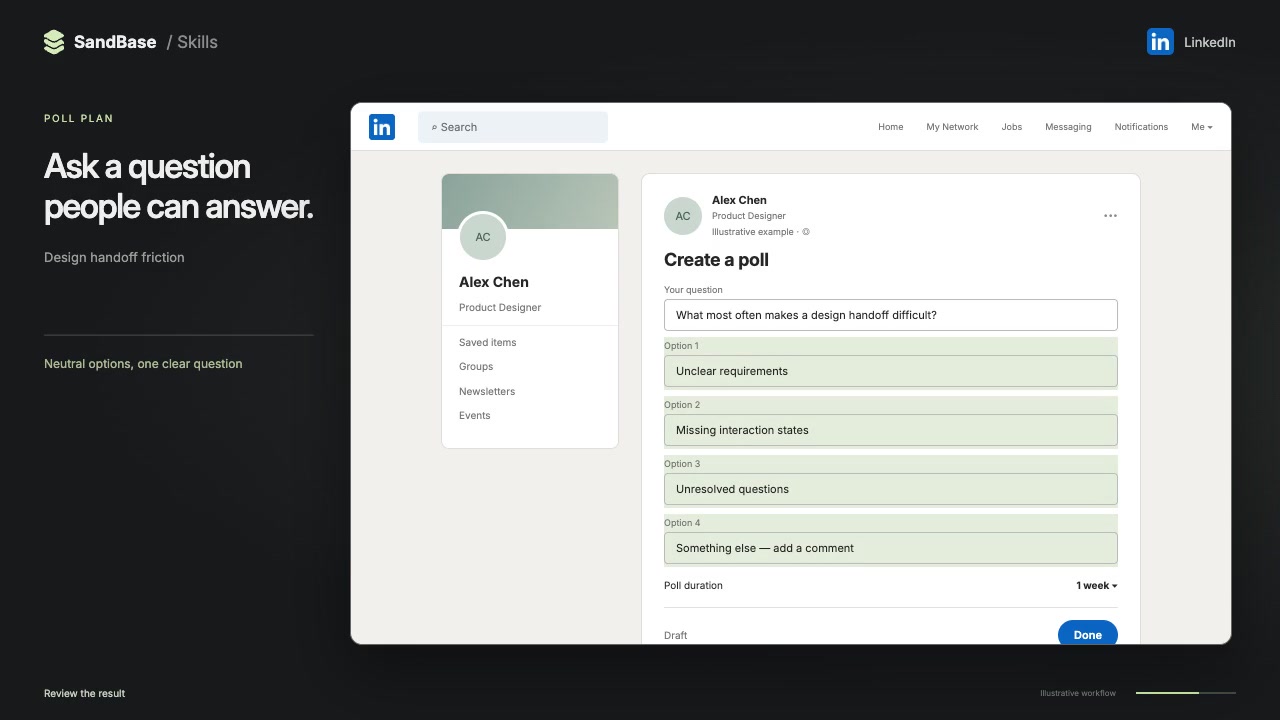
Use a professional poll to prioritize a concrete next step.
Capa
O que você recebe
Bring your audience and decision question; for a follow-up, an exact poll URL/ID or supplied results. The Skill returns a poll draft and follow-up plan; matched public results can supply option totals with explicit sample limits.
Como funciona
- 01
Start from the decision
The Agent writes the operational decision first: who will use the answer and what would change because of it. A broad question where every option leads to the same action is reworked. Your topic, audience, voice and facts shape it; career questions and job-seeking goals are valid topics.
- 02
Draft the question and post
One question gets a compact set of distinct choices on the same axis, covering the relevant alternatives or stating which audience it excludes. The accompanying post explains why the decision exists and who should answer, with one optional invitation to explain a trade-off. It never asks people to tag colleagues or reveal confidential details.
- 03
Check and plan follow-up
The question, options and post are written to a file and checked with a Node.js 18 script for counts and constraints. The deliverable gives the full copy, a count table, a proposed duration your composer supports and an action map for each result, plus an editable results post. An existing poll can be reviewed through SandBase.
FAQ
What does LinkedIn Poll Plan draft?
LinkedIn Poll Plan drafts a LinkedIn poll tied to a professional decision: the question, distinct answer options, the accompanying post, constraint checks and a plan for what to do with each result. It aims for a poll whose answer you can act on.
Why start from a decision?
LinkedIn Poll Plan starts from the decision because a poll where every option leads to the same action wastes the audience's time. Knowing who will use the answer and what would change keeps the question focused. It also helps you write options that cover the real alternatives.
Are the poll lookups billed?
LinkedIn Poll Plan needs no calls for a new poll. Reading your profile posts or reviewing an existing public poll through SandBase is billed usage. The Agent inspects each tool before running it so the price is shown; see https://www.sandbase.ai/pricing.
How are the options checked?
LinkedIn Poll Plan runs a small Node.js 18 script with no dependencies that checks counts and constraints for the question and options. Options are also checked to be distinct and on the same axis, so results are easy to read.
What happens after the poll closes?
LinkedIn Poll Plan gives an action map for each possible result and an editable results post. That way the poll leads somewhere: you share what you learned and what you will do, rather than leaving the numbers unexplained. Duration follows what your composer offers.
Mais Skills
Todas as Skills de LinkedIn →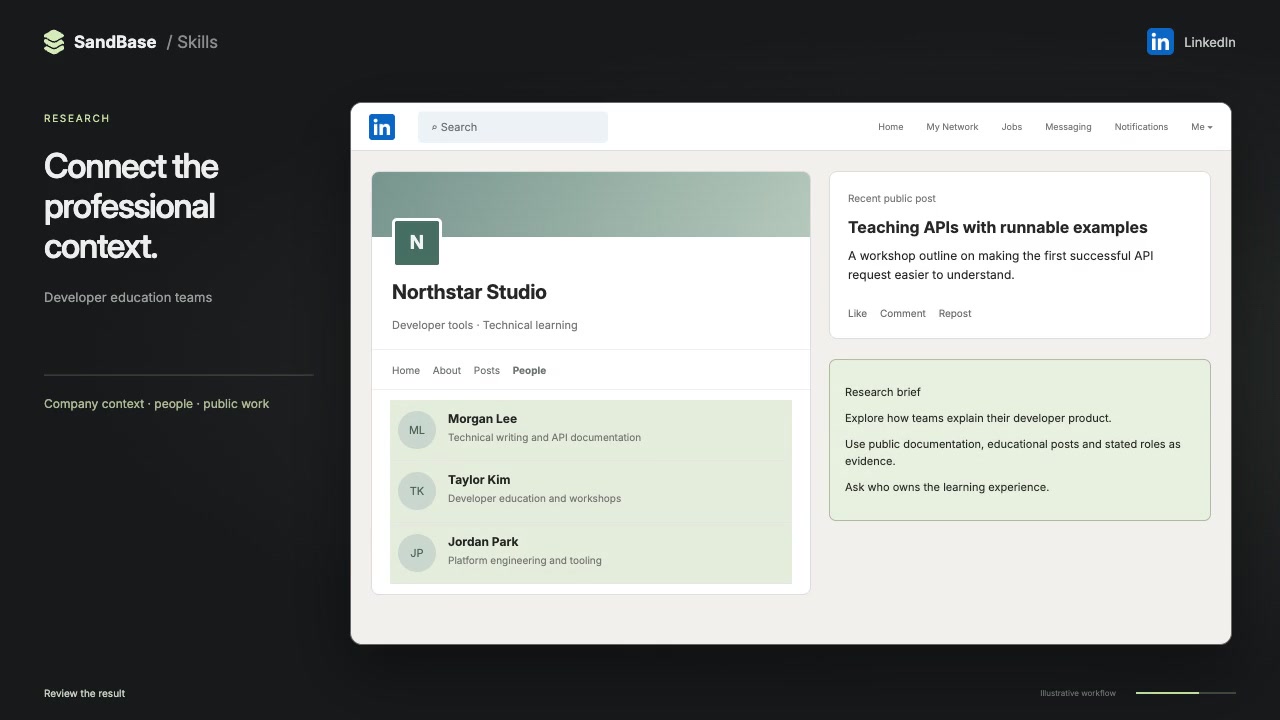
LinkedIn Research
Research companies, professionals, job markets, and industry content on LinkedIn through SandBase. Use when asked for LinkedIn research, company analysis, professional profiling, job market research, or B2B competitive intelligence.
LinkedIn Ads Audit
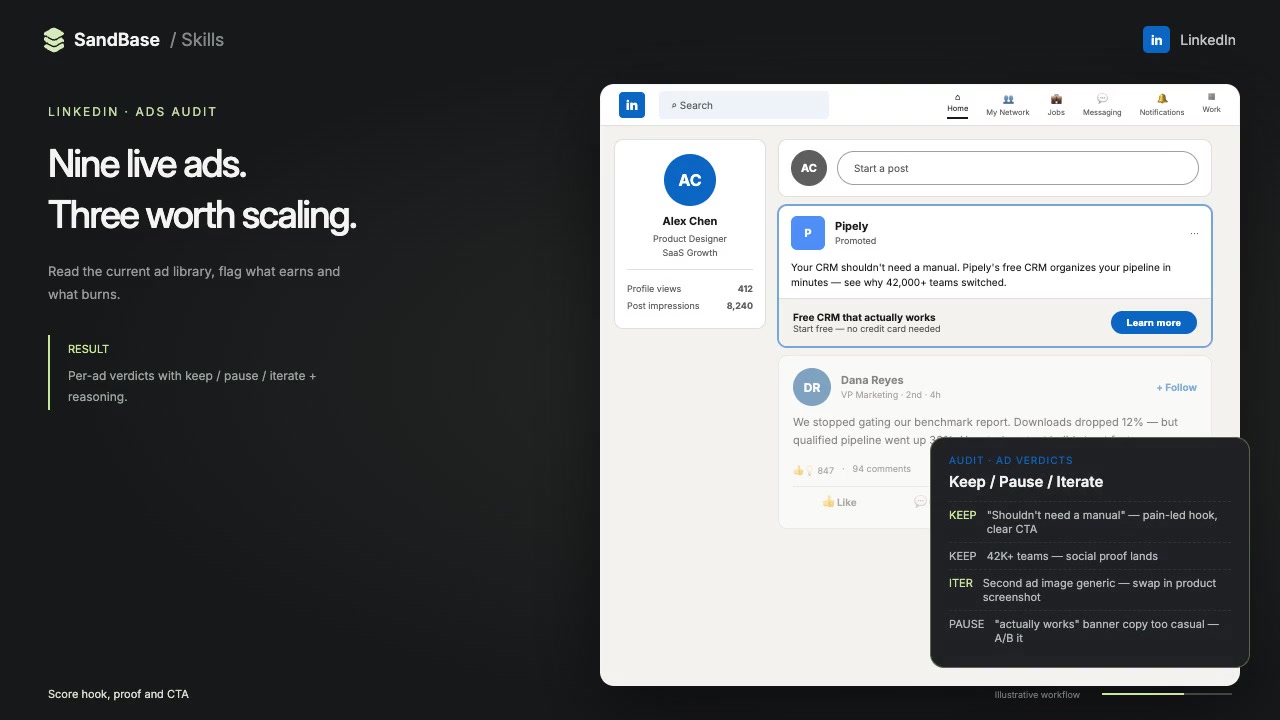
Read what an advertiser is really running on LinkedIn — the creative copy, formats, CTAs and landing pages — and sharpen the creative.
LinkedIn Authority Plan
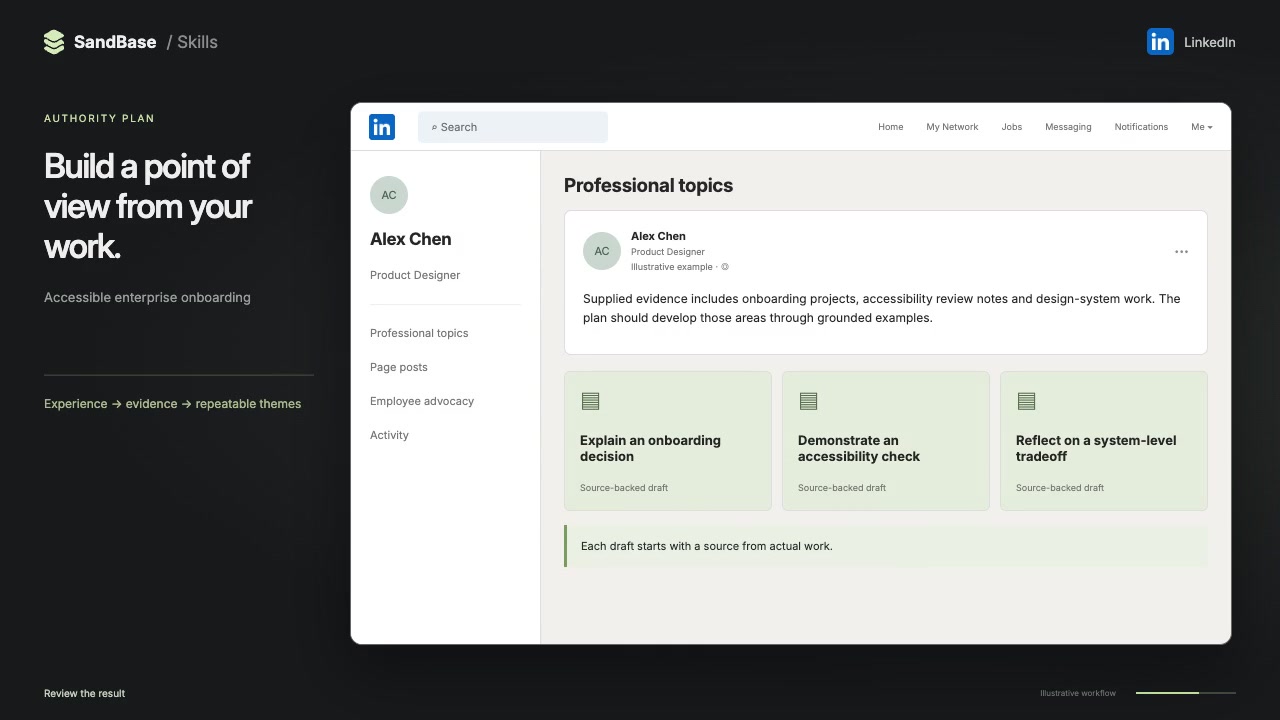
Make your professional experience credible and understandable to a chosen audience.
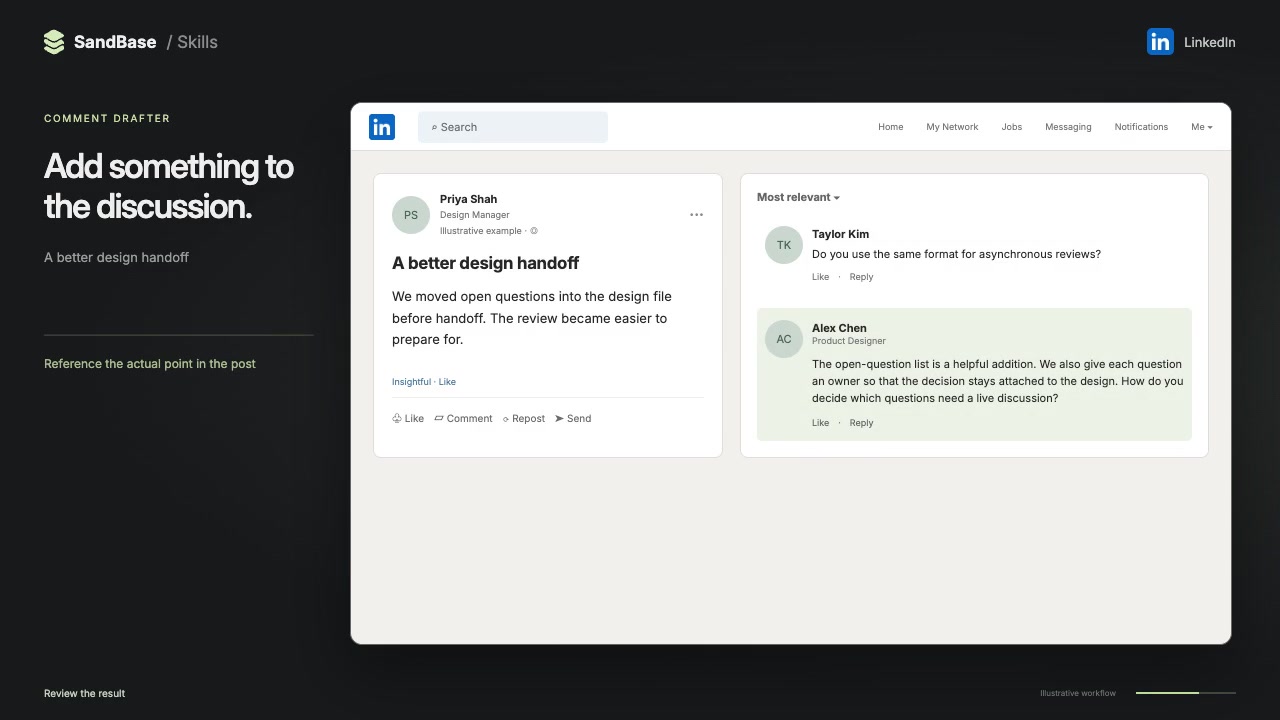
LinkedIn Comment Drafter
Write a specific comment using only the post and what you can support.
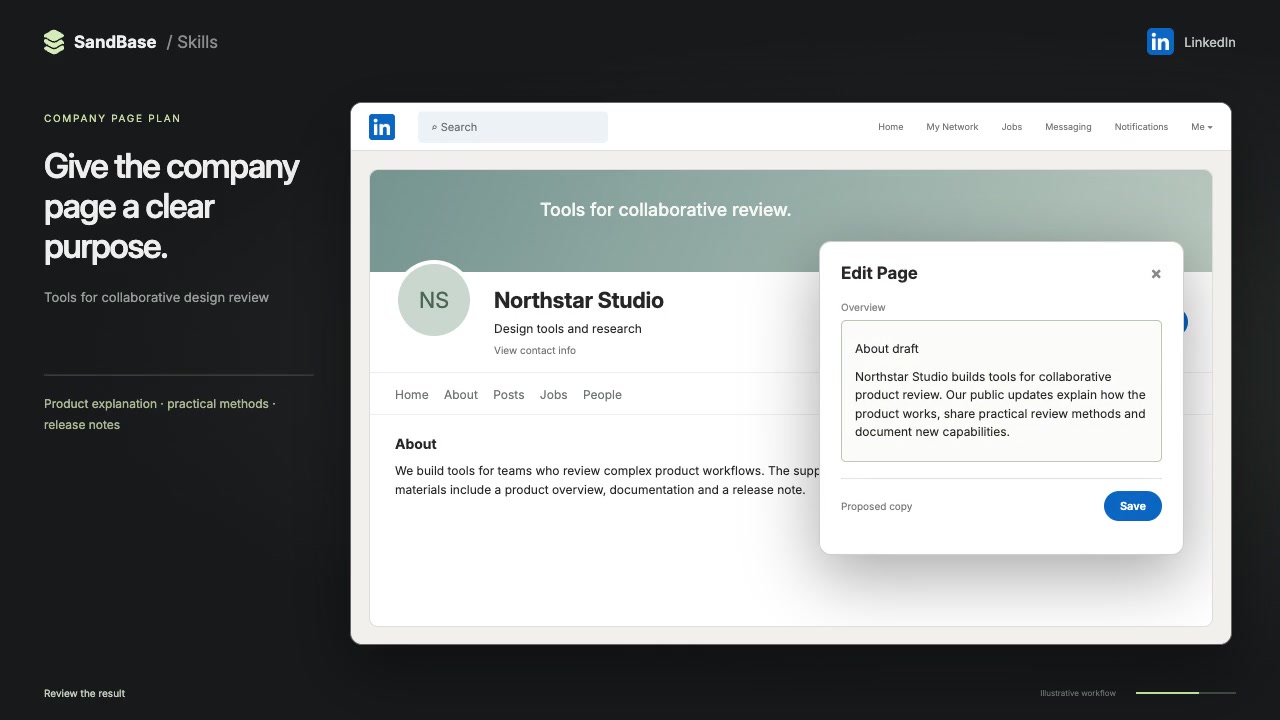
LinkedIn Company Page Plan
Clarify the company page and fill a realistic schedule with approved, usable copy.
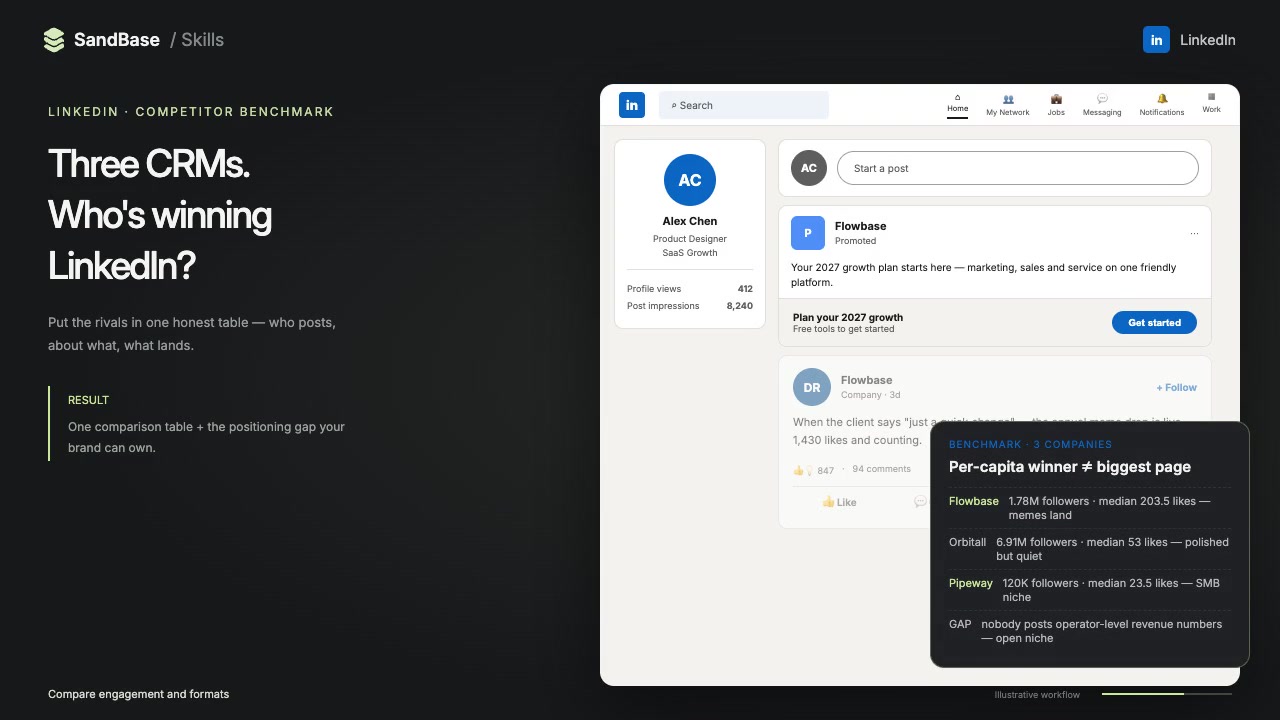
LinkedIn Competitor Benchmark
See who is actually winning on LinkedIn among 2–4 rivals — posting cadence, themes, formats and engagement — and where the gap is.