
LinkedIn Post Performance Review
- Skill do Lab
- v0.1.0
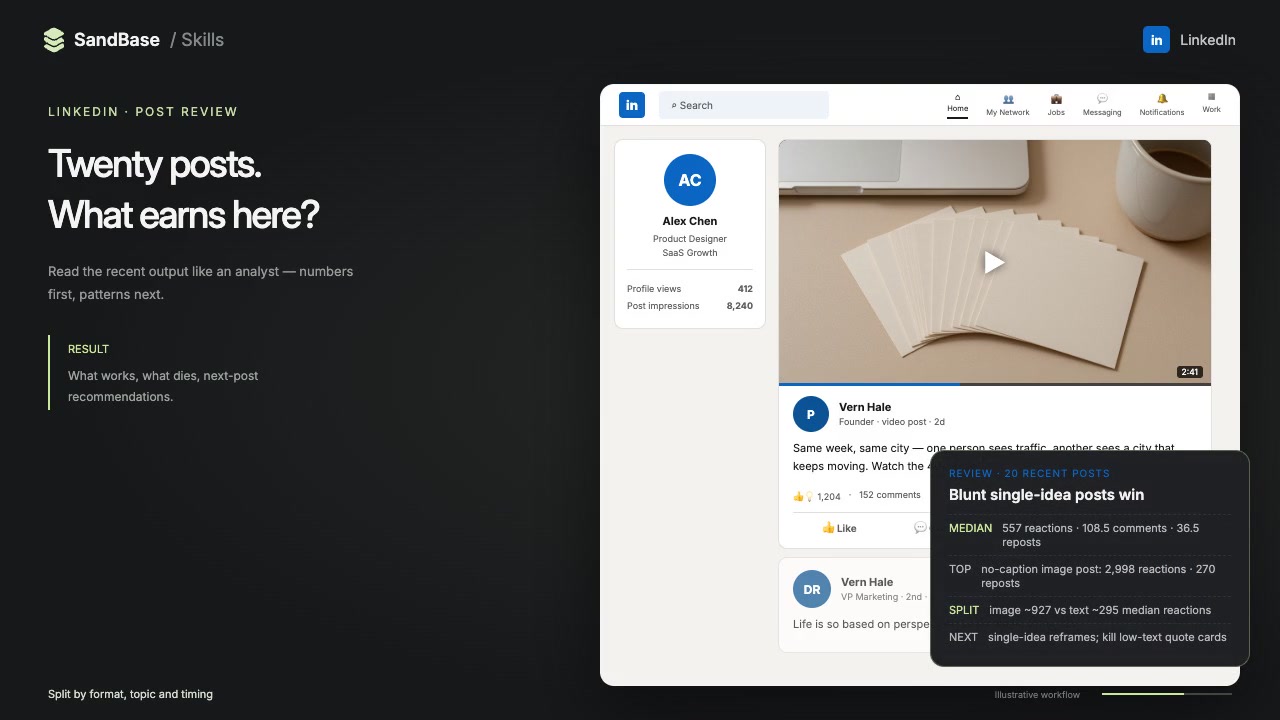
Read what your LinkedIn posts actually did — which formats and topics landed, which flopped — and what to post more of.
Capa
O que você recebe
Bring your LinkedIn profile or company page URL, plus the window to review. The Skill returns a review: median engagement, top/bottom posts, format and topic splits, what the comments say, and 3–5 concrete recommendations.
Como funciona
- 01
Pull the posts
From a person's profile URL or a company page URL, the Agent reads about twenty recent posts through SandBase, excluding reposts and quote posts. Each post gives reactions, comments, reposts and an engagement total. Posts under about two days old are marked as still accruing.
- 02
Split by format, topic and timing
Posts are grouped by format, such as text only, image, video, article or poll, and by topic and posting time. Medians are computed per group with the count stated. When a likes or shares field is null, the totals come from reactions, comments, reposts and the breakdown array instead.
- 03
Read comments and write the review
On the top post, about fifteen comments are summarised for what the audience asks or echoes, without naming commenters. The review gives what works, with counts and medians, what underperforms, and three to five concrete recommendations on which format and topic to do more of.
FAQ
What does LinkedIn Post Performance Review show?
LinkedIn Post Performance Review shows which of a LinkedIn account's recent posts drew the most reactions, comments and reposts, how format, topic and timing relate to that, and what to do more or less of. It works for a person or a company page.
Why are some posts marked still accruing?
LinkedIn Post Performance Review marks posts under about two days old because their counts are still growing. Comparing them with older posts on raw totals would understate them. They are shown but flagged. Their age is shown next to them.
Are the post and comment pulls billed?
LinkedIn Post Performance Review makes two or three SandBase calls: profile or company posts, and comments on the top post. The calls are each billed at a low rate. The Agent checks each tool's price with inspect. Twenty posts is one page. See https://www.sandbase.ai/pricing.
Can it show reach or impressions?
No. LinkedIn Post Performance Review reads public reaction, comment and repost counts at the time of the call. Reach and impressions are only in the account owner's analytics. Use those alongside this review if you have them. The review sticks to public counts.
How sure are the recommendations?
LinkedIn Post Performance Review gives each finding with its count and median. About twenty posts split into groups can be small, so the recommendations are directions to test. Small groups are flagged. A second review a month later shows whether the changes you tried made a difference.
Mais Skills
Todas as Skills de LinkedIn →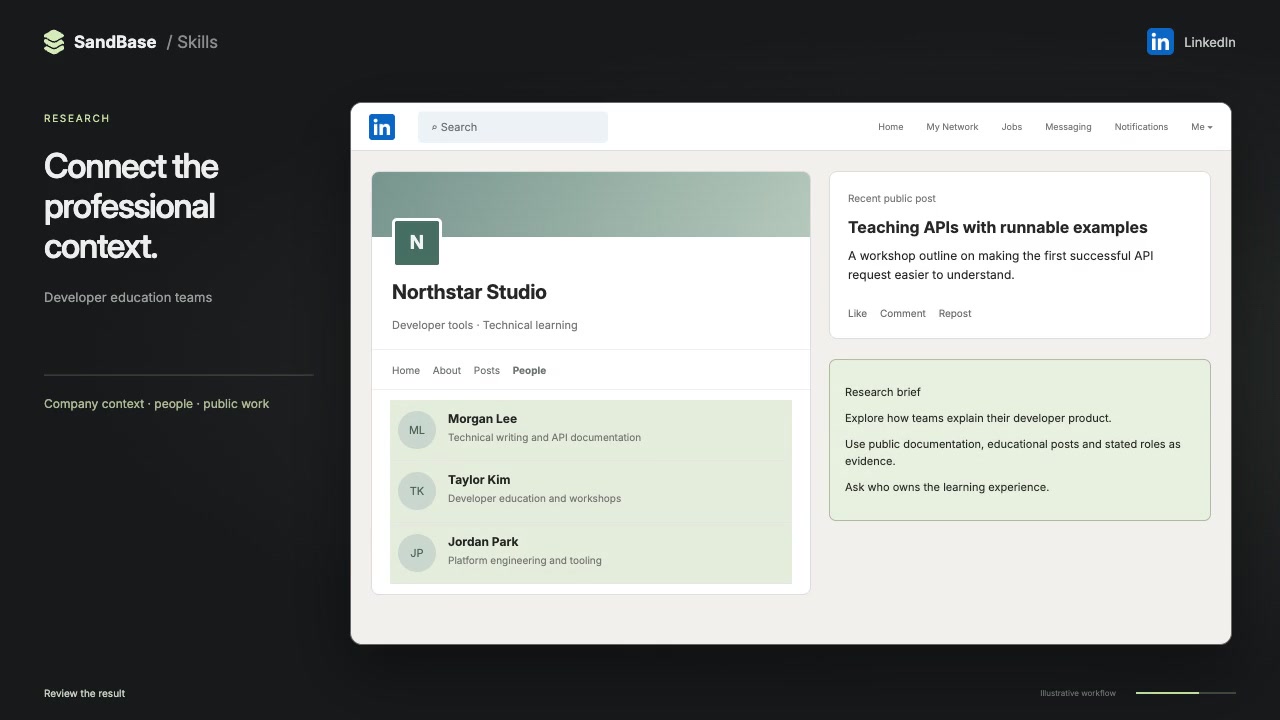
LinkedIn Research
Research companies, professionals, job markets, and industry content on LinkedIn through SandBase. Use when asked for LinkedIn research, company analysis, professional profiling, job market research, or B2B competitive intelligence.
LinkedIn Ads Audit
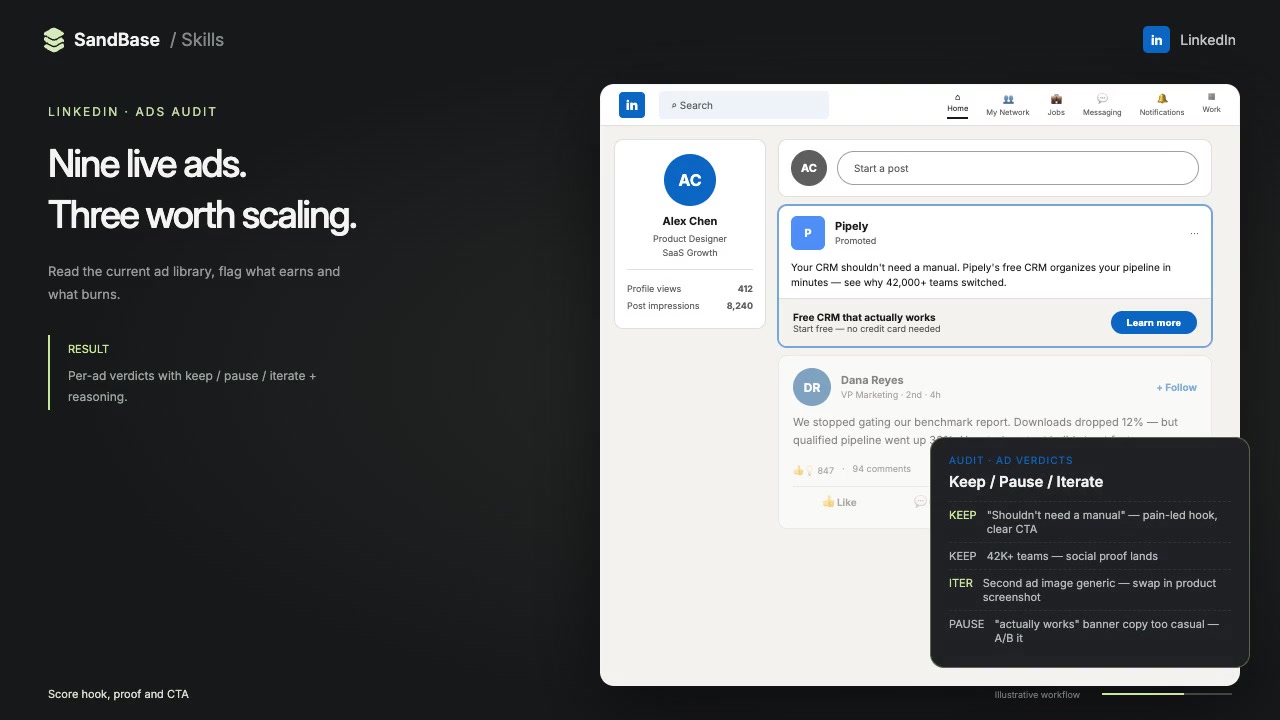
Read what an advertiser is really running on LinkedIn — the creative copy, formats, CTAs and landing pages — and sharpen the creative.
LinkedIn Authority Plan
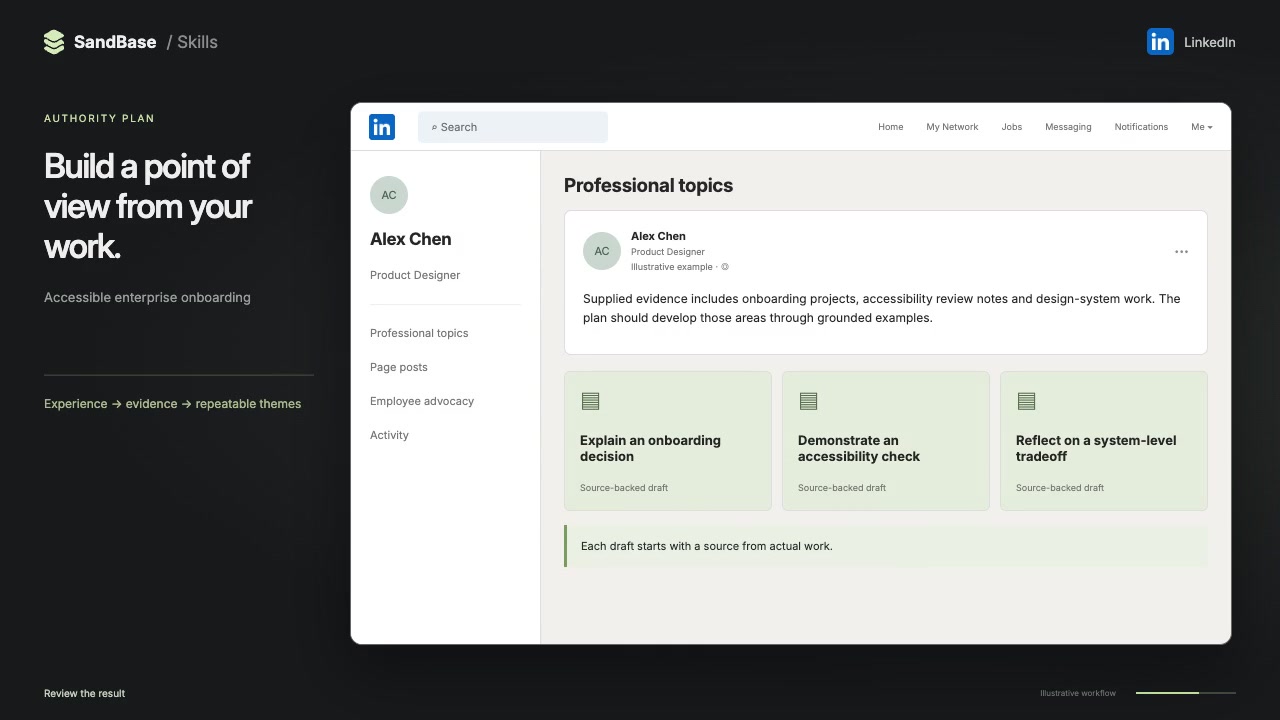
Make your professional experience credible and understandable to a chosen audience.
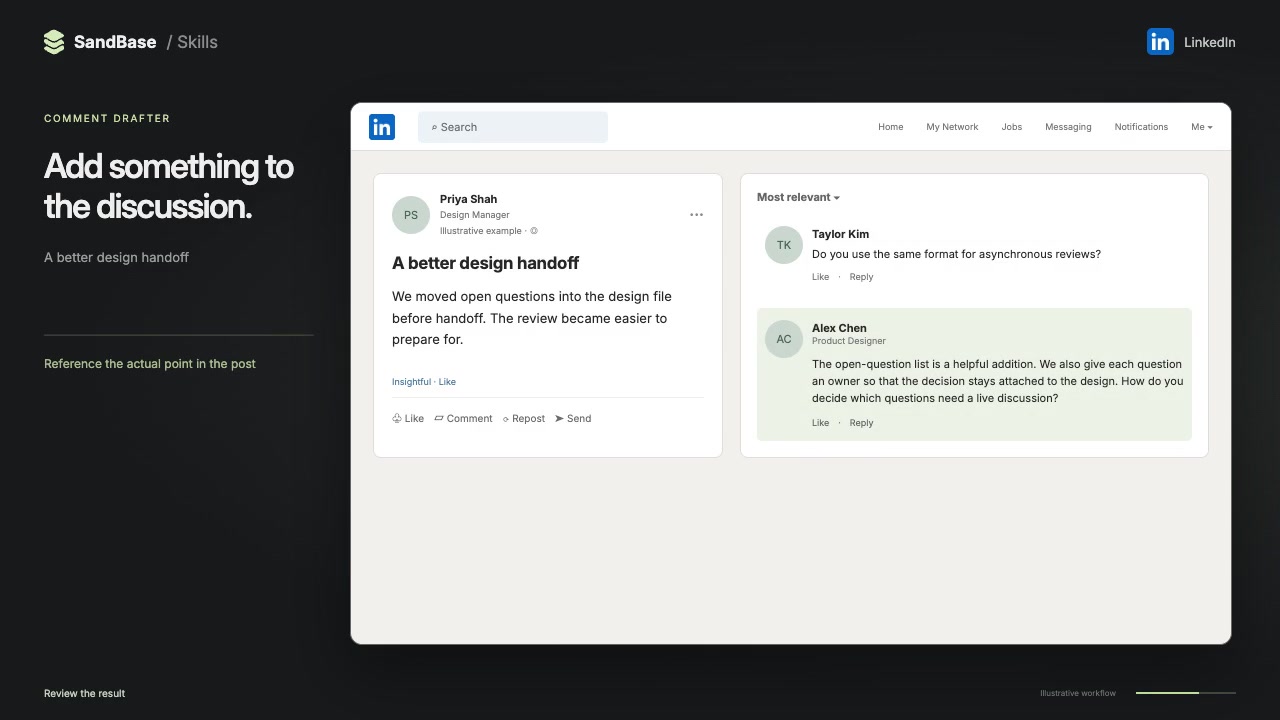
LinkedIn Comment Drafter
Write a specific comment using only the post and what you can support.
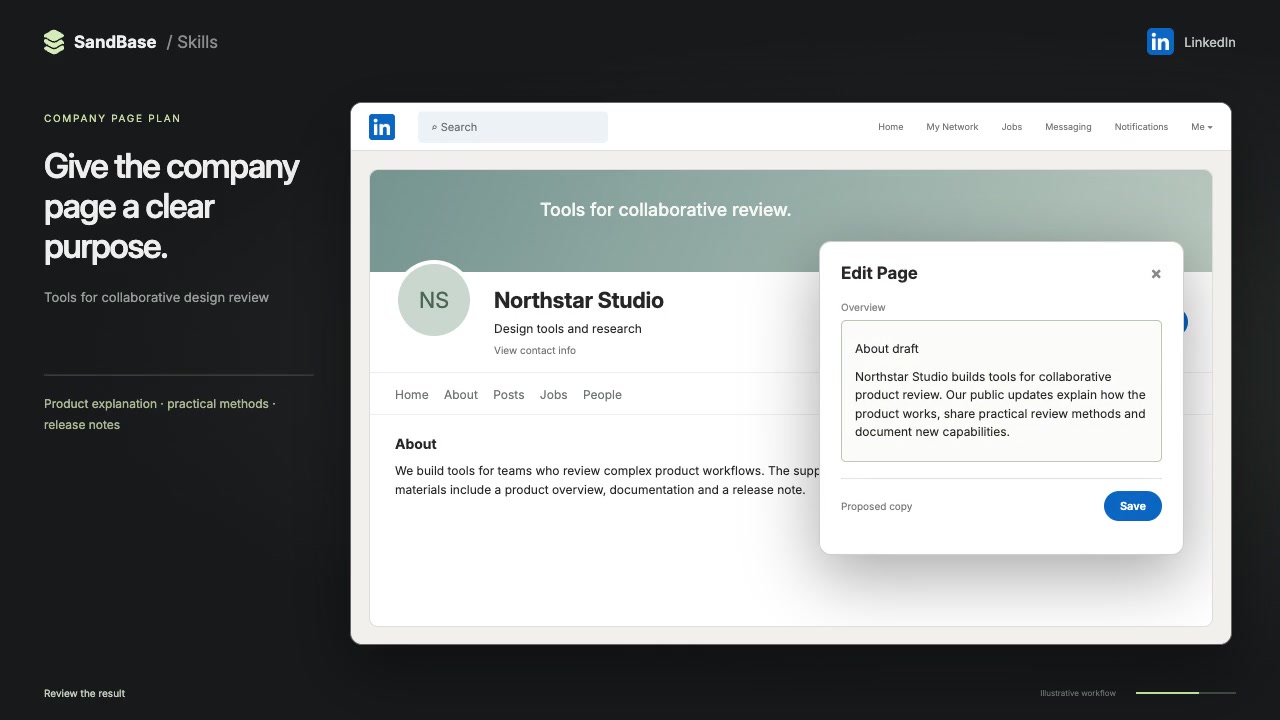
LinkedIn Company Page Plan
Clarify the company page and fill a realistic schedule with approved, usable copy.
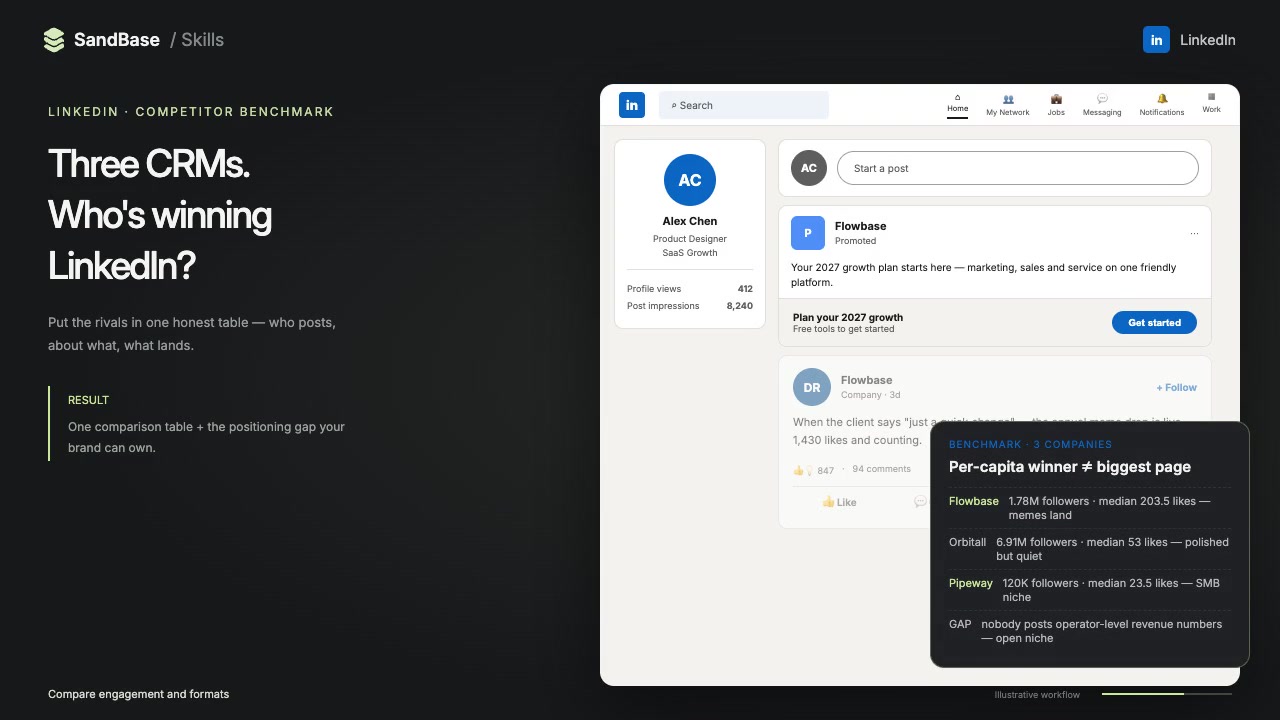
LinkedIn Competitor Benchmark
See who is actually winning on LinkedIn among 2–4 rivals — posting cadence, themes, formats and engagement — and where the gap is.