
Drybrush Almanac Slides
- Skill do Lab
- v1.0.4
- Motion
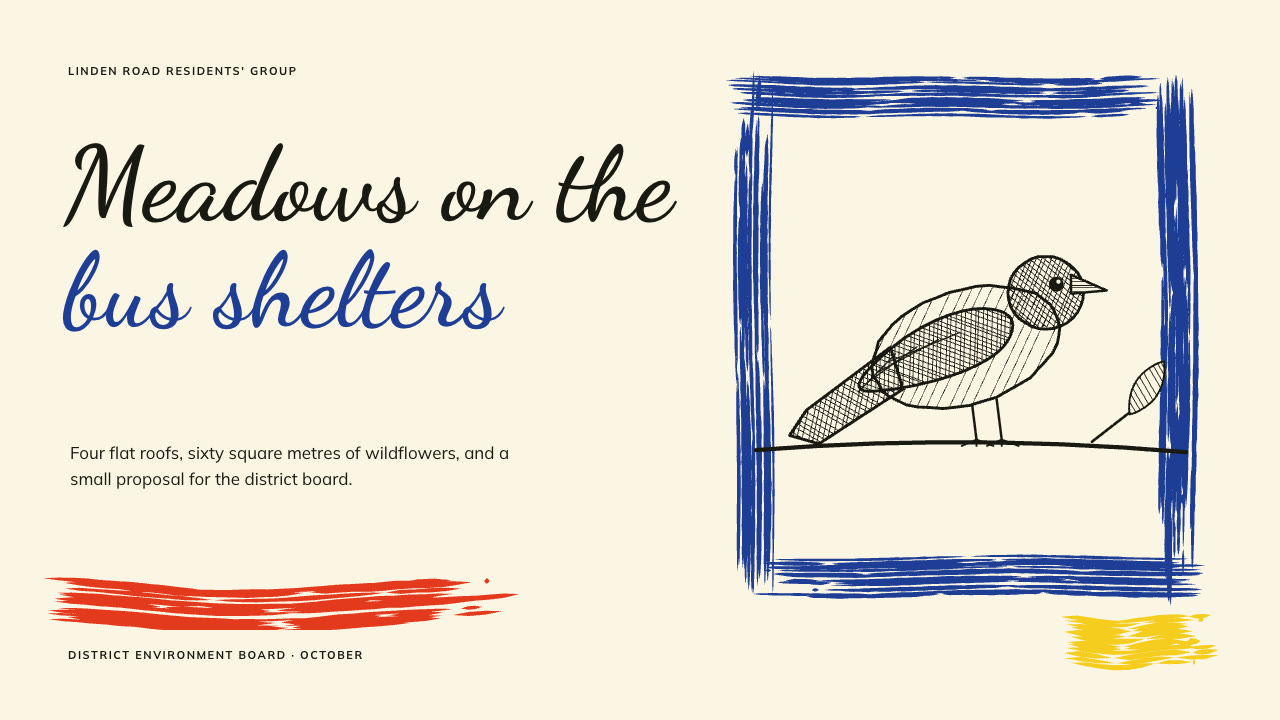
Make decks that look like pages from a naturalist's notebook, for nature, neighbourhood and community projects: warm paper, flowing script headings with one phrase in blue, small sans copy, and a pen-hatched study of birds, sprigs, nests, bird houses, water dishes or planters on a dry-brush ground for every page, with editable tags, numbered markers, connector lines and data bars.
Exemplos · 2
O que você recebe
Bring the project, the audience, the facts and figures to use exactly and the page count; your own pictures are optional. The Skill returns one offline HTML deck that edits in the browser and exports editable PowerPoint.
Como funciona
- 01
Approve the almanac plan
Drybrush Almanac Slides asks only for what is missing: subject, audience, the reaction wanted, facts and numbers, page count, language and brand limits. It proposes a page count from the material rather than picking one silently, and a ten-minute talk is usually 7 to 9 pages. The Agent shows the title, a two-line story, the ordered page list and palette, and builds after approval.
- 02
Draw studies and compose
Drybrush Almanac Slides uses your pictures first, or one art.json entry per page and python3 scripts/almanac-art.py art.json --out art/ to draw pen-hatched birds, sprigs, nests, bird houses, water dishes and planters on dry-brush grounds; identical input gives identical output. Two-part headings are [ink part, blue part]. kit.py compose writes deck.json and set-palette.py deck.json --palette primary applies colours.
- 03
Build and check the studies
Drybrush Almanac Slides needs only the Python 3 standard library for make-deck.py, which writes presentation.html, and verify-deck.py, which checks it with --pages N. At 1280 by 720 the Agent checks heading line counts, copy clear of the study, bar values inside the chart, stage text above the bottom mark and callout lines pointing at the study, then tries Edit, Save and Present. verify-pptx.py checks the export.
FAQ
What does Drybrush Almanac Slides make?
Drybrush Almanac Slides makes field-almanac decks for nature, neighbourhood and community projects: planting proposals, volunteer survey reports, habitat or garden plans, school nature programmes and parks updates. Each page carries one point, with a flowing Dancing Script heading, small Mulish copy and one pen study on a brush-painted ground.
Are Drybrush Almanac Slides birds accurate to species?
No. Drybrush Almanac Slides draws schematic pen studies from a fixed vocabulary: five small birds in a perched pose, a bird in flight, a pair, a sprig, nest, bird house, water dish and planter. They are not field-guide species plates, and other subjects need your own pictures.
Does Drybrush Almanac Slides need an image model?
No. Drybrush Almanac Slides draws every study with almanac-art.py using only the Python standard library, and calls no model or image service. Running it is free, and only verify-pptx.py needs the extra python-pptx package.
Which layouts does Drybrush Almanac Slides have?
Drybrush Almanac Slides has eight layouts: cover, labels, big figure, bars of up to five, five stages, four callouts wired to a study, field-note prompts and closing. They repeat as the story needs. The bus-shelter meadow demo uses all eight across 8 pages.
Which parts of Drybrush Almanac Slides are editable in PowerPoint?
Drybrush Almanac Slides exports headings, tags, bar labels, values, stage text, prompts and footers as native text, and bars, tags, markers and connector lines as plain rounded shapes. Each study, brush mark and glyph is its own picture. Empty lines inside one text block are not kept in PowerPoint.
Can Drybrush Almanac Slides set cursive Chinese headings?
No. Drybrush Almanac Slides' embedded fonts cover Latin only, so Chinese, Japanese and Korean headings use a heavy system face that is not cursive, at smaller sizes with about half the Latin characters per line.
Mais Skills
Todas as Skills de Motion →
Image Blaster
Turn one frozen moment into a camera-orbit concept video.
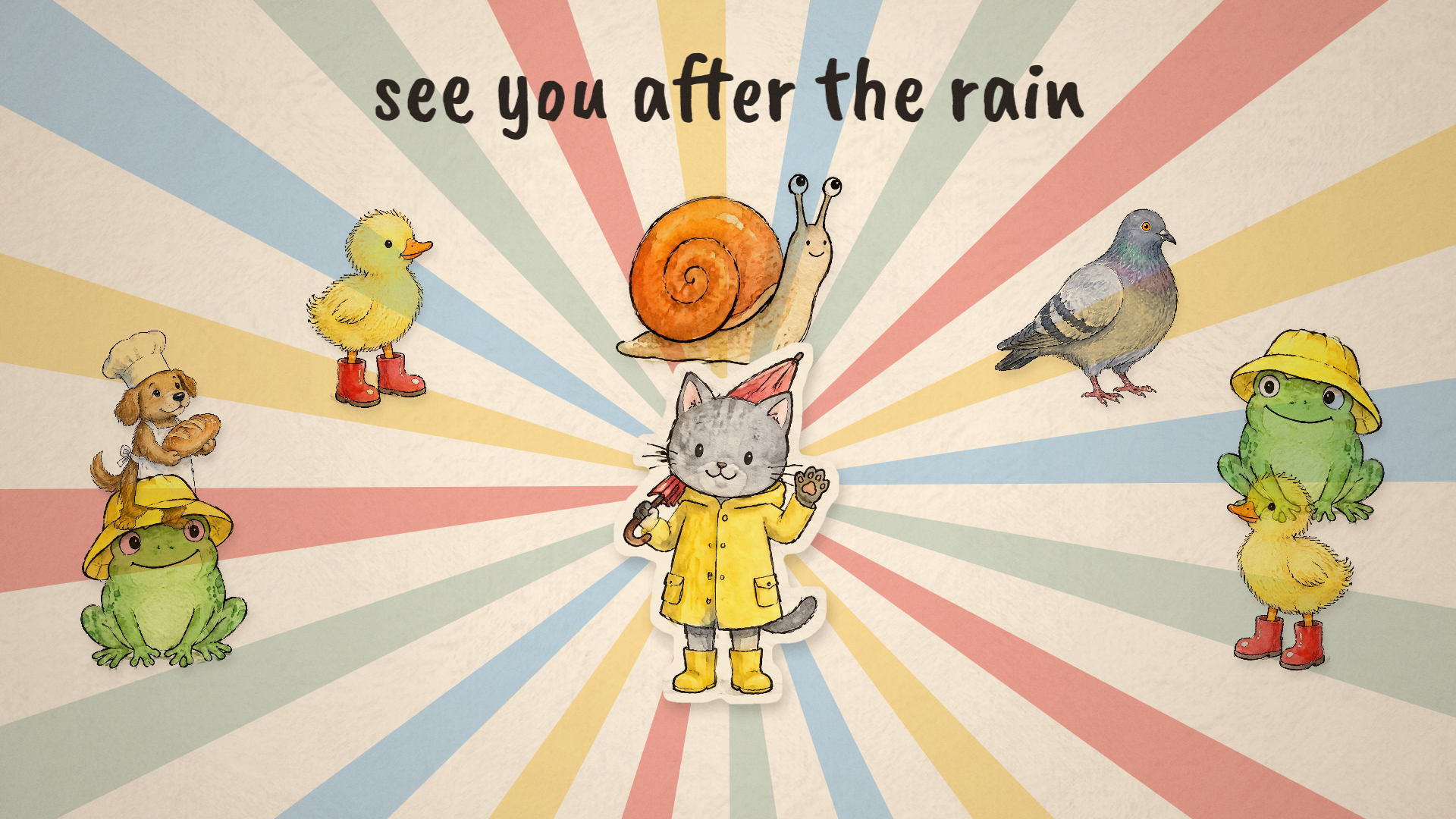
Sketchbook Film
Bring photographed sketchbook drawings to life as a short film with cut-out characters, ink lettering and a score.

SVG Paint Stages
Show a picture being painted: construction marks, contours, flat colour and finer patches, as a layered SVG and a short film.
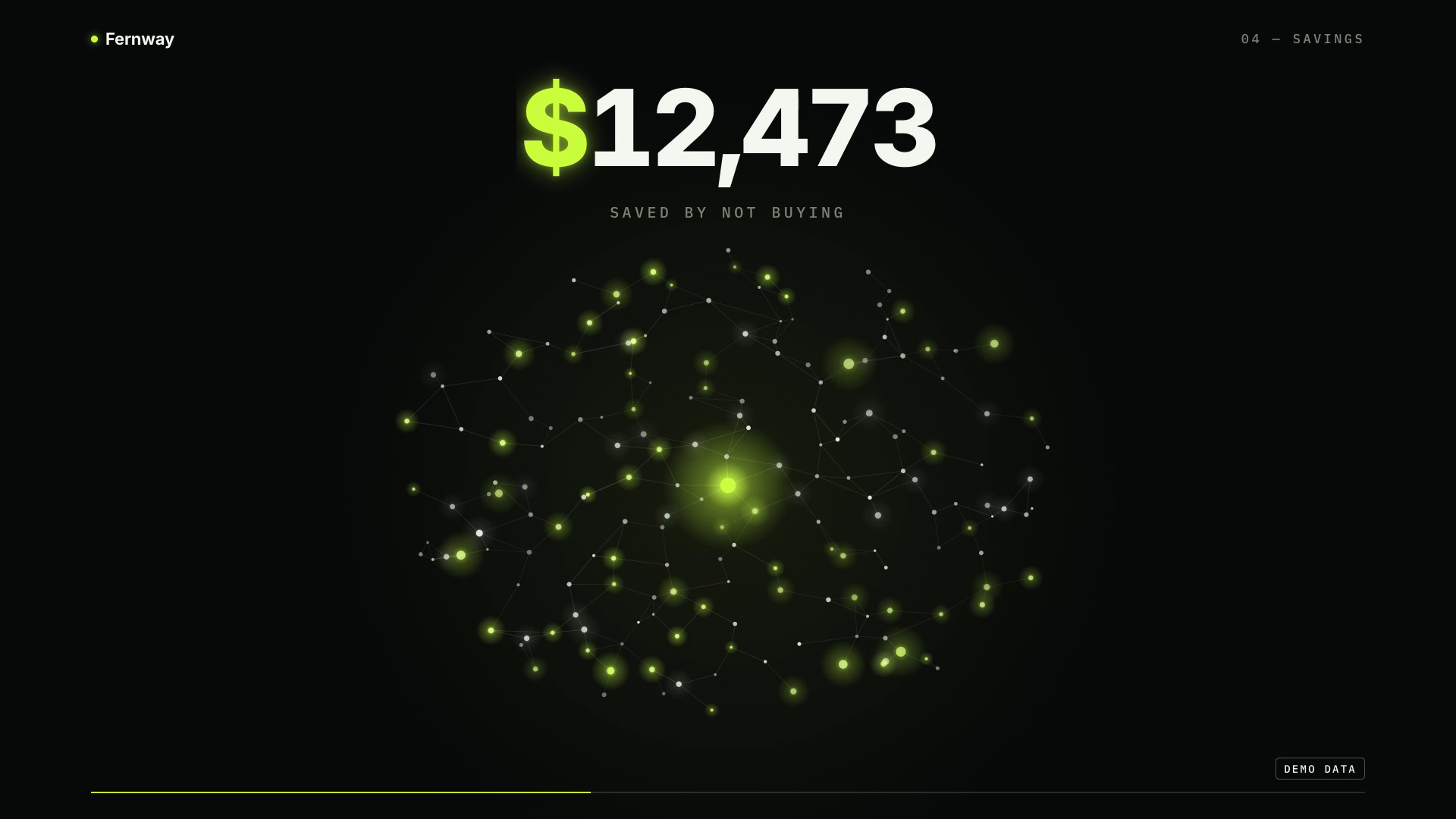
Network Tally
Tell a growth story with real numbers: one node network grows with each counter, flashes, dims behind a spike chart and closes on an end card.
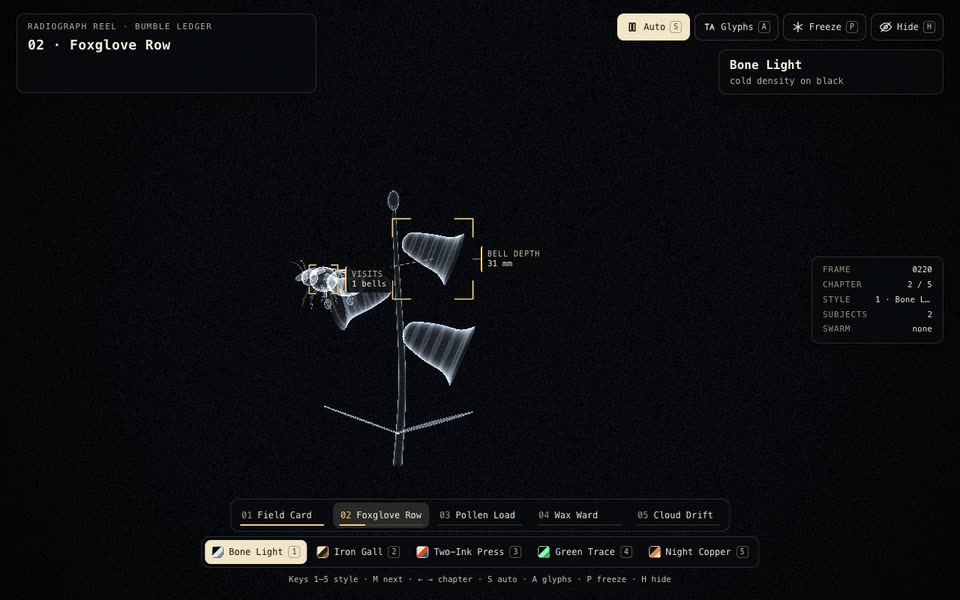
Radiograph Reel: Bumble Ledger
A specimen film reel: procedural bees, flowers and a wax comb glow as X-ray density, print in five switchable film styles with tracking labels, and a swarm morphs between formations.
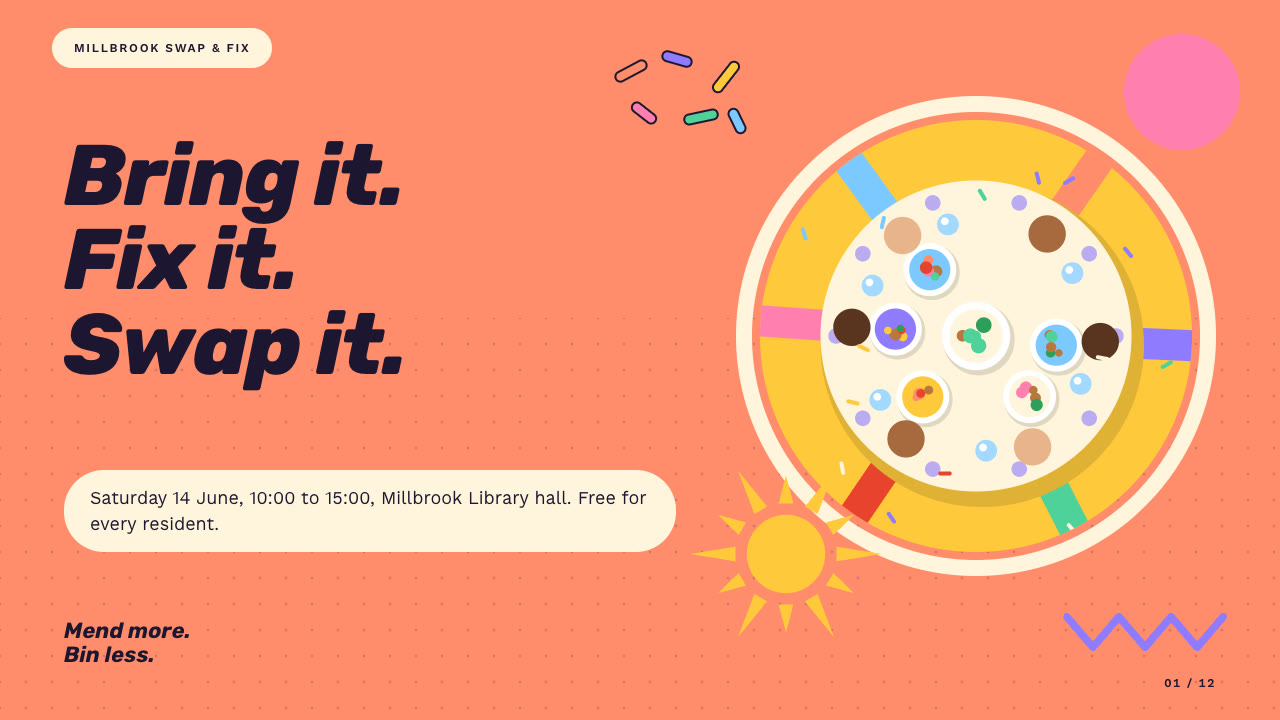
Festival Grid Slides
Invite people to a fair, open day or club season, or pitch one, in a bright festival deck: whole-page colour fields with a fine dot grid, heavy slanted headlines, cream cards and tickets, round pictures, and suns, rosettes, rings, bunting and sprinkles.