
Inkline Campaign Slides
- Skill do Lab
- v1.0.3
- Product marketing
Turn a campaign or launch plan into a hand-drawn ink deck that asks for one decision.
Exemplos · 2
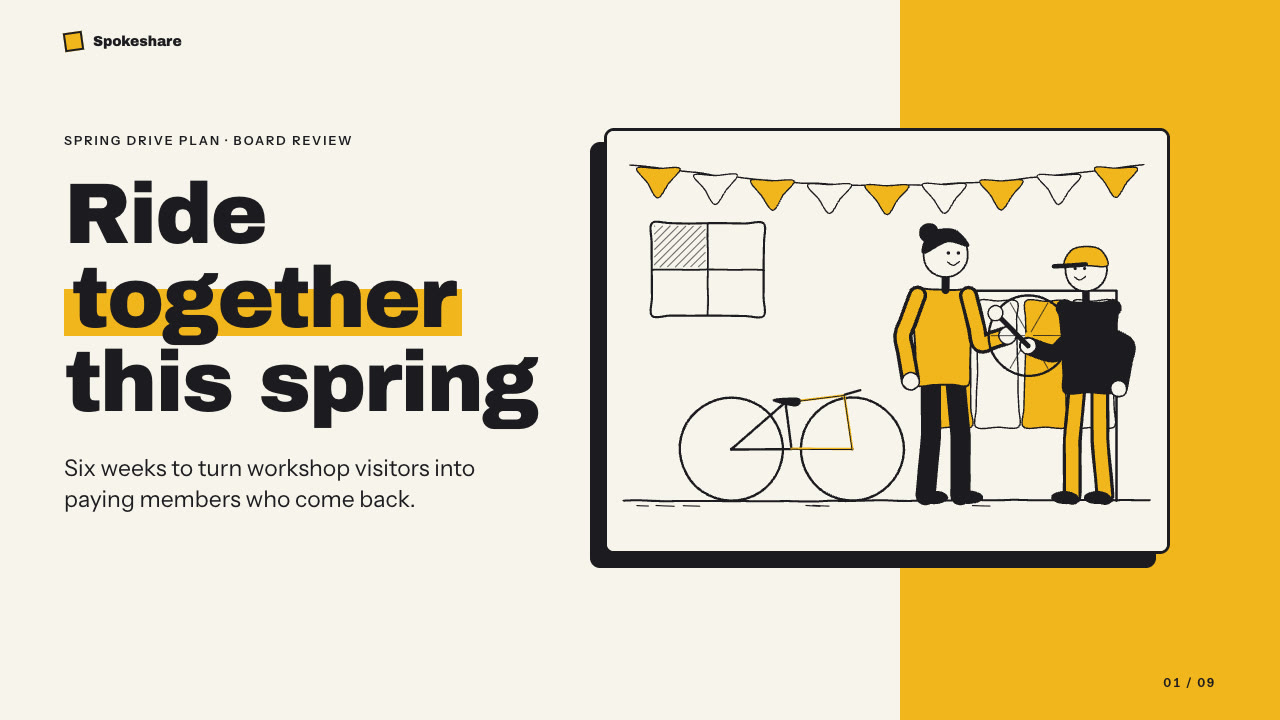
O que você recebe
Bring a plan brief with the facts, numbers and decision you can stand behind. The Skill returns one offline HTML deck that edits in the browser and exports editable PowerPoint.
Como funciona
- 01
Plan the pages
Your Agent asks once for the topic, audience, page count, language and the facts, numbers, dates and pictures that must be used exactly; it never invents results, quotes or statistics, and illustrative figures are labelled. It suits a membership drive, a seasonal campaign, a launch, a fundraising push or a service change that asks the audience for a decision.
- 02
Compose and build
Light paper pages alternate with full accent-colour pages, and sentence-case headlines carry one highlighter mark; keep one look per deck. Pictures come from you first, then from the bundled ink-scenes.py generator, which draws illustrations in the deck's palette with the Python 3 standard library and no model or image service. Slots left empty keep a placeholder and are listed for you, and figures with no source are marked as illustrative.
- 03
Look and export
The Agent writes plan.json and settings.json and runs kit.py compose, make-deck.py and verify-deck.py to build presentation.html, one offline file with an editor, present mode and Save into itself. It then opens every page in a browser to check wraps, text inside blocks and picture crops. On request it exports PowerPoint and runs verify-pptx.py, which needs python-pptx; compare line breaks in your own app.
FAQ
Is the Inkline Campaign slides PowerPoint export editable?
Yes. Inkline Campaign slides exports text, scene pictures, frames, cards and budget bars as separate PowerPoint objects with speaker notes. The highlighter, stamp and frame shadows are flat picture layers behind them, so you can edit every word, but the highlighter mark stays where it was drawn.
Where do the pictures in Inkline Campaign slides come from?
Inkline Campaign slides places pictures you supply first. Otherwise the bundled ink-scenes.py draws loose ink-drawing scenes described in scenes.json, shown in frames with a hard offset shadow. ink-scenes.py uses the Python standard library only and calls no model or image service. The ink scenes are drawings, so supply photos when the campaign needs real people.
Which fonts does Inkline Campaign slides use?
Inkline Campaign slides uses Archivo Black for headlines and numbers and Instrument Sans for text, both under the SIL Open Font License and embedded in the deck. The exported PowerPoint names the same fonts; install them for exact wrapping, or the opening app substitutes. Chinese, Japanese and Korean use the system face at a heavy weight.
What are the known limits of Inkline Campaign slides?
In Inkline Campaign slides the highlighter, stamp and frame shadows export to PowerPoint as flat picture layers, so the highlighter does not follow an edited word. Layout geometry is fixed: at most three items per page, and budget bars with more than six lines do not fit. Arrows and other symbols fall back to a system face, so write to or and instead.
How was Inkline Campaign slides tested?
Both Inkline Campaign slides example decks, a spring membership drive and a transit afternoon campaign, were built from a fresh unzip of the package. Every page was inspected in Chrome and in a LibreOffice render of the exported PowerPoint. No other presentation app was tested, so open the export in your own app to check line breaks.
Does Inkline Campaign slides need a network connection or an API key?
No. Inkline Campaign slides draws its ink scenes with ink-scenes.py locally, so it needs no API key and makes no model calls. verify-pptx.py, the export check, is the only step that uses python-pptx. Your agent may write the campaign plan with its own model; the deck makes no calls.
Mais Skills
Todas as Skills de Product marketing →
Pixel Story
Turn a product brief into a pixel film with clear actions, scene traversal and a memorable payoff.
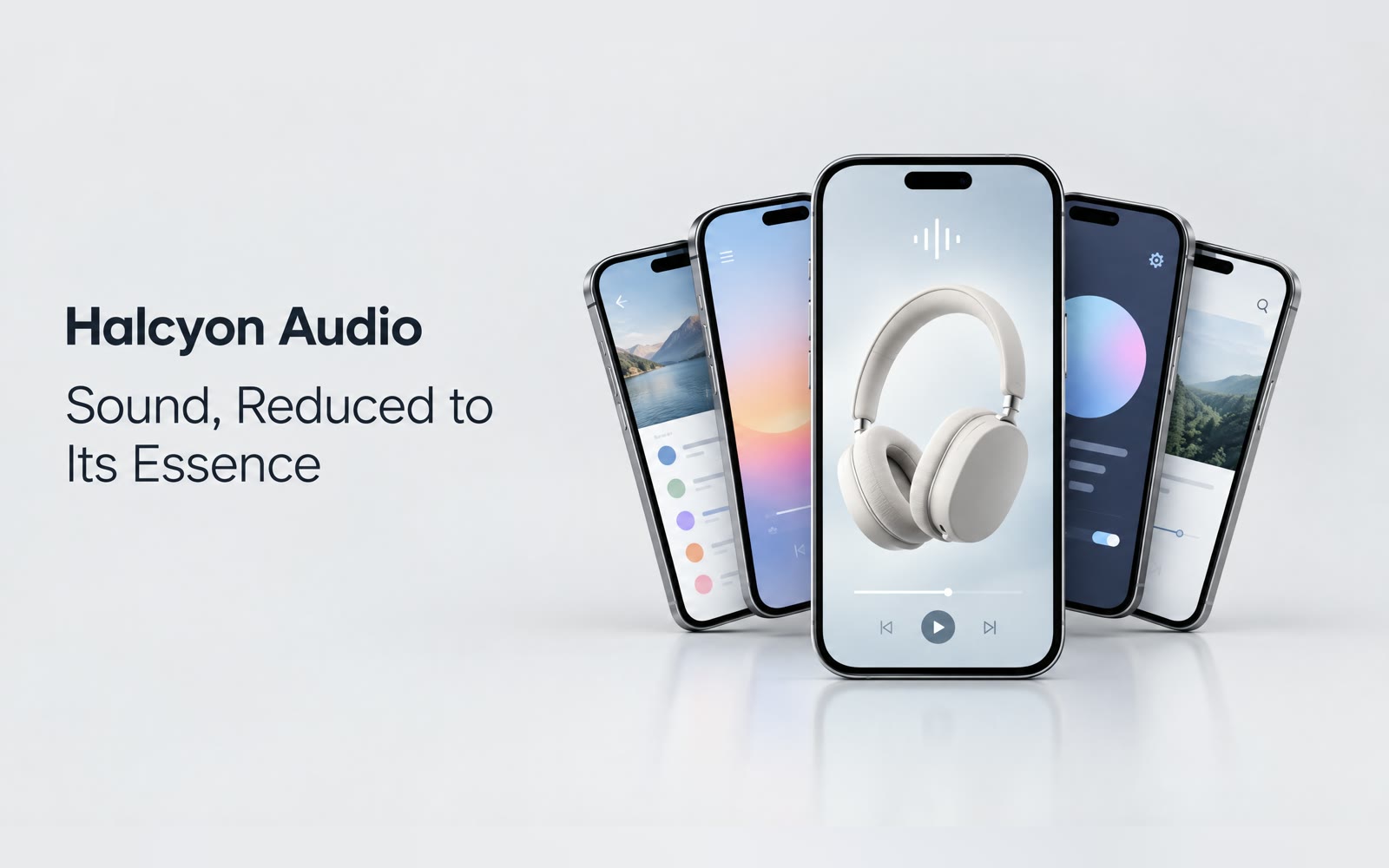
Device fan
Turn a brand, one headline and context into a calm device-showcase card.

Floating phones
Turn a brand, one headline and context into a warm-ivory card with floating phone screens and playful, friendly doodles.

Floating analytics dashboard
Turn a brand, one headline and context into a split-column card: a narrow charcoal brand column anchoring a large white analytics dashboard that floats across a vivid violet gradient field.
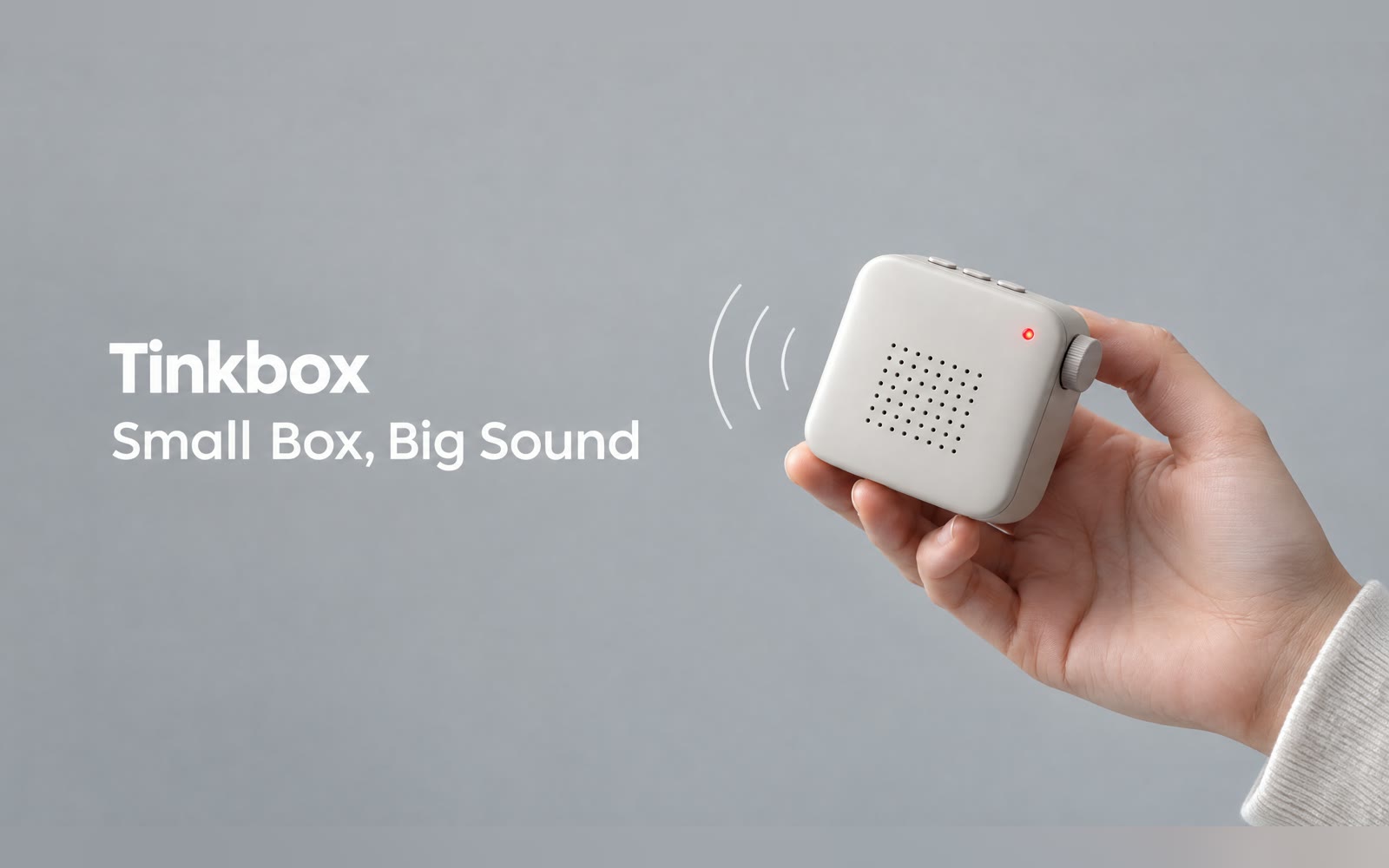
Minimal handheld product
Turn a brand, one headline and context into a high-key studio card: a softly lit hand holding an original compact pale device against a seamless gray background, with broad empty space and a tiny red light as the only accent.
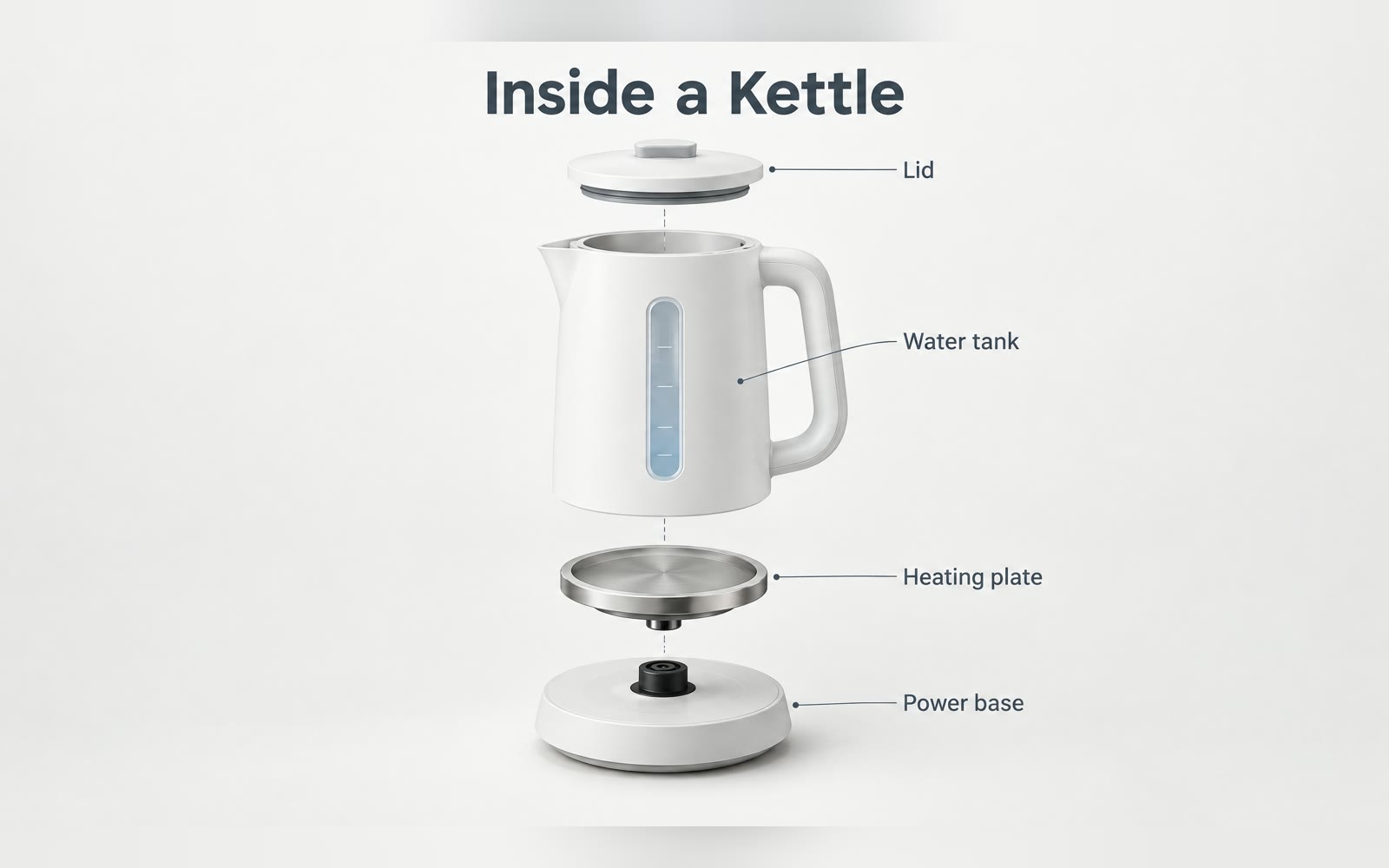
Appliance exploded poster
Turn a household appliance into a polished 16:9 exploded-view poster: part groups separated along one axis, with a title and three to five exact labels.