
Arcframe Profile Slides
- Skill do Lab
- v1.0.2
- Business reporting
Make calm profile decks for organisations that introduce themselves, such as company and co-operative profiles, partner or client onboarding and team introductions: rounded paper panels on full colour fields, pictures with one large arched corner, metric cards, service cards, a native standards table, a timeline and contact rows.
Exemplos · 2

O que você recebe
Bring who you are, the audience, the numbers, services and standards to use exactly and the page count; pictures optional. The Skill returns one offline HTML deck that edits in the browser and exports editable PowerPoint.
Como funciona
- 01
Outline the organisation profile
Arcframe Profile Slides asks once for the organisation, audience, what the deck should lead to, page count, language and the names, figures and pictures to use exactly. The Agent picks from eleven layouts, opening with gateway and closing with contact, alternates framed and open pages, and copies one palette preset, Kiln, Fern or Iris, into the plan's swatch.
- 02
Paint pictures and compose
Arcframe Profile Slides uses your pictures first, or describes each slot in scenes.json and runs python3 scripts/vista-paint.py scenes.json --out art/ to paint façades, arched-window rooms, landscapes, workshops and portraits of invented people. plan.json sets brand-name on every page and a two-string cover headline. kit.py compose then writes deck.json and reports missingPictures and sampleLeft.
- 03
Build and inspect locally
make-deck.py builds presentation.html and verify-deck.py checks it against --pages N; files past about 15 MB go through shrink-images.py. The Agent serves the file with python3 -m http.server and checks headline wraps, subjects clear of the arched corner, metric captions and table rows, then tests Edit, Save and Present. verify-pptx.py checks an exported .pptx when one is requested.
FAQ
What does Arcframe Profile Slides produce?
Arcframe Profile Slides produces one offline HTML profile deck for a company, co-operative, team or studio. Pages alternate between colour fields holding one rounded paper panel and open paper pages with a short accent strip. Layouts include metric cards, service cards, a three-step method, people with two portraits, a native standards table and a four-point timeline.
Is Arcframe Profile Slides free to run?
Yes. Arcframe Profile Slides paints its arched pictures with vista-paint.py on your machine and builds with the Python 3 standard library, so it calls no model or image service and nothing is charged. python-pptx is needed only for verify-pptx.py. Your Agent may draft the plan with its own model, but the deck itself calls none.
Can I replace a picture in the Arcframe Profile Slides PowerPoint?
Yes, but Arcframe Profile Slides draws the large arched corner into each exported picture, so a replacement made in PowerPoint becomes a plain rectangle. Replace pictures in the HTML editor instead to keep the arch, then export again. The thin echo line on the cover also arrives in PowerPoint as a small picture layer.
Which fonts does Arcframe Profile Slides use?
Arcframe Profile Slides sets headlines in Onest SemiBold and body text in Albert Sans at 17 px, both under the SIL Open Font License with files in references/fonts. Install them on the presenting machine for matching line breaks. CJK text uses system faces at a reduced size, so keep CJK headlines to two lines of about twelve characters.
What are the limits of Arcframe Profile Slides?
Arcframe Profile Slides fixes each layout's geometry, keeps the highlighted item in a fixed position and gives the standards table a header and three rows. Pages carry no page numbers by design; add them in the editor if needed. Painted pictures show invented people and places, so a photographic profile needs your own photos.
How long can Arcframe Profile Slides copy be?
Arcframe Profile Slides keeps headlines to at most seven words, or five on the cover, with one supporting line under eighteen words and about forty-five words per page. Items are a short label and one brief line, and only one item per page may be highlighted. Everything else goes into the three to five lines of speaker notes.
Mais Skills
Todas as Skills de Business reporting →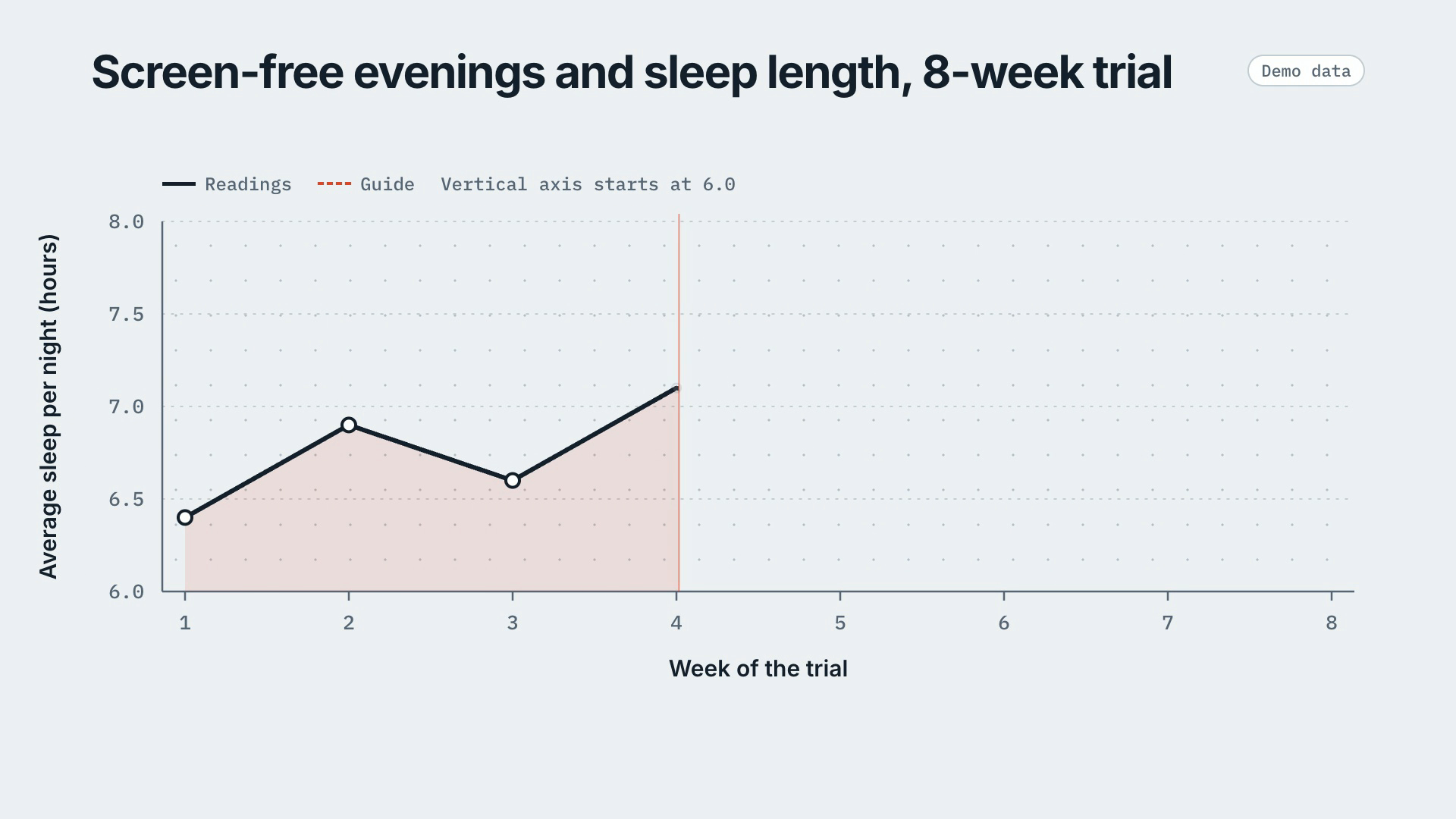
Trend Line
Reveal measured readings, a separate dashed guide and a final takeaway on an editable chart.

Advisory Thread Slides
Argue one recommendation to a committee or board with action titles, a storyline tracker, evidence charts and a bounded decision ask.
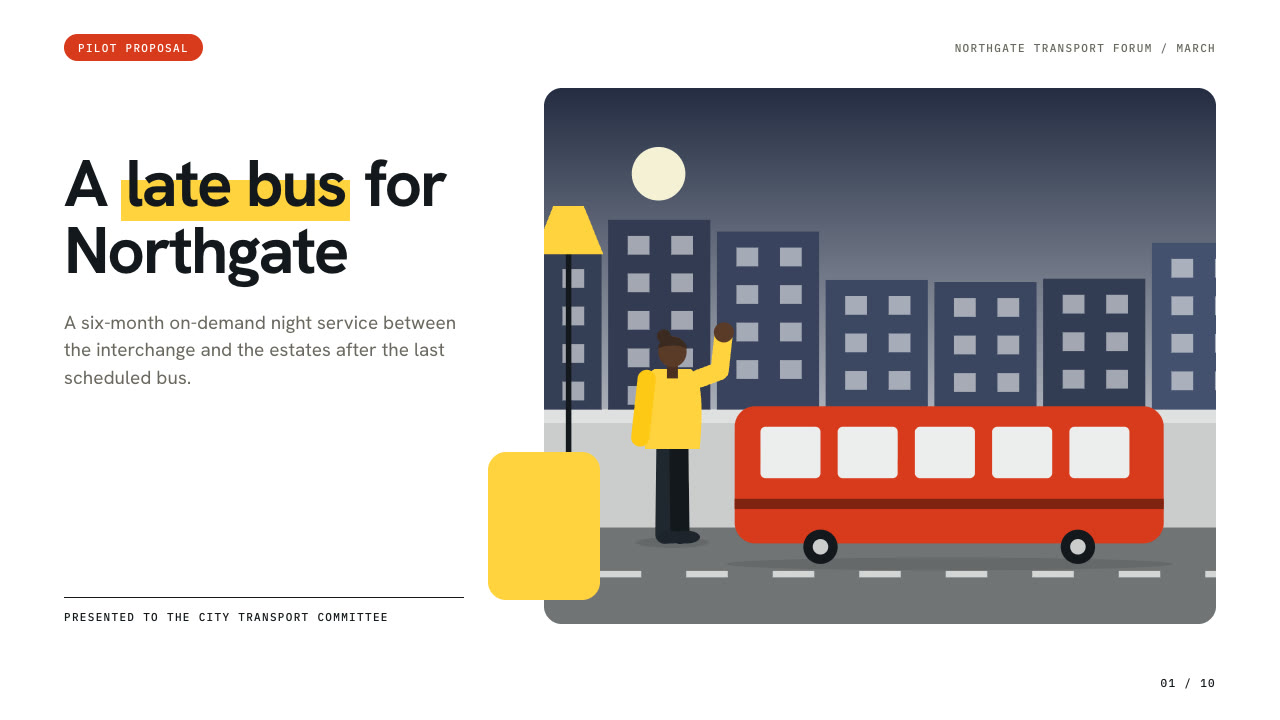
Civic Bars Slides
Make the case for a public or community service decision with picture cards, thin bar charts, stat tiles and a clear ask.
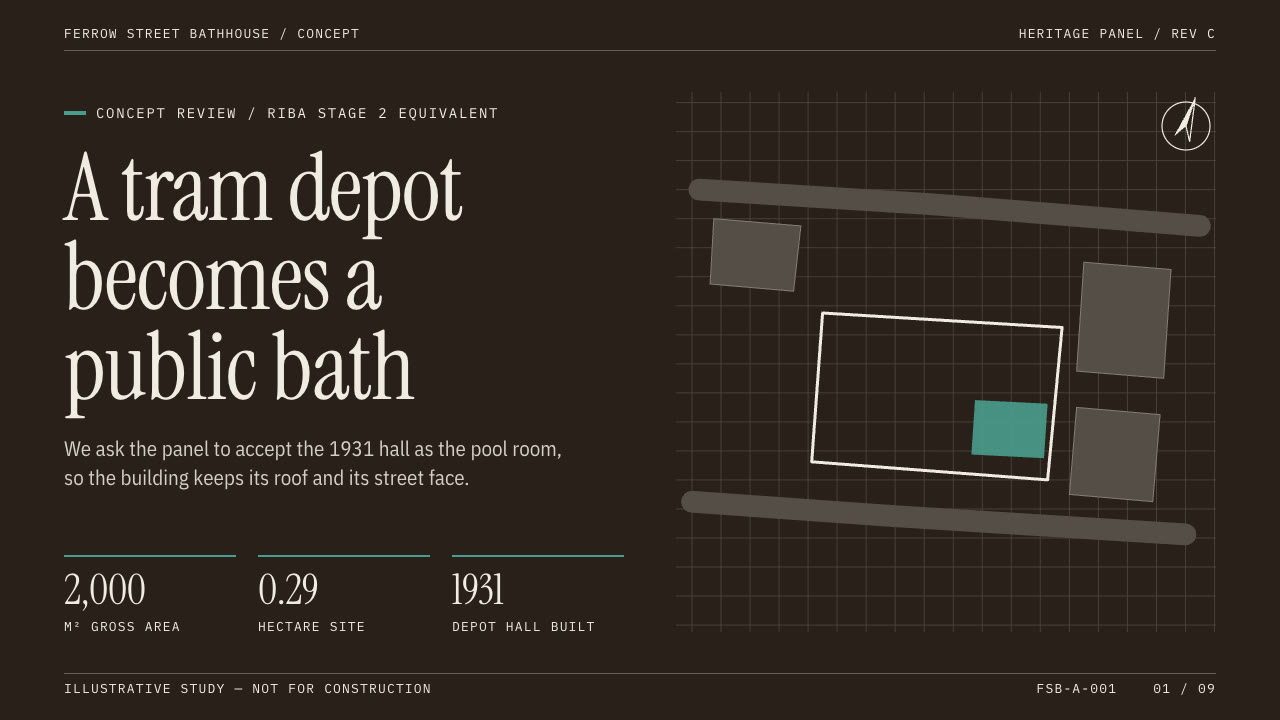
Site Sequence Slides
Take an architecture or site-design proposal to a review panel like a drawing sheet: site, massing, plan and section, program, phasing and one clear decision.

Deepframe Company Slides
Present a company, practice or member organisation calmly: white pages, offset colour blocks behind pictures, service cards, ring figures, value bars and a portrait row.
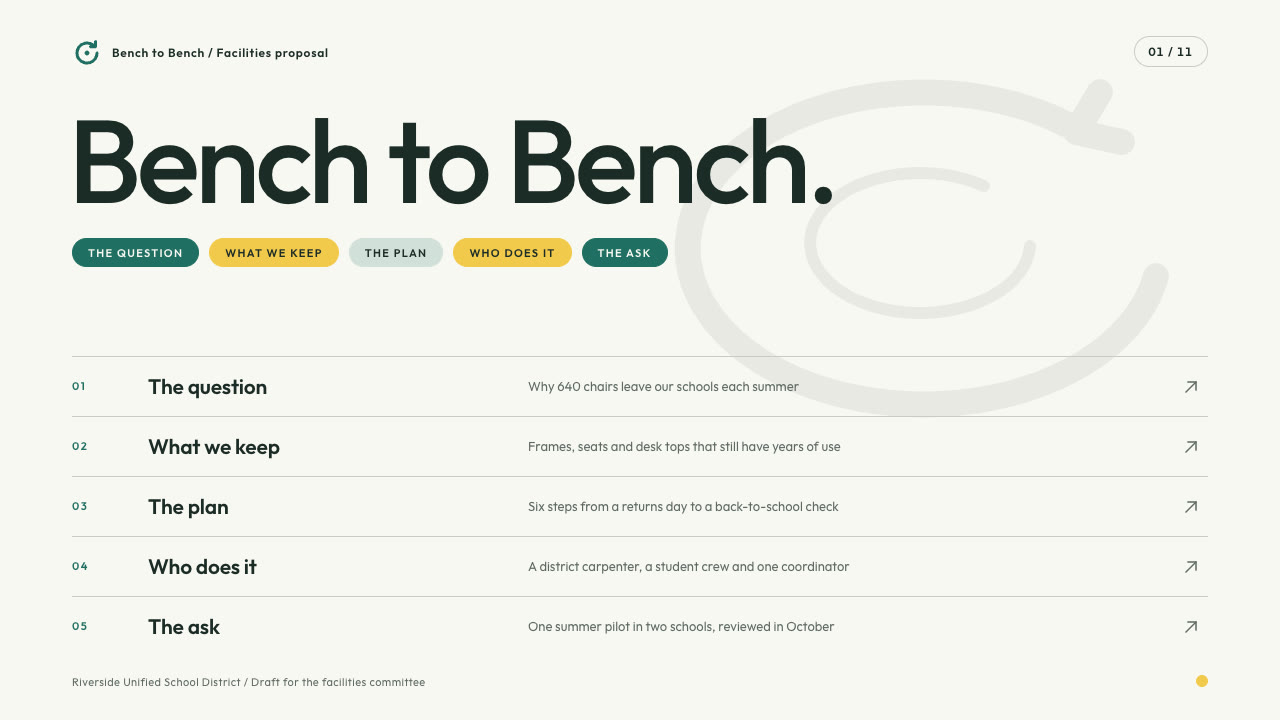
Circular Module Slides
Propose a repair, reuse or take-back step in a light modular deck: rounded cards and pill capsules, an open-ring motif, notched principle cards, a six-step grid and a capsule bar chart.