
Gridterm site
- Skill do Lab
- v0.1.0
- Web design
Turn a brief for a dev tool, data dashboard or technical documentation site into a site with monospace terminal aesthetics, green-on-black chrome, geometric grids, isometric diagrams and technical typography.
Exemplo
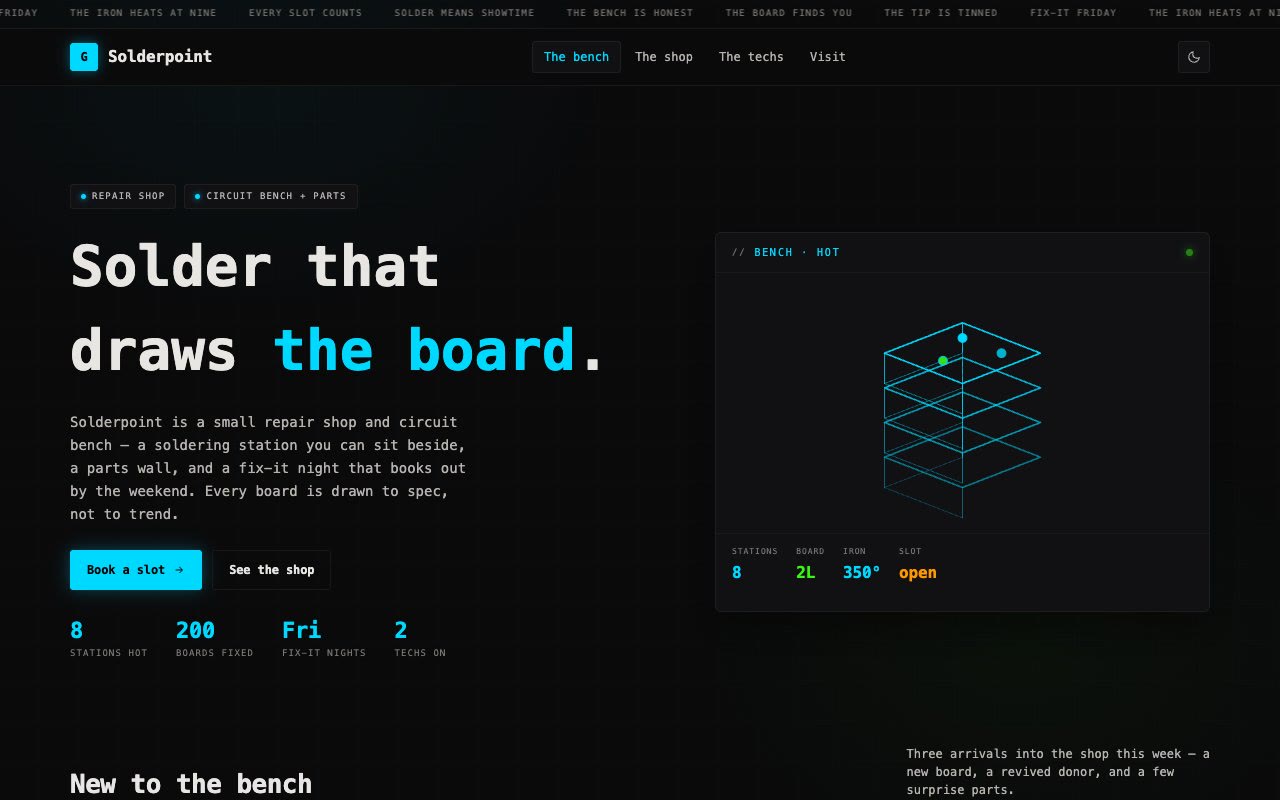
English site
O exemplo é executado em um frame isolado, sem acesso a esta página.
Executar online
Execute o exemplo de Gridterm site em um sandbox da SandBase e veja o resultado aqui mesmo.
O que você recebe
Bring your tool or project name, features and specs, code examples or API docs, system requirements, and installation links. The Skill returns one HTML file with terminal chrome, green palette, grid layouts, isometric code art, bundled fonts and a validator report.
Como funciona
- 01
Copy the template as src.html
Gridterm Site ships the whole site in assets/template.html: a hash-routed page with the /, /rooms, /crew and /visit views plus a 404, drawn on a near-black ground with no image files. Copy it somewhere as src.html. Archivo and Space Mono sit in assets/fonts/ under the OFL licence and must ship with the page.
- 02
Rewrite data, copy and wireframe art
At the top of the script, rewrite BRAND, NAV, STRIP, ITEMS, DESKS, WEEK, ROUTES and TITLES for your tool or lab. Then replace the hero lede, feature band, pull-quote, newsletter pitch and footer blurb, each marked with a REPLACE comment. The artBlock() function draws iso, node, term, wire, stack and cup kinds, coloured through the INKCLS and GROUND maps.
- 03
Inline fonts and run the checker
Gridterm Site needs Node for its two scripts and, for the browser pass, a local Chrome or Edge. Run node scripts/inline-assets.mjs src.html index.html, then node scripts/validate.mjs index.html --mode site --site-lang en --browser --screenshot shots. The result is one self-contained index.html, and references/validation.md explains which warnings are expected.
FAQ
What is Gridterm Site for?
Gridterm Site is a terminal-style template for a dev tool, data dashboard, technical docs or a lab. It pairs a near-black ground with a cyan wireframe isometric stack as its signature object, Space Mono type and compact density. It is a four-route starting page, not a documentation generator, so you write every spec and code example yourself.
Does Gridterm Site have a light mode?
Yes. Gridterm Site has a day and night theme toggle, so the near-black chrome can switch to a lighter day look. Both themes are part of the shipped template. Open each route in both themes in a browser before you publish.
Is Gridterm Site billed per use?
No. Gridterm Site draws every visual in code, and its inliner and validator work offline, so no model or API is called and nothing is charged. You need Node to run the scripts, and the browser check also needs a local Chrome or Edge. The fonts ship inside the package.
What sample content does Gridterm Site ship?
Gridterm Site ships a fictional lab called Gridterm with a cyan G mark, the gridterm.example domain, the contact [email protected] and a person named Jo Marin. All of it is placeholder identity that assets/validate.config.json tracks, so replace each item. A real run of the template as a different subject is kept in results/agent-run-en/.
Can I add images to Gridterm Site?
Yes, but Gridterm Site ships with none, because every card visual is drawn by artBlock(). You can restyle those art kinds or recolour them through INKCLS and GROUND. references/image-plan.md describes the image slots, and any picture you add must be a local file that the asset script can embed, never a remote link.
Mais Skills
Todas as Skills de Web design →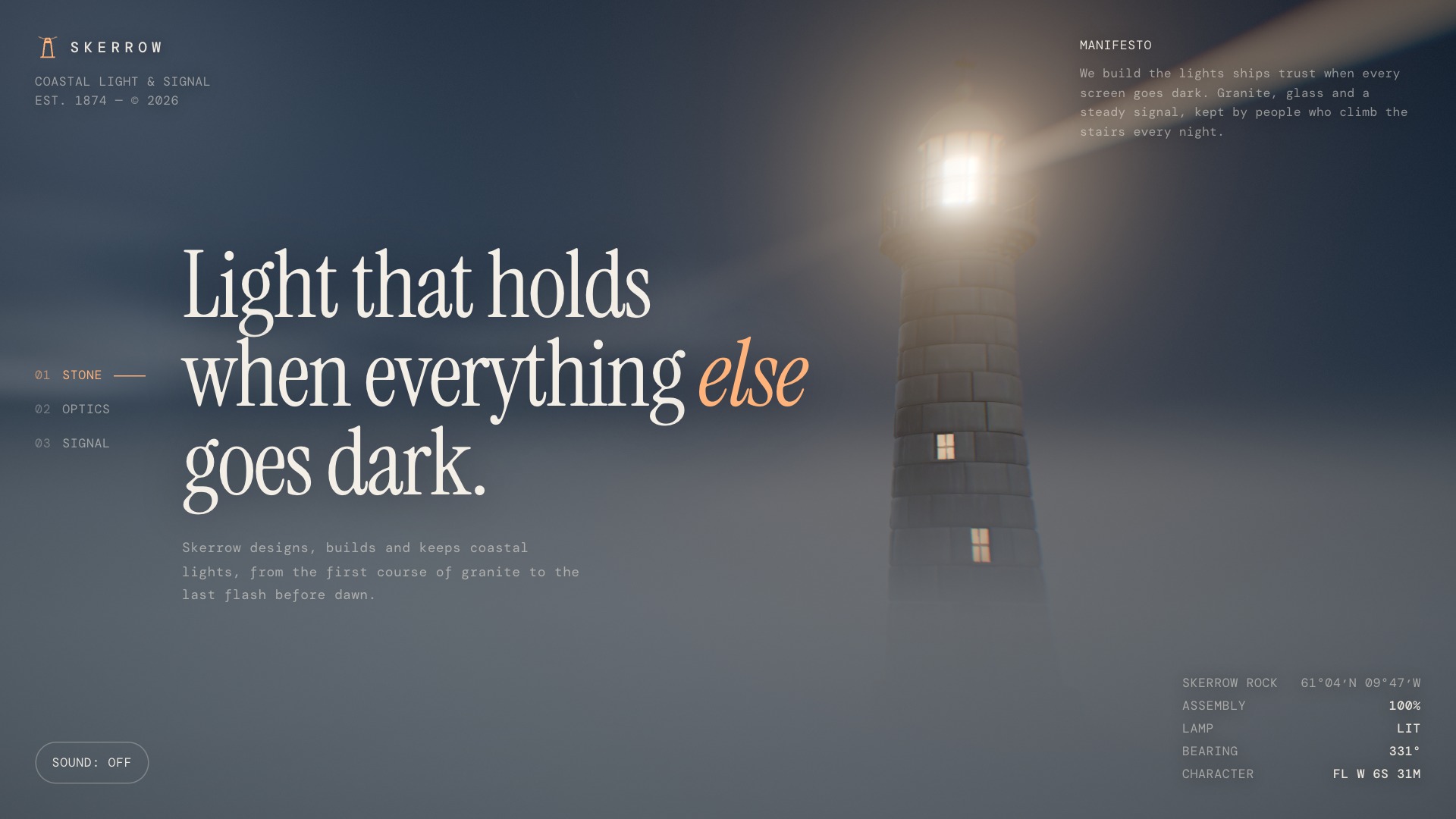
Baked 3D Story Site
A three-page 3D story site with baked light, scroll stops that loop and a shader cut between pages, in one offline file.
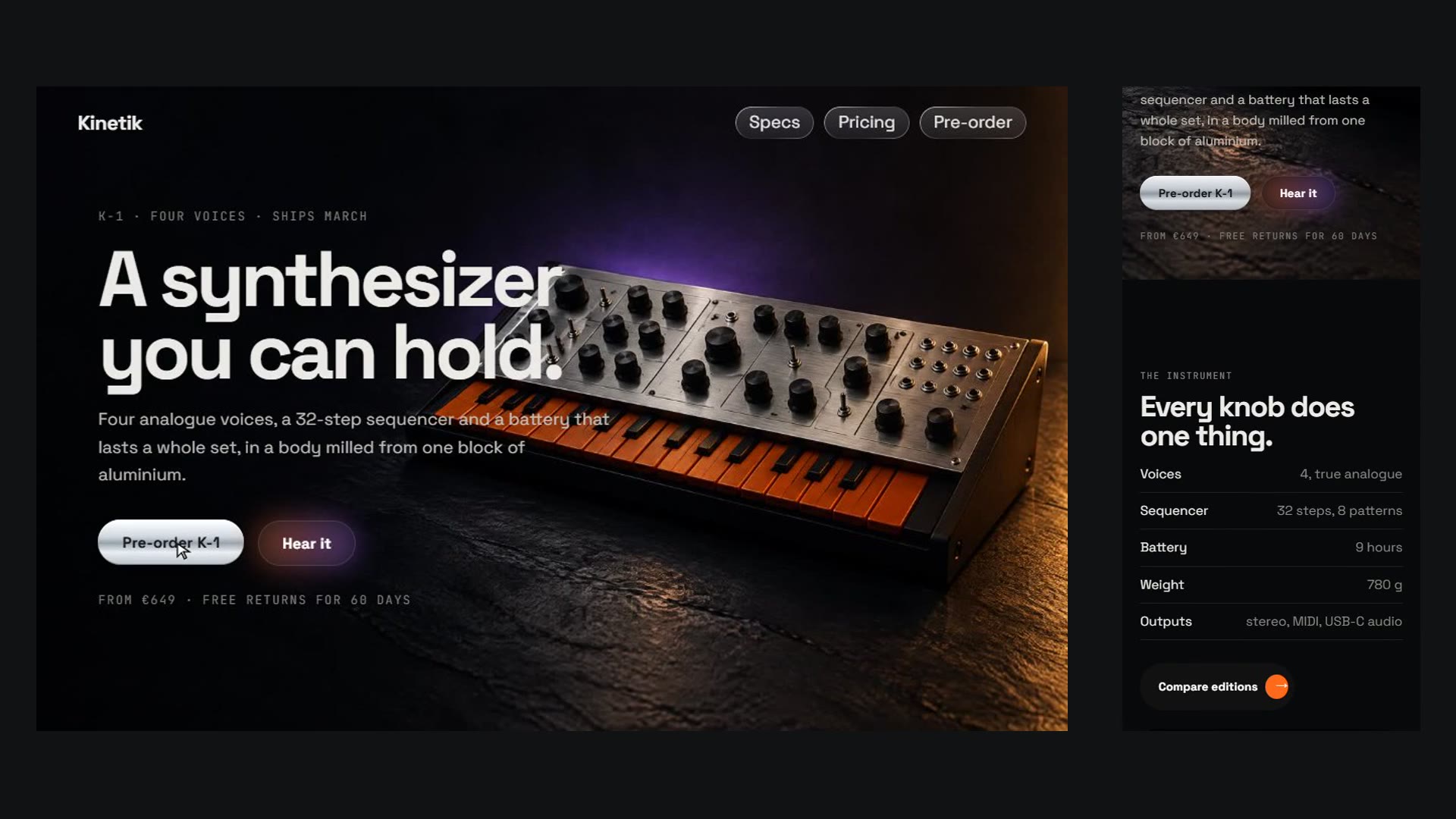
UI Finishes
Metal, jewel, halo, roll, fill, offset and ring buttons, media cards, glass and textures, each checked in rest, hover, focus and pressed for real contrast.
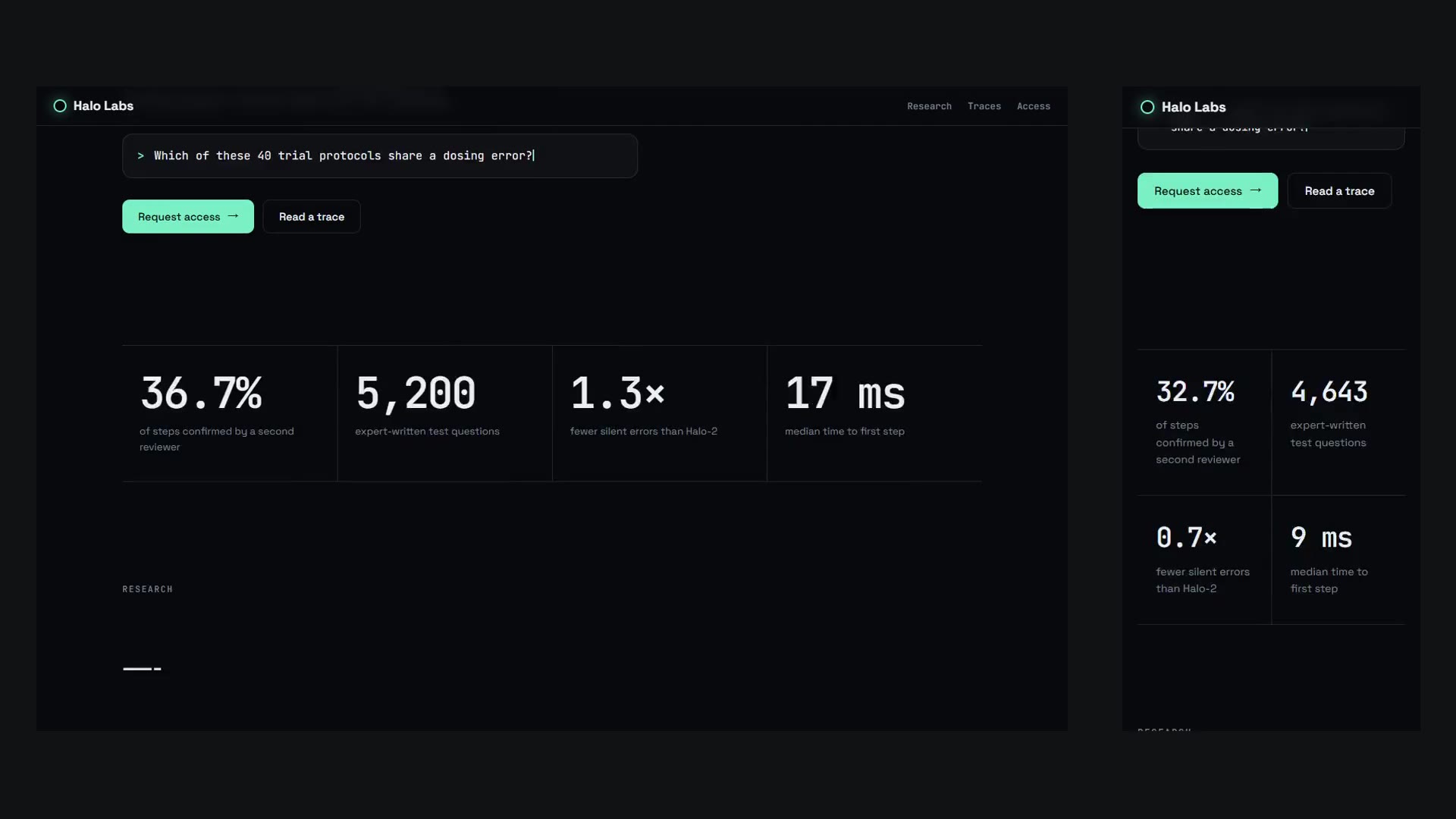
Headline Motion
Headlines, labels and numbers that rise, decode, type, rotate, count and draw themselves without moving the layout, measured in a real browser.
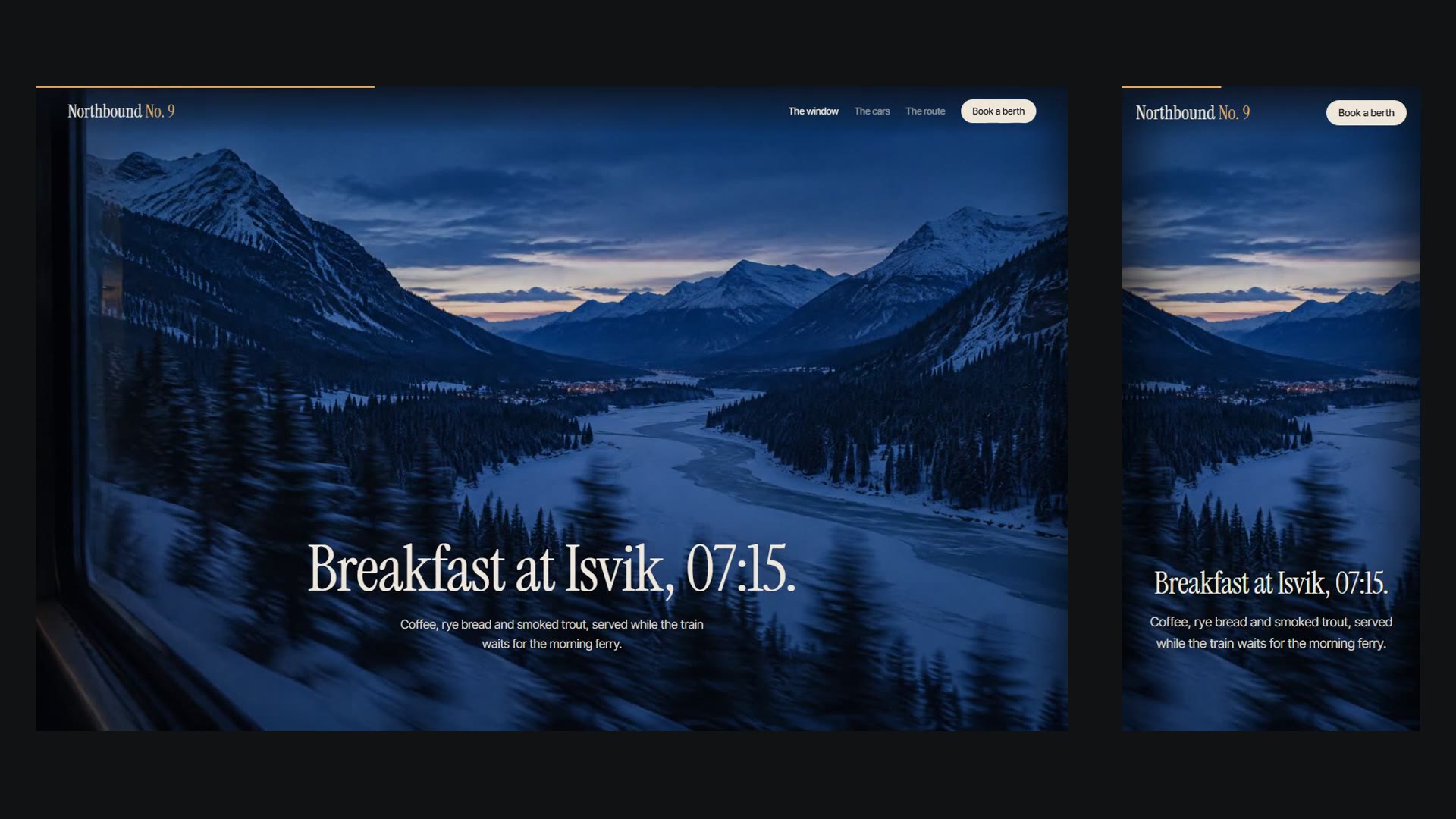
Scroll Chapters
Long pages told chapter by chapter: a pinned stage, sliding panels, a text crawl, lit paragraphs, stacking cards and drifting columns, checked in a real browser for dead scroll.
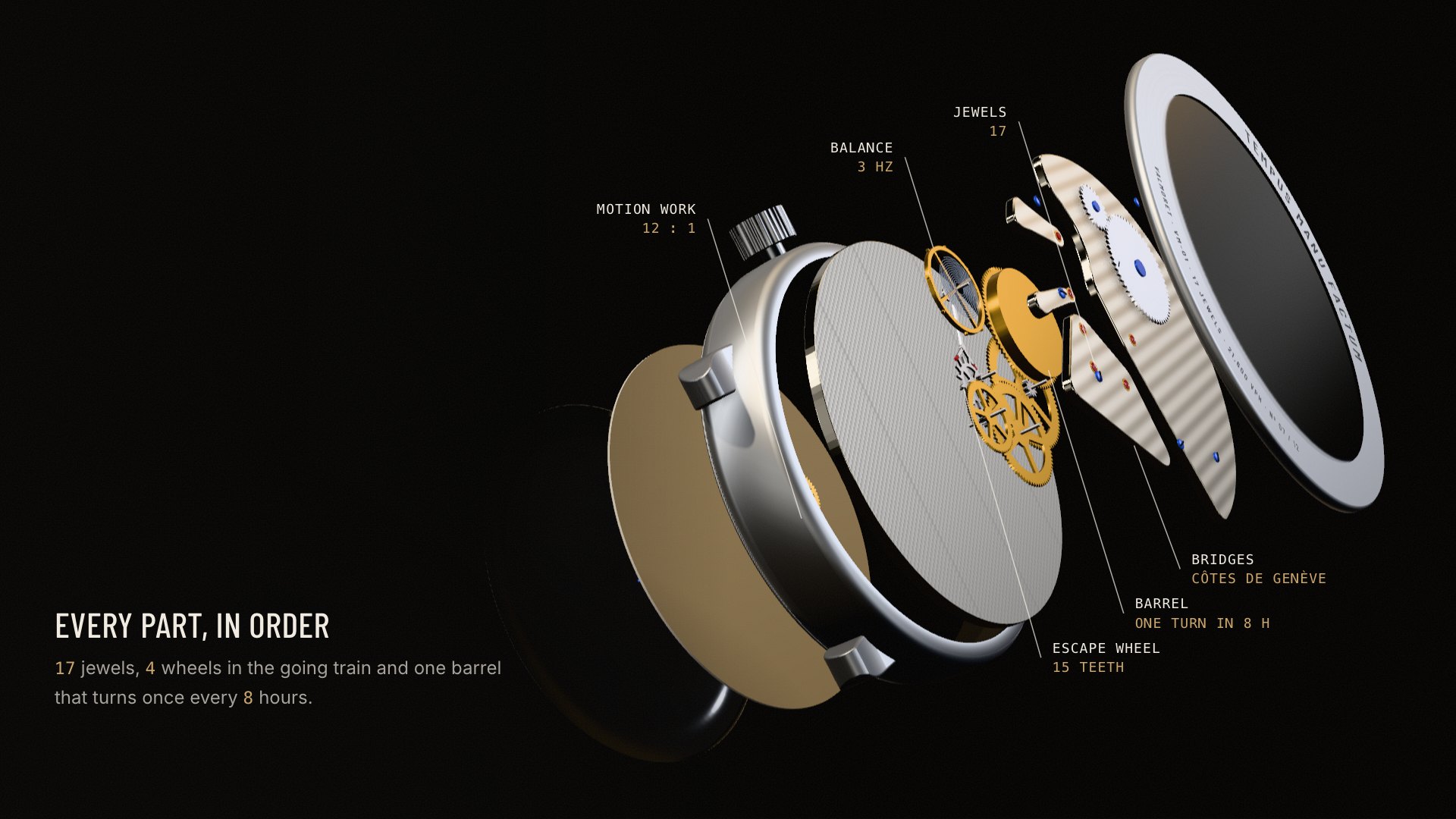
Scroll 3D Product Site
A complete product website where scroll turns, opens and takes apart a live 3D model, with every video and image rendered from that model, in one offline file.
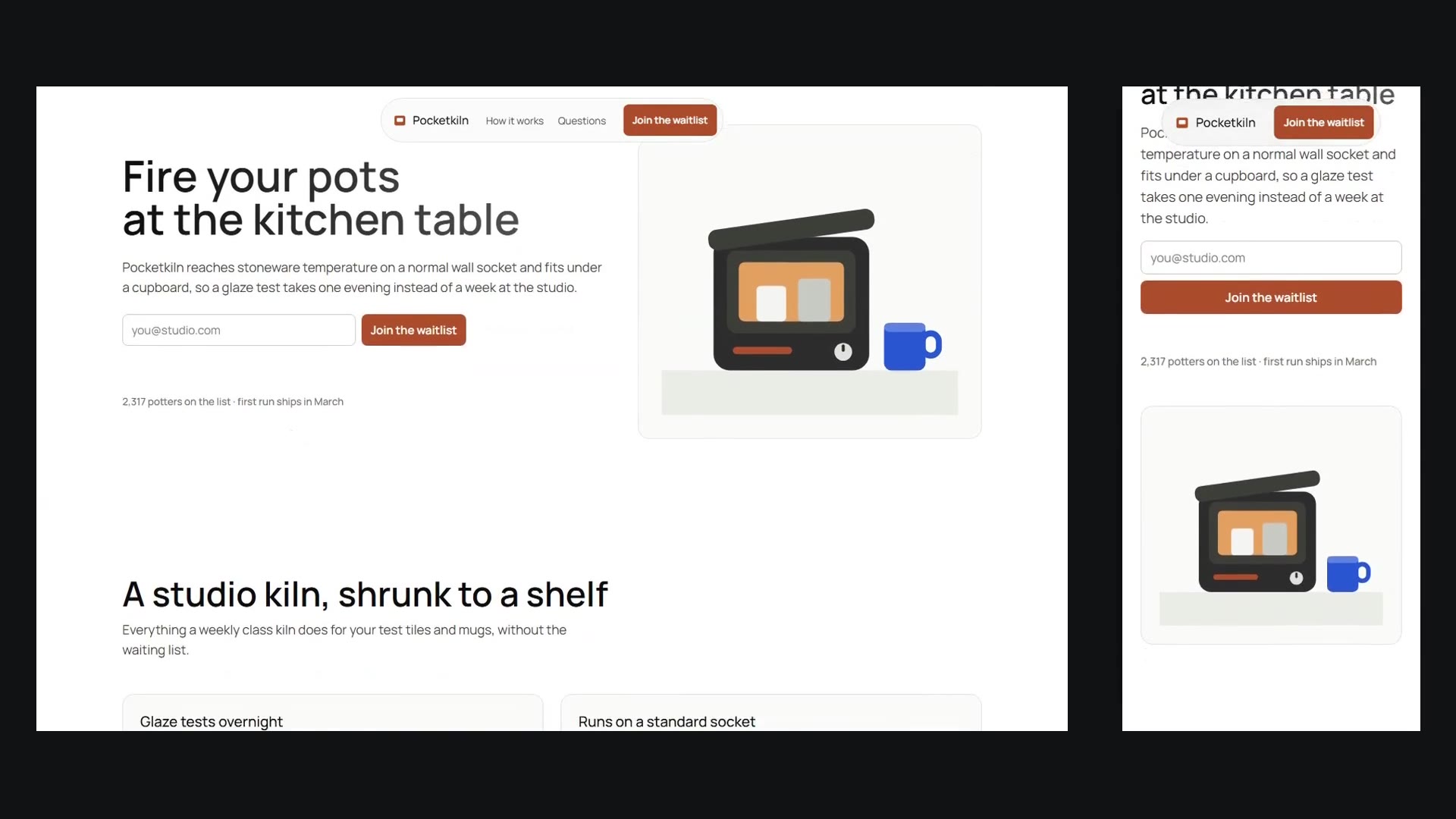
Landing Page System
A complete single-file landing page with a conversion structure and a shared visual system, checked by a rendered-page audit before delivery.