
Daily Planner Template
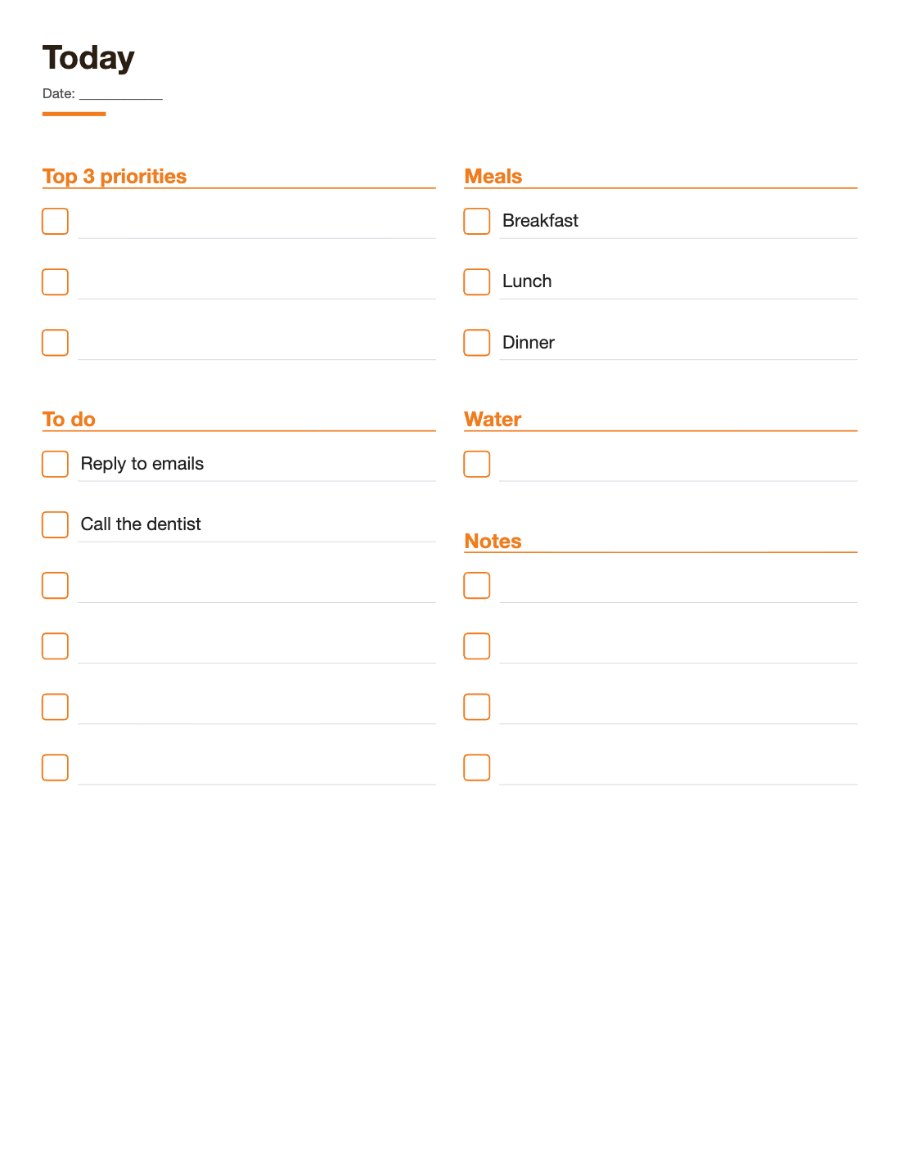
GrátisPlanejadores e rastreadoresStart with your top three priorities, then the rest of the to-do list, meals and notes. Every section is a line ending with a colon, so you can rename or add sections.
- Carta ou A4
- PDF pronto para impressão
- Nada enviado
View checklist content
| Column | Type | Text |
|---|---|---|
| 1 | Section | Top 3 priorities |
| 1 | Blank line | — |
| 1 | Blank line | — |
| 1 | Blank line | — |
| 1 | Section | To do |
| 1 | Item | Reply to emails |
| 1 | Item | Call the dentist |
| 1 | Blank line | — |
| 1 | Blank line | — |
| 1 | Blank line | — |
| 2 | Section | Meals |
| 2 | Item | Breakfast |
| 2 | Item | Lunch |
| 2 | Item | Dinner |
| 2 | Section | Water |
| 2 | Blank line | — |
| 2 | Section | Notes |
| 2 | Blank line | — |
| 2 | Blank line | — |
| 2 | Blank line | — |
| 2 | Blank line | — |
Exemplos
Feito com esta ferramenta. Abra um para começar a partir dele e alterar o que quiser.
Como usar o Daily Planner Template
- 01
Type items on separate lines; end a line with a colon for a section. Long items wrap and long lists create additional pages.
- 02
Pick colors, one to three columns and Letter or A4. Review every page in the preview.
- 03
Download the PDF for all pages, or save the selected page as a PNG.
Para que as pessoas usam
Planning the day ahead
Five minutes each evening to set up tomorrow.
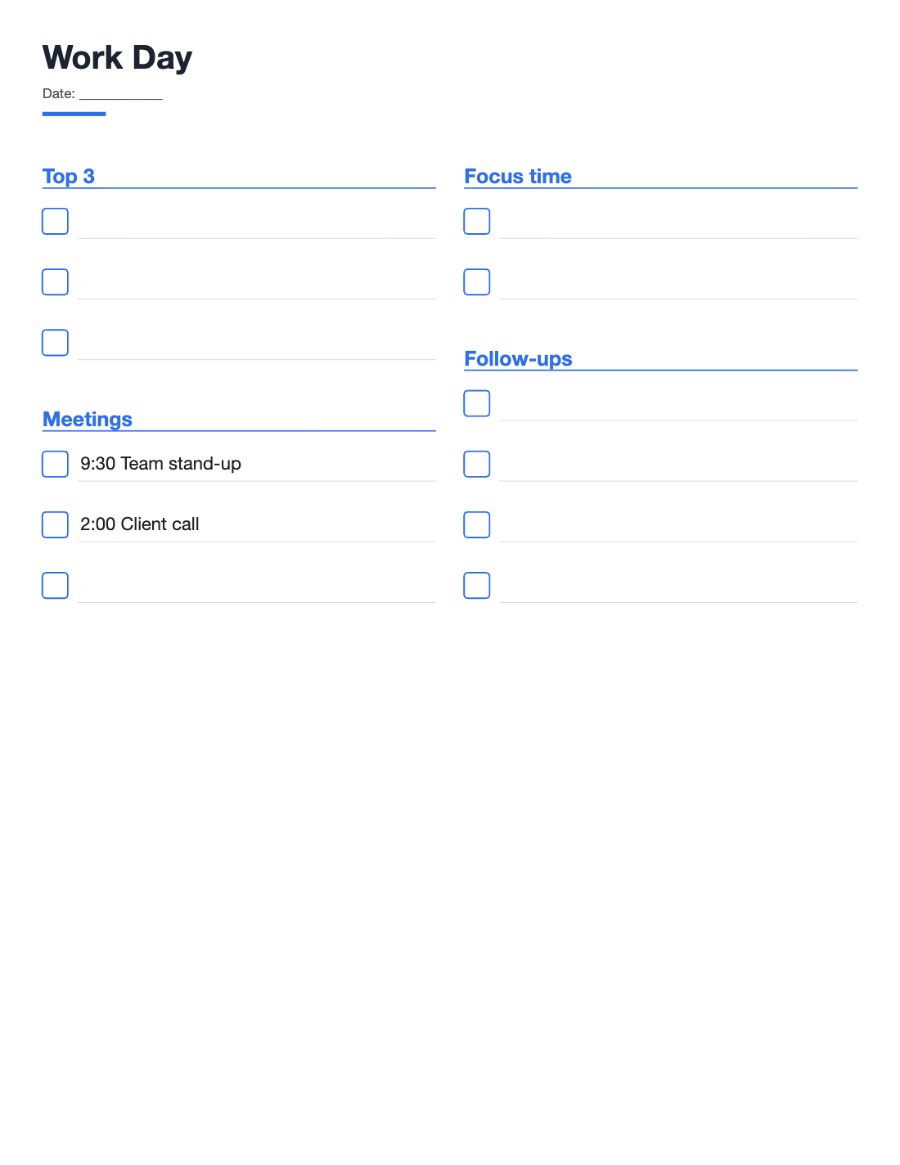
Work days
Keep priorities ahead of meetings.
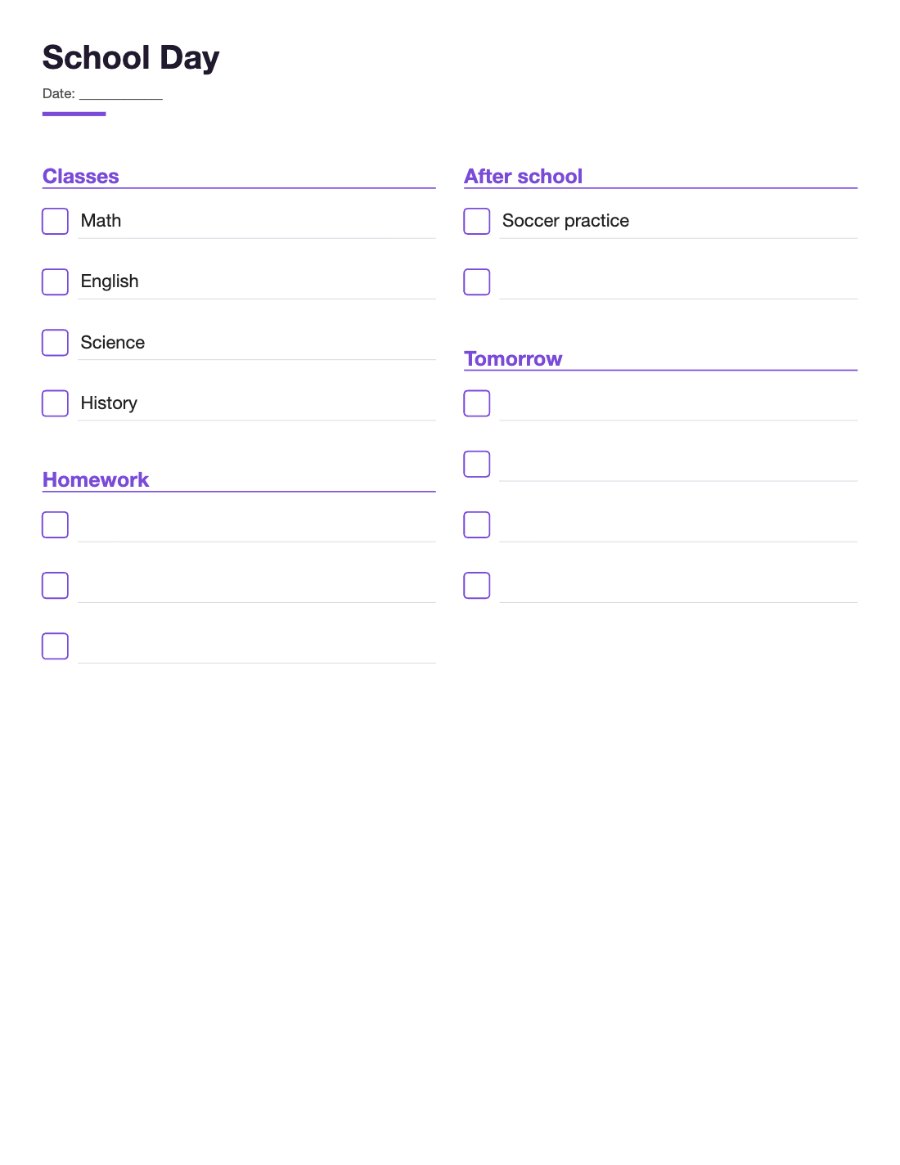
Students
Classes, homework and activities on one page.
Dicas para um resultado melhor
- Pick three priorities and do them first.
- Plan the night before so mornings start fast.
- Move unfinished tasks to tomorrow on purpose.
- Keep the page next to your keyboard or in a binder.
Perguntas frequentes
How do I add a section?
Type a line ending with a colon, like "Workout:", then a few lines below it.
Do you have an hour-by-hour page?
Yes. The hourly planner template has a row for every hour of the day.
Daily planner or hourly planner?
Daily planners list what to do; the hourly planner gives each hour a job. Busy days suit the hourly one.
Can I add sections?
Type a line ending with a colon to start a new section.
Does Daily Planner Template upload what I type?
No. Daily Planner Template draws the page in your browser from what you type, so it works offline once the page has loaded and nothing is sent anywhere.
Mais ferramentas
Goal Planner Template
A one-page goal planner with reasons, first steps and deadlines.
Hourly Planner Template
A one-day planner with a row for every hour.
To-Do List Maker
A printable to-do list with checkboxes and sections.
Weekly Schedule Maker
A seven-day schedule with hour rows, dated or blank.
Budget Planner Template
A monthly budget sheet with planned, actual and difference columns.
Employee Schedule Template
A weekly staff schedule with shifts per day and total hours.