
Ferramentas

Ferramentas de IA gratuitas, sem cadastro
Remova fundos, amplie fotos, crie headshots e logos, converta imagens e GIFs e obtenha transcrições de vídeo. Gratuito com ou sem conta.

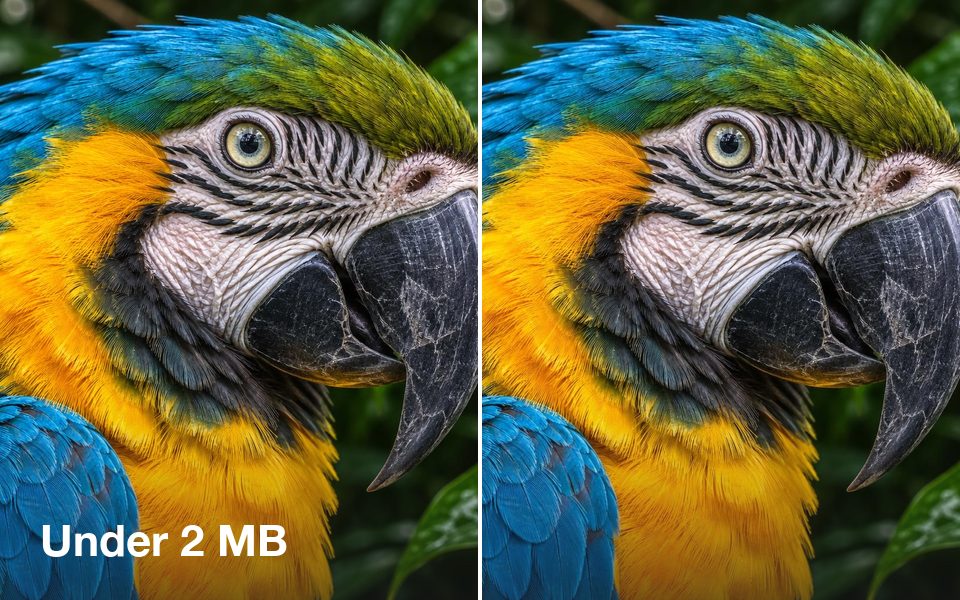
Compress Image to 2 MB
Compress a photo to under 2 MB, keeping the best quality that fits.
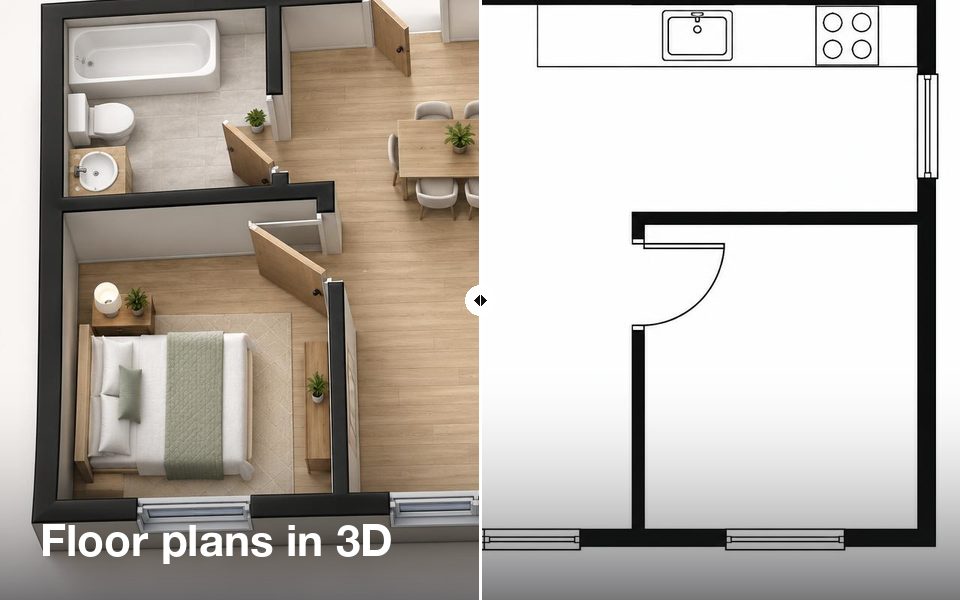
AI Floor Plan Renderer
Turn a 2D floor plan into a furnished 3D isometric view in four styles.

Amazon Opportunity Scanner
Read price bands, ratings and market competition
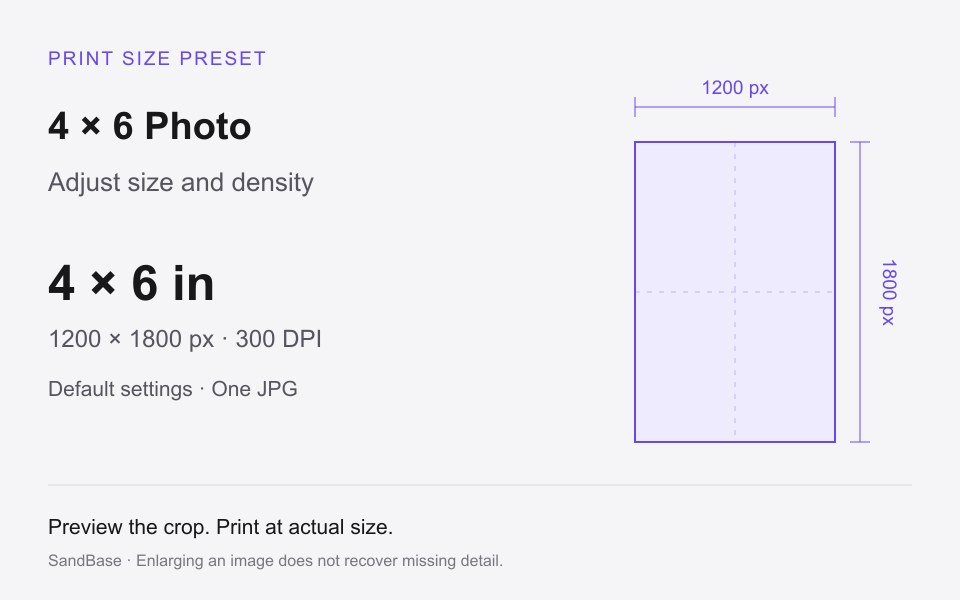
4 × 6 Photo Maker
Start with 4 × 6 in at 300 DPI; adjust the print size and density before saving.
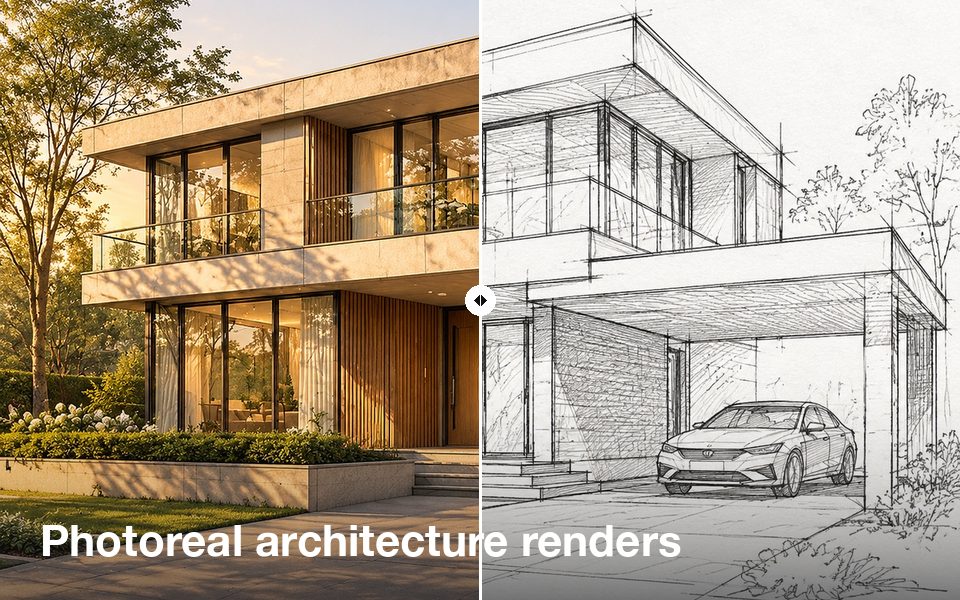
AI Architecture Render
Turn a building sketch or photo into a photoreal render with your light and materials.

1688 Product Finder
Find wholesale products and compare supplier signals
5 × 7 Photo Maker
Start with 5 × 7 in at 300 DPI; adjust the print size and density before saving.
PNG to SVG
Convert a PNG into a scalable SVG made of flat vector shapes, in four vector looks.

Product Review Analyzer
Turn customer feedback into product decisions
8 × 10 Photo Maker
Start with 8 × 10 in at 300 DPI; adjust the print size and density before saving.
JPG to SVG
Convert a JPG into an SVG made of flat vector shapes, with solid colors and crisp edges.

Shopping Price Comparison
Compare live offers across stores and markets
A4 Size Image
Start with 21 × 29.7 cm at 300 DPI; adjust the print size and density before saving.
Image to SVG
Turn any image into an SVG with up to six solid colors.

eBay Price Checker
Live eBay listings, prices and conditions
Resize Image in Inches
Start with 4 × 6 in at 300 DPI; adjust the print size and density before saving.
Convert Image to SVG
Convert a PNG, JPG or WebP image to an SVG online, in four vector looks.

Target Product Search
Target prices, ratings and reviews
Change Image DPI
Change print density while preserving pixel dimensions.
SVG Converter
Convert PNG and JPG images to SVG online, in four vector looks.

Bing Shopping Search
Compare offers from Bing Shopping
300 DPI Converter
Resize a picture for printing at 300 DPI in any size.
Image Vectorizer
Vectorize any image into an SVG with up to eight solid colors.

AutoZone Parts Finder
Prices and availability on an AutoZone category page
Perguntas frequentes
- Quanto custam essas ferramentas?
- Ferramentas grátis não custam nada, com ou sem conta. As ferramentas de dados executam uma API do SandBase na sua própria conta: as ferramentas marcadas com Cota gratuita diária usam APIs na cota gratuita diária compartilhada (100 chamadas por organização por dia), e as demais são cobradas pelo preço de lista da API, geralmente de frações de centavo a alguns centavos. Os testes de modelos chamam o endpoint que você está testando com sua própria chave.
- Preciso de uma conta em cada plataforma?
- Não. As ferramentas leem dados públicos por meio das APIs do SandBase, então você não precisa de conta no Reddit, Amazon ou LinkedIn. Execuções pagas exigem apenas login no SandBase.
- Posso chamar os mesmos dados no meu próprio código?
- Sim. Cada ferramenta de dados mostra a API que chama e um exemplo de cURL. Use sua chave da API do SandBase para chamar a mesma API no seu código ou Agent.