
Black canvas device gallery
- Навык Lab
- v0.1.1
- Illustration
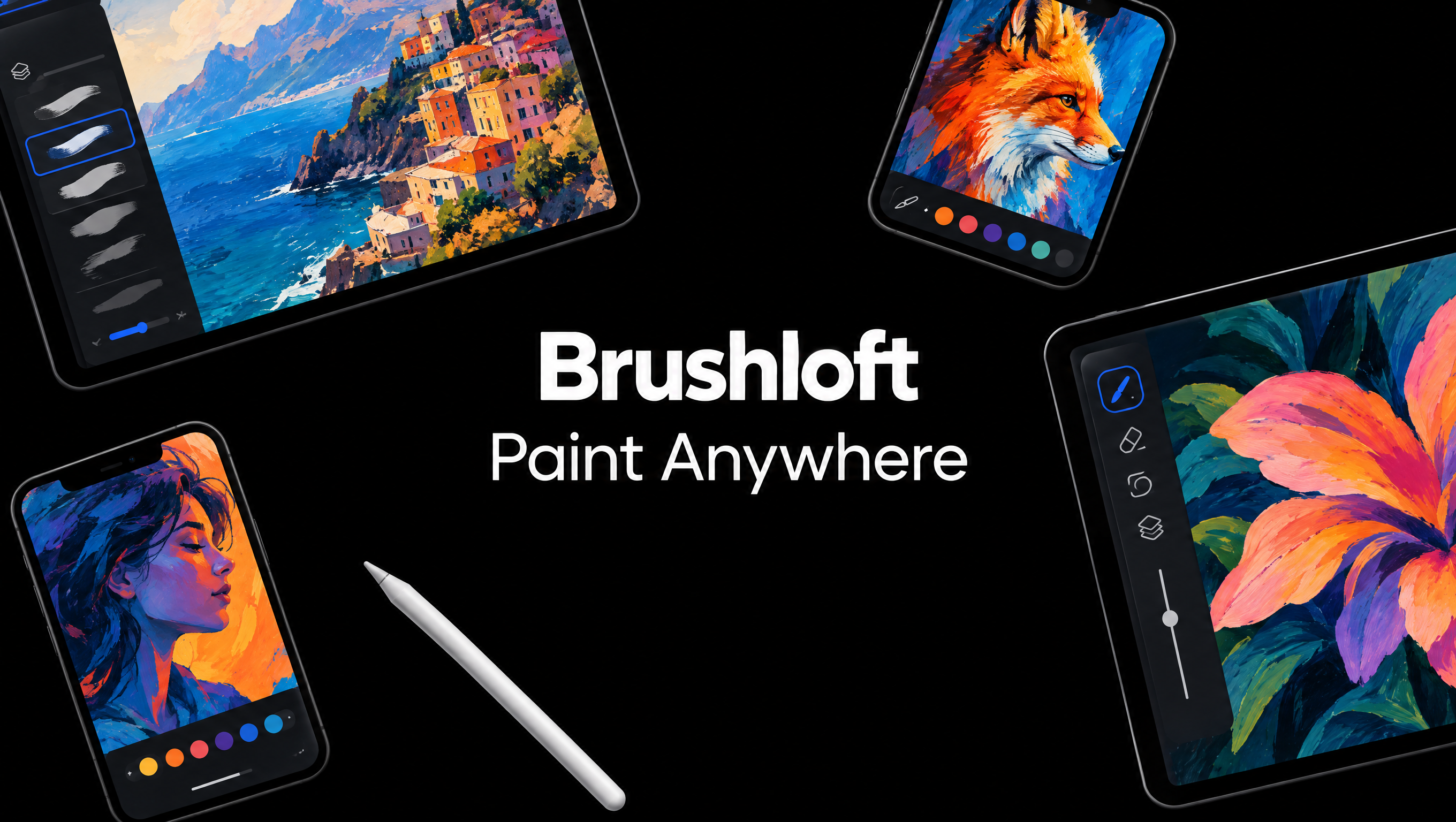
Turn a brand, one headline and context into a black-canvas card: multiple original tablets and phones cropping in around a central brand word, each screen showing saturated creative artwork and dark tool panels.
Пример
Black canvas device gallery
Запустить онлайн
Запустите в SandBase sandbox и смотрите результаты в Lab.
Открыть в Lab ↗Что вы получите
Bring a brand, one headline and context. The Skill returns a 16:9 card and a bilingual run report.
Как это работает
- 01
Name the creative product
Black Canvas Device Gallery reads brand, headline and context, with tone optional, from a JSON brief. The sample brief is Brushloft, a digital painting app releasing a new brush engine for tablets, with the headline Paint Anywhere and an inspiring, artistic tone. The brand becomes the central brand word on the card.
- 02
Compose the device gallery
Black Canvas Device Gallery runs in SandBase Sandbox on Node.js 18 or newer and calls openai/gpt-image-2.5-flare once at 2k and 16:9. Use node scripts/generate.mjs run with your brief, an --out folder and --lang en. The model arranges several original tablets and phones cropping in around the brand word, each screen showing saturated creative artwork and dark tool panels.
- 03
Verify screens and brand word
Black Canvas Device Gallery outputs og.png plus JSON and bilingual HTML reports with actual dimensions and execution ID. After the automatic PNG checks pass, make sure no device copies a trademarked product design and no screen shows a proprietary interface. Check the brand word and headline spelling, then preview the card at 320 by 180.
FAQ
What is on a Black Canvas Device Gallery card?
Black Canvas Device Gallery shows several original tablets and phones on black, cropping in around one central brand word. Their screens carry saturated creative artwork and dark tool panels, in one 16:9 PNG.
Can Black Canvas Device Gallery display my app's real screens?
No. Black Canvas Device Gallery takes only text fields and invents the screen content. It must also avoid proprietary interfaces and trademarked product designs.
Does Black Canvas Device Gallery call a billed model?
Yes. Black Canvas Device Gallery calls openai/gpt-image-2.5-flare through SandBase once per approved brief, and the usage is billed to your SandBase account. Run the offline plan step first to review the request, and rely on the --budget preflight check, which blocks submission over its limit. Model rates are posted at https://www.sandbase.ai/pricing.
Why can't Black Canvas Device Gallery reuse an output folder with a new brief?
Black Canvas Device Gallery ties each output folder to one execution. If you change the brief, the Skill version or the model and point at the same folder, the run is rejected. Use a new approved folder for a new brief; an old folder is for resuming the same execution.
Is the Black Canvas Device Gallery result checked for quality?
Partly. Black Canvas Device Gallery checks the PNG file, including signature, chunks, CRCs, decoded pixels and dimensions, and records this as validation.ok. Visual quality and lettering are left to you: text_accuracy stays needs_review, and file integrity does not count as visual approval.
Больше Skills
Все Skills Illustration →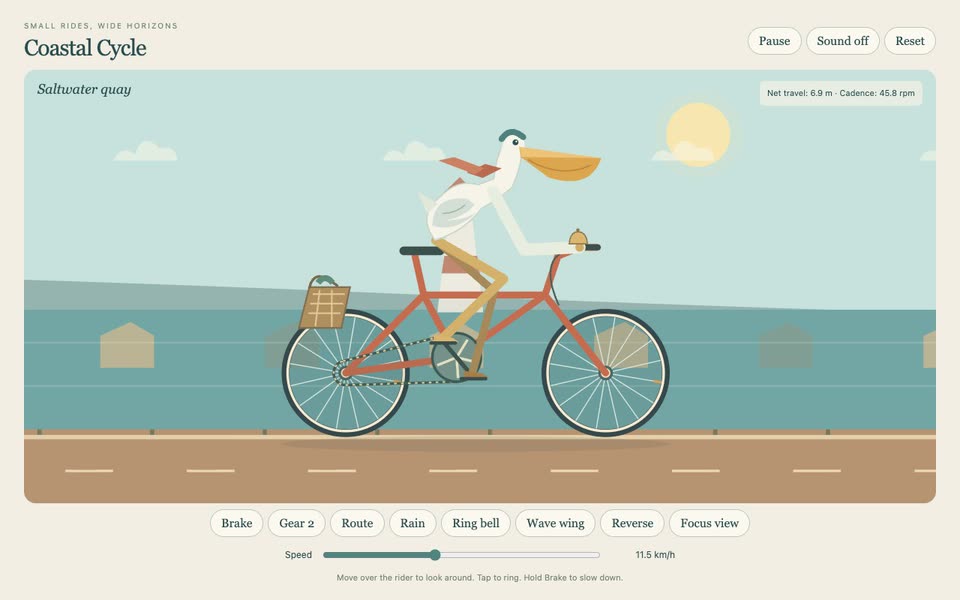
Coastal Cycle: Harbor Pelican
An authored SVG pelican rides a coral bicycle beside the sea. Measured travel drives the wheels, gear ratio drives the crank, and solved joints keep both feet on their actual pedals. Brake, reverse and explore three coastal palettes offline.
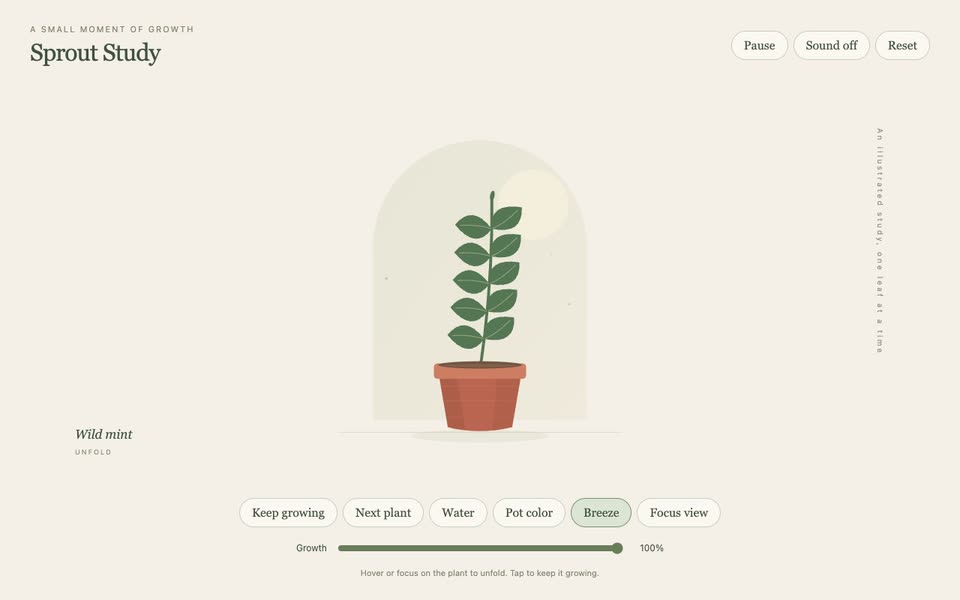
Sprout Study: Terracotta Mint
A quiet SVG botanical illustration. Hover or focus to grow the continuous stem, unfold leaves in sequence and fold them again. Touch hold, exact growth scrubbing and editable plants in one offline HTML.
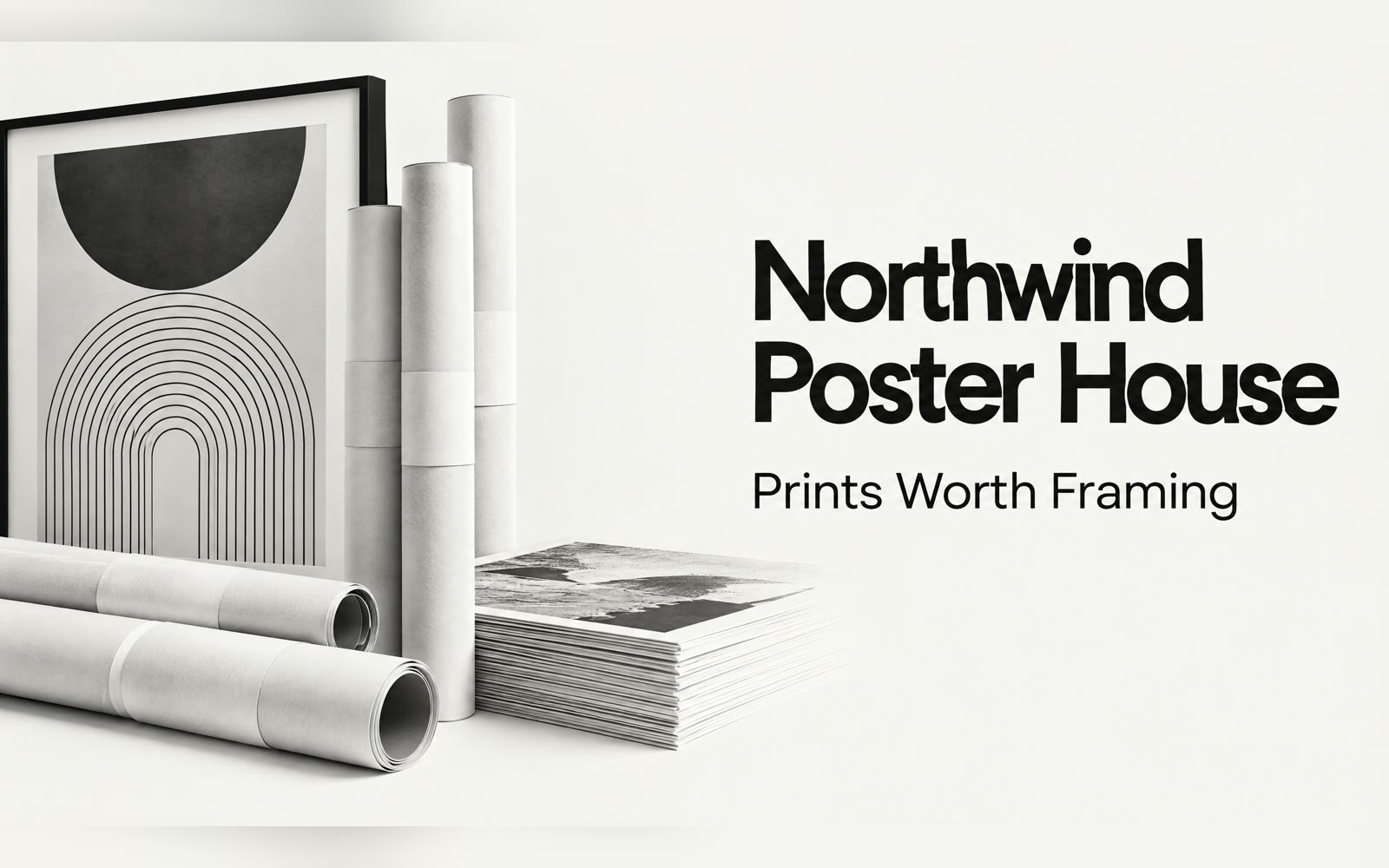
Monochrome editorial
Turn a brand, one headline and context into a high-key monochrome editorial card.
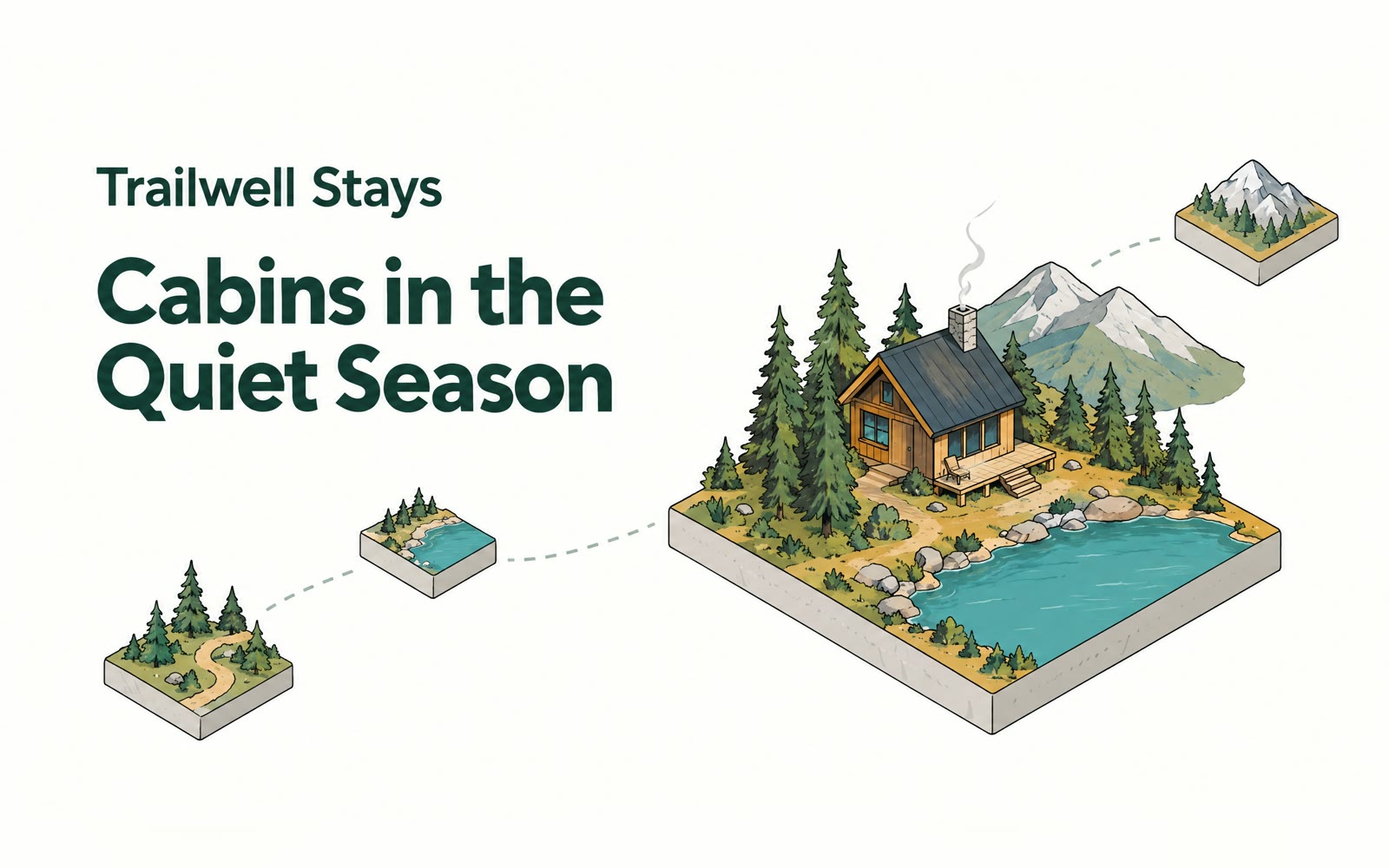
Isometric diorama
Turn a brand, one headline and context into a modular isometric card.

Converging lines
Turn a brand, one headline and context into a precise line-convergence card.
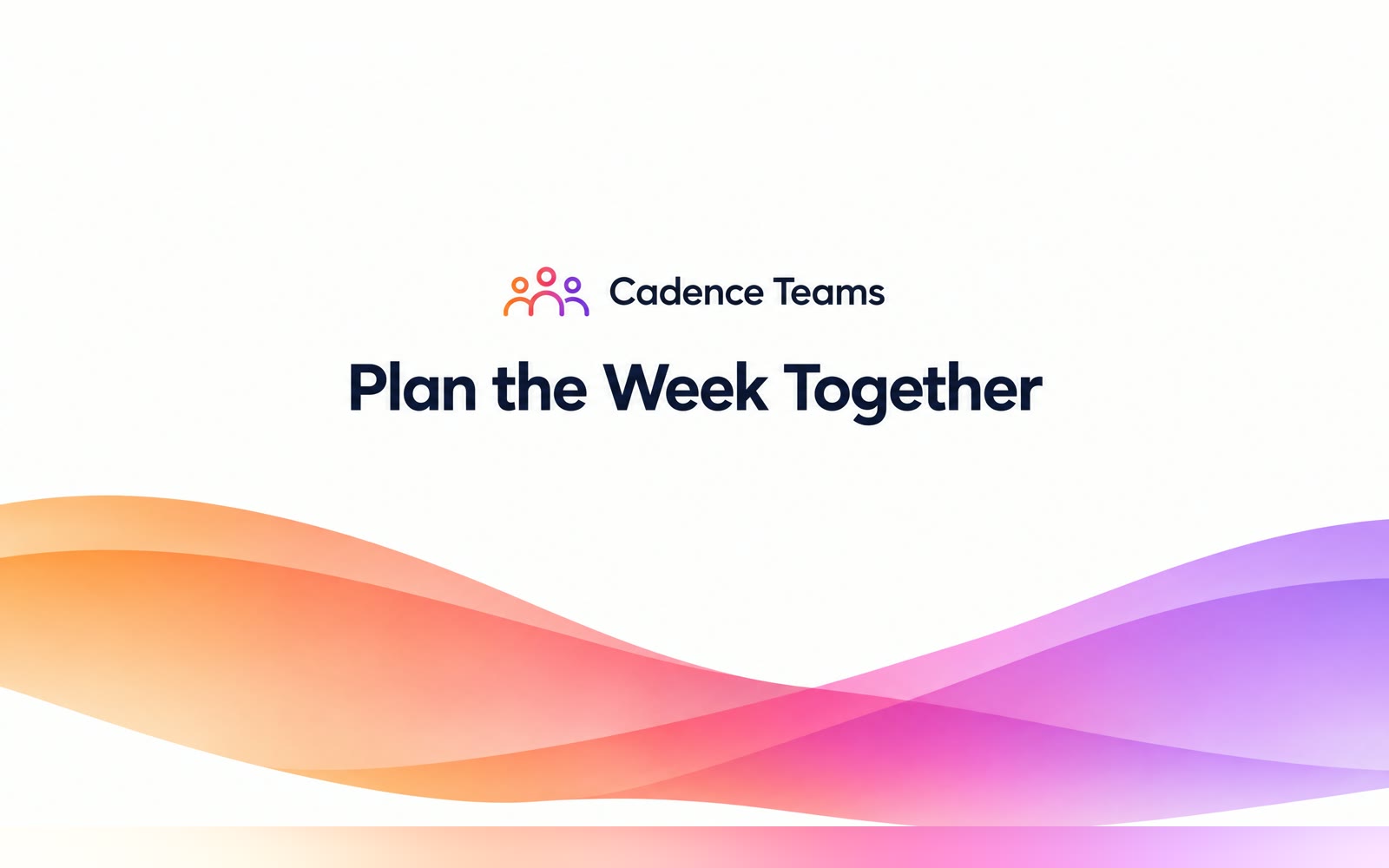
Gradient horizon
Turn a brand, one headline and context into a warm gradient-horizon card.