
Chapnav Press Slides
- Навык Lab
- v0.1.0
- Business reporting
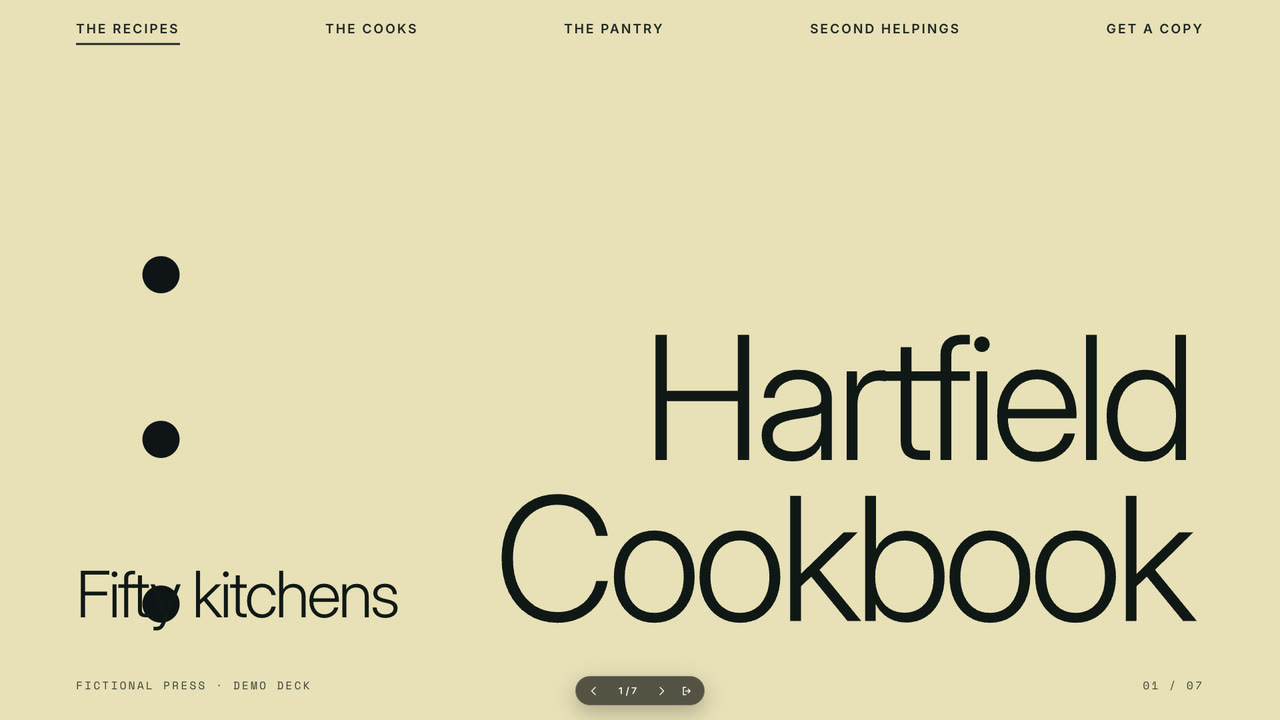
Make decks with a magazine rhythm: rotating pastel page fields, a masthead top nav, bottom folio bar and grayscale photo-card plates for indie-press and editorial briefs.
Примеры · 2
Что вы получите
Bring the editorial brief — the section, season or update, the audience, the figures you can stand behind, page count and content language. The Skill returns one offline HTML deck that edits in the browser and exports editable PowerPoint.
Как это работает
- 01
Outline the editorial pages
Chapnav Press Slides starts from the topic, audience and reading rhythm of an editorial brief, such as a cookbook season or a repair zine. The Agent assigns each page one of seven layouts, cover, direction, index, grid, statement, contact and colophon, keeps to the word budgets in references/layouts.md and picks a named swatch, Slow Press by default.
- 02
Generate grayscale plates
Chapnav Press Slides draws its photo-card plates with scripts/chapnav-art.py and inlines the SVG into a picture or svg slot. Output is grayscale abstract figures only, never a real photo, logo, face or cover. plan.json lists one entry per page with layout, text and optional art, labels or css, and kit.py compose turns it into deck.json.
- 03
Build and flip every page
python3 scripts/make-deck.py deck.json presentation.html builds the offline deck and python3 scripts/verify-deck.py presentation.html checks it. The sheet embeds its fonts as data URLs, so nothing loads at runtime. The Agent flips every page for headline wrapping and plate fit, exports the .pptx from the deck's button, then checks it with verify-pptx.py and a render pass.
FAQ
What does Chapnav Press Slides look like?
Chapnav Press Slides gives each page a flat pastel field that rotates mint, blush, butter and sky. A magazine masthead shows the current section at left with the other sections across the top, a bottom folio bar carries Prev and Next, and index pages use a right-edge vertical page-number rail. There is no serif, gradient or drop shadow.
Can Chapnav Press Slides use colour photographs?
No. Chapnav Press Slides plates are always chapnav-art.py output: grayscale abstract figures in photo-card frames. Real photos, logos, faces and covers are excluded, so a deck that needs colour photography should use a different Skill.
Does Chapnav Press Slides need a paid service?
No. Chapnav Press Slides runs offline on Python 3 and local Node, with no external URLs, scripts or fonts at runtime and no model call, so nothing is billed.
How many pages can Chapnav Press Slides build?
Chapnav Press Slides accepts 1 to 100 pages and up to 10,000 nodes on a fixed 1280 by 720 canvas, though demo decks stay around 6 to 12 pages. Oversized copy is scaled on built-in pages, but sheet pages clip instead, so respect the word budgets. Both demos have 7 pages.
Is the Chapnav Press Slides PowerPoint editable?
Yes. Chapnav Press Slides exports native text, shapes and speaker notes through the deck's in-browser export button, and only the grayscale plates arrive as pictures. Check the file with verify-pptx.py and a render pass for font substitutions.
Больше Skills
Все Skills Business reporting →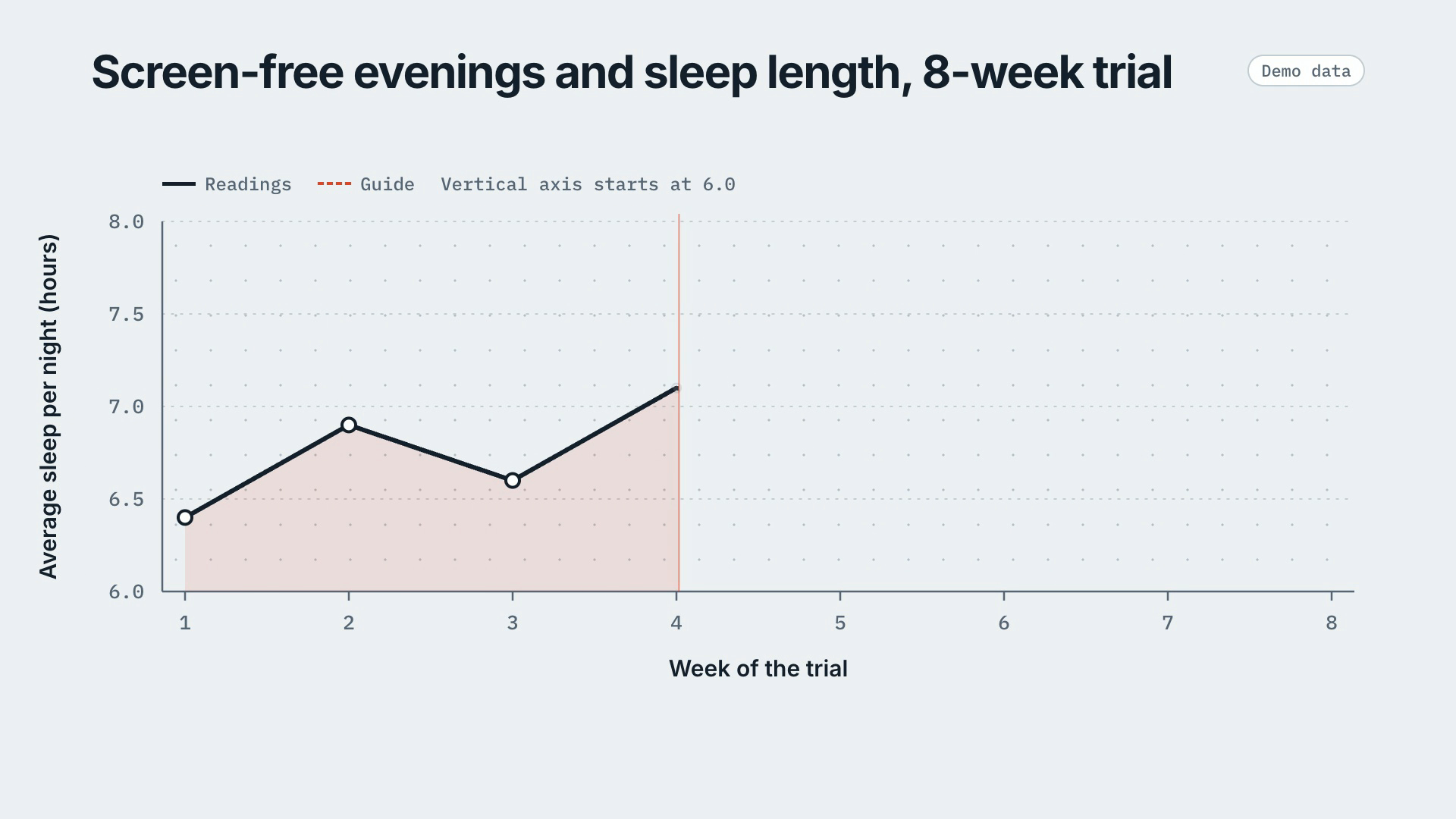
Trend Line
Reveal measured readings, a separate dashed guide and a final takeaway on an editable chart.

Advisory Thread Slides
Argue one recommendation to a committee or board with action titles, a storyline tracker, evidence charts and a bounded decision ask.
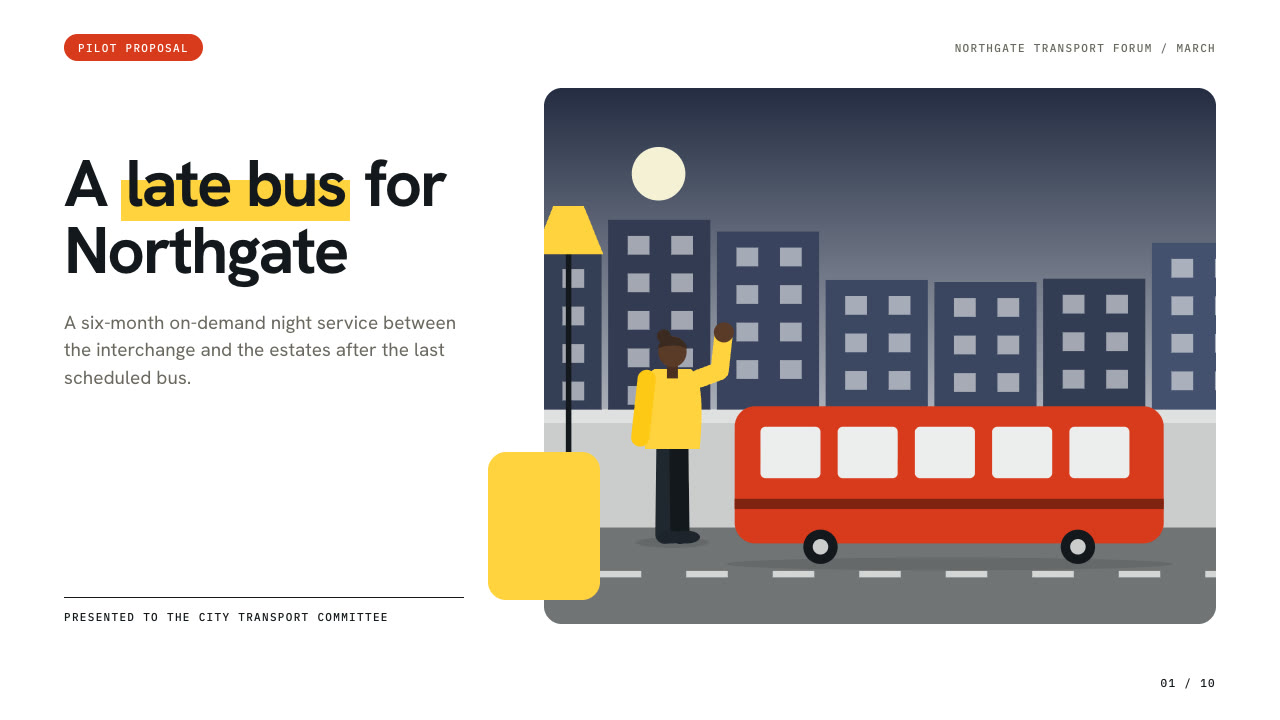
Civic Bars Slides
Make the case for a public or community service decision with picture cards, thin bar charts, stat tiles and a clear ask.
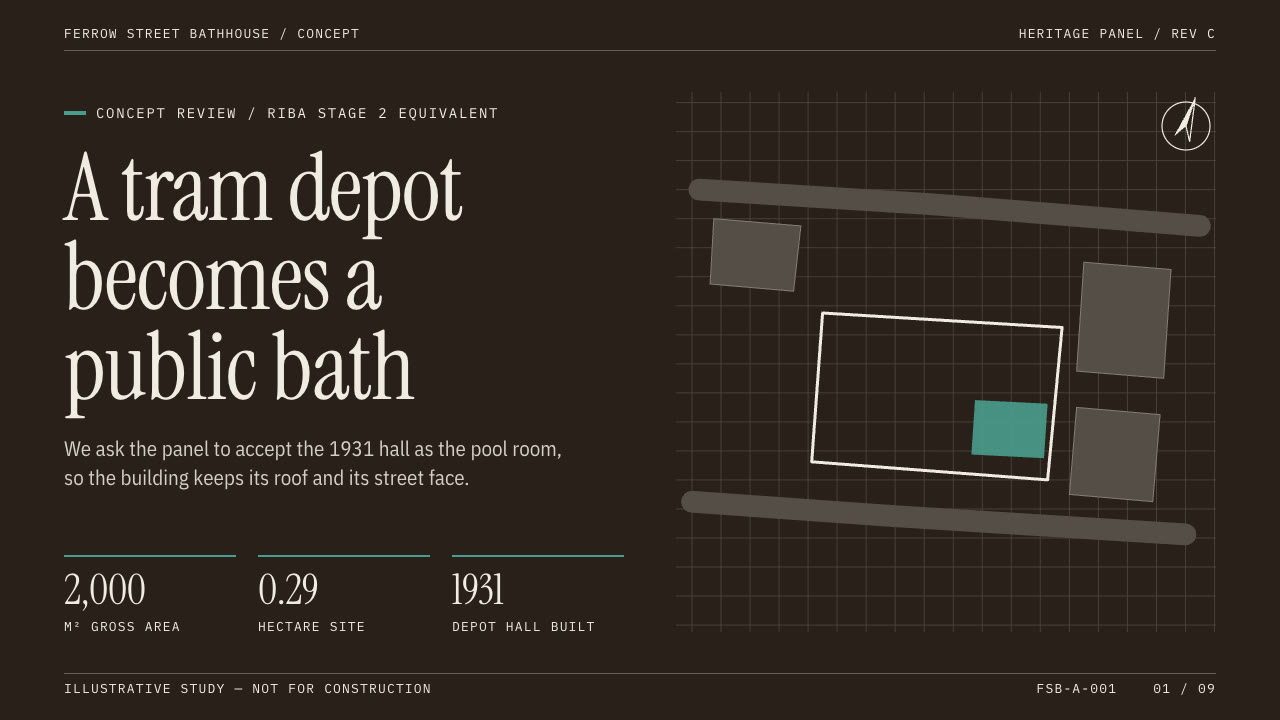
Site Sequence Slides
Take an architecture or site-design proposal to a review panel like a drawing sheet: site, massing, plan and section, program, phasing and one clear decision.

Deepframe Company Slides
Present a company, practice or member organisation calmly: white pages, offset colour blocks behind pictures, service cards, ring figures, value bars and a portrait row.
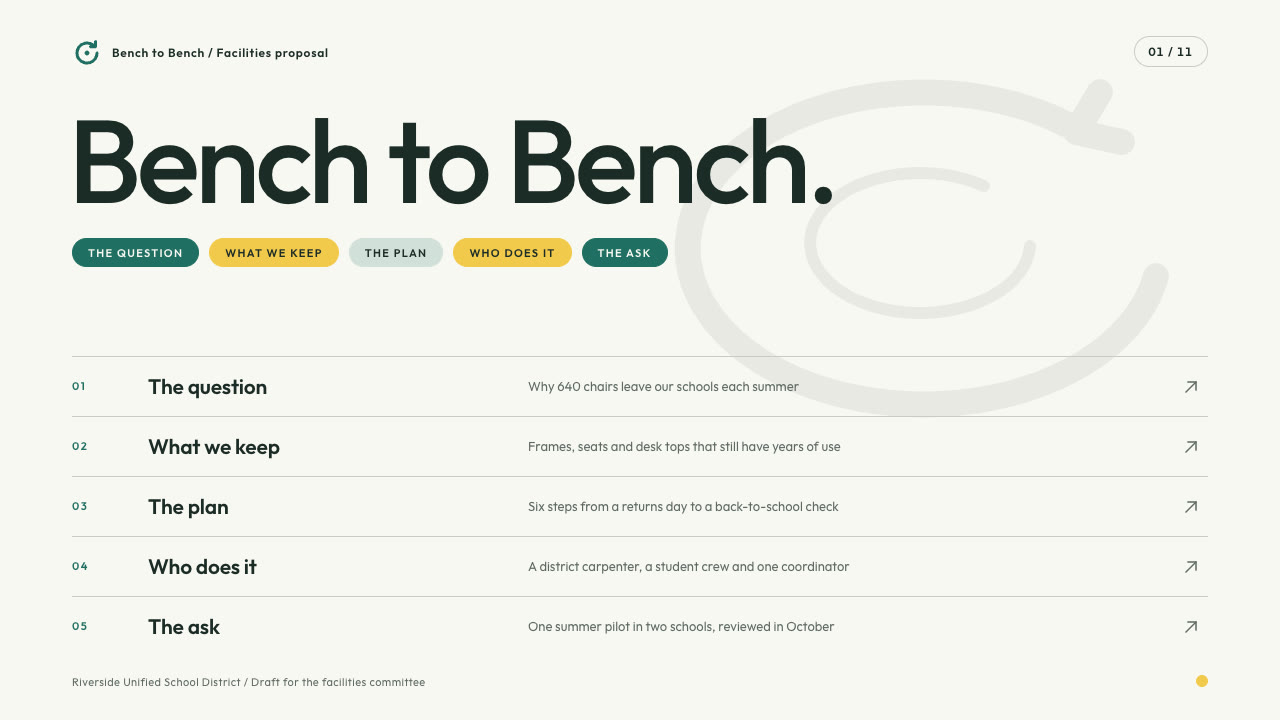
Circular Module Slides
Propose a repair, reuse or take-back step in a light modular deck: rounded cards and pill capsules, an open-ring motif, notched principle cards, a six-step grid and a capsule bar chart.