
Glowfield Studio Slides
- Навык Lab
- v0.1.0
- Business reporting
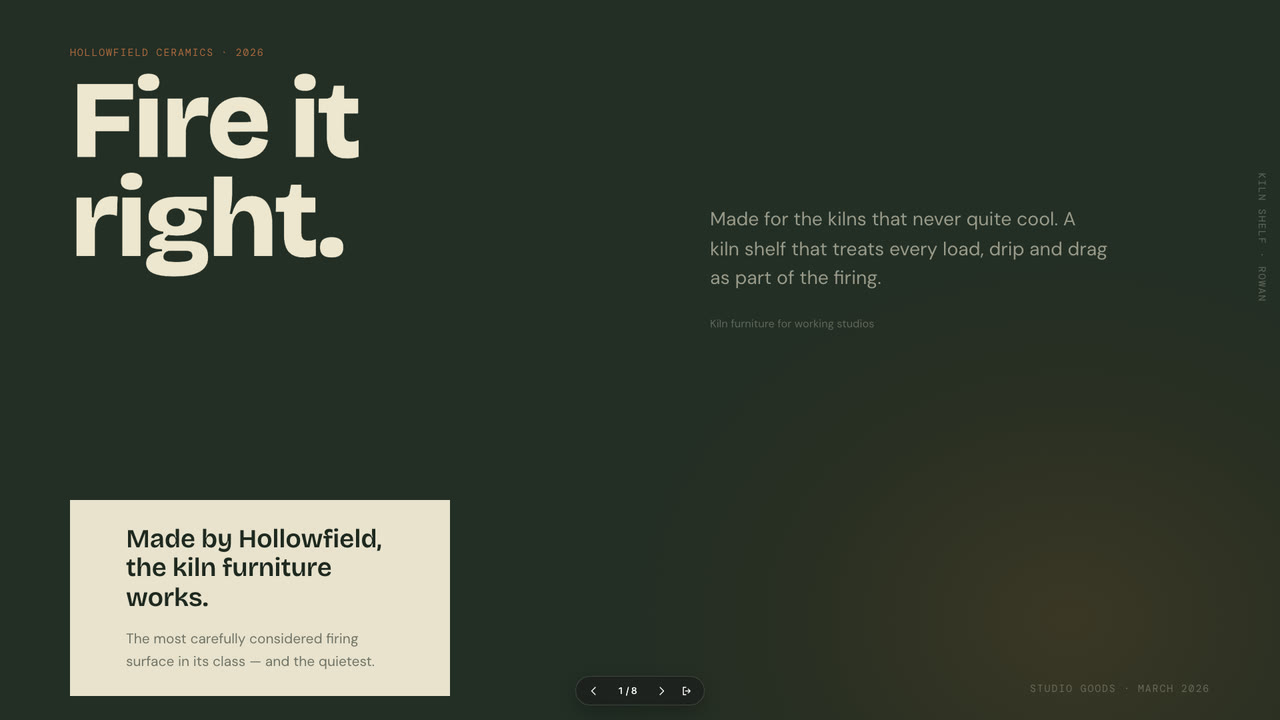
Make decks that read as design-studio credentials or considered advisory deliverables: a deep forest-green field warmed by a wood-brown radial glow on every dark page, cream type floating directly on the field with no cards, a single burnt-orange accent as punctuation, cream info-card insets and 1px hairline rules.
Примеры · 2
Что вы получите
Bring the studio, product or advisory topic, the audience, the figures to use exactly, the page count and content language. The Skill returns one offline HTML deck that edits in the browser and exports editable PowerPoint.
Как это работает
- 01
Brief the one claim
Glowfield Studio Slides starts from a brief: the topic, the one claim the deck must land, the audience, figures you can stand behind, the page count and any pictures you own. The default arc runs cover, statement, split, stats, quote, list, compare, chart and end. A typical prompt asks for an 8-page ceramics shelf credential in the Loom palette.
- 02
Compose the dark field
The Agent writes plan.json with a layout, text, pictures and bar heights per page, then runs kit.py compose against references/kit.json. Stat values with an orange suffix go in as split parts, such as ["4.7","k"]. make-deck.py builds presentation.html and verify-deck.py checks the page count. Everything runs locally in Python, and the engine makes no network calls.
- 03
Inspect the glow and export
Each page is opened over python3 -m http.server to confirm the wood-brown glow sits bottom-right on every dark page, the cream info card appears on cover and end, and only one chart bar is orange. A test text edit is then undone, saved and reopened before the deck is presented. On request, PowerPoint is exported and checked with verify-pptx.py, which needs python-pptx.
FAQ
What kind of deck does Glowfield Studio Slides make?
Glowfield Studio Slides makes a dark, warm deck: a forest-green field with a wood-brown radial glow, cream type with no cards around it, and one burnt-orange accent used only as punctuation. It suits design-studio credentials, industrial-product launches and craft or furniture pitches. It is not meant for bright keynotes or photography-led decks.
Can Glowfield Studio Slides show my product photos?
Partly. Glowfield Studio Slides has one picture slot, the hairline-framed s-img void on the split layout, and you may place your own pictures there if you have the right to use them. There is no image grid or full-bleed photo layout, and nothing is drawn: the bar chart is the only data art.
Does Glowfield Studio Slides work for Chinese or Japanese decks?
No. Glowfield Studio Slides is Latin-script only in this release. Its faces, Bricolage Grotesque for display, DM Sans for text and DM Mono for labels, cover Latin, and CJK would need a bundled warm Mincho first.
Is Glowfield Studio Slides free to run?
Yes. Glowfield Studio Slides builds the deck with local Python scripts from a bundled engine that makes no network calls, and it draws no pictures, so no model or image service is involved and nothing is billed.
What files does Glowfield Studio Slides produce?
Glowfield Studio Slides produces one self-contained presentation.html with a page view, in-browser editor, full-screen present mode and saving into the file, plus an optional presentation.pptx and Print/PDF. In the PowerPoint, cream display lines, hairline rules, info cards, the accent bar and mono labels are native objects.
What limits does Glowfield Studio Slides have?
Glowfield Studio Slides allows one light page per deck as the single tonal break, so it cannot build a light-first deck. Stat cells, bar columns and compare panels have fixed counts: rewrite their text rather than adding or removing them. Chrome and footer text must be filled on every page, or the compose report lists it in sampleLeft.
Больше Skills
Все Skills Business reporting →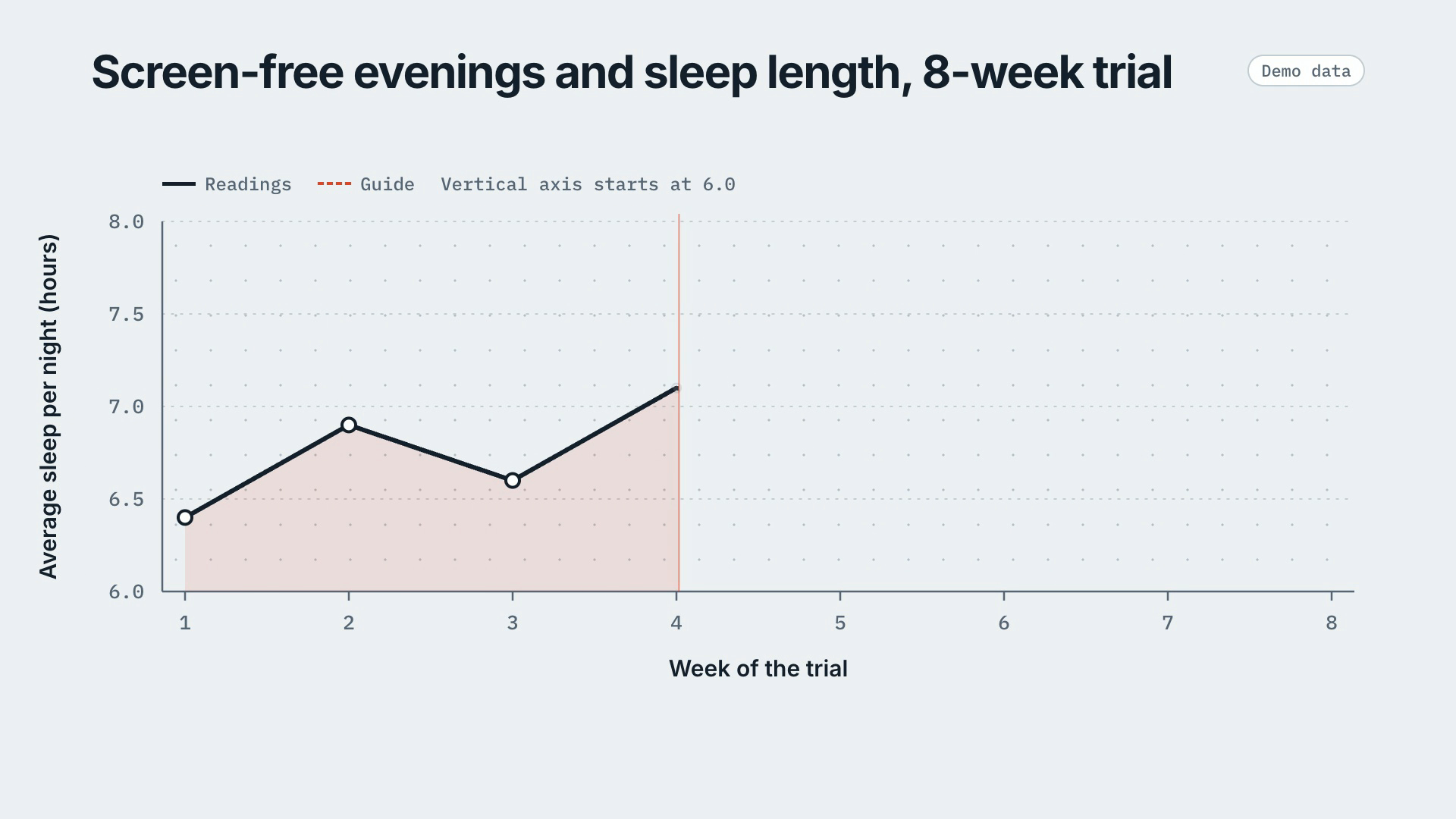
Trend Line
Reveal measured readings, a separate dashed guide and a final takeaway on an editable chart.

Advisory Thread Slides
Argue one recommendation to a committee or board with action titles, a storyline tracker, evidence charts and a bounded decision ask.
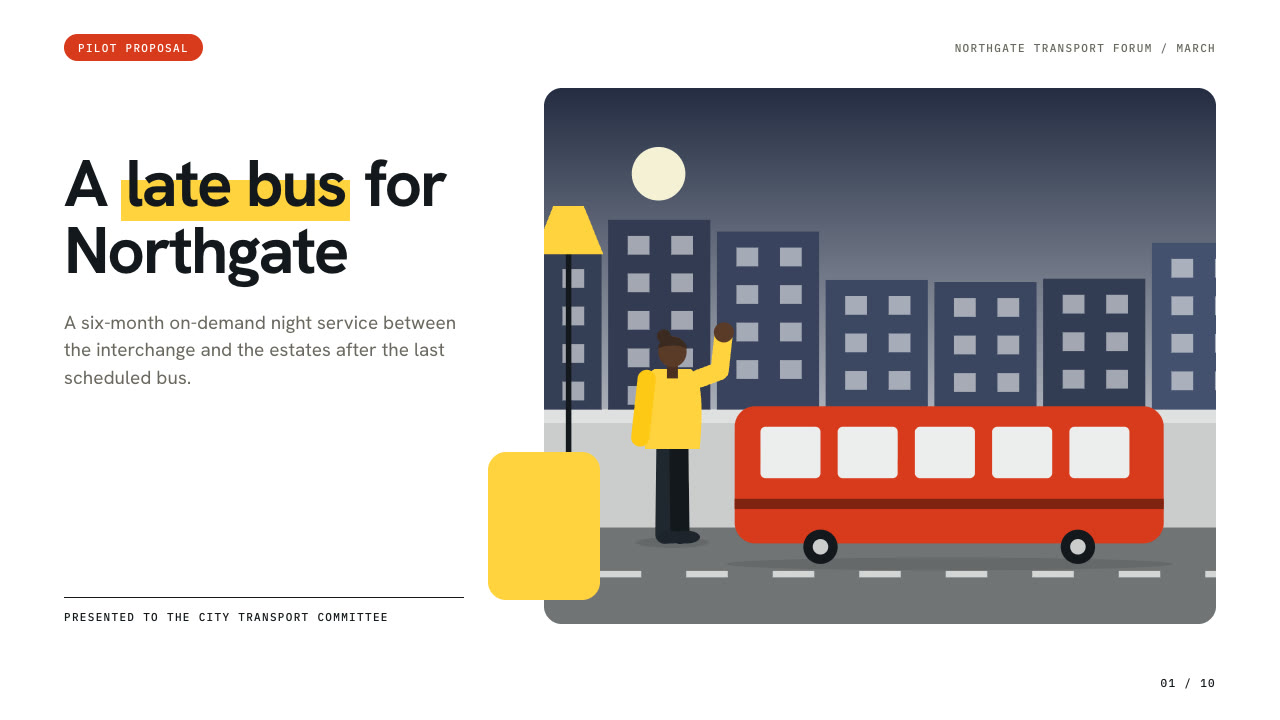
Civic Bars Slides
Make the case for a public or community service decision with picture cards, thin bar charts, stat tiles and a clear ask.
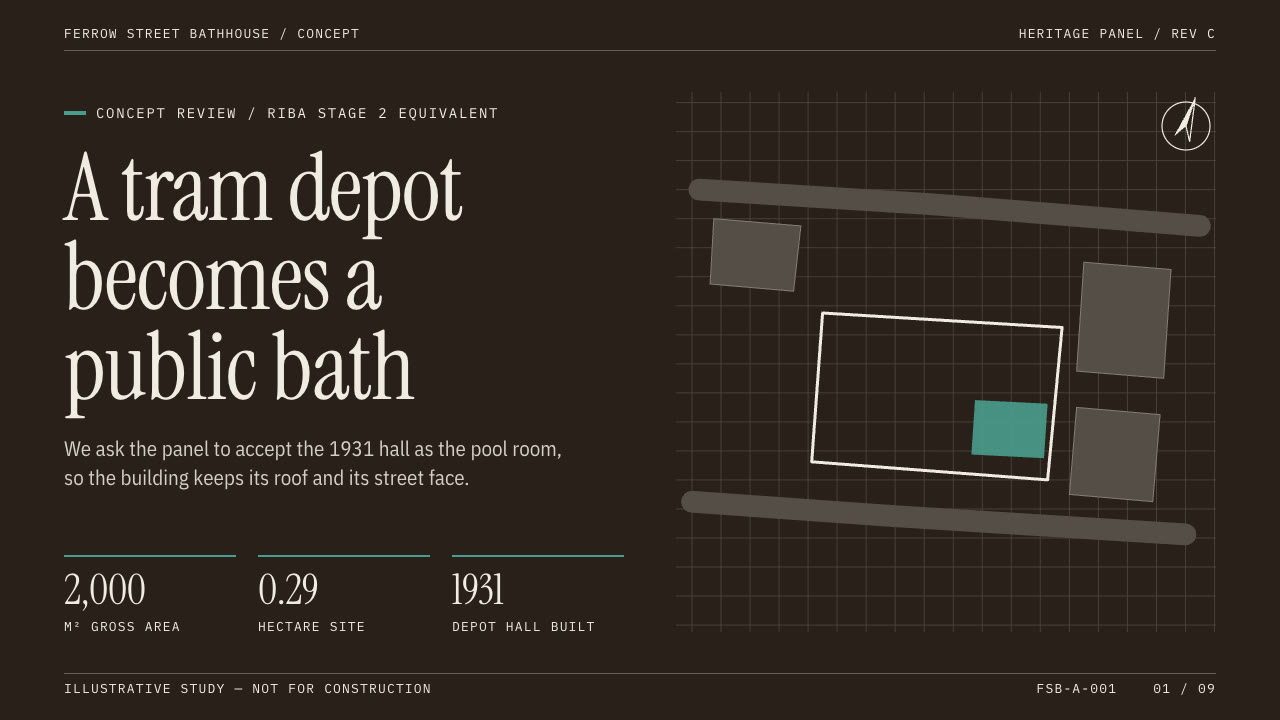
Site Sequence Slides
Take an architecture or site-design proposal to a review panel like a drawing sheet: site, massing, plan and section, program, phasing and one clear decision.

Deepframe Company Slides
Present a company, practice or member organisation calmly: white pages, offset colour blocks behind pictures, service cards, ring figures, value bars and a portrait row.
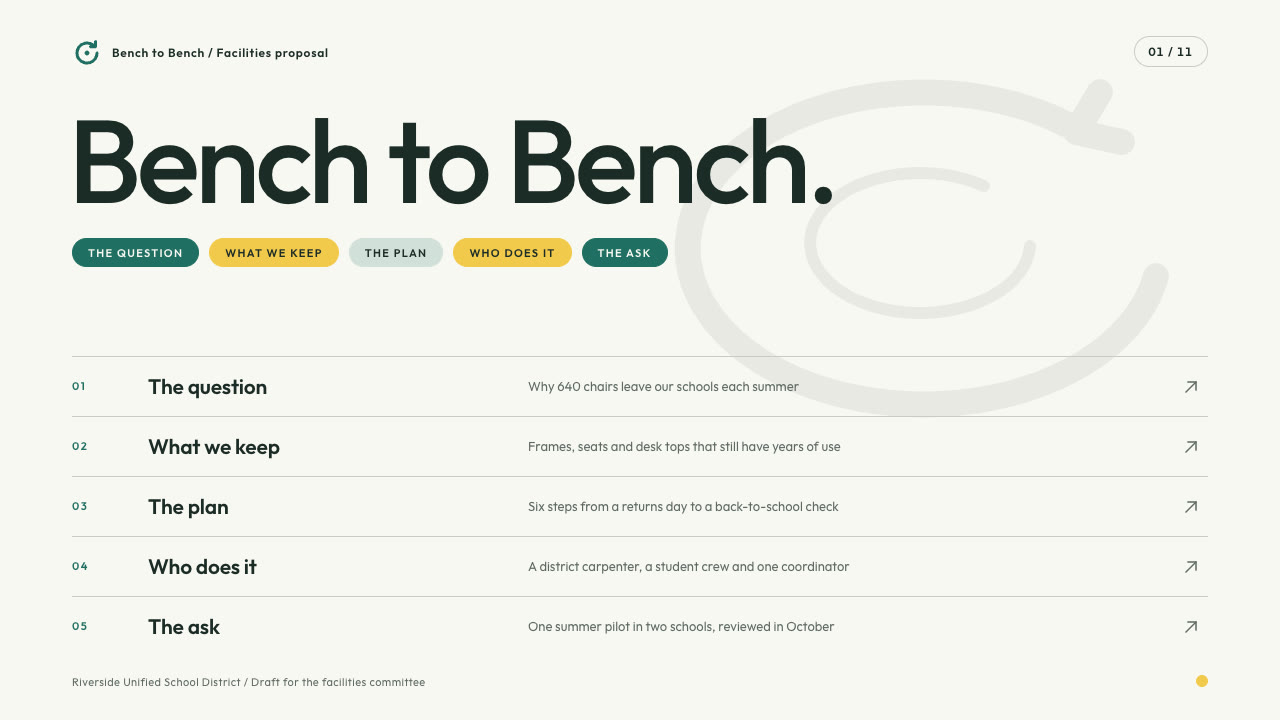
Circular Module Slides
Propose a repair, reuse or take-back step in a light modular deck: rounded cards and pill capsules, an open-ring motif, notched principle cards, a six-step grid and a capsule bar chart.