
Coordinate Field
- Навык Lab
- v1.0.1
- Research
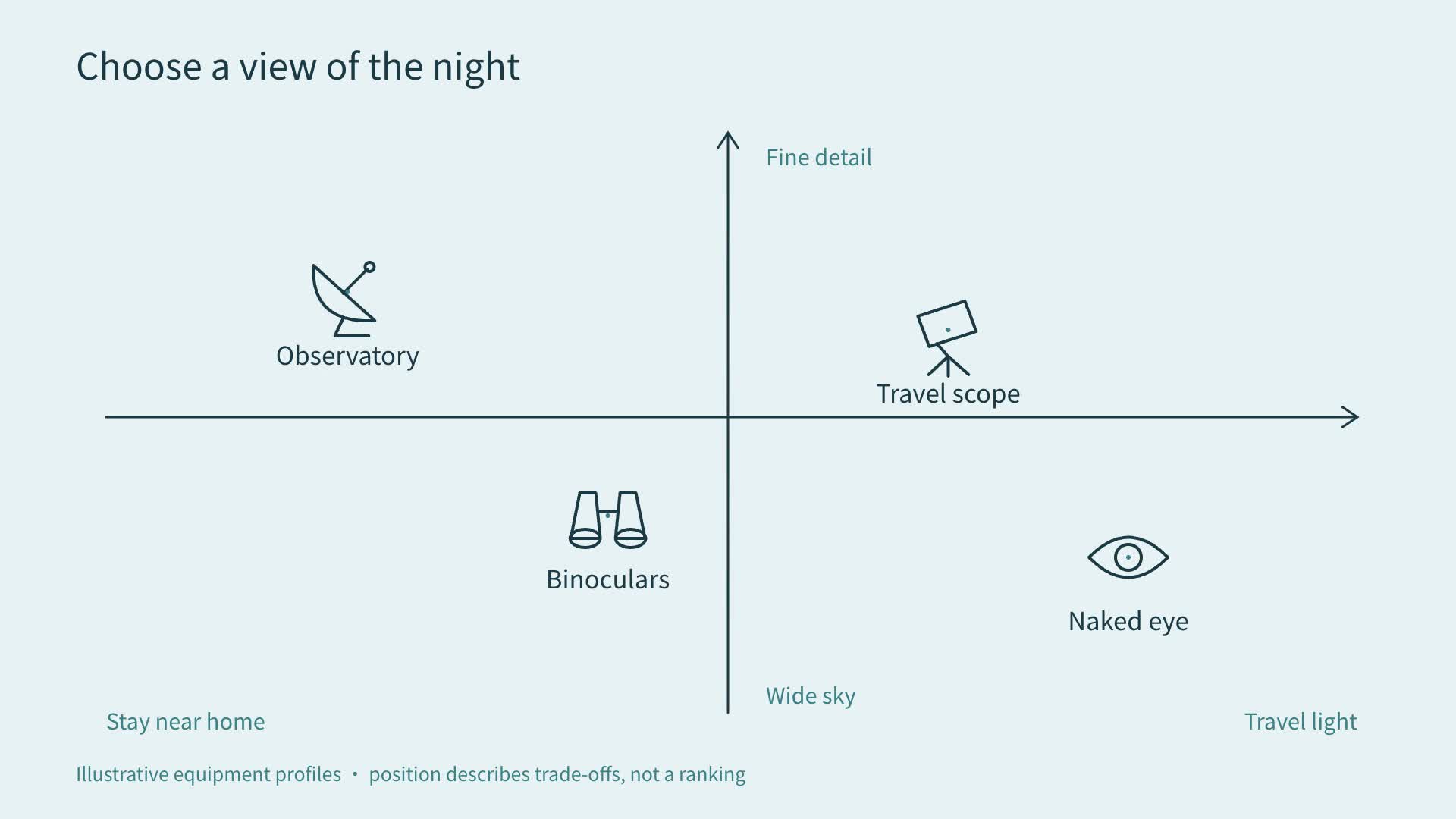
Place recognizable symbols at literal coordinates on two continuous dimensions, then reveal them for comparison.
Примеры · 2
Запустить онлайн
Запустите пример Coordinate Field в SandBase sandbox и сразу увидьте результат здесь.
Что вы получите
Bring a brief with two dimension labels, 2–6 symbols and normalized coordinates. The Skill returns two illustrative films and a documented local command-line package.
Как это работает
- 01
Write a two-axis brief
Coordinate Field reads a JSON brief with a title, a note, a glacier or plum palette, two dimensions given as pairs of end labels, and two to six marks. Each mark has a name, one of ten symbols such as telescope, binoculars, dish or sculpture, and literal u and v values from 0 to 1, where u=0 is left and v=1 is top.
- 02
Compose the project
Run npm ci, then node scripts/compose.mjs brief.json project en to build an editable HTML and SVG project with a paused GSAP timeline. The last argument accepts en, zh-CN or zh and sets command messages and document language only. The generator rejects marks placed too close together rather than distorting their positions, and values outside 0 to 1 fail.
- 03
Render the comparison
Inspect the project with HyperFrames, then render it at 30 fps in strict mode with one worker to a 7.2-second, 1920 by 1080 film. Arrow axes establish the space, dimension names appear, then each symbol resolves in place and the settled diagram holds. Check long names visually, since glyph widths vary, and confirm each symbol sits at its brief coordinate.
FAQ
What does Coordinate Field make?
Coordinate Field makes a silent 7.2-second film that places two to six recognizable symbols on two continuous dimensions so viewers can compare them. The demos choose a view of the night sky and build an evening at a museum. It suits short motion explainers about trade-offs between options.
Is a Coordinate Field chart a ranking?
No. Coordinate Field describes a comparison on two independent dimensions whose meaning the brief defines. Position is not evidence of a real-world claim unless the brief supplies valid data. The example note even labels its positions as illustrative and asks you to replace them with measured dimensions.
Can Coordinate Field use my own icons?
No. Coordinate Field offers ten editable vector symbols: telescope, binoculars, eye, dish, sound, sculpture, stage, hands, star and wave. New symbols require authoring and revalidation. The symbols are diagram marks and never simulate photos or people, so pick the one closest to each option's meaning.
Why did Coordinate Field reject my brief?
Coordinate Field rejects marks that sit too close together instead of nudging them, so it never distorts the data. Move a crowded symbol only when the new coordinate is truthful; otherwise simplify the brief to fewer marks. Values must stay within 0 and 1.
Does Coordinate Field need a paid service?
No. Coordinate Field needs no network service, credential, model call or payment after installation, because fonts and GSAP are bundled as local licensed resources and HyperFrames is pinned. It is a command-line workflow with no hosted endpoint, and its films are intentionally silent.
Can Coordinate Field show Chinese labels?
Yes. Coordinate Field bundles Noto Sans SC, which covers the demonstrated Chinese brief, and the zh-CN argument sets the document language. Unsupported characters still need visual inspection after rendering, and supplied content is not translated, so write the brief in the language you want on screen.
Больше Skills
Все Skills Research →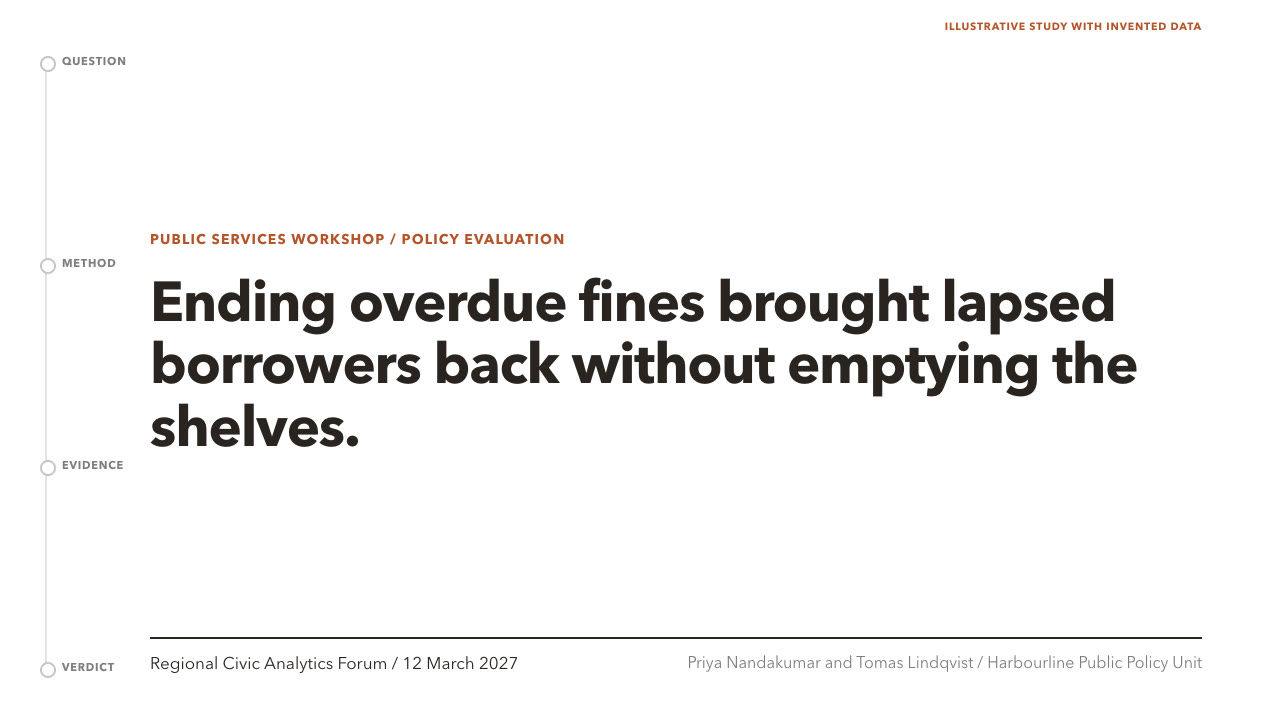
Thesis Spine Slides
Build a research talk whose titles, read in order, argue one claim from question to verdict, with one cited exhibit per evidence page.
Reading Digest Slides
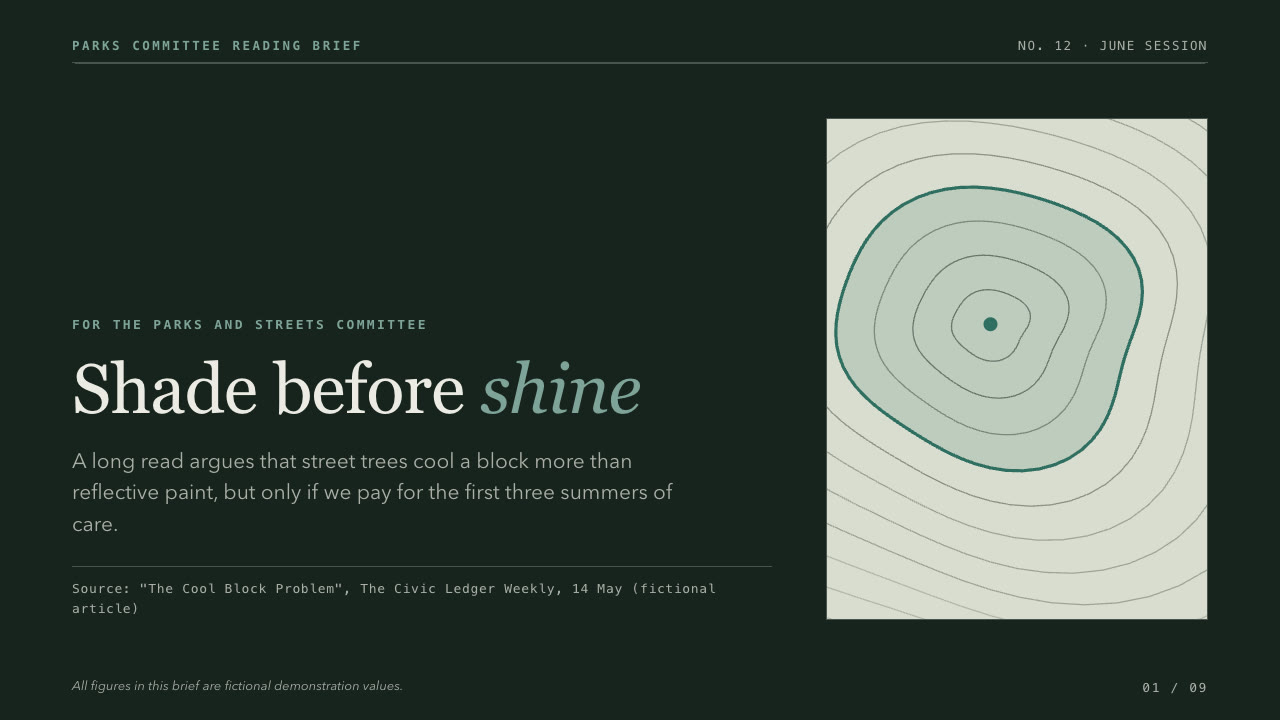
Turn one long read, essay or report into a reading brief a committee can decide on: a masthead, argument beats on a rail, a headline figure, bar charts and a source ledger that keep checked facts, assumptions and open questions apart, two readings, discussion prompts and the decision asked.
Cloudpane Slides
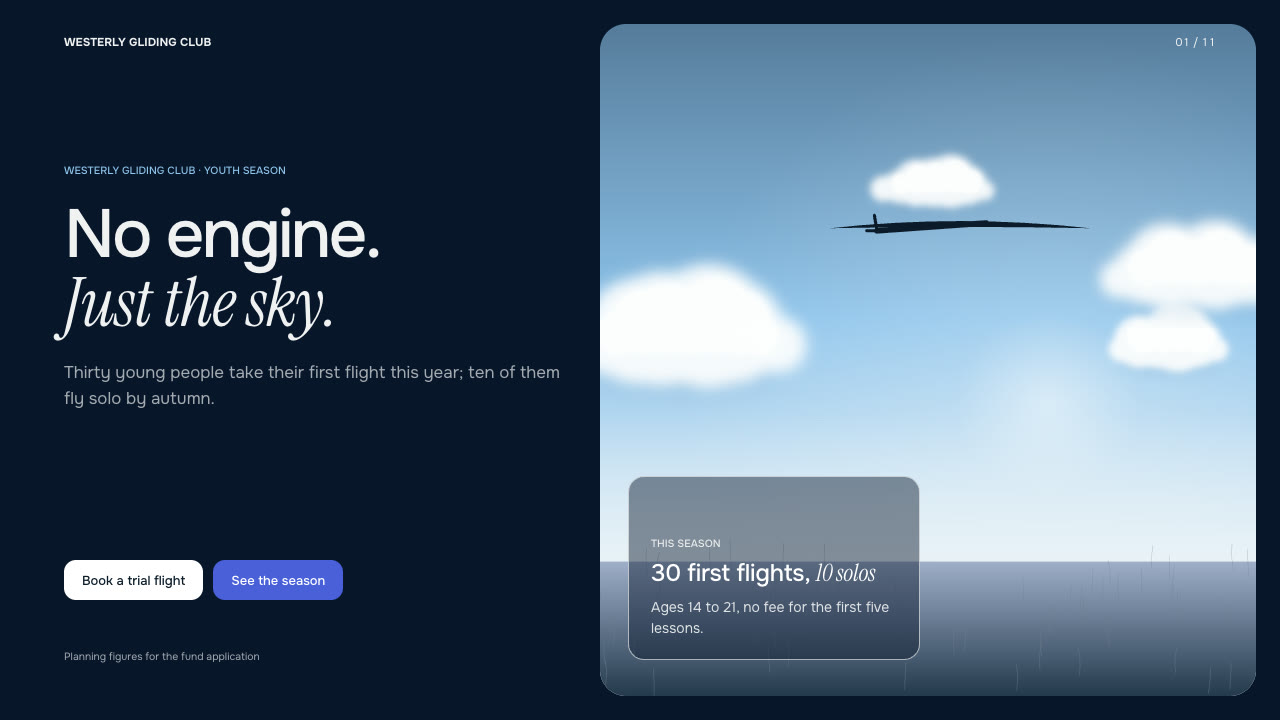
Make explainer and proposal decks that make a public subject feel approachable: open-sky pictures, clear optical glass and anonymous figures, thin-edged translucent glass cards over the pictures, broad mist-white pages, three deep night pages and headings with an italic serif accent.
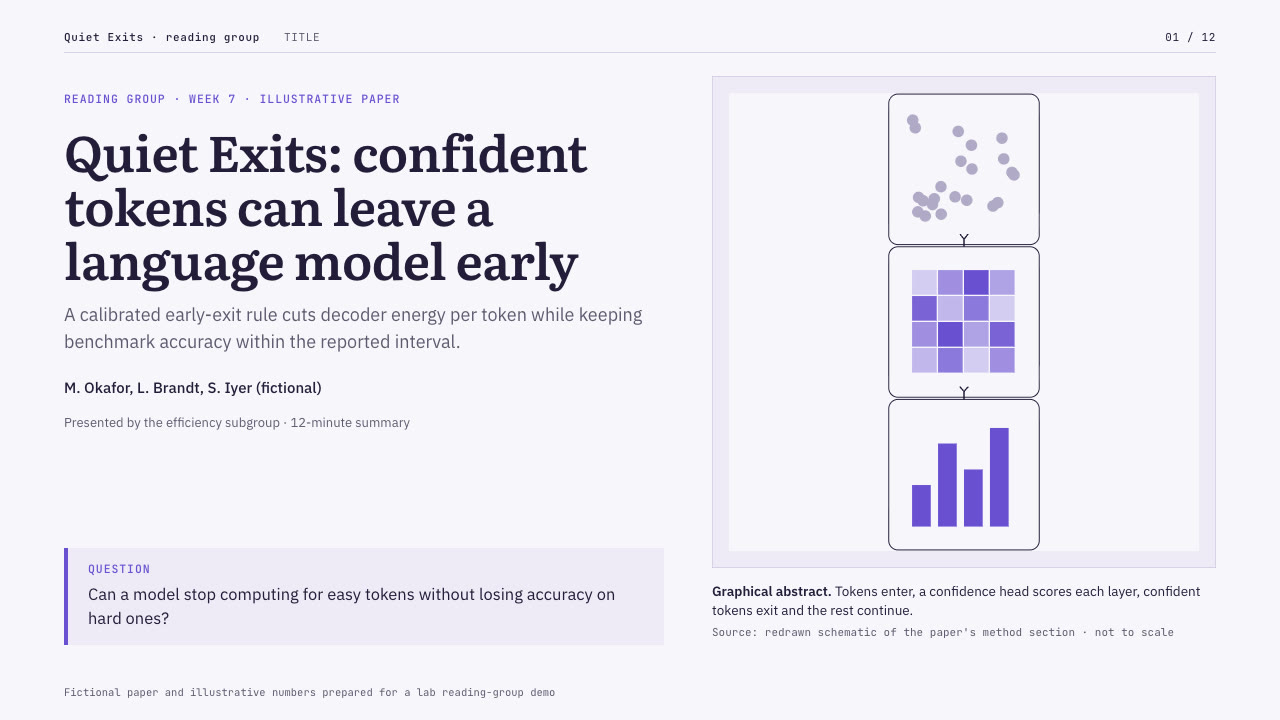
Figure First Slides
Make figure-led research talks such as paper summaries, journal clubs, lab and reading-group reviews and evidence briefings: every content page is built around one figure, chart or table with its caption and source underneath, numbers carry their comparator and interval, and a limits page states what the work can and cannot claim.
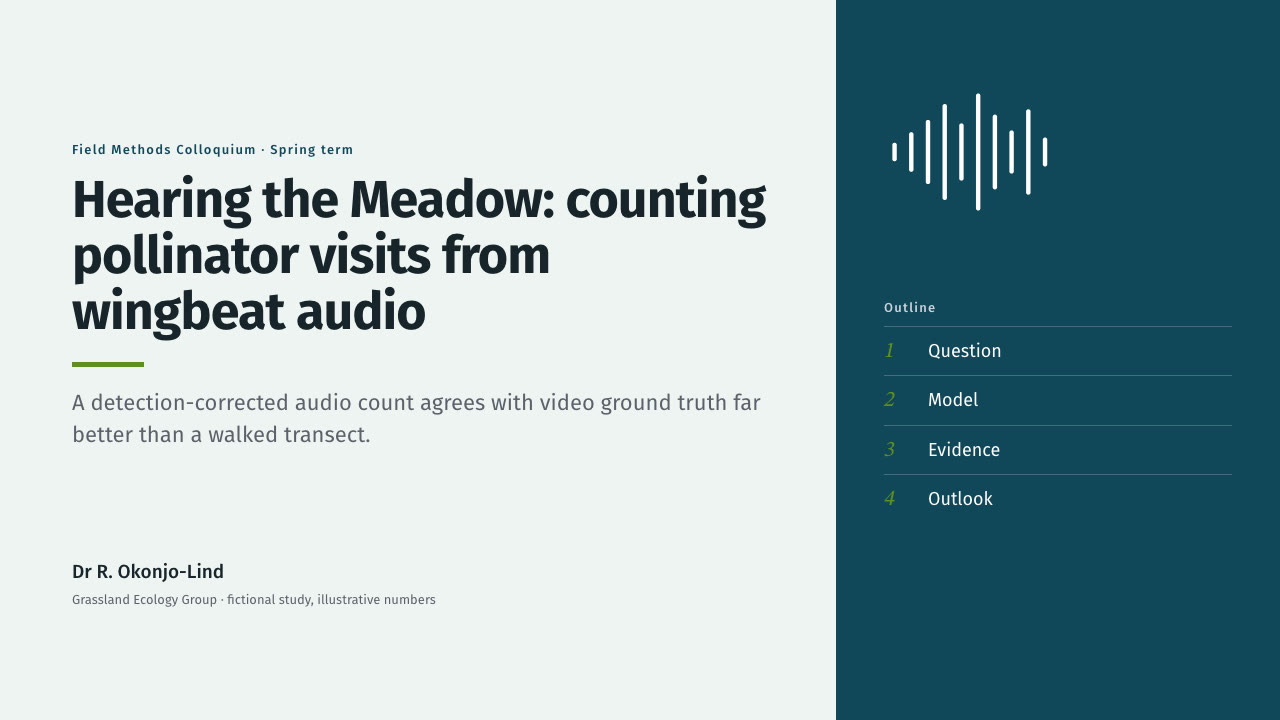
Seminar Math Slides
Turn a paper, thesis chapter or research notes into a projection-ready 16:9 talk for seminars, colloquia, defences and conference sessions: a section strip with the current section lit, equations with spoken readings and term glosses, a method pipeline, a proof sketch, native result bars and tables, plots drawn from data and a progress bar with frame counters.
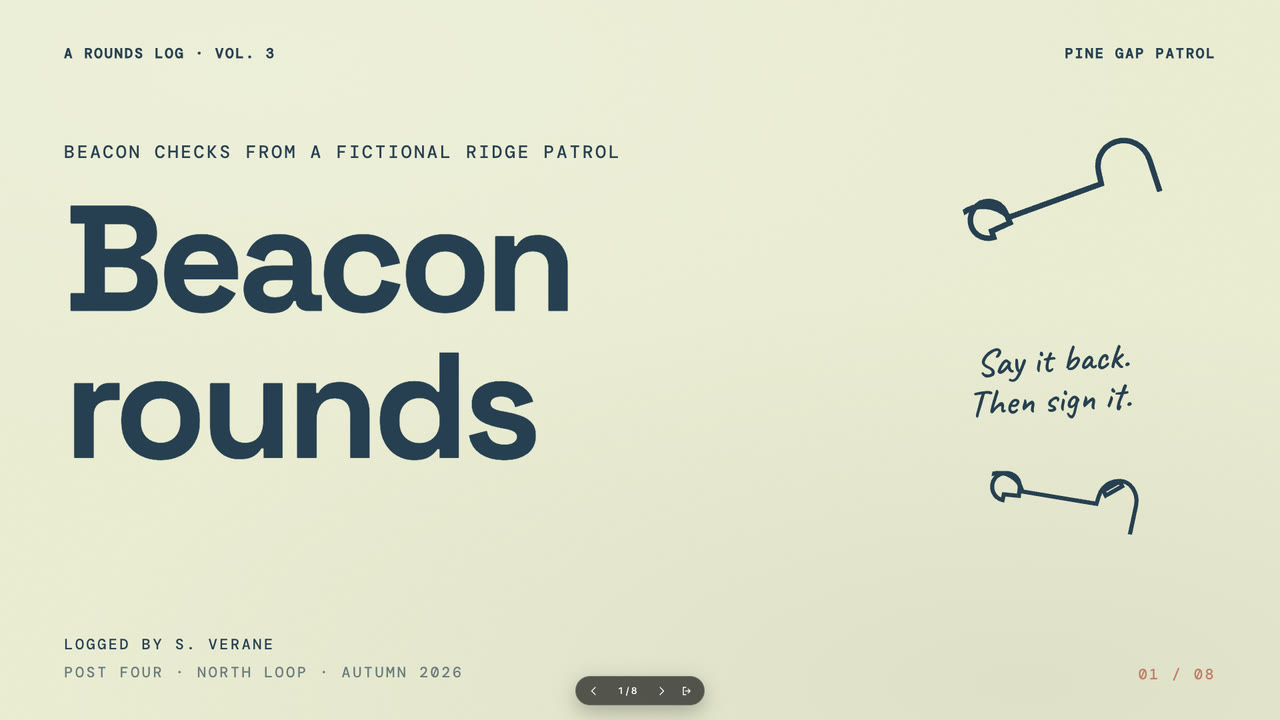
Yellowpad Fieldnotes Slides
Make decks that read like pinned field notes: saturated yellow legal-pad paper, cobalt ink, hand-drawn safety pins, cream pinned cards, handwritten marginalia, mono archival tags and rotated red stamps.