
Social Ops for Bluesky
- Навык Lab
- v0.1.3
- Social media
Post one SandBase Lab experiment to Bluesky per run with its cover video, never the same one twice, and get a daily metrics report.
Пример
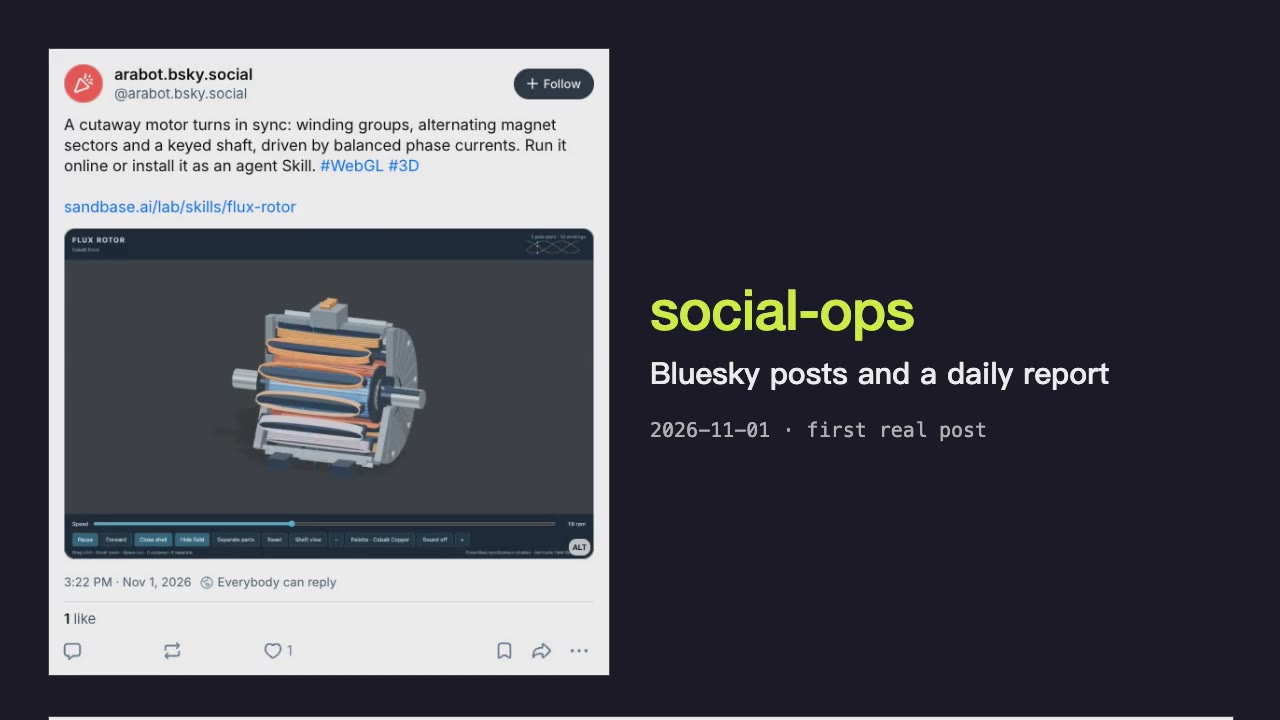
Bluesky posts and a daily report
Что вы получите
Bring a Bluesky account and its App Password, set in your own environment. The Skill returns one post per run and a daily report (JSON + HTML in English and Chinese).
Как это работает
- 01
Set credentials in the environment
Social Ops posts to a Bluesky account with an App Password, never the main account login. Export BSKY_HANDLE and BSKY_APP_PASSWORD in the process that runs it, not in chat or files. Drafting uses SANDBASE_API_KEY or a signed-in sandbase CLI; without either, a template from the Lab catalog copy is used. It needs only Node.js 18+, with no dependencies.
- 02
Plan, then publish one post
node scripts/social.mjs plan writes plan.json with the next unposted Lab experiment and a draft; show it to the user first. publish logs in, re-reads the account's posts on its PDS so nothing is posted twice, uploads the cover video, falls back to the cover image and then a link card, and creates the post once. daily runs everything together.
- 03
Read the daily report
node scripts/social.mjs report --days 7 writes report.json, report.html, report.en.html and report.zh-CN.html: followers, likes, reposts, replies and quotes per recent post, an engagement score, deltas against the previous report.json in --out and the next three experiments. Check publish.json fallbacks when an image replaced the video, and keep the same --out for day-over-day deltas.
FAQ
Does Social Ops cost anything to run?
Only the optional drafting. Social Ops drafts post text with anthropic/claude-sonnet-5.5 by default through SandBase, billed to your SandBase account, and --model picks another model. Run plan first to see the draft before anything posts. Passing --text-file or running without a key uses your own text or the catalog template, with no model call. Rates are at https://www.sandbase.ai/pricing.
Can Social Ops post the same experiment twice?
No. Social Ops reads the account's own post records from its PDS and skips every experiment already linked, and it re-reads them after login so a retried or parallel run cannot double-post. createRecord is never retried; if it times out, the next run's PDS check decides whether the post went through.
Why did Social Ops post an image instead of the video?
Social Ops falls back to the cover image when the Bluesky account email is not confirmed or the daily video limit is reached, since video posts need a confirmed email. publish.json lists the reason under fallbacks. If the image cannot be posted either, the post goes out as a link card.
Can Social Ops run on a schedule?
Yes, with limits. A local cron can run Social Ops daily with a fixed --out. On SandBase Agents, a scheduled Agent can run plan and report, which need no credentials, but publish and daily need a runner whose environment already holds BSKY_HANDLE and BSKY_APP_PASSWORD, because Agent Secrets store only MCP bearer tokens.
What does the Social Ops report not show?
Social Ops reports public counts only: likes, reposts, replies and quotes, because Bluesky has no public view counts. Lab visits from posts are tagged with utm parameters but not read back, so check Lab analytics for them. Posts are English only; --lang changes the report and CLI messages, not the post.
Where does Social Ops send my Bluesky App Password?
Social Ops sends the App Password and session tokens only to the account's PDS, the bsky.social login and the Bluesky video service. They are redacted from every message and never written to plan.json, publish.json or the reports. SANDBASE_API_KEY goes only to api.sandbase.ai.
Больше Skills
Все Skills Social media →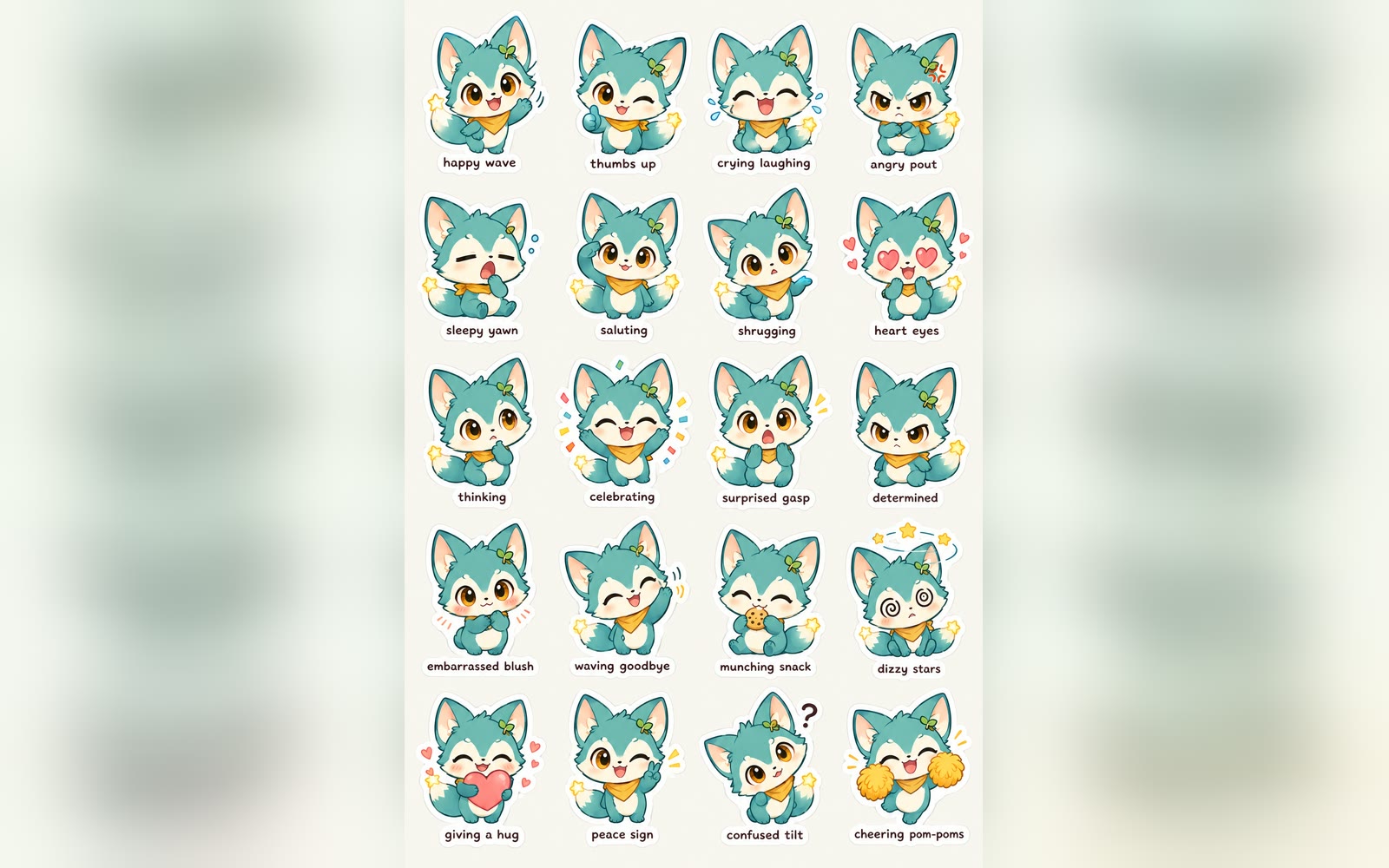
Chibi Sticker Sheet
One original mascot becomes a whole sheet of die-cut chibi stickers.
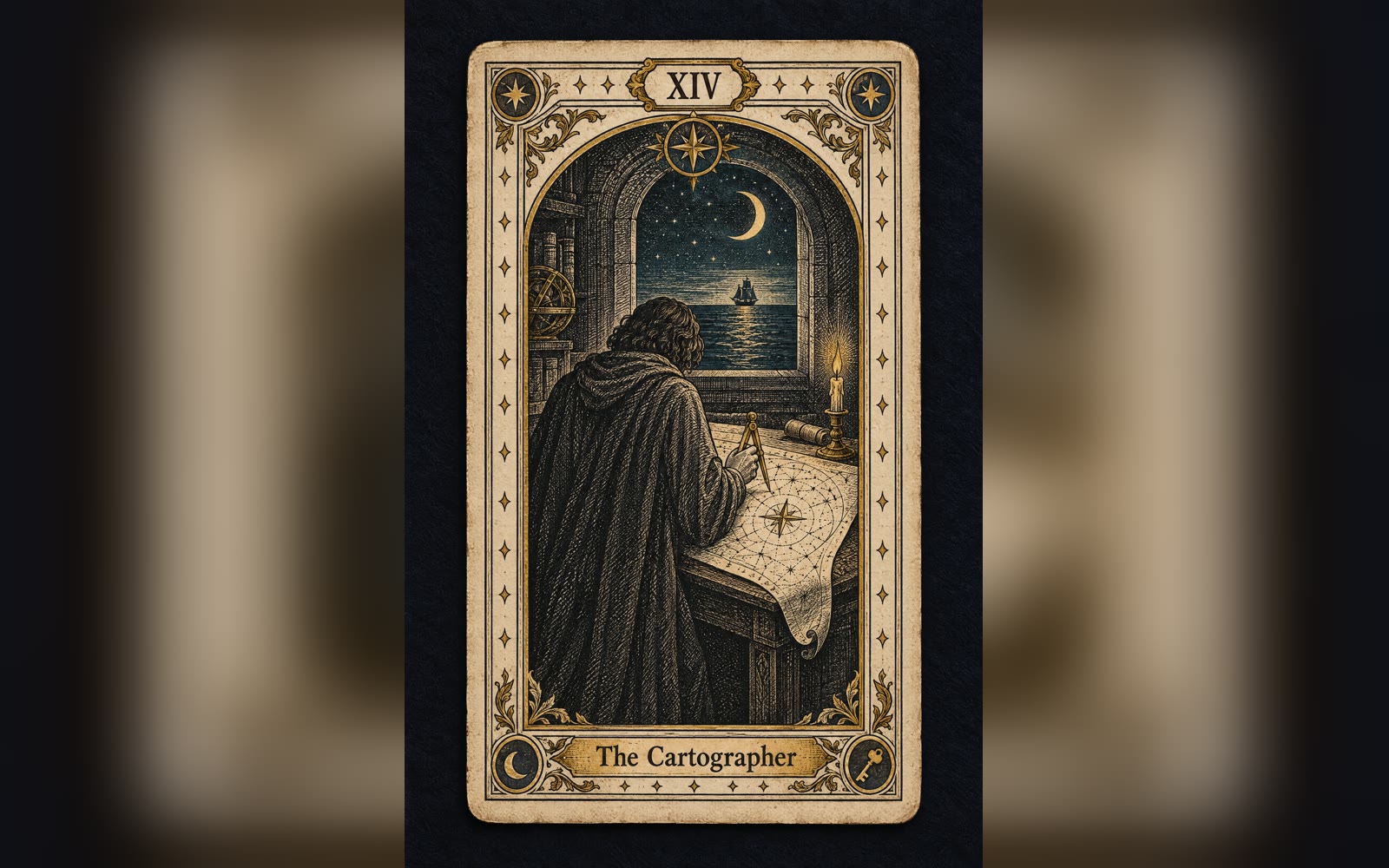
Tarot Card Poster
One invented arcana becomes an ornate engraved card face.
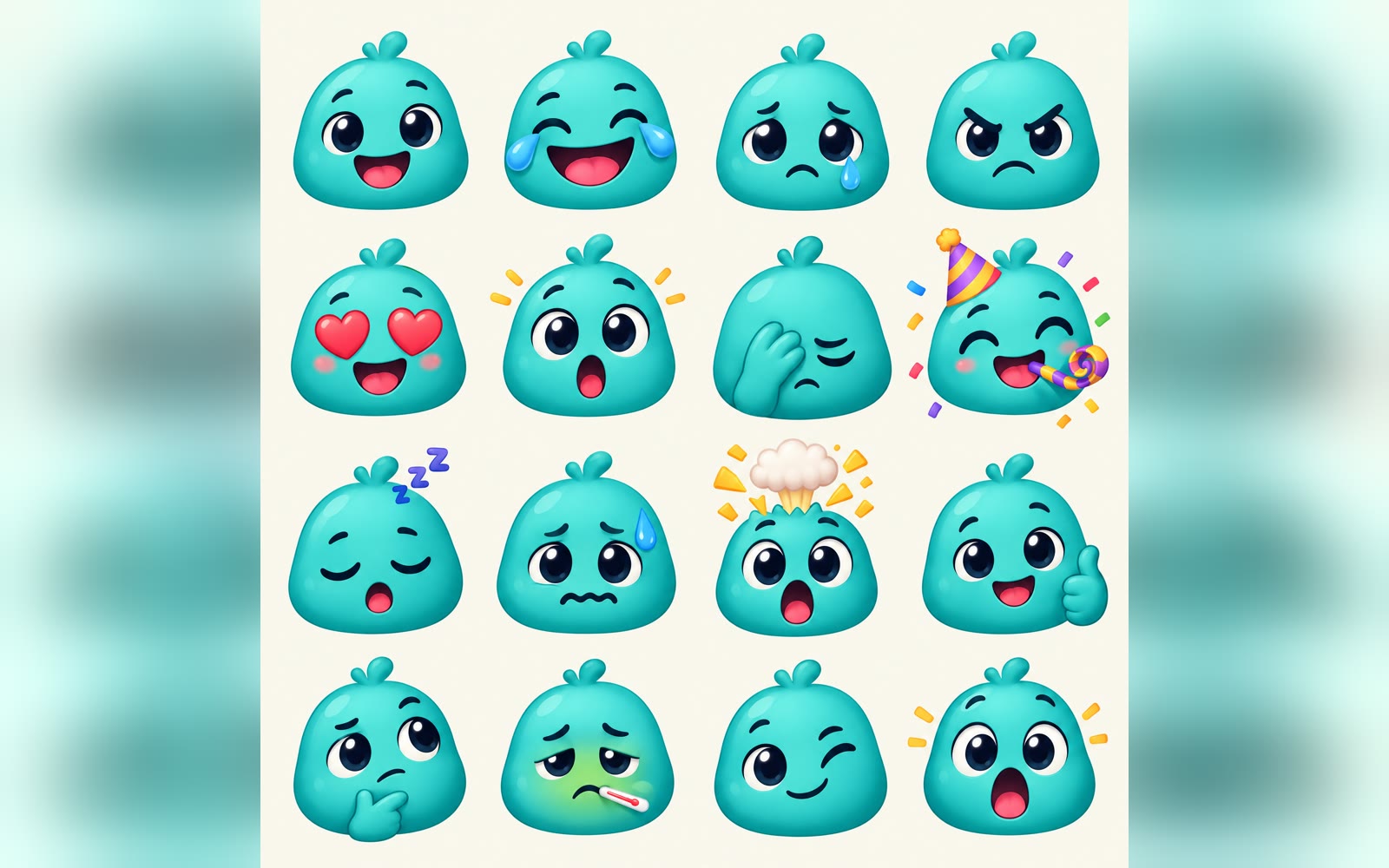
Emoji Pack Sheet
Turn one fictional character into a full grid of matching emoji faces.
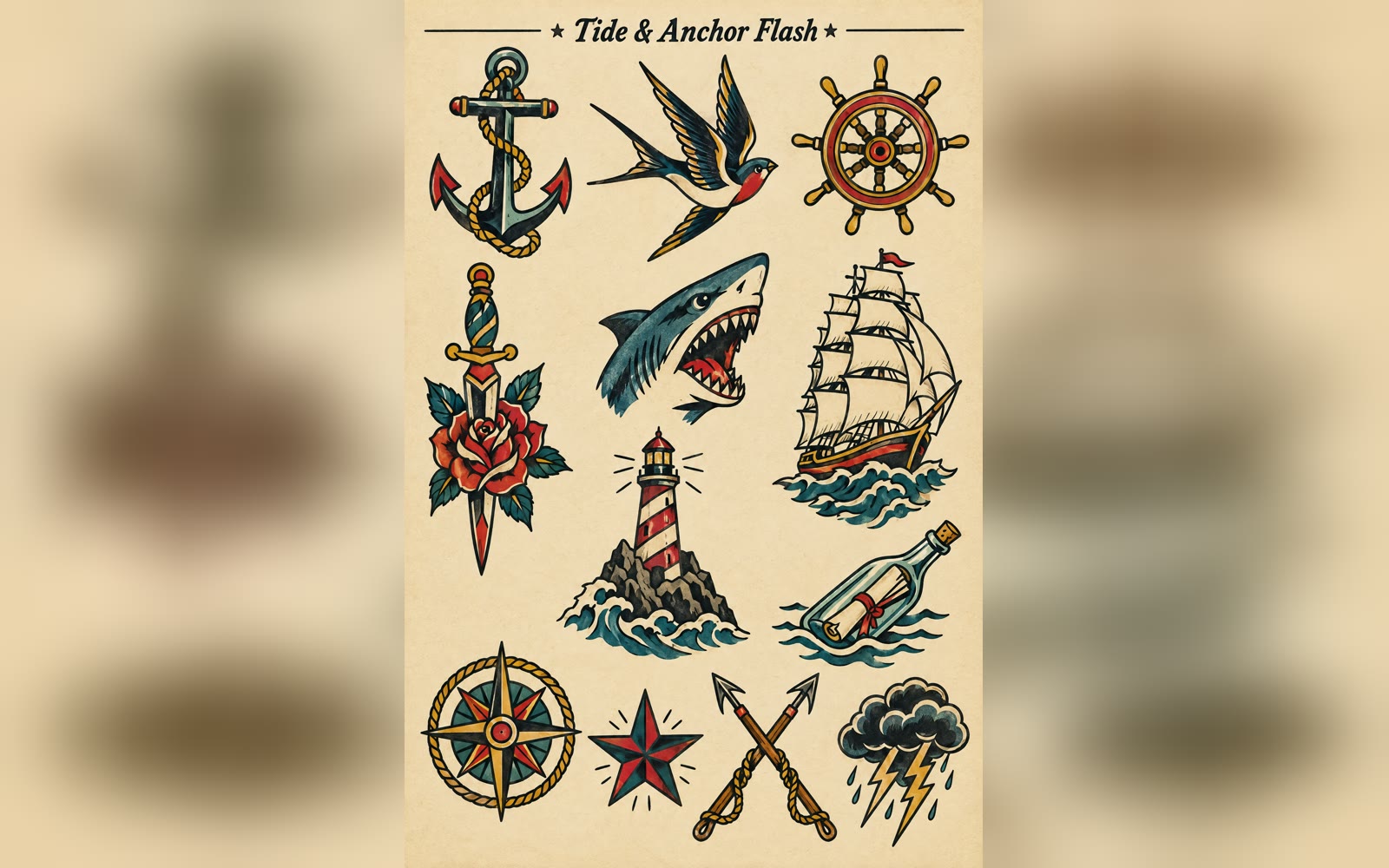
Tattoo Flash Sheet
Fill one aged-paper board with a matching set of traditional tattoo motifs.
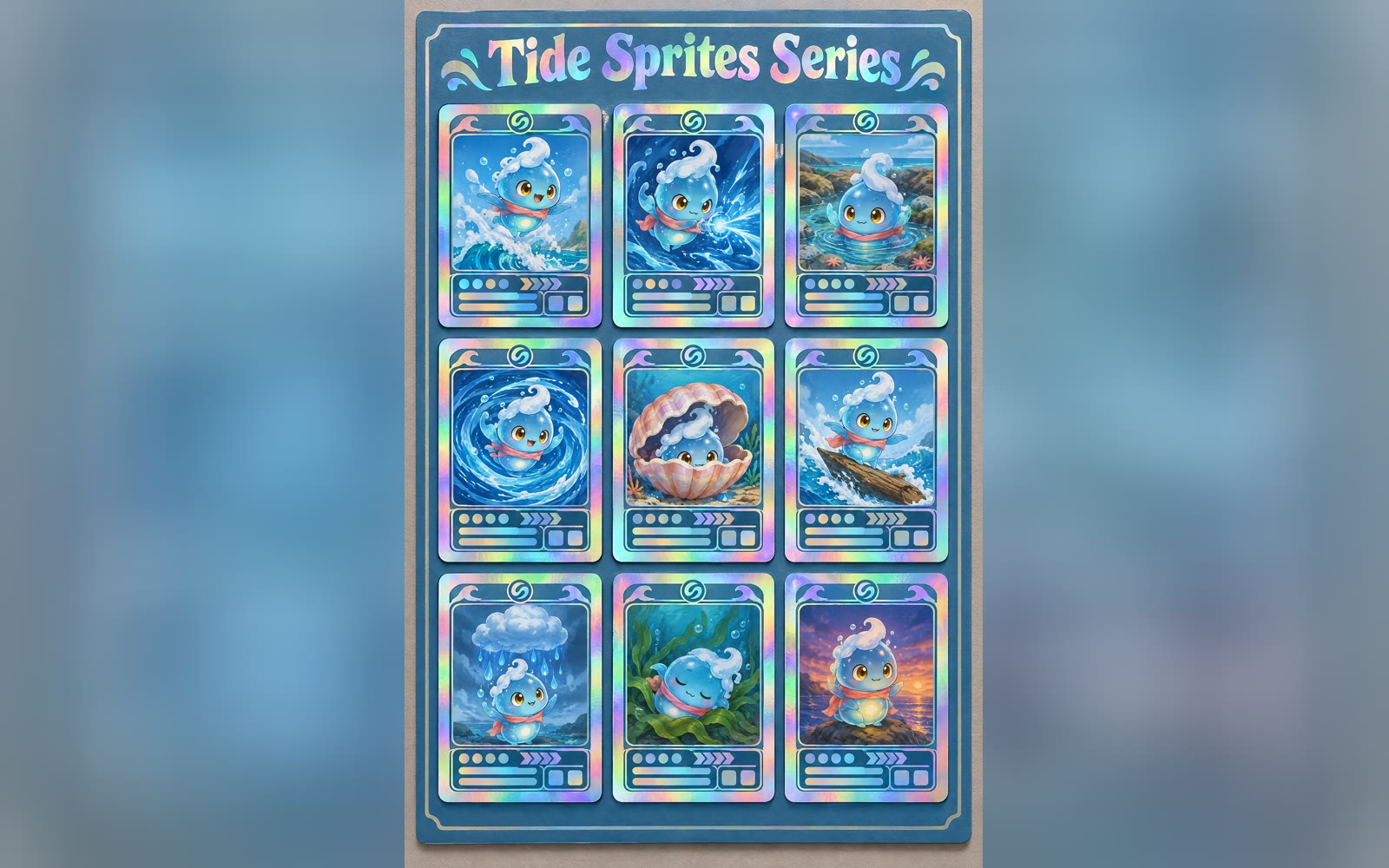
Trading Card Sheet
Reveal one invented character as a 3×3 set of collector game cards on a printed board.
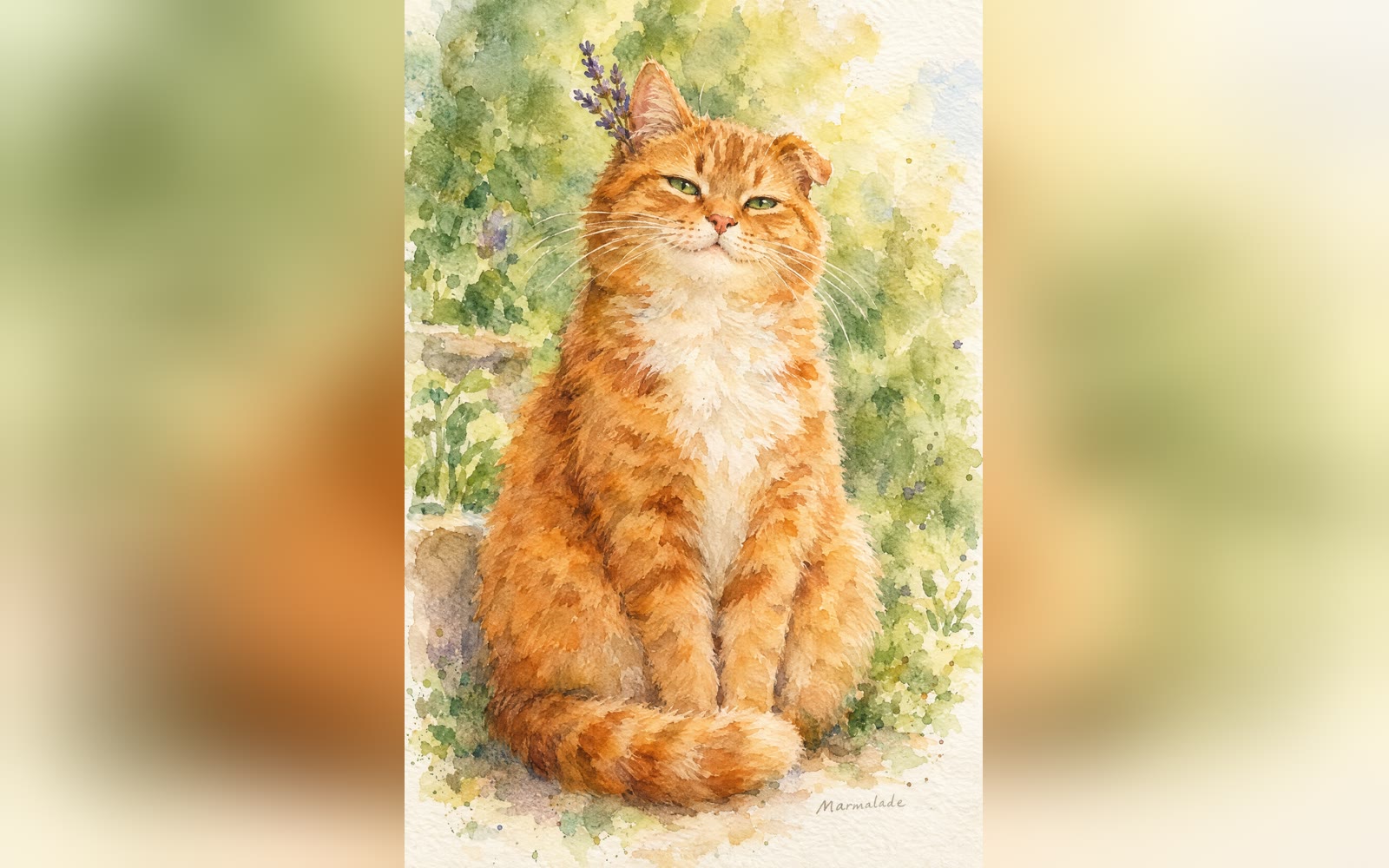
Watercolor Pet Portrait
Paint one invented animal as a loose, keepsake-style watercolor portrait.