
UI Finishes
- Навык Lab
- v0.1.0
- Web design
Metal, jewel, halo, roll, fill, offset and ring buttons, media cards, glass and textures, each checked in rest, hover, focus and pressed for real contrast.
Примеры · 3
Работает в sandbox-рамке без доступа к этой странице.
Запустить онлайн
Запустите пример UI Finishes в SandBase sandbox и сразу увидьте результат здесь.
Что вы получите
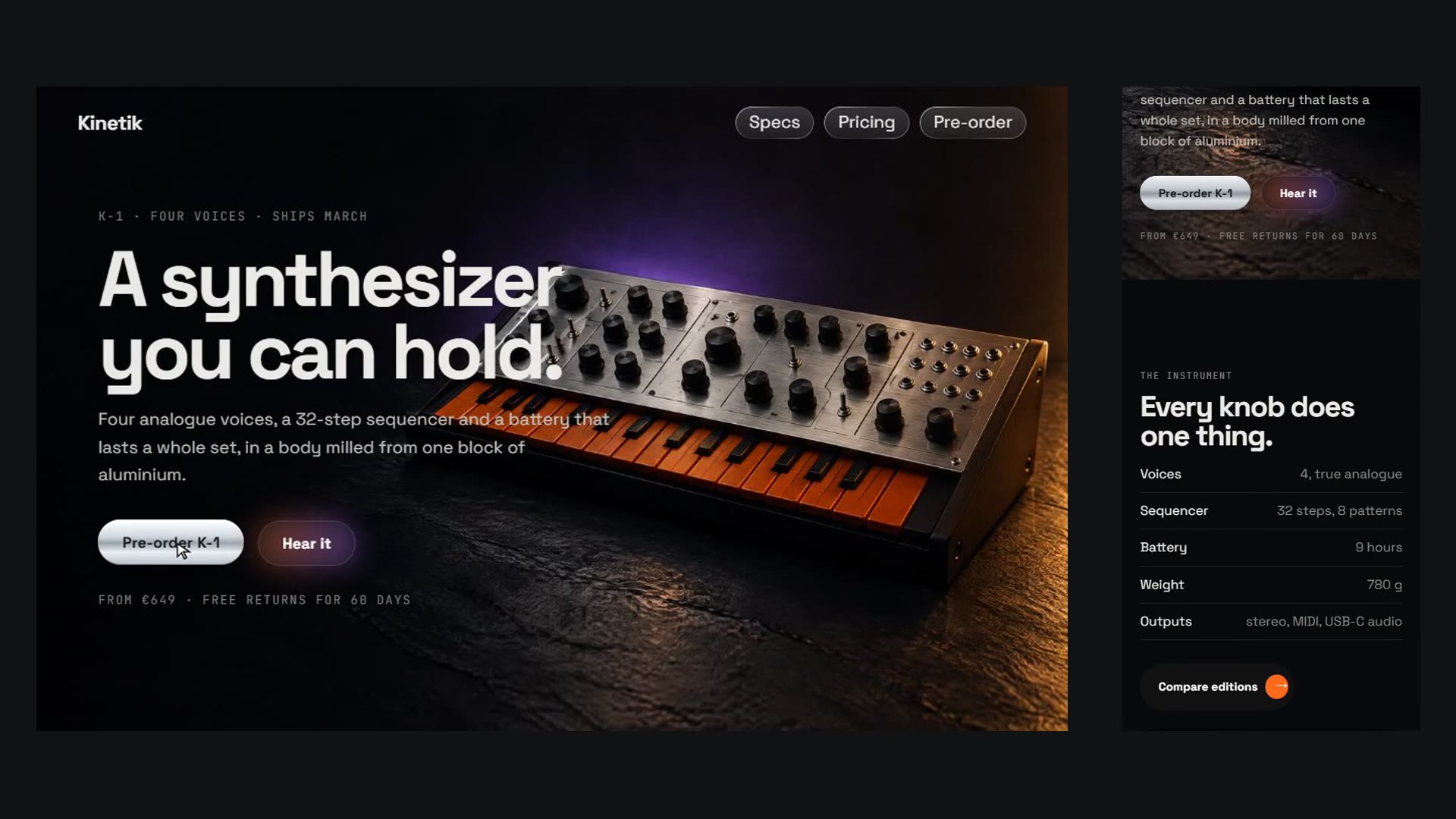
Give buttons, cards and panels a material finish with real states: liquid-metal, jewel and halo pills, a text-roll button with a turning arrow chip, sliding-fill and hard-offset buttons, a spinning gradient border, media cards whose chip grows into a label, frosted glass and four textures. A browser check renders every control at rest, on hover, with keyboard focus and pressed, measures label contrast from the rendered pixels in each state and writes a sheet of all states side by side.
Как это работает
- 01
Choose the finishes
UI Finishes starts by choosing from its reference: one loud finish for the primary action, such as liquid metal, halo, jewel or a spinning ring, one quiet finish for secondary actions, such as sliding fill or text roll, cards and frosted glass where the page has pictures, and a texture only where flat colour looks digital.
- 02
Build with real controls
Paste the kit's CSS into the page, and its small script if you use the text-roll button, set colours through custom properties and use a link or button element for every finished control. Media cards grow their chip into a label, and hard-offset buttons press into their shadow. Each finish is built with rest, hover, focus and pressed states.
- 03
Measure every state
check.mjs renders every visible control at rest, on hover, with keyboard focus and pressed at 1440 by 900, and at rest on a 390 by 844 touch screen. It measures label contrast from the rendered pixels against what is behind them, flags missing focus, faint hovers, small targets, hidden card labels and faint glass text, and writes a sheet of all states side by side.
FAQ
What does UI Finishes make?
UI Finishes gives buttons, cards and panels a material finish with real states: liquid-metal, jewel and halo pills, text-roll and sliding-fill buttons, a spinning gradient border, media cards, frosted glass and four textures. The demos are a fictional synthesizer launch, a studio sketchbook and a showroom of every finish.
How does UI Finishes check contrast?
UI Finishes screenshots each control with and without its label and computes the contrast of the label's strokes against what is really behind them, in every state. It requires 4.5 to 1, or 3 to 1 for large text. The kit's own orange jewel pill failed this once and was darkened.
Will UI Finishes labels show on phones?
UI Finishes checks the touch layout too and reports card labels that only appear on hover, since phones have no hover. It also warns about targets under 44 pixels on phones and errors on targets under 24 pixels on desktop.
What does UI Finishes leave out?
UI Finishes has no cursor-following effects such as magnetic buttons, spotlights or trails, and no WebGL materials. Where a browser lacks backdrop-filter, glass falls back to an opaque tint. Pictures that change, like video, are measured on the frame shown, so check the brightest frame by hand.
Does UI Finishes cost anything?
UI Finishes is a CSS kit with an optional script and a browser check that uses playwright-core with your installed Chrome. It makes no model or paid API call, so using it is not billed. Without Chrome the check cannot run, and the Skill says the controls were not checked.
Больше Skills
Все Skills Web design →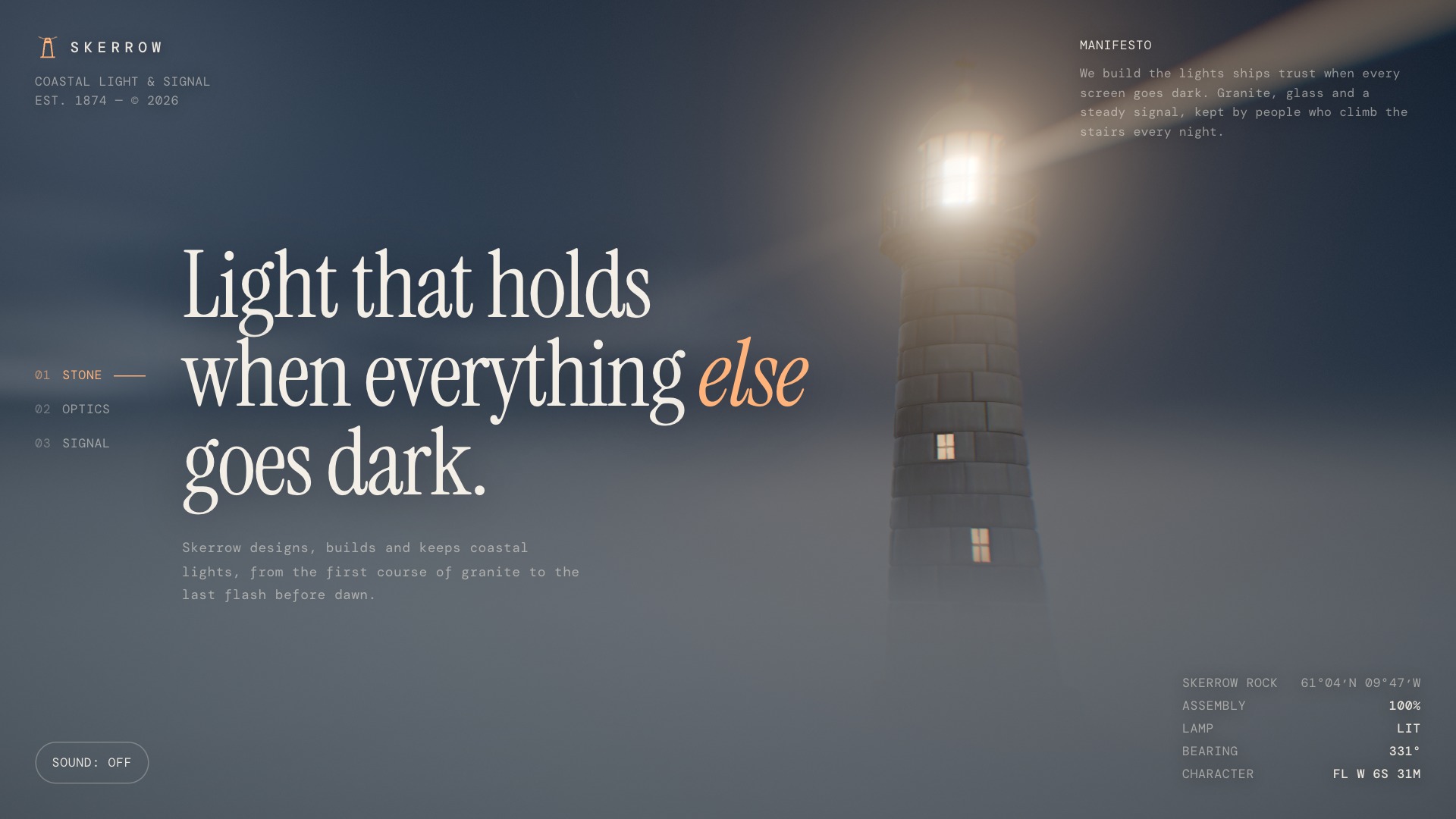
Baked 3D Story Site
A three-page 3D story site with baked light, scroll stops that loop and a shader cut between pages, in one offline file.
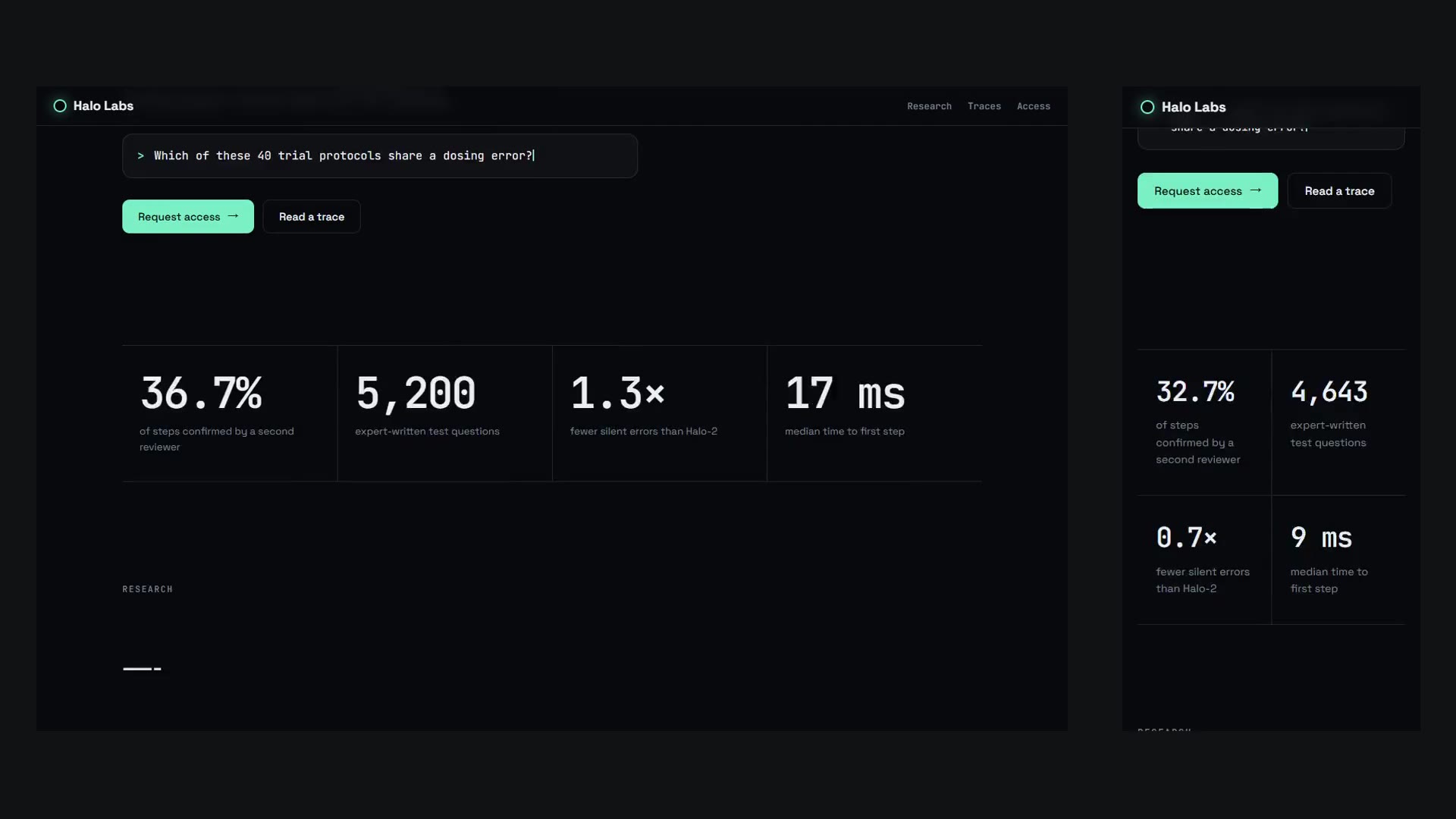
Headline Motion
Headlines, labels and numbers that rise, decode, type, rotate, count and draw themselves without moving the layout, measured in a real browser.
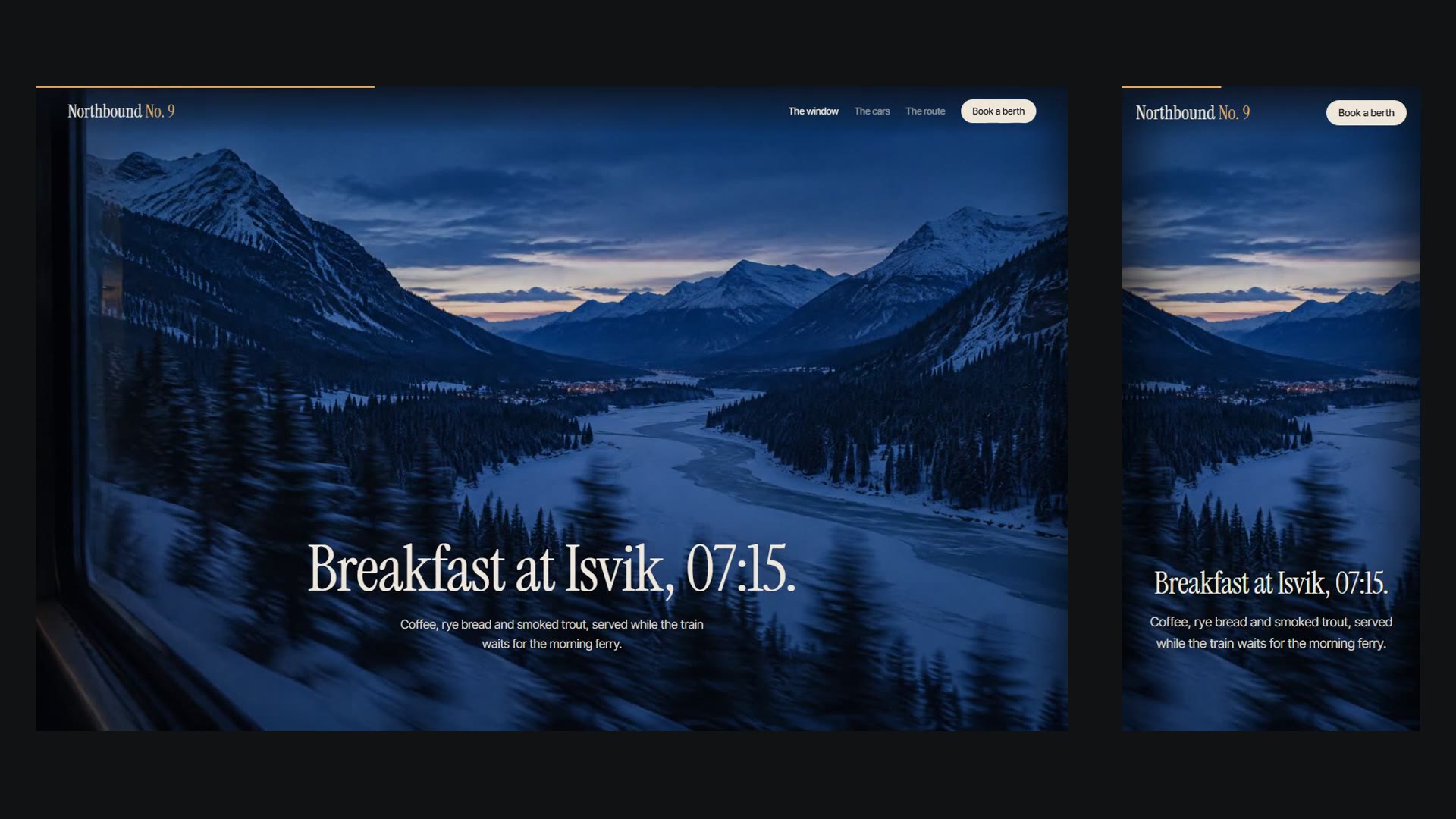
Scroll Chapters
Long pages told chapter by chapter: a pinned stage, sliding panels, a text crawl, lit paragraphs, stacking cards and drifting columns, checked in a real browser for dead scroll.
Scroll 3D Product Site
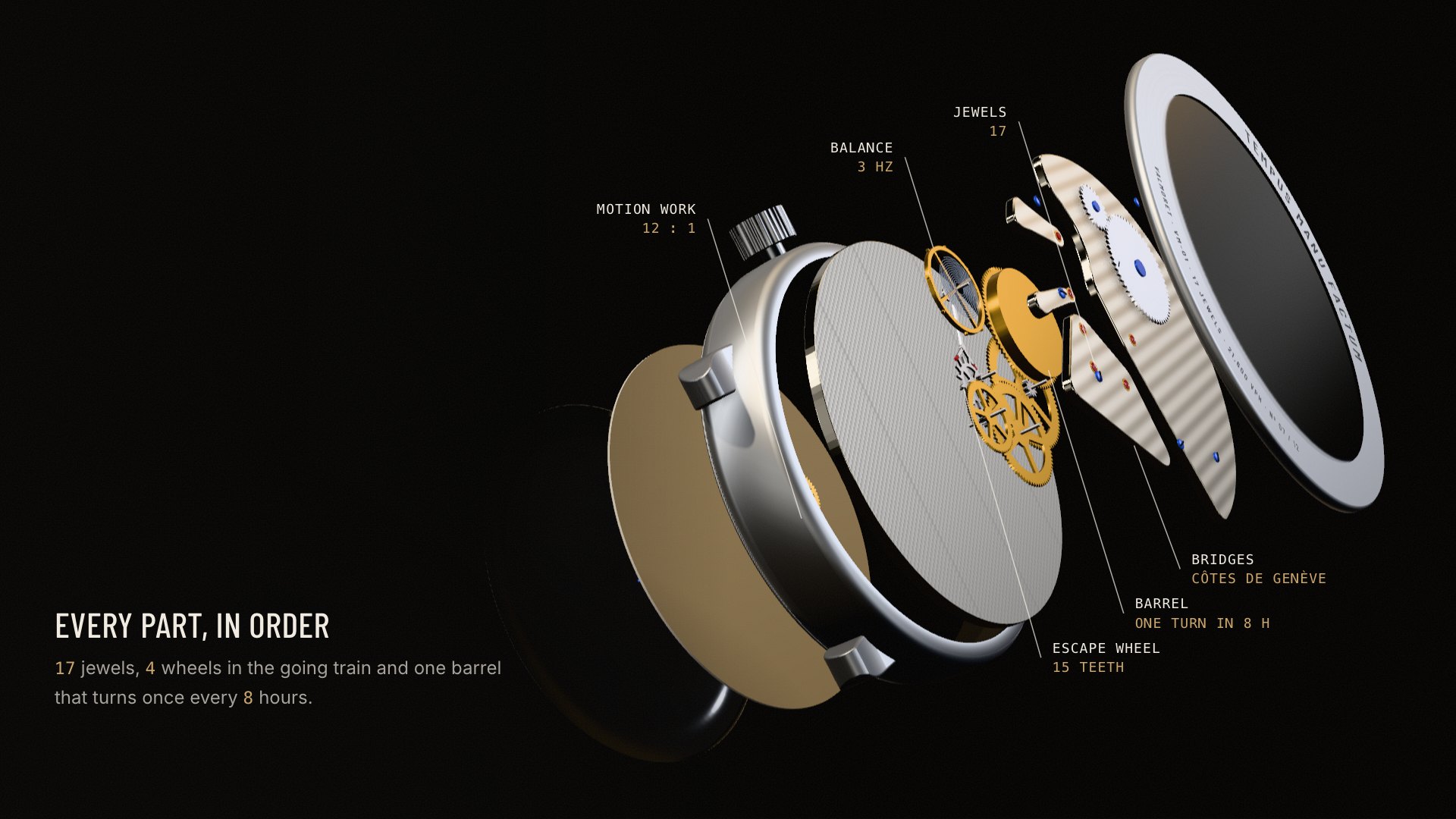
A complete product website where scroll turns, opens and takes apart a live 3D model, with every video and image rendered from that model, in one offline file.
Landing Page System
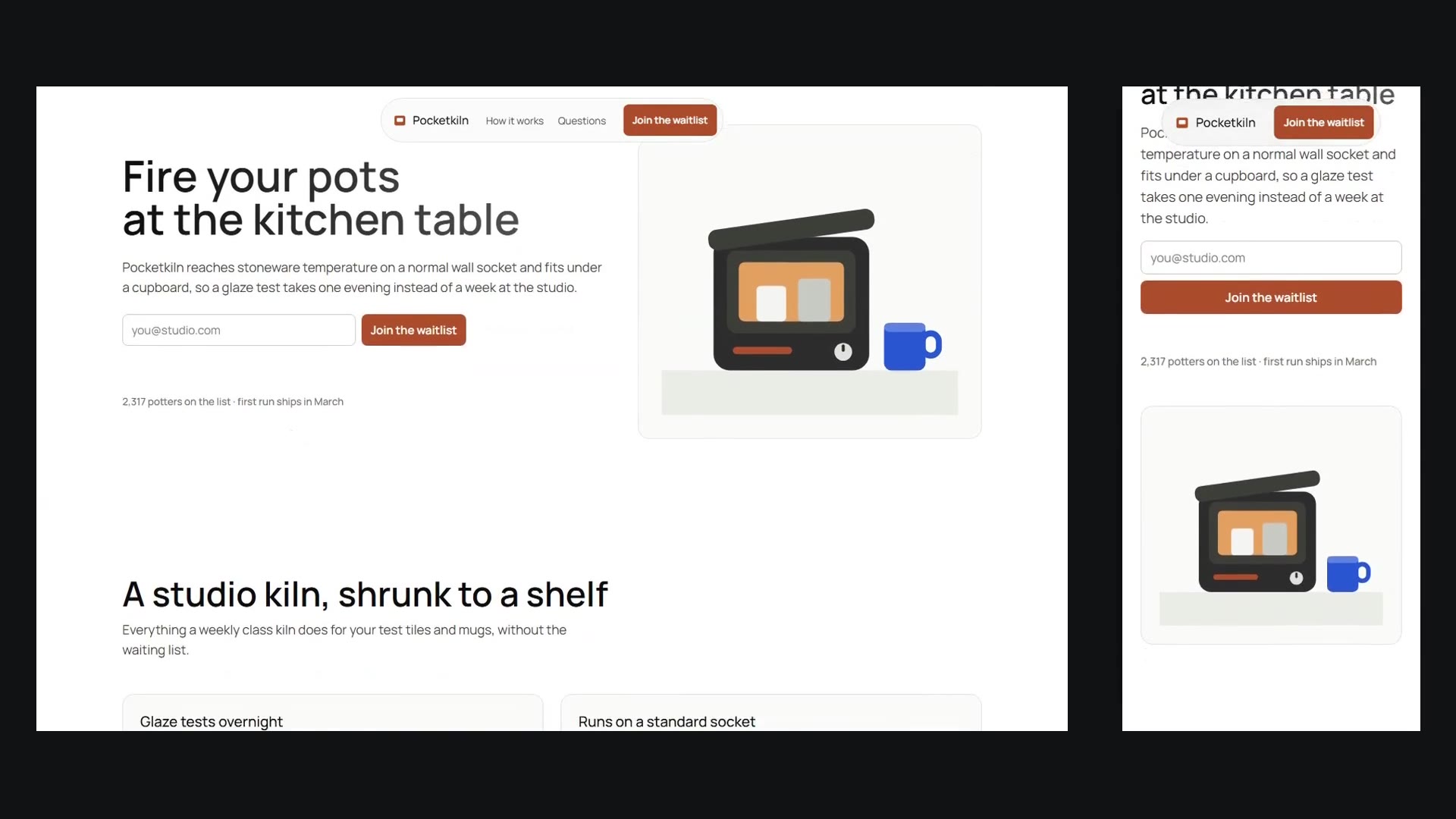
A complete single-file landing page with a conversion structure and a shared visual system, checked by a rendered-page audit before delivery.
Cinematic Hero Builder
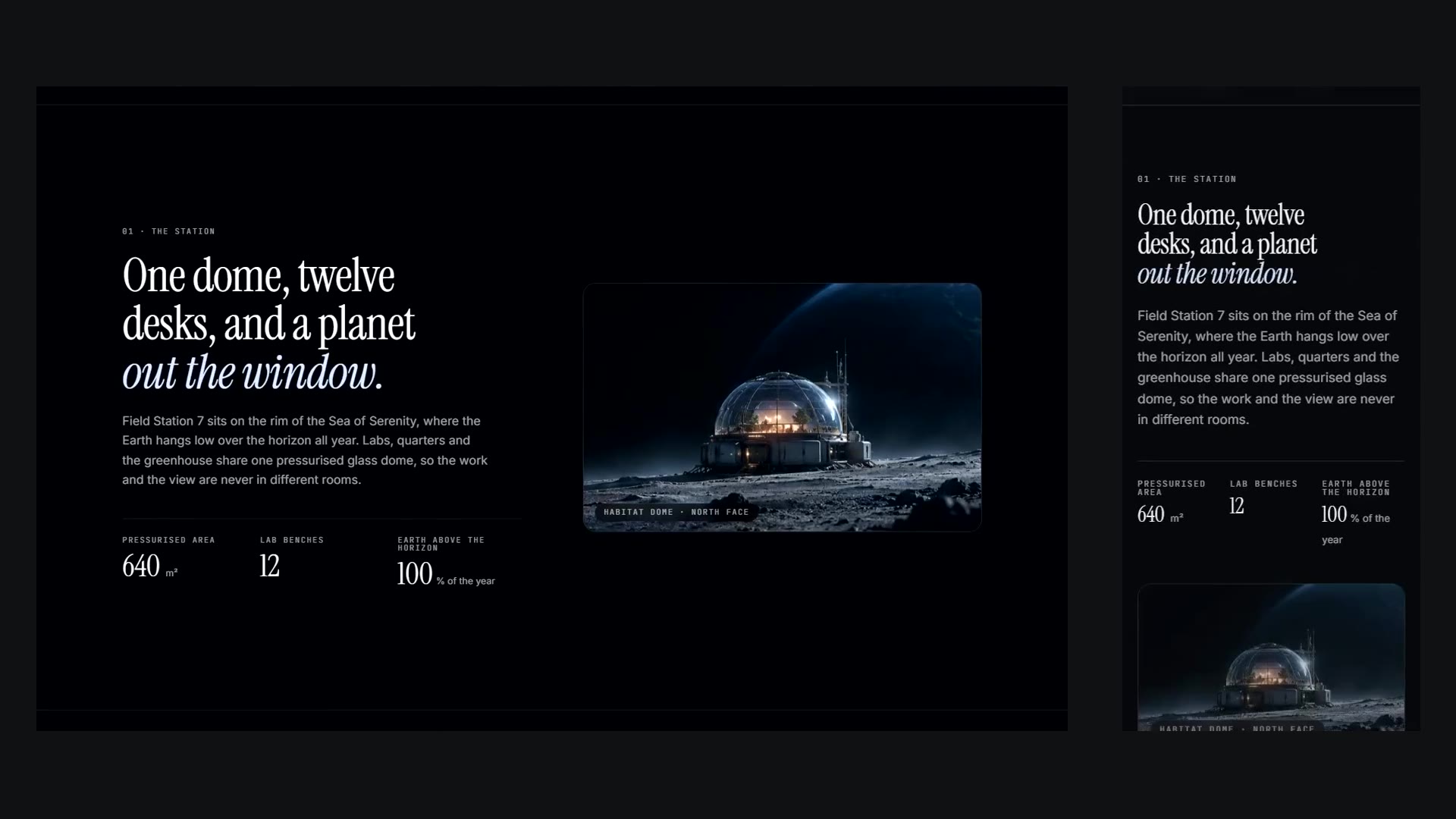
A gallery-grade first screen as one index.html: a generated looping video, a value-level spec, and a screenshot-and-fix loop until it scores 8.