
YouTube Shorts Clip Plan
- Навык Lab
- v0.2.0
- YouTube
Choose self-contained moments and checked time ranges for Shorts without editing footage.
Обложка
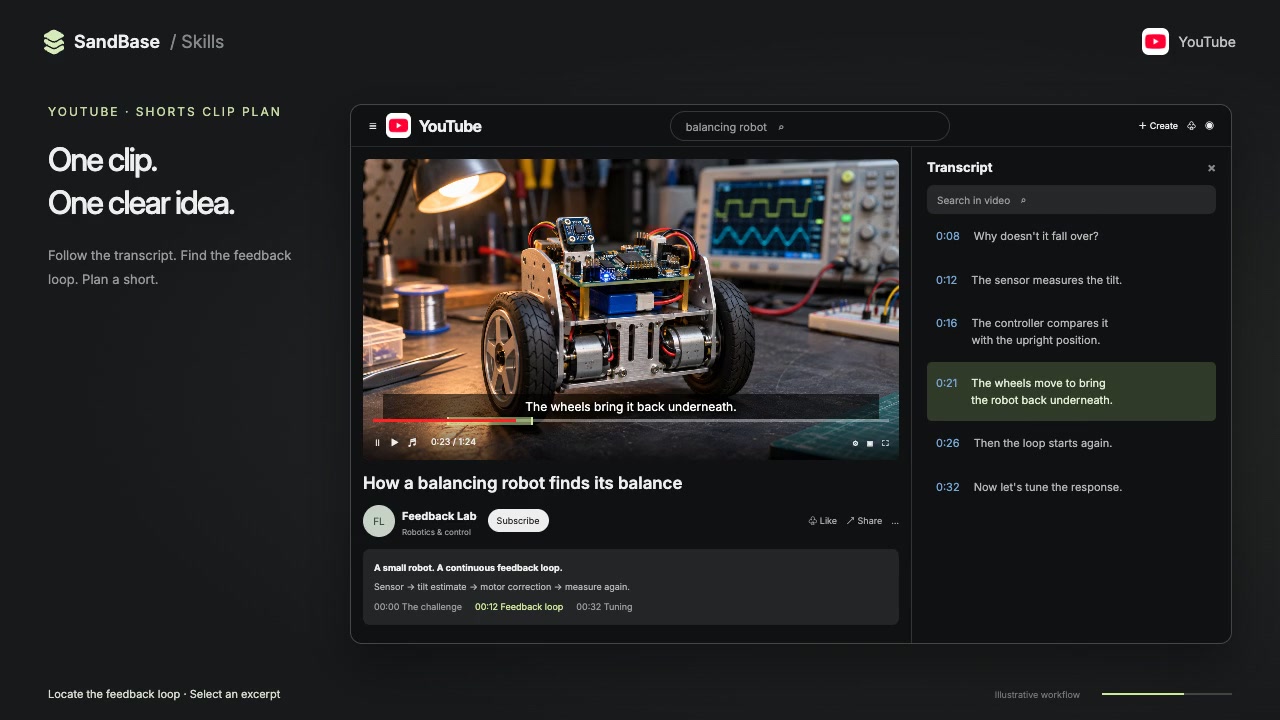
Что вы получите
Bring timed long-video content and authorized local footage for rendering. The Skill returns clip plan; captioned vertical MP4 previews and optional SandBase opening audio.
Как это работает
- 01
Find self-contained moments
From a long video's timed transcript, read through SandBase for a URL, plus the number of clips, three by default, and target length, 30 to 60 seconds by default, the Agent reads the full transcript. A good candidate makes one complete point that stands alone without the rest of the video.
- 02
Plan each clip
Each clip gets an exact range from the first line of the point to after its payoff, a new opening line spoken as a pickup or shown on screen, and a vertical-framing note on what the crop must keep in view. Clips are ranked by how complete and self-contained the point is. Automatic captions are checked for names and numbers.
- 03
Optionally render previews
With an authorized local media file, preview mode inspects the relevant frames and audio and renders captioned vertical MP4 previews, with optional SandBase voiceovers for opening lines. Previews are local review copies and are never uploaded or published. The rendering helper writes files only to a local folder you choose.
FAQ
What does YouTube Shorts Clip Plan deliver?
YouTube Shorts Clip Plan delivers a plan for Shorts cut from one long video: each clip's exact time range, a new opening line and a vertical-framing note, ranked by how self-contained the point is. With authorized footage it can also render captioned MP4 previews.
Can YouTube Shorts Clip Plan clip anyone's video?
No. YouTube Shorts Clip Plan notes that clips from someone else's video need their permission, and the plan does not grant it. Preview mode requires an authorized local media file. For your own videos, transcript-only planning works from a URL.
Why does YouTube Shorts Clip Plan write new openings?
YouTube Shorts Clip Plan writes a new first line because a moment cut from the middle of a video often starts mid-thought. A pickup line or on-screen text sets up the point so a Shorts viewer understands it without the long video.
How is YouTube Shorts Clip Plan billed?
YouTube Shorts Clip Plan calls the YouTube transcript tool through SandBase to read a video URL, and a text-to-speech model only for optional opening voiceovers, each billed per use. Rendering previews from your file is local. Planning from a supplied transcript is free of calls. See https://www.sandbase.ai/pricing.
Does YouTube Shorts Clip Plan judge the footage?
Only when it has looked at it. In transcript-only mode, YouTube Shorts Clip Plan makes no visual or audio judgment, so framing notes are written as checks to confirm against the footage. Preview mode inspects the relevant frames before rendering.
Больше Skills
Все Skills YouTube →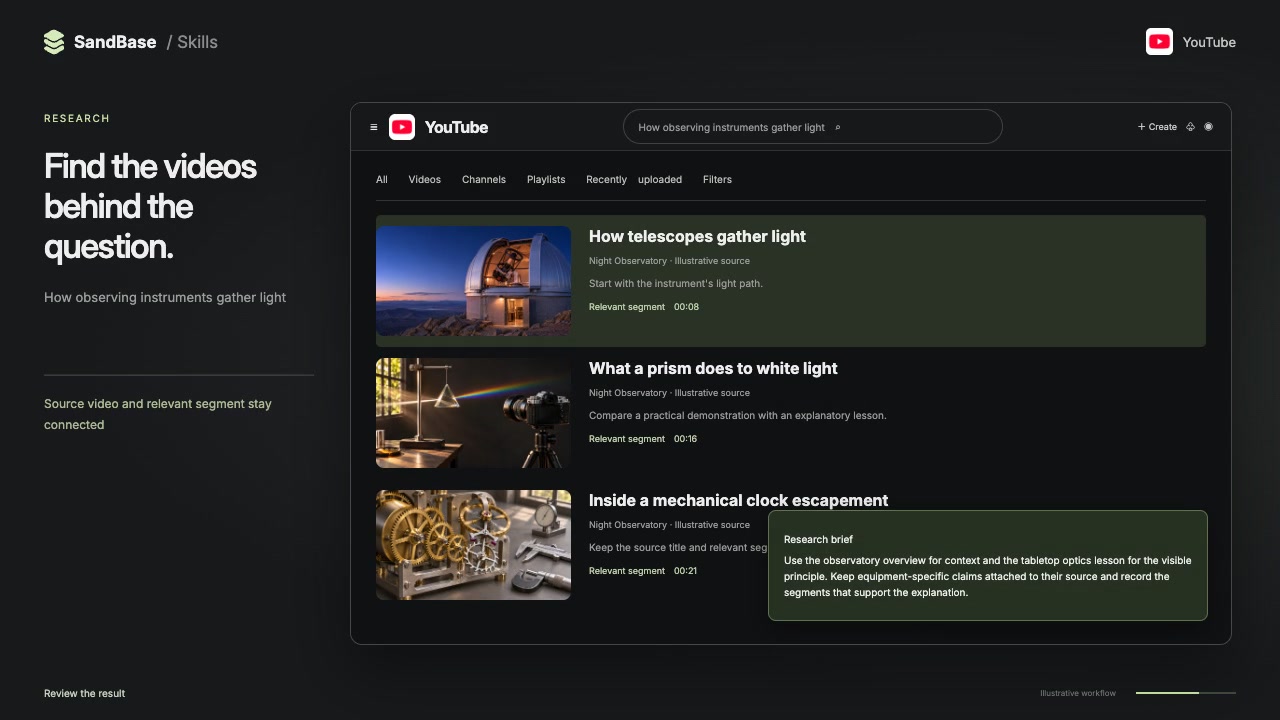
YouTube Research
Search videos, analyze channels, extract captions, read comments, and discover trends on YouTube through SandBase. Use when asked for YouTube research, video discovery, channel analysis, content strategy research, comment sentiment, or video transcript extraction.
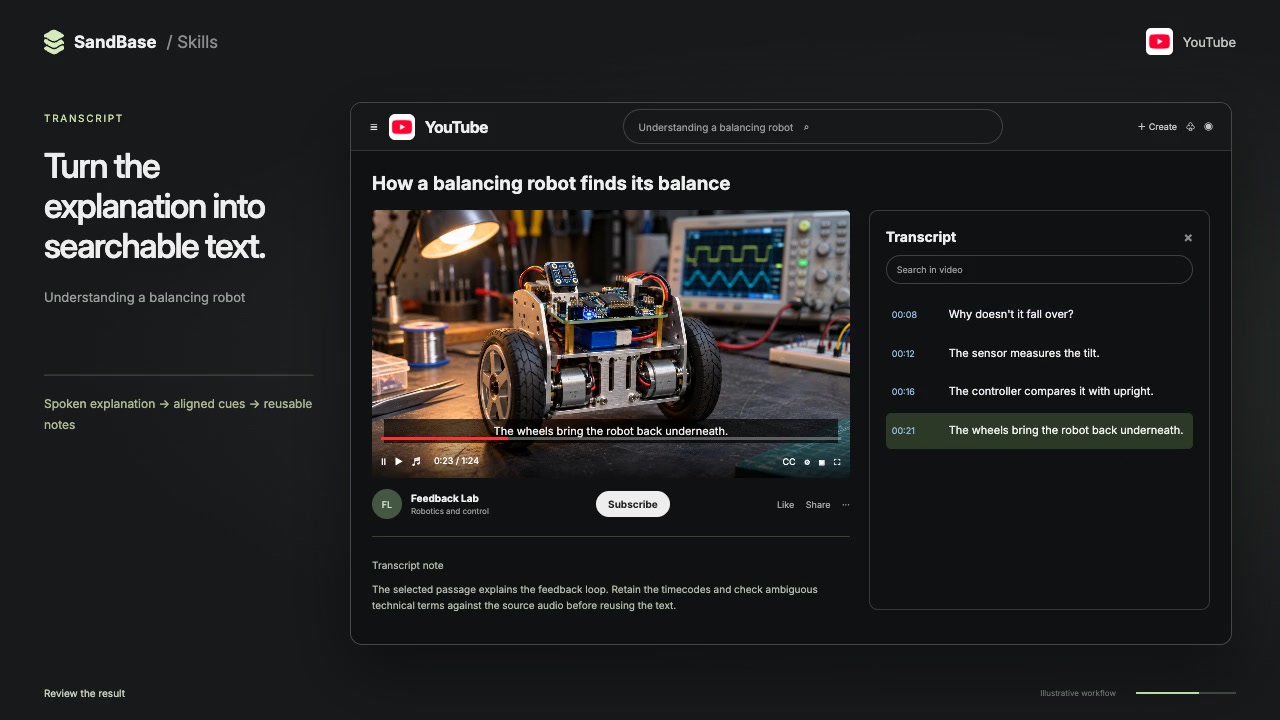
YouTube Transcript
Extract full transcripts and captions from YouTube videos for content analysis, summarization, note-taking, and repurposing. Supports multiple languages and auto-generated captions. Ideal for research, content creation, and accessibility workflows.
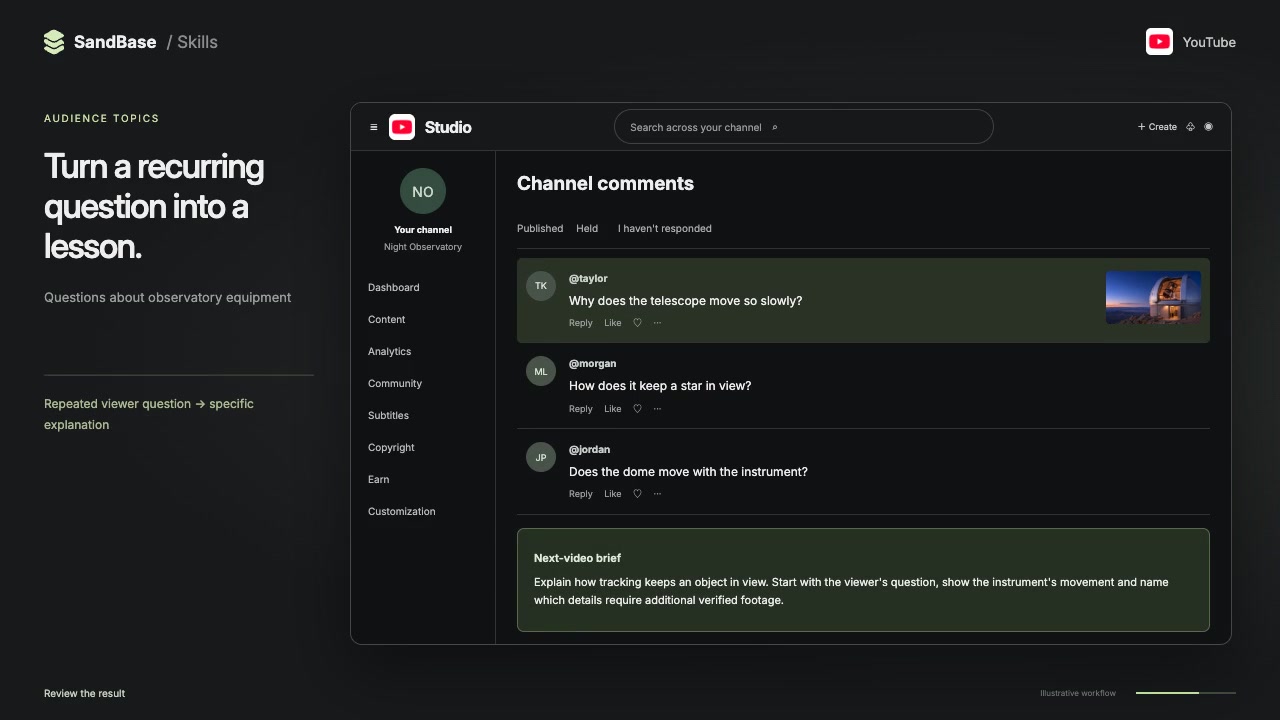
YouTube Audience Topics
Find the next useful video question in a bounded comment sample.
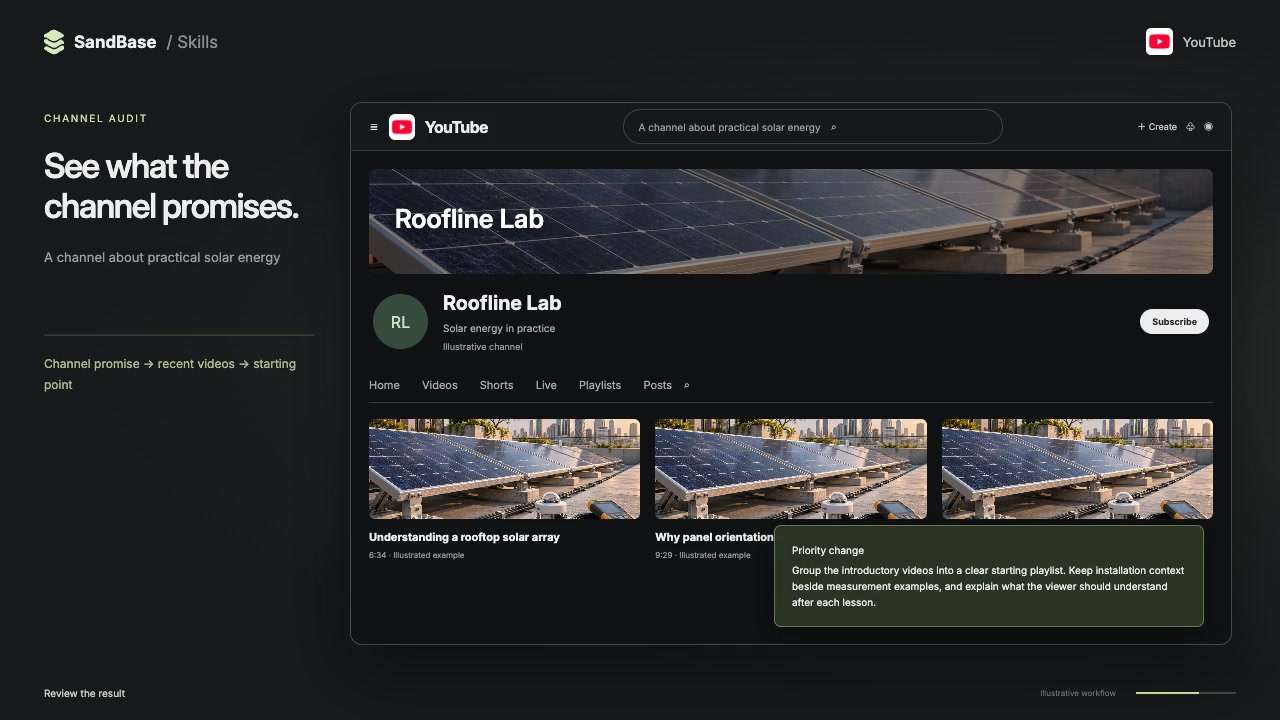
YouTube Channel Audit
Review recent titles, upload rhythm and transcript openings to choose one main fix.
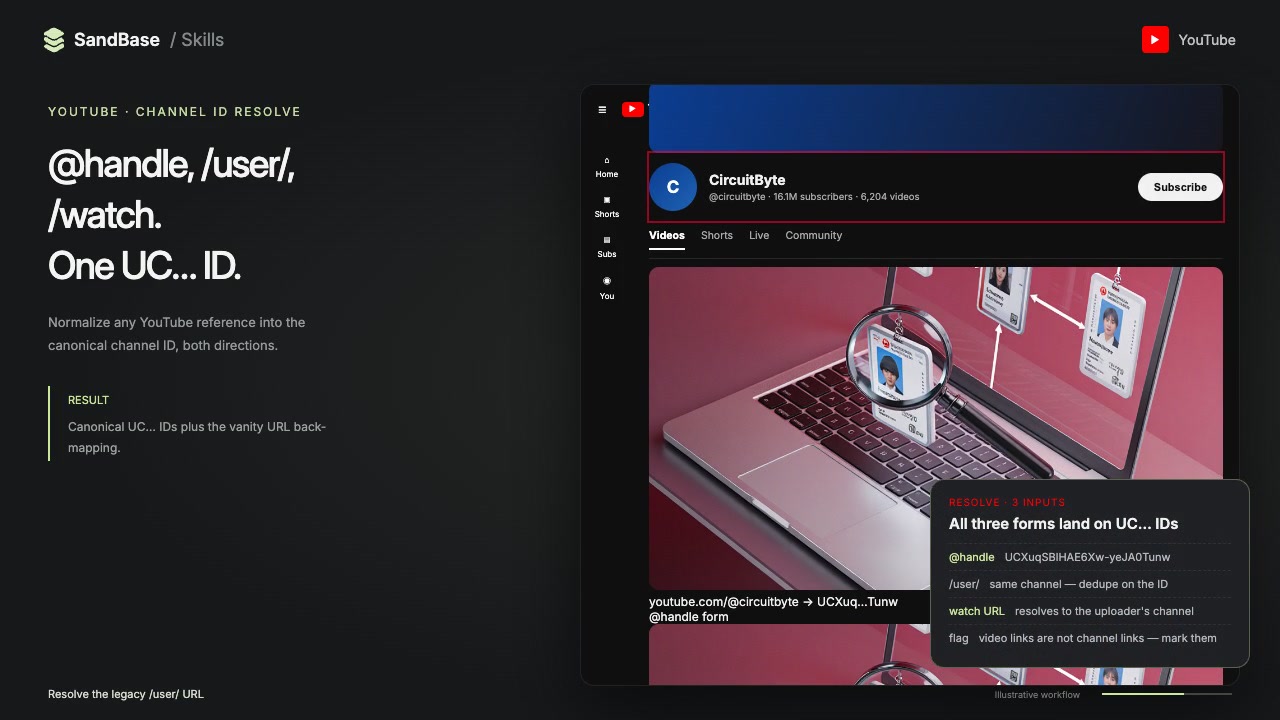
YouTube Channel Id Resolve
Resolve any YouTube channel reference
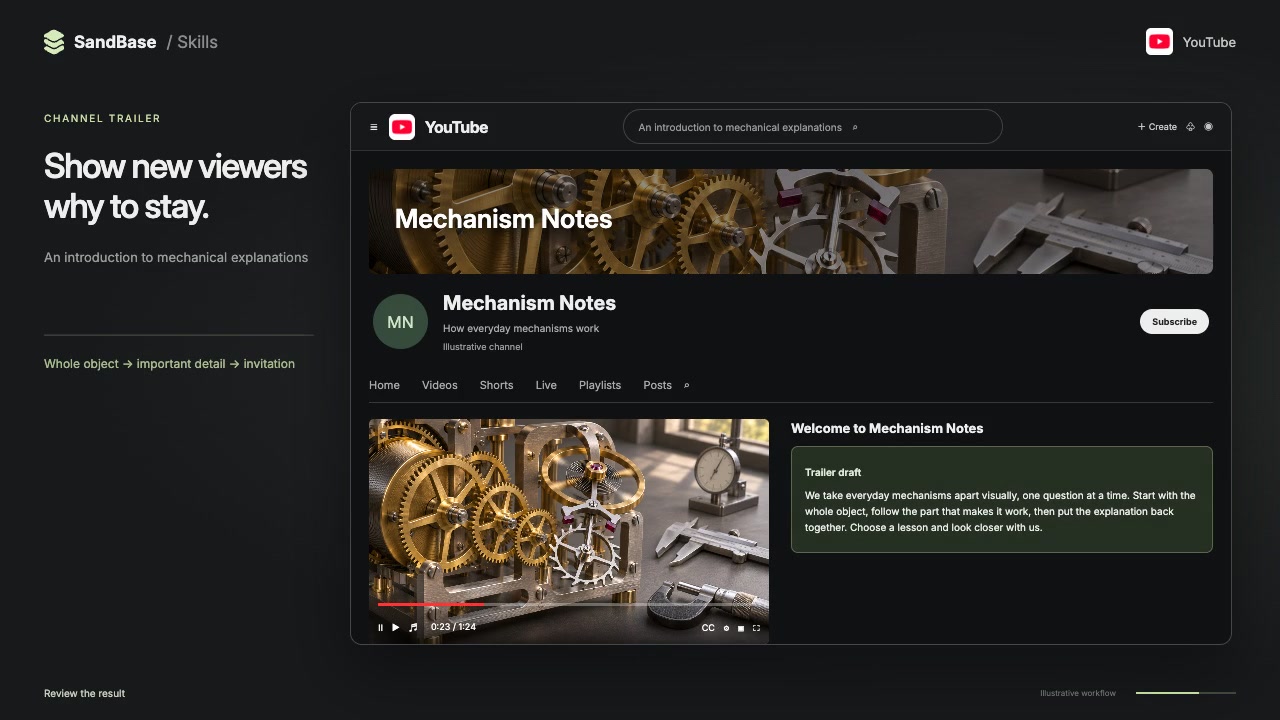
Write a YouTube channel trailer
Introduce the channel with concrete examples and a script that fits the available time.