
Free fog filter
БесплатноИзображения AIFill a scene with soft fog that fades the background, for moody forests, mysterious streets and dreamy portraits.
- 100% free
- No sign-up
- No watermark
- Works on phone
Пример результата
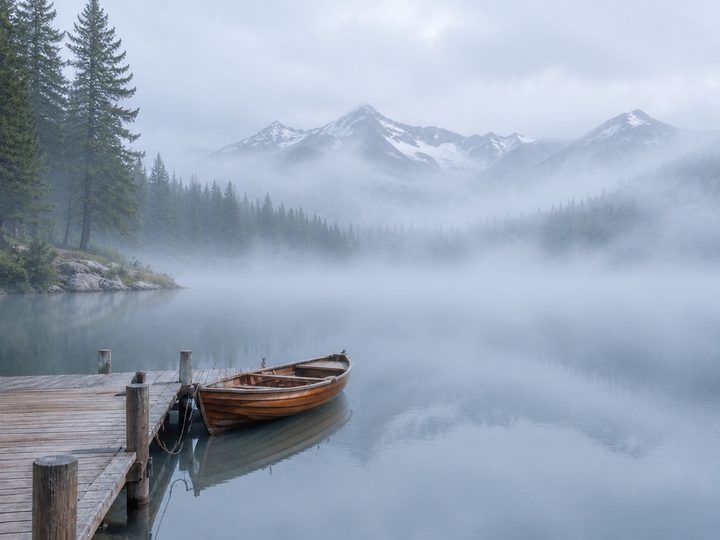
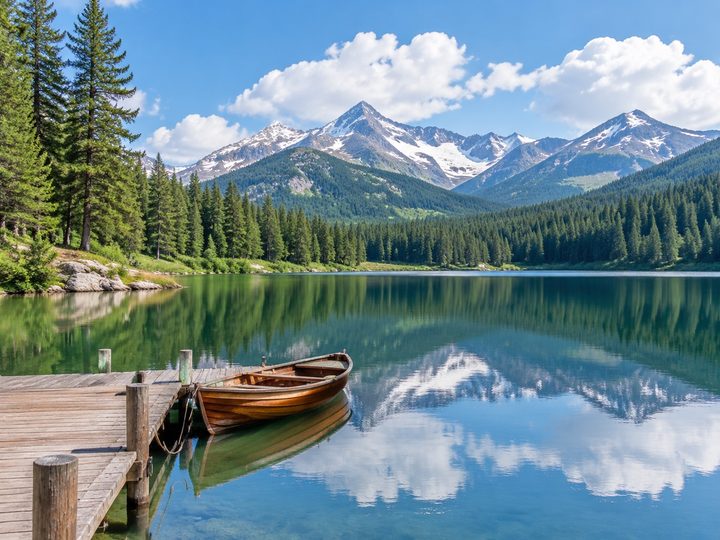 ДоПосле
A photo changed so that thick soft fog fills the scene, fading the background.
Как использовать Fog Filter
Три шага, на компьютере или телефоне.
- 01
Upload a photo
Drop, paste or pick a JPG, PNG, WebP or HEIC image; on a phone you can take one with the camera.
- 02
Run it
Select Change photo (fog look for any photo). A result usually takes about 20 seconds.
- 03
Compare and download
Compare it with your original, then download a JPG. Example on this page: a photo changed so that thick soft fog fills the scene, fading the background.
Больше примеров
Этот же инструмент на других фото, без ручного редактирования. Откройте одно, чтобы попробовать самим.
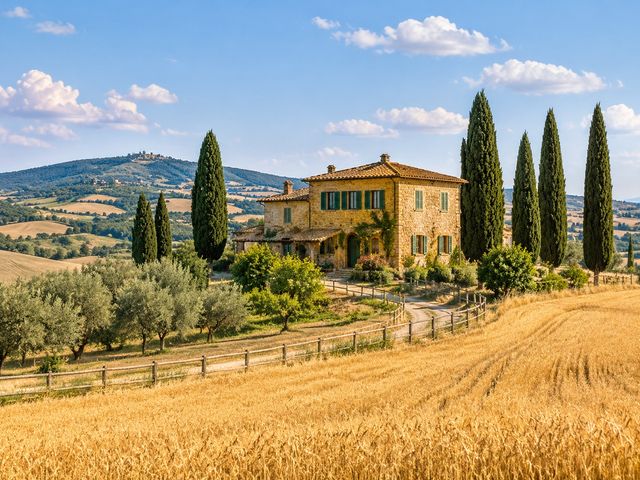
До 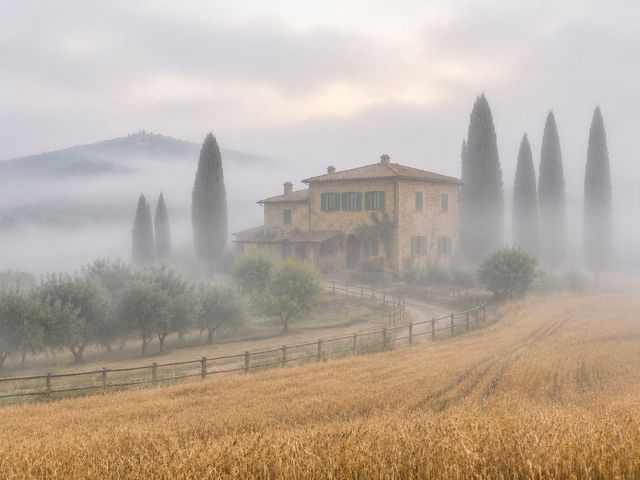
После Пример Fog Filter 2
Попробовать на этом фотоПопробуйте на своём фото
Загрузите фото и получите результат за секунды. Бесплатно, без регистрации, без водяного знака.
Загрузить фото
Для чего это используют
Moody landscapes
Forests and hills in mist.
Book covers
Mystery and thriller art.
Portraits
Soft, dreamy backgrounds.
Советы для лучшего результата
- Scenes with depth show fog best.
- Pair with the autumn filter for a cozy mood.
- Keep the subject close to the camera.
Нужен больший контроль? Используйте API
Этот инструмент работает на базе SandBase image API. API даёт вам все настройки, которые в бесплатном инструменте фиксируются автоматически.
- Более высокое качество и размерquality=high, размеры до 2K и прозрачный фон в одном запросе.
- Ваш собственный promptИзмените шаблон, добавьте эталонные изображения или обрабатывайте сотни изображений из своего кода или Agent.
- Оплата за изображениеИспользуйте баланс SandBase сверх лимита бесплатного инструмента. Доступность моделей и ограничения API по частоте запросов по-прежнему действуют.
# Set SANDBASE_API_KEY and choose your local image file.
IMAGE_FILE="photo.jpg"
curl --fail-with-body https://api.sandbase.ai/v1/images/edits \
  -H "Authorization: Bearer $SANDBASE_API_KEY" \
  --form-string 'model=gpt-image-2.6-flare' \
  --form "image=@${IMAGE_FILE}" \
  --form-string 'quality=high' \
  --form-string 'size=2048x2048' \
--form-string 'prompt=Change this photo so that thick soft fog fills the scene, fading the background. Keep the composition, buildings, objects, people and camera angle exactly the same; only the season, weather, time and light change.'FAQ
Will fog cover the subject?
The subject stays clear while the background fades.
Is the fog thick?
Soft and thick enough to fade the background while the subject stays clear.
Will it change the buildings?
The prompt asks to preserve buildings, objects and the camera angle while changing the season, weather and light. AI may alter details, so compare the result with your original.
Fog Filter бесплатен?
Да, без водяного знака и без регистрации. Один запуск Fog Filter занимает около 20 секунд и даёт вам JPG. Он использует один запуск дневного бесплатного лимита на AI images, который общий для всех AI image tools: 10 запусков в день без входа в систему и 30 — с бесплатным аккаунтом SandBase. Инструмент показывает, сколько запусков у вас осталось, а счётчик сбрасывается в полночь UTC; также могут действовать сетевые и общесистемные ограничения.
Что происходит с фото, которое я загружаю в Fog Filter?
Ваше фото и ваши настройки обрабатываются SandBase и поставщиком изображений, чтобы создать этот результат. Fog Filter не публикует ничего в публичной галерее. Результаты могут повторно использоваться из кэша до 24 часов, так что идентичный запрос не расходует ещё один запуск; скачайте любой результат, который хотите сохранить.
SandBase APIs для этой задачи
Тот же тип данных — в вашем собственном коде или Agent: один API-ключ, оплата за каждый вызов.
Больше инструментов
3D Cartoon Filter
Turn a selfie into a 3D animated movie character.
Pencil Drawing Filter
Turn a selfie into a pencil drawing.
Tintype Photo Filter
Turn a selfie into a tintype photo.
Colored Pencil Drawing Filter
Turn a selfie into a colored pencil drawing.
Statue Filter
Turn a photo of yourself into a marble, bronze, gold or stone statue.
Ghibli Filter
Turn a selfie into Ghibli-style art.