
Image to text converter (OCR)
БесплатноИнструменты для изображенийDrop a screenshot, a photo of a page or a scan and get the text back to copy, edit or save. The text reader runs in your browser.
- Работает в вашем браузере
- Ничего не загружено
- Без водяного знака
Как использовать Image to Text Converter
- 01
Drop an image with text, or pick one from your device.
- 02
Pick the language of the text and press Extract text.
- 03
Copy the text or download it as a .txt file.
Для чего его используют
Copying text from screenshots
Get the words without typing.
Scanned documents
Pull text from a scan or photo.
Notes and slides
Copy text from a photo of a whiteboard.
Советы для лучшего результата
- Use a sharp, straight, well-lit photo.
- Crop to the text first for better results.
- Check numbers and names after copying.
- Printed text works better than handwriting.
FAQ
Which languages does it read?
English, Spanish, French, German, Portuguese, Italian, Dutch, Russian, Chinese, Japanese, Korean, Arabic, Hindi, Vietnamese and Turkish.
Does it read handwriting?
Neat print works best. Handwriting, very small text and photos taken at an angle give more mistakes, so check the result.
Why does the first run take longer?
The reader and the language data (a few MB) are downloaded once, then cached by your browser.
Which languages work?
English and most Latin-script languages work best.
Does Image to Text Converter upload my image?
No. Image to Text Converter reads the text in the image in your browser, so the picture never leaves your device.
SandBase APIs для этой задачи
Тот же тип данных — в вашем собственном коде или Agent: один API-ключ, оплата за каждый вызов.
Больше инструментов
Конвертер изображений
Конвертируйте изображения между JPG, PNG и WebP по одному или пакетно.
 Бесплатно
300 DPI Converter
Resize a picture for printing at 300 DPI in any size.
Add Text to Image
Put text on a photo: font, size, color and outline, placed where you tap.
AVIF to JPG Converter
Convert AVIF files to JPG in your browser, one file or up to 30 at once, with nothing uploaded.
AVIF to PDF Converter
Convert AVIF files to PDF in your browser, one file or up to 30 at once, with nothing uploaded.
 Бесплатно
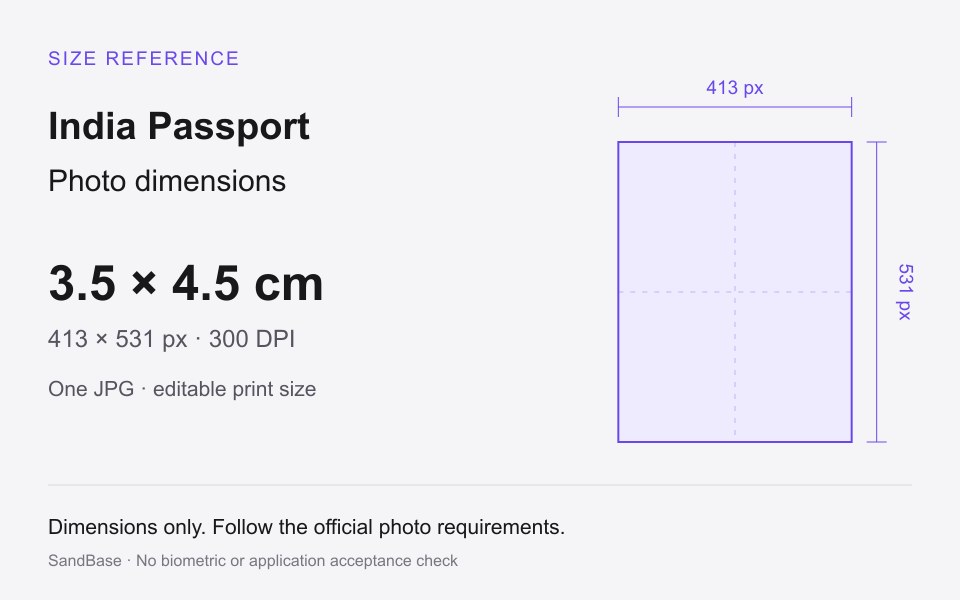
India Passport Photo Size
Passport Seva paper-form reference. Starting preset: 35 × 45 mm.