
Binder Cover Template
БесплатноОткрытки и ярлыкиType the subject or title, a line for the class or year, and your name. It prints on a full Letter or A4 page to slide into a clear binder sleeve.
- PDF, готовый к печати
- Letter или A4
- Ничего не загружено
Примеры
Сделано с помощью этого инструмента. Откройте любой пример, чтобы начать с него и изменить что угодно.
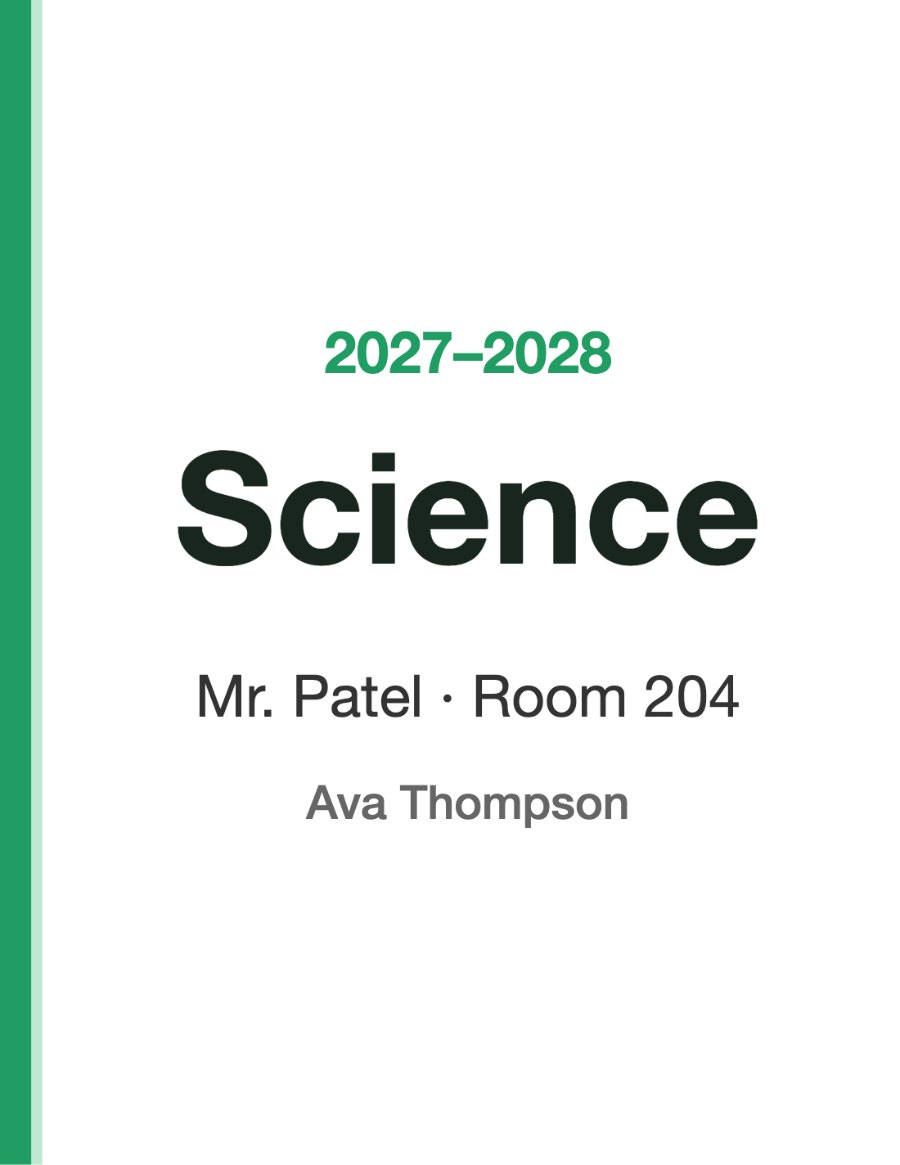
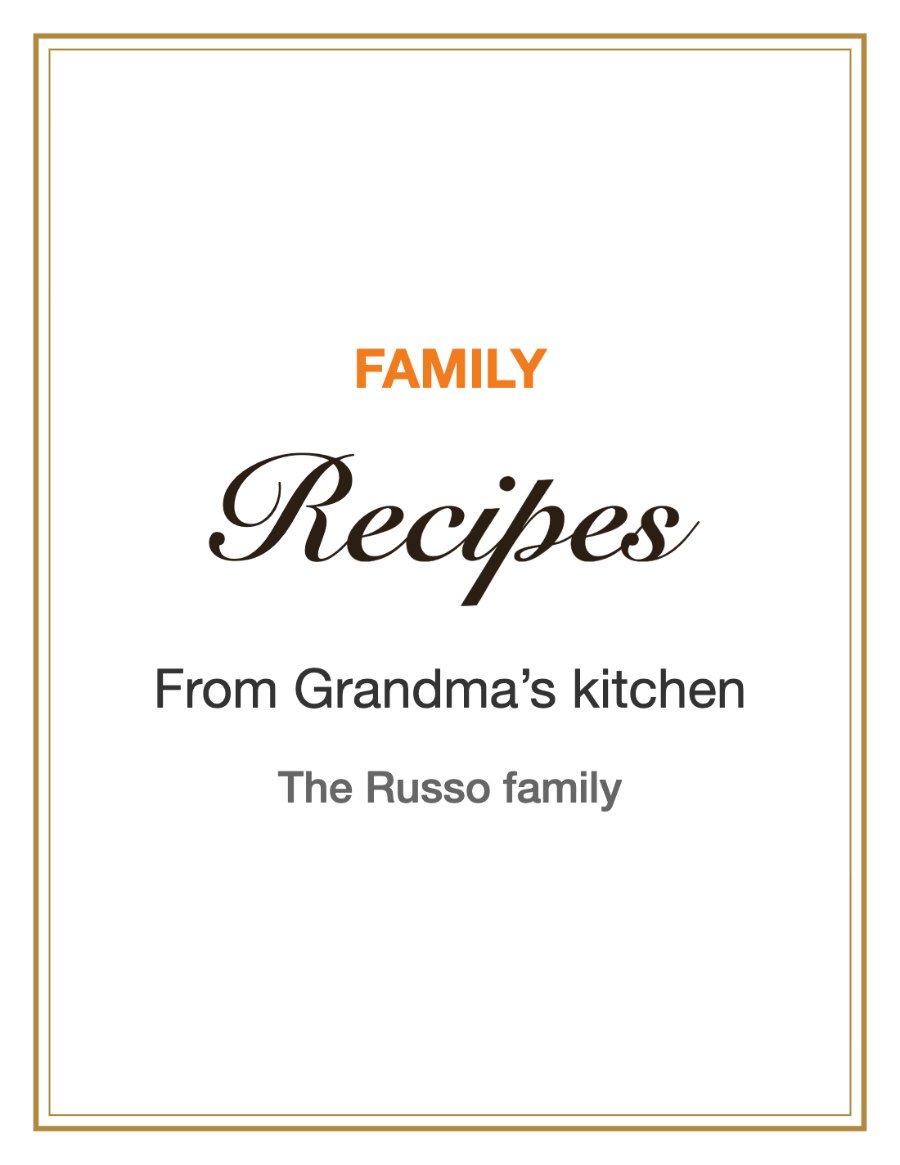

Как использовать Binder Cover Template
- 01
Type the words for the card.
- 02
Pick a style, colors and font, and add a photo if you like.
- 03
Download a print-ready PDF sheet, or a single card as a PNG.
Для чего его используют
School binders
One cover per subject.
Home organization
Recipes, bills, manuals and medical records.
Work
Project binders and training manuals.
Советы для лучшего результата
- Use a different color per subject.
- Add a photo for a personal cover.
- Print on regular paper for clear binder sleeves.
- Make matching spine labels with the label tool.
FAQ
Can I make a spine label?
Use the address label template with one line, or cut a strip from the cover.
Can I add a photo?
Yes. It fills the top half of the cover.
What size is it?
A full Letter or A4 page to slide into a clear binder sleeve.
Does Binder Cover Template upload what I type?
No. Binder Cover Template draws the page in your browser from what you type, so it works offline once the page has loaded and nothing is sent anywhere.
Больше инструментов
Business Card Template
Make a business card and print 10 on a Letter or A4 sheet.
Door Hanger Template
Printable door hangers with a handle hole, two per page.
Gift Certificate Template
Printable gift certificates with amount, to, from and expiry.
Button Badge Maker
Make round 2.25-inch button badges with text or a photo.
Birth Announcement Maker
Make a 5 × 7 baby announcement with photo, name and birth stats.
Bingo Card Maker
Print custom word or number bingo cards, each one shuffled.