
Supplement Facts Label Maker
БесплатноОткрытки и ярлыкиType each ingredient as "name, amount, % daily value". Leave the percent out for ingredients without a daily value; they get a dagger and a footnote.
- PDF, готовый к печати
- Letter или A4
- Ничего не загружено
Примеры
Сделано с помощью этого инструмента. Откройте любой пример, чтобы начать с него и изменить что угодно.
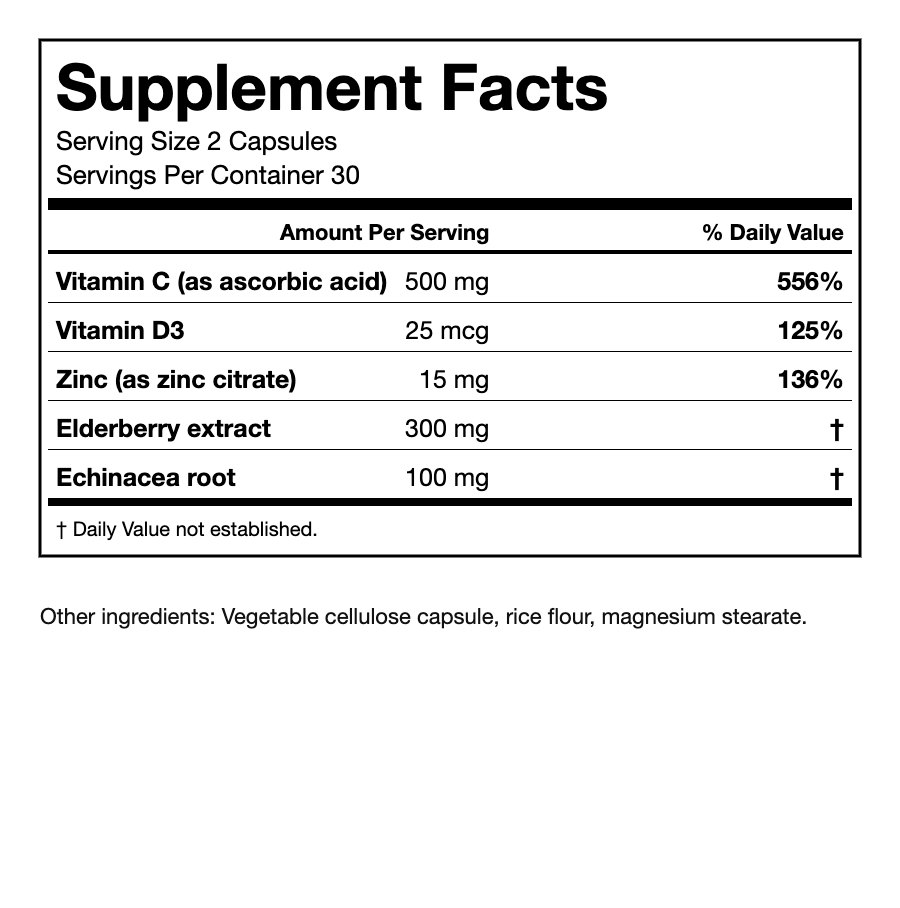
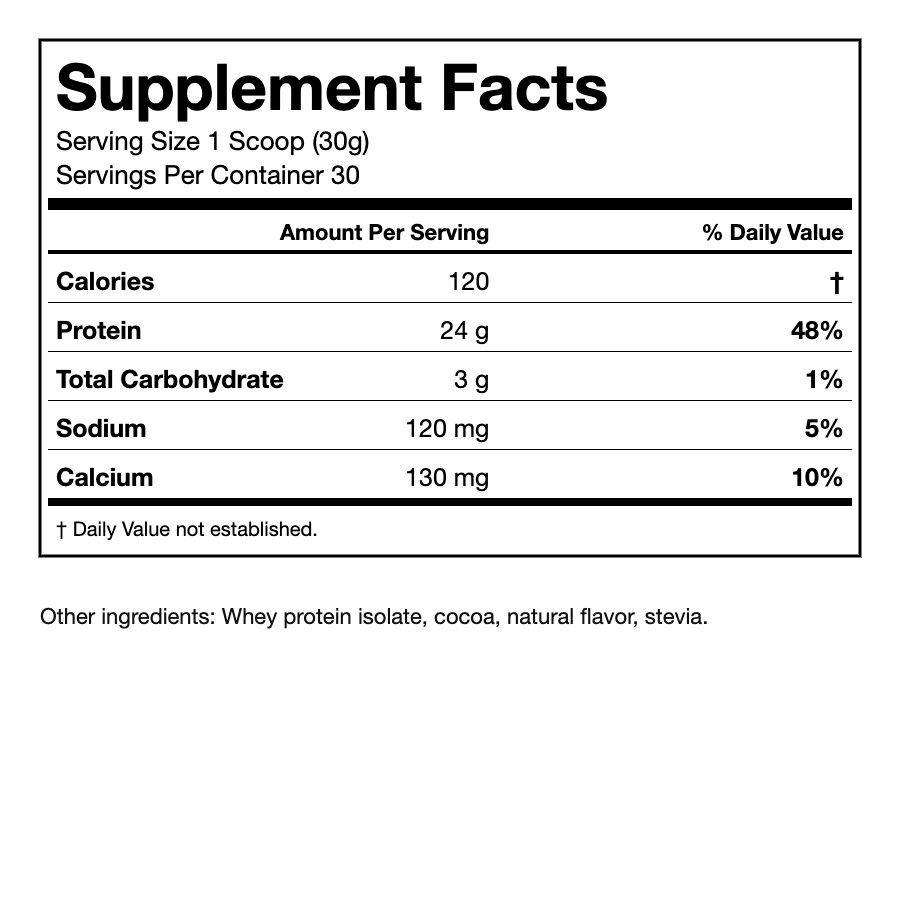
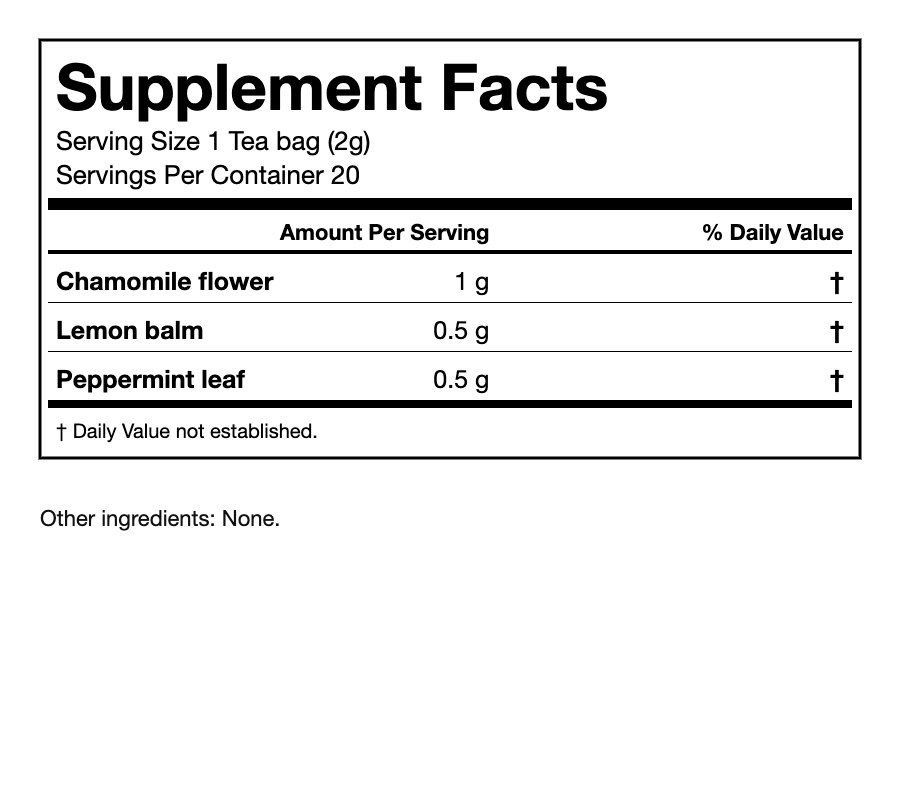
Как использовать Supplement Facts Label Maker
- 01
Type the serving size and servings per container.
- 02
Add each ingredient as name, amount and % daily value.
- 03
Download the label as a PNG.
Для чего его используют
Supplement brands
Mock up a panel for packaging design.
Students
Learn how supplement labels work.
Small makers
Herbal blends and powders.
Советы для лучшего результата
- List each ingredient with its exact form, like "as zinc citrate".
- Use the same units as your lab report.
- Ingredients without daily values get a † mark.
- Have your label checked before you sell.
FAQ
What does the † mean?
That no daily value has been set for that ingredient, which is common for herbs and extracts.
Is this label approved?
No. It follows the usual layout; check the rules for your market before you sell.
Supplement facts or nutrition facts?
Dietary supplements use a Supplement Facts panel; foods use Nutrition Facts.
What does † mean?
No daily value has been set for that ingredient.
Does Supplement Facts Label Maker upload what I type?
No. Supplement Facts Label Maker draws the page in your browser from what you type, so it works offline once the page has loaded and nothing is sent anywhere.
Больше инструментов
Nutrition Facts Label Maker
Make an FDA-style nutrition facts label with daily values worked out.
Menu Template
A printable menu with sections, prices and descriptions.
Recipe Card Maker
Make a 4 × 6 inch recipe card with ingredients and steps.
Address Label Template
Print address labels on 30-per-sheet label paper and other sizes.
Award Certificate Maker
Make an award certificate with your own title and reason.
Table Number Maker
Print 4 × 6 inch table numbers for weddings and parties.