
Classroom Seating Chart
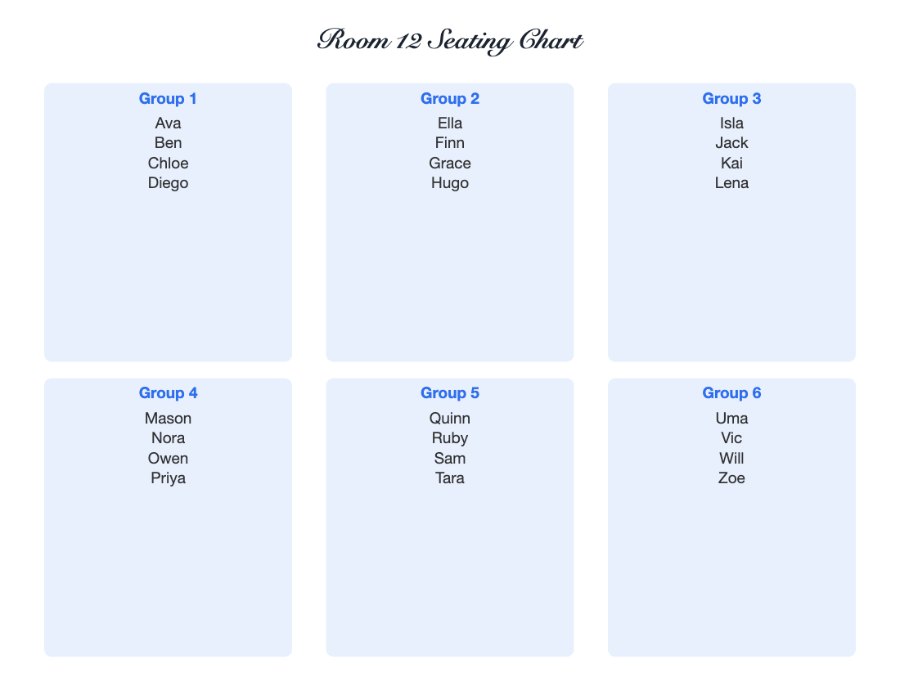
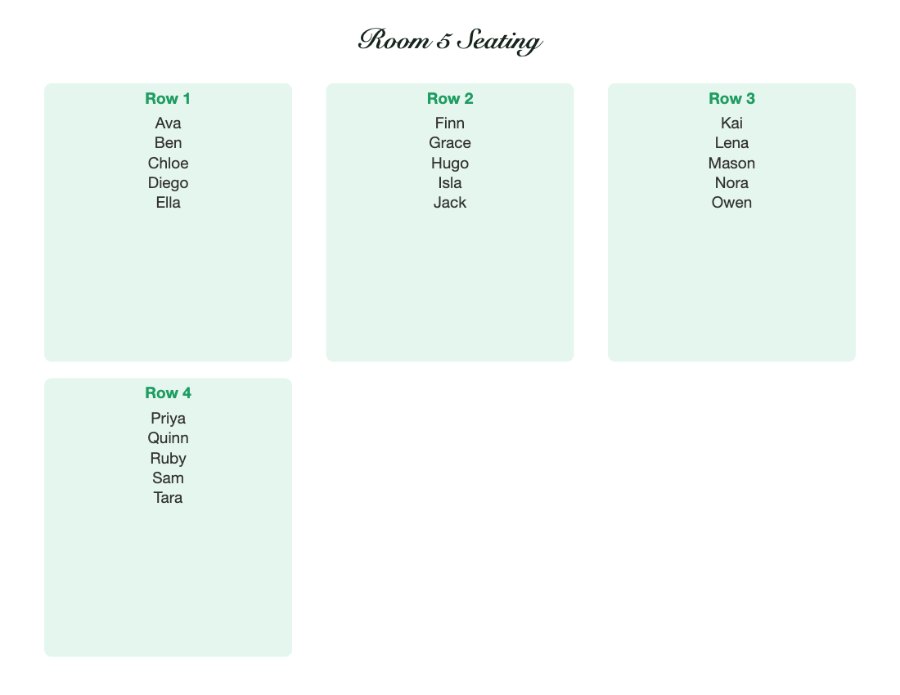
БесплатноРабочие листыType each group or row and the students in it. The plan prints landscape, handy for substitute teachers learning names.
- PDF, готовый к печати
- Letter или A4
- Ничего не загружено
Примеры
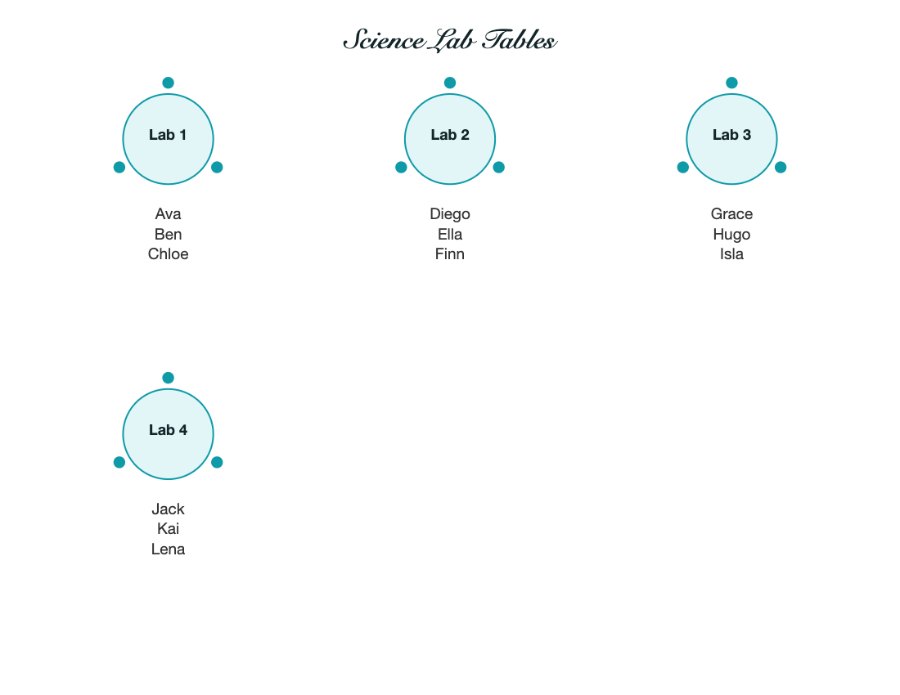
Сделано с помощью этого инструмента. Откройте любой пример, чтобы начать с него и изменить что угодно.
Как использовать Classroom Seating Chart
- 01
Type each group as "Group 1: name, name".
- 02
Pick round or square tables and colors.
- 03
Download a PDF to print, or a PNG.
Для чего его используют
Substitute teachers
Learn names fast with a seating plan.
New classes
Plan seating before the first day.
Group work
Set up groups for projects.
Советы для лучшего результата
- Seat students who need support near the front.
- Mix talkers with quiet workers.
- Change seats every four to six weeks.
- Keep a copy in the sub folder.
FAQ
Can I set it up in rows?
Yes. Type "Row 1: names" for each row and turn off round tables.
How often should I change seats?
Many teachers switch every four to six weeks.
Rows or groups?
Rows suit tests and lectures; groups suit projects. Make one of each.
Does Classroom Seating Chart upload what I type?
No. Classroom Seating Chart draws the page in your browser from what you type, so it works offline once the page has loaded and nothing is sent anywhere.
Больше инструментов
Report Card Template
A printable report card with grades, comments and signatures.
Spelling Test Template
A numbered spelling test with bonus lines and a word list page.
Worksheet Maker
Make a worksheet with your questions, answer lines and choices.
Alphabet Chart
A printable ABC chart with pictures and words, A to Z.
Hundreds Chart
A printable 100, 120 or 200-number chart with matching practice answers.
Crossword Maker
Make a crossword from your words and clues, with an answer key.