Identity Manual Slides
Hand your visual identity to staff, printers and partners with a precise brand-guidelines deck: mark construction, clear space, colour discs with an area ratio, a type specimen and application boards.
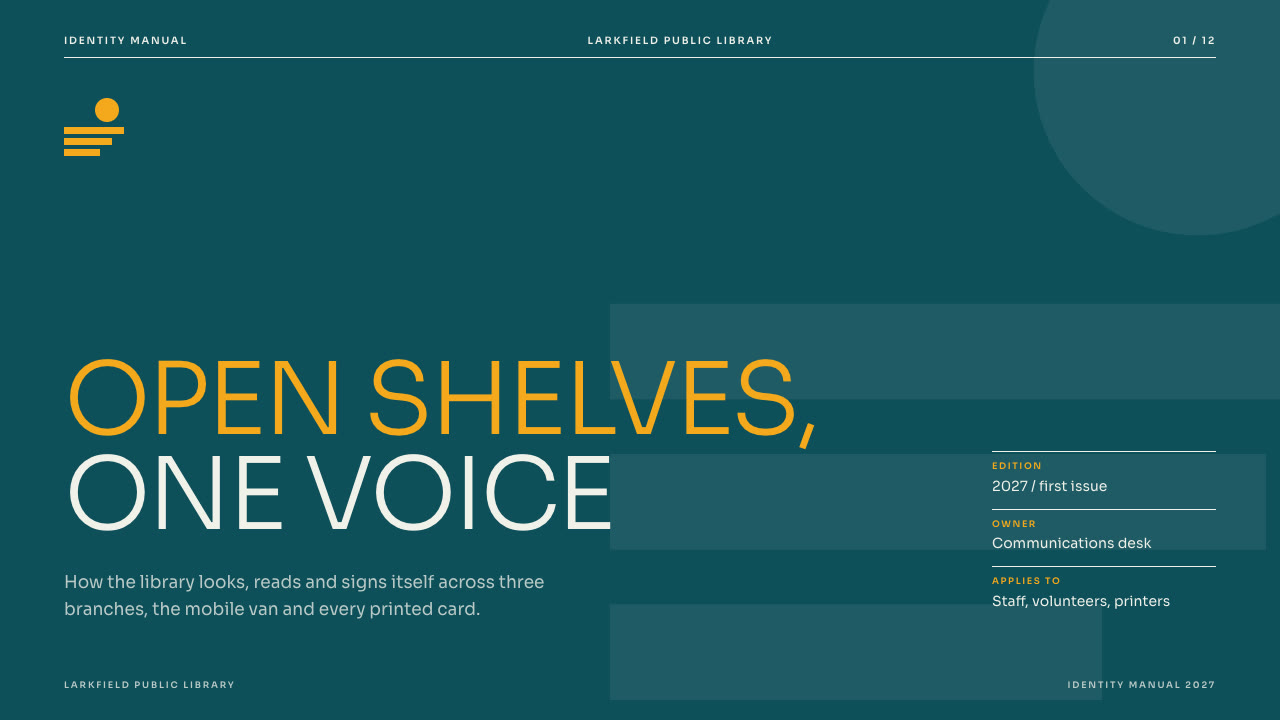
Bring a brief with the audience, your mark as an SVG, colour values, the typeface you license and the applications that matter. The Skill returns one offline HTML deck that edits in the browser and exports editable PowerPoint.
How it works
Brief and sequence
Your Agent asks who will apply the rules, the organisation, its mark, colour values, licensed typeface, key applications, pictures and page count, then orders the layouts the reader needs and picks or maps a palette.
Mark and build
mark.py checks your mark.svg and fills every mark slot, including a construction panel with your guide circles and anchor points; kit.py composes plan.json, make-deck.py builds one offline HTML file and verify-deck.py checks it.
Look and export
Look at every page in a browser, try edit, undo, save and present, then export PowerPoint and run verify-pptx.py against the deck.
Frequently asked questions
Is the PowerPoint really editable?
Yes. Text, panels, colour discs, ratio bar segments, swatches and rules are native PowerPoint objects with speaker notes; no slide is a flattened picture. The mark, the background word on the meaning page and the pictures export as pictures that move, resize and can be replaced.
Where do the pictures come from?
From you. The Skill does not generate pictures; slots without one keep a neutral frame. The example decks use flat illustrations drawn in code for these demos.
Which fonts does it use?
Sora (300, 400, 600), under the SIL Open Font License and embedded in the deck. Chinese, Japanese and Korean use a system font. PowerPoint and LibreOffice draw Sora Light as regular unless the Light face is installed, so install Sora on the presenting machine.
What was tested?
Both example decks were built from a fresh unzip of the package. Every page was inspected in Chrome and in a LibreOffice render of the exported PowerPoint, and edits made with python-pptx survived save and reopen. No other presentation app was opened.