Origin Arc Slides
Make editorial, high-contrast brand story decks for onboarding, identity rationales and rebrand approvals: one narrative spine from origin and friction to belief, codes, proof, expression and future, condensed display titles over a bookish serif and one repeated half-ring arc.
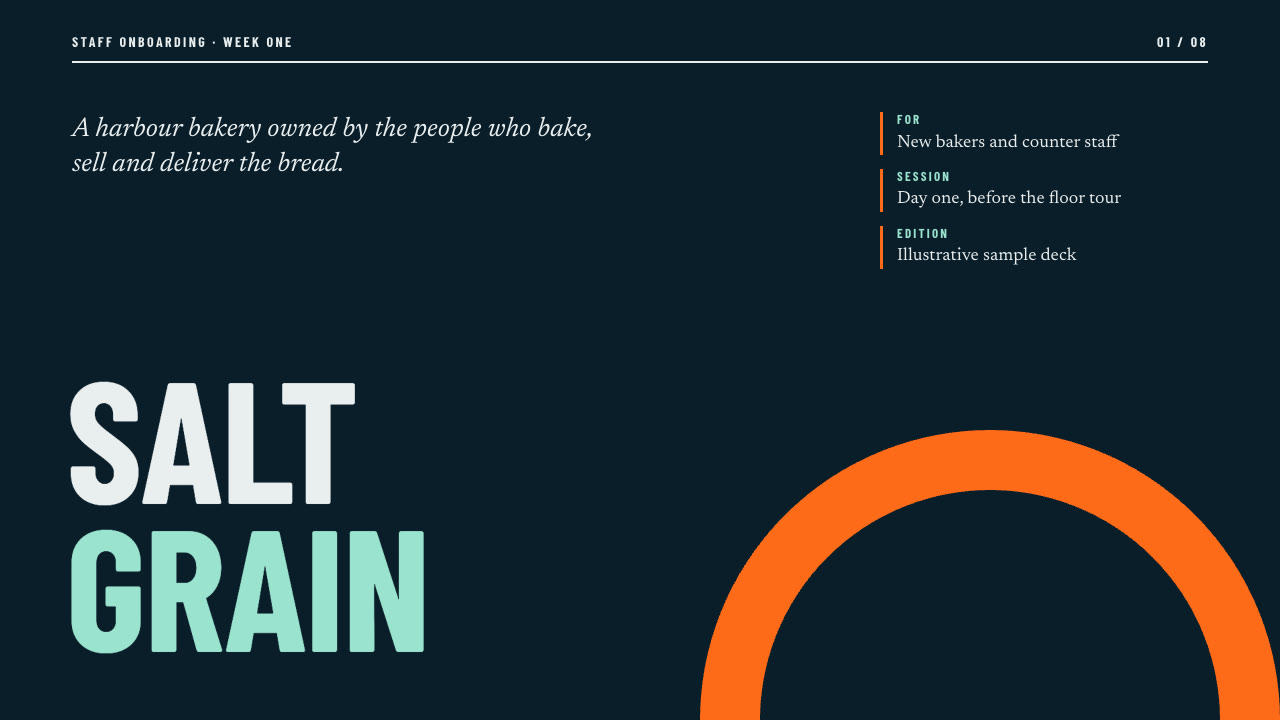
Bring the brand, the audience, the story beats, figures and colours to use exactly and the page count. The Skill returns one offline HTML deck that edits in the browser and exports editable PowerPoint.
How it works
Brief and sequence
Your Agent asks for the topic, the audience, what should happen after the talk, the facts and numbers to use exactly and the page count, then gives every page one layout and picks one palette.
Pictures and build
No pictures are needed: the arc and the origin tag are drawn from inline SVG and editable blocks. It writes plan.json and settings.json, then runs kit.py compose, make-deck.py and verify-deck.py to build one offline HTML file.
Look and export
It opens every page in a browser and checks wraps, overlaps and labels, tries edit, undo, save and present, then exports PowerPoint and runs verify-pptx.py against the deck.
Frequently asked questions
Is the PowerPoint really editable?
Yes. Titles, labels, chips, panels, cards, rules and figures are native PowerPoint objects with speaker notes; each arc is its own picture and there are no full-slide pictures. The example decks have 111 and 112 text boxes.
Where do the pictures come from?
The Skill does not need any. The half-ring arc and the origin tag are drawn from inline SVG and editable blocks, and the expression page mocks up posters, labels and badges in the deck colours. You can add pictures you have the right to use in the editor.
Which fonts does it use?
Barlow Condensed Bold for titles, labels and figures and Newsreader for every sentence, both under the SIL Open Font License. Install both on the presenting machine for matching line breaks. Chinese, Japanese and Korean use the system face.
What are the known limits?
The marked phrase on the belief page is a picture band placed where the browser wrapped the line; if PowerPoint wraps the sentence differently it no longer sits under the phrase, so move or delete it. Longer titles need the documented size override and figures should stay at five characters or fewer. Blocks added in the editor start at the top-left of the content area.
What was tested?
Both example decks were built from a fresh unzip of the package. Every page was inspected in Chrome and in a LibreOffice render of the exported PowerPoint, 31 browser interaction checks passed and 17 error-path checks passed, and python-pptx edits survived save and reopen. PowerPoint, Keynote and WPS were not opened.