Bright Cohort Slides
Make bright, friendly decks for learning programmes such as evening schools, cohorts, courses, residencies and onboarding: heavy rounded headings, round portraits on offset colour discs, rounded picture windows, colour-block splits, capsules, rings and plus marks.
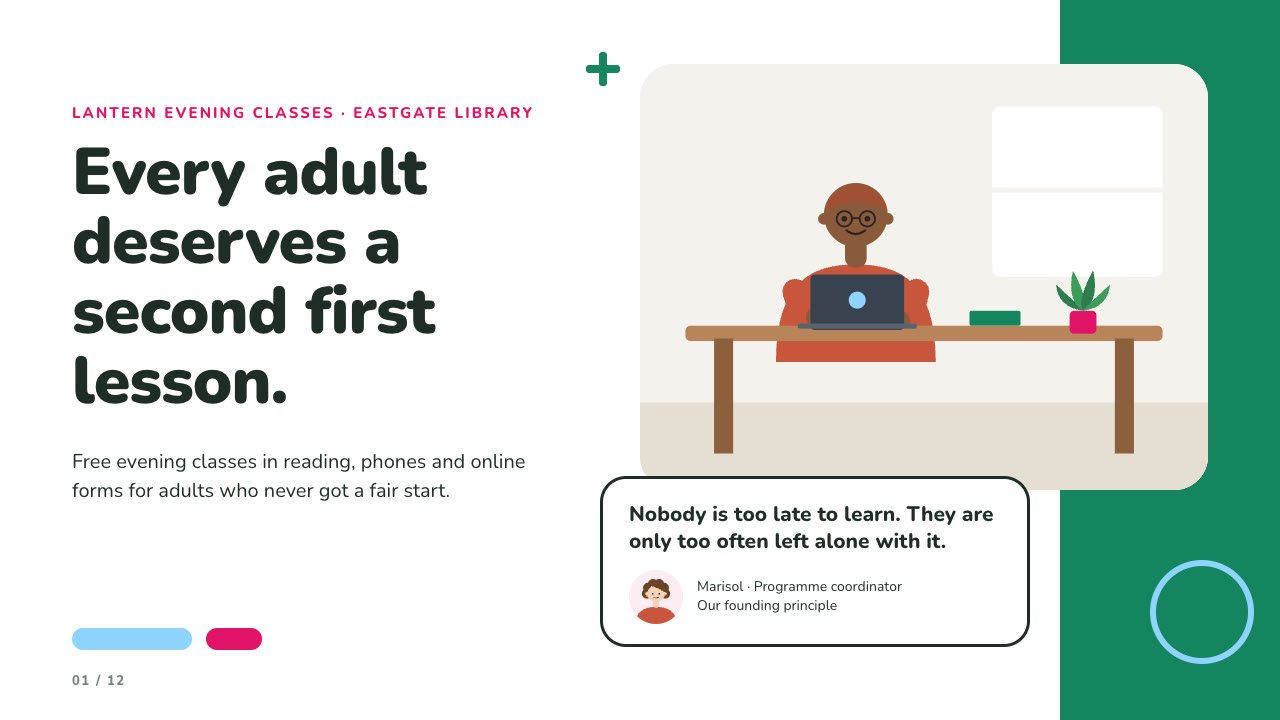
Bring the programme, the audience, the facts and numbers to use exactly and the page count; photos optional. The Skill returns one offline HTML deck that edits in the browser and exports editable PowerPoint.
How it works
Brief and sequence
Your Agent asks for the topic, the audience, what should happen after the talk, the facts and numbers to use exactly and the page count, then gives every page one layout and picks one palette.
Pictures and build
Without your own photos it lists the people and places in an art ledger and draws them with draw-art.py. It writes plan.json and settings.json, then runs kit.py compose, palette.py, make-deck.py and verify-deck.py to build one offline HTML file.
Look and export
It opens every page in a browser and checks wraps, overlaps and labels, tries edit, undo, save and present, then exports PowerPoint and runs verify-pptx.py against the deck.
Frequently asked questions
Is the PowerPoint really editable?
Yes. Headings, captions, capsules, cards, bars and the timetable are native PowerPoint text, shapes and tables with speaker notes; each portrait and picture is its own picture, and no slide is a full-page image. The example decks have 94 and 62 text boxes.
Where do the pictures come from?
Your own photos first. Otherwise the bundled draw-art.py draws flat SVG illustrations of people and learning places: portraits that can look left or right, desks, shelves, boards, notebooks and groups. It uses only the Python standard library and calls no model or image service.
Which fonts does it use?
Nunito for headings and text, under the SIL Open Font License. Install references/fonts/Nunito-wght.ttf on the presenting machine; LibreOffice draws the Nunito Black headings as Bold.
What are the known limits?
In PowerPoint a long attribution line under the quote card can wrap one character earlier than in the browser, seen with Chinese text. Drawn pictures are flat illustrations, and the same shelf composition can appear in different decks. Text on dense pages must stay within each layout's word budget.
What was tested?
Both example decks were built from a fresh unzip of the package. Every page was inspected in Chrome and in a LibreOffice render of the exported PowerPoint, 31 browser editor checks and 14 style checks passed on each deck, and python-pptx edits survived save and reopen. PowerPoint, Keynote and WPS were not opened.