Crayon Class Slides
Make cheerful classroom decks for lessons, clubs, library sessions and family workshops: round bold headings, one handwritten accent per page, pastel outlined cards, doodle frames on cream paper and drawn children who stand on the page floor.
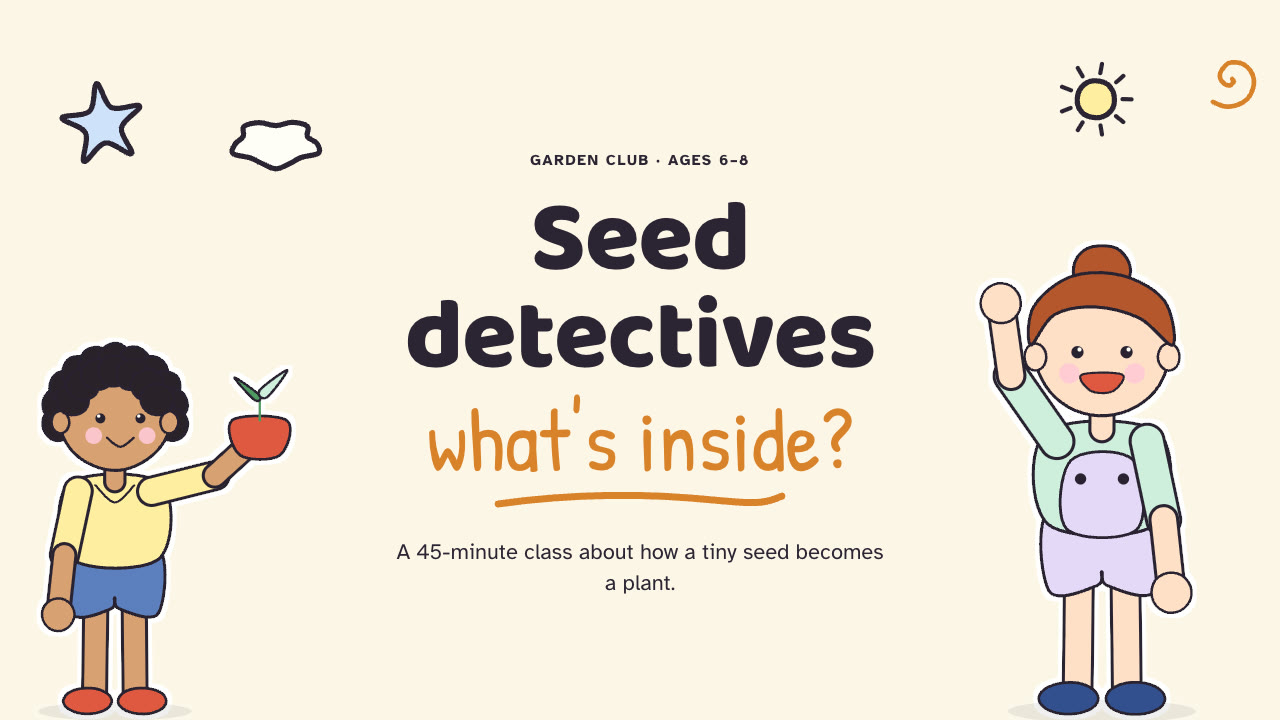
Bring the topic, age group, learning goal, lesson length or page count and any timings or materials to use exactly; pictures optional. The Skill returns one offline HTML deck that edits in the browser and exports editable PowerPoint.
How it works
Brief and outline
Your Agent asks for the topic, age group, lesson length or page count, the learning goal, the language and any timings, materials or pictures that must be used exactly, then gives every page one job, opening with the cover and closing with the goodbye.
Children and build
Without your own pictures it describes a recurring cast and each scene in scenes.json and draws them with kid-cast.py, writes plan.json and settings.json, then runs kit.py compose, make-deck.py and verify-deck.py to build one offline HTML file.
Look and export
It opens every page over local HTTP and checks headings, cards and chips stay clear of the children, tries edit, undo, save and present, then exports PowerPoint and runs verify-pptx.py against the deck.
Frequently asked questions
Is the PowerPoint really editable?
Yes. Headings, lines, badge numbers, timer values and chips are native text boxes; cards, badges, station discs and dashed rules are native shapes; children, icons and decor are separate pictures, and speaker notes are kept. The only full-page pictures are the text-free doodle frames on the cover and goodbye pages. A text was edited, a card recoloured and moved and a picture resized with python-pptx, then saved and reopened.
Where do the children come from?
From you first. Otherwise the bundled kid-cast.py draws fictional crayon-outline children (8 poses, 8 hair styles, 4 clothing types, 10 held objects, a recurring named cast) and doodle frames as SVG with no lettering. It uses only the Python standard library and calls no model or image service.
Which fonts does it use?
Baloo 2 for headings, Atkinson Hyperlegible for body text and Patrick Hand for one handwritten accent per page, all under the SIL Open Font License and embedded in the HTML. Install the desktop fonts on the presenting machine for matching line breaks in PowerPoint. Chinese, Japanese and Korean text uses the system face at a smaller heading size.
What are the known limits?
Layout geometry is fixed, so copy far over the budget runs into the child or out of its card; split the page instead. Without the bundled fonts installed, PowerPoint substitutes a wider face and step lines or chips can overflow. Long Chinese, Japanese or Korean labels wrap differently in native apps than in the browser.
What was tested?
Both example decks were rebuilt from a fresh unzip of the package and matched the published files byte for byte. Every page was inspected in Chrome and in a LibreOffice render of the exported PowerPoint, python-pptx edits survived save and reopen, and 31 of 31 browser checks passed per deck. PowerPoint itself was not opened.