Isle Habitat Slides
Walk a group through a place, a few habits and a small plan in a warm storybook deck: full-bleed illustrated scenes, cream cloud panels, scalloped headers, a five-disc zig-zag, a framed bar chart, a step path and a question board.
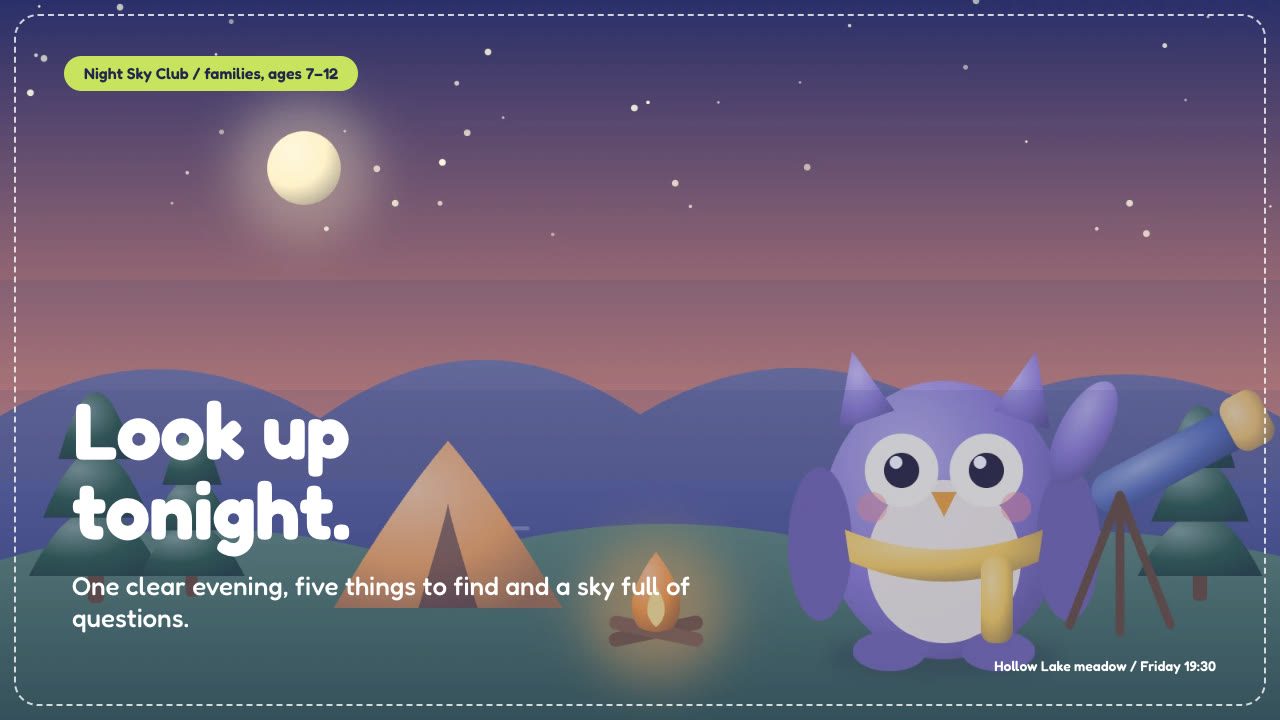
Bring a brief with the audience, the place or programme, the facts you can stand behind and the pictures you can use. The Skill returns one offline HTML deck that edits in the browser and exports editable PowerPoint.
How it works
Brief and sequence
Your Agent asks for the audience, the place or programme, the facts and figures you can stand behind, the language and the page count, then picks layouts in the order the group needs them and one of four palettes.
Pictures and build
It lists one picture per slot from the picture guide, writes plan.json, and runs kit.py compose, make-deck.py and verify-deck.py to build one offline HTML file.
Look and export
Look at every page in a browser, try edit, undo, save and present, then export PowerPoint and run verify-pptx.py against the deck.
Frequently asked questions
Is the PowerPoint really editable?
Yes. Text, cloud puffs, scalloped headers, chips, discs, chart bars and tracks are native PowerPoint objects with speaker notes. On scene pages the illustration is one full-page picture under the editable headline, cloud and chips, not a flattened slide.
Where do the pictures come from?
From you, or from a tool you have authorised. The Skill does not generate pictures; a slot without one keeps a neutral frame and the compose report lists it. The example decks use illustrations drawn in code for these demos.
Which fonts does it use?
Fredoka (400 to 700), under the SIL Open Font License and embedded in the deck. Chinese, Japanese and Korean use a system font. Install the desktop Fredoka on the presenting machine for matching wraps in PowerPoint.
What was tested?
Both example decks were built from a fresh unzip of the package. Every page was inspected in Chrome and in a LibreOffice render of the exported PowerPoint, and edits made with python-pptx survived save and reopen. No other presentation app was opened. White headlines need a calm area in the picture: on the garden cover the subtitle crosses a leafy bed and stays readable, and chart values in PowerPoint sit a few pixels lower than in the browser.