Optical bench diagram
Turn a verified optical setup into a 16:9 bench diagram: components in strict left-to-right order, one clear beam path, a title and three to five exact labels.
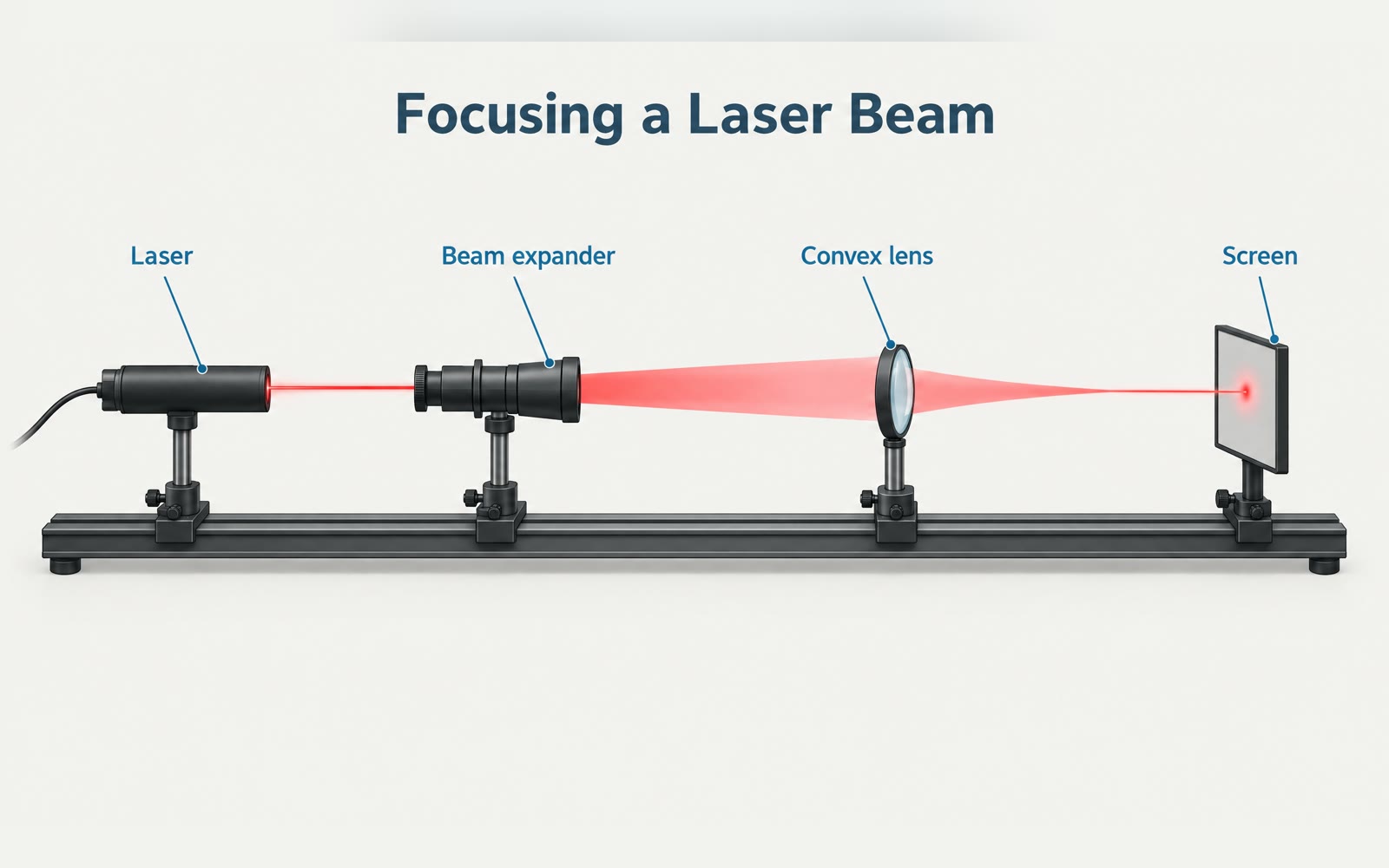
Bring a title, the setup and three to five component labels in order. The Skill returns one 16:9 bench diagram and a bilingual run report.
How it works
Write the title and labels
The Skill checks the title, the setup and three to five labels, then builds the prompt around them.
Render the image
A SandBase image model draws the components on one rail with a single beam color, with the title and each label drawn once.
Review every label
The Skill checks the PNG and returns it with model, timing, cost and a reminder to check every label character by character.
Frequently asked questions
Are the title and labels guaranteed exact?
Requested, not guaranteed. The report marks text accuracy as needing review; check the title and every label character by character before use.
Is it an optical simulation?
No. It is an explanatory illustration; it shows no measured values and is not an assembly drawing.
Can I add more labels or longer notes?
Up to five short labels keep the image readable. Add longer notes, values or citations afterwards in your own layout tool.
Does the local Skill match?
Yes. The downloaded package runs the same pipeline with SANDBASE_API_KEY and writes bilingual reports.