Paper Circle Slides
Run a workshop, retro, volunteer evening or listening circle with a cut-paper deck: a coloured board under two paper sheets, heavy grotesk headlines, monospace sentences with one highlighter run, capsule and round picture windows, numbered paper stickers and small cut-out accents.
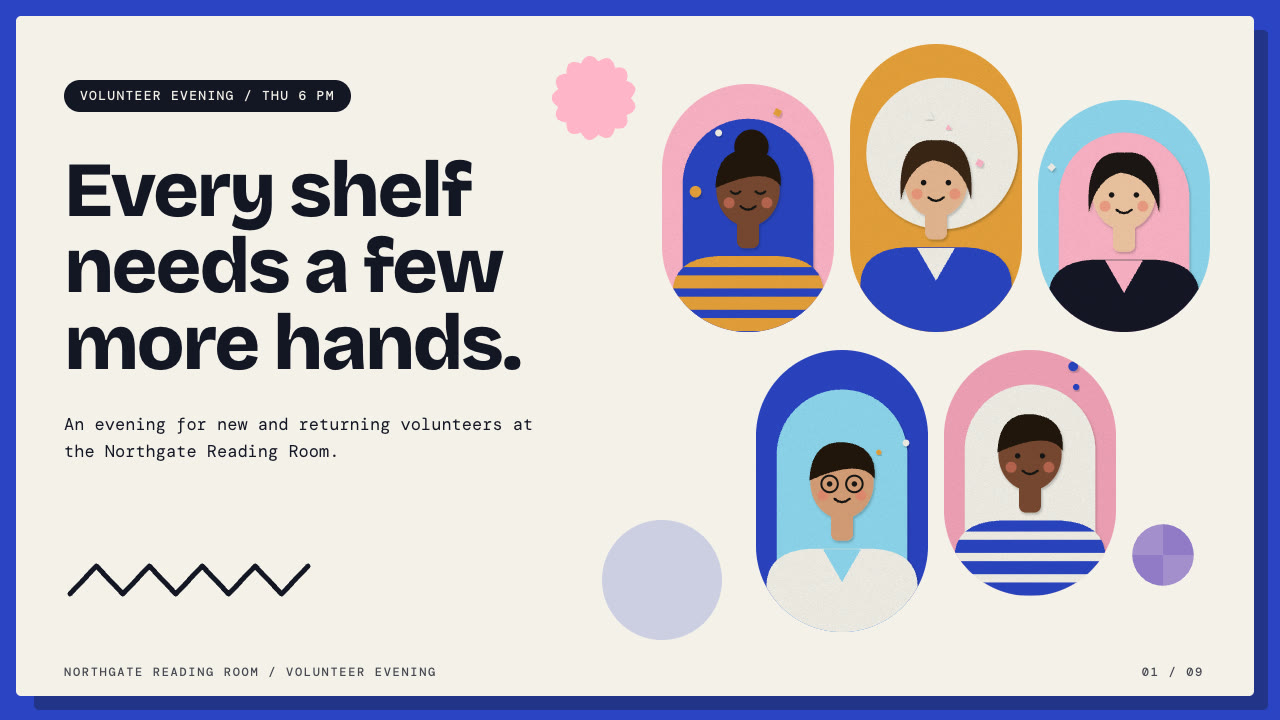
Bring a brief with the audience, the session (purpose, length, who facilitates), the facts you can stand behind and the page count; pictures optional. The Skill returns one offline HTML deck that edits in the browser and exports editable PowerPoint.
How it works
Brief and sequence
Your Agent asks for the audience, the session, the facts you stand behind and the page count, then orders layouts the way the room needs them: arrive, agree why, choose how to take part, do the rounds, decide, leave.
Pictures and build
It uses your pictures or lists flat cut-paper figures in art.json for paper-art.py, writes plan.json, and runs kit.py compose, make-deck.py and verify-deck.py to build one offline HTML file.
Look and export
Look at every page in a browser for headlines inside the paper, highlighter runs on whole words and picture crops, try edit, undo, save and present, then export PowerPoint and run verify-pptx.py against the deck.
Frequently asked questions
Is the PowerPoint really editable?
Yes. Headlines, sentences, tags, sticker numerals, agenda times, paper sheets, discs, note cards and pills are native PowerPoint objects with speaker notes, and no slide is a full-page picture. Highlighter runs and curved cut-outs come in as small drawn layers with no text in them.
Where do the pictures come from?
From you, or from the bundled paper-art.py, which draws flat cut-paper pictures (busts, groups, a round table, hands, a flower, rising blocks, two people talking) as SVG from art.json. It uses the Python standard library only, needs no network, model calls or keys, and is deterministic by seed.
Which fonts does it use?
Bricolage Grotesque 600/800 for headlines and DM Mono 400/500 for copy, under the SIL Open Font License and embedded in the deck. Chinese, Japanese and Korean use a system face and look lighter than the Latin headlines. Install both fonts on the presenting machine for matching wraps in PowerPoint, where 600 and 800 both appear bold.
What are the known limits?
When a presentation app breaks a line differently from the browser, a highlighter run can sit a few characters off; shorten the line or remove the run there. Layout geometry is fixed (five cover portraits, three cards or steps, five agenda rows, three figures), so drop unused nodes and keep copy within budget.
What was tested?
Both example decks were built from a fresh unzip of the package. Every page was inspected in Chrome and in a LibreOffice render of the exported PowerPoint, and edits made with python-pptx (text, shape colour, picture size) survived save and reopen. No other presentation app was opened.