Practice Cycle Slides
Run a training or workshop where the room does the work: observable outcomes, a real situation to decide on, a small method, votes and timed exercises, a tempting answer beside a stronger one and a written commitment, with a Frame / Try / Reflect strip on every page.
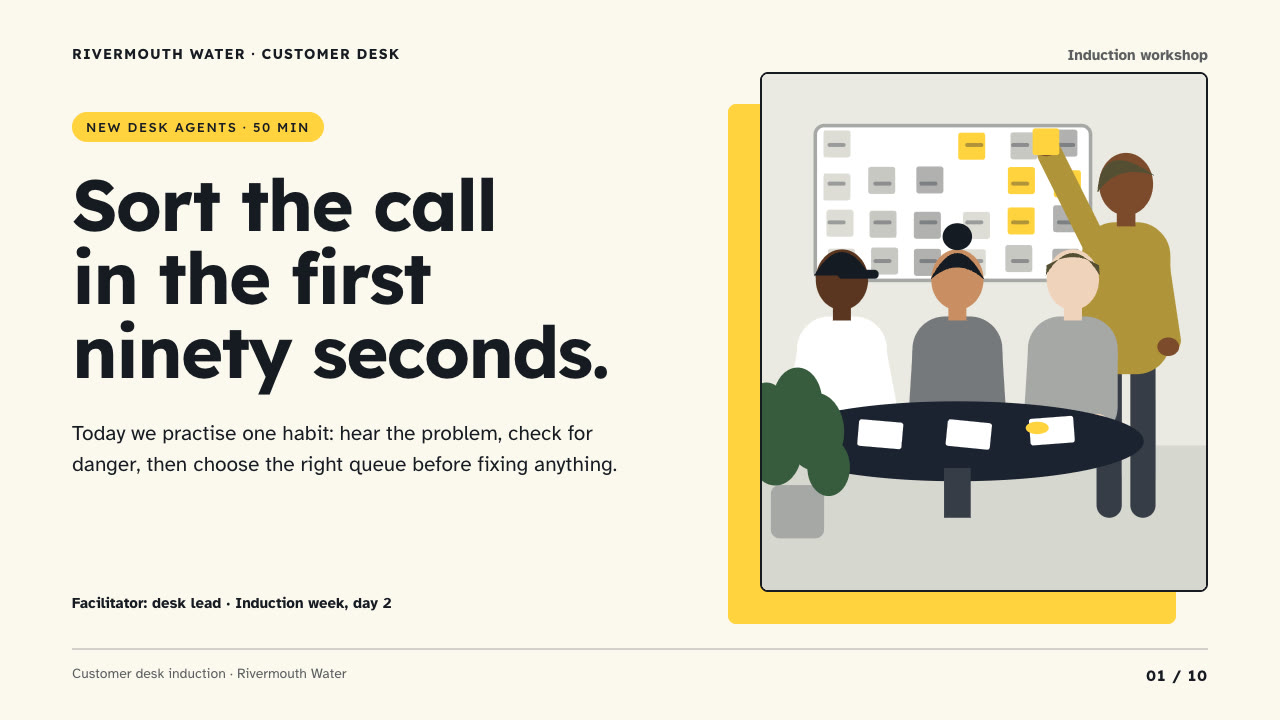
Bring who is in the room, what they should be able to do afterwards, the facts and policies you stand behind, the session length and the page count; pictures optional. The Skill returns one offline HTML deck that edits in the browser and exports editable PowerPoint.
How it works
Brief and outcomes
Your Agent writes a five-line brief (who is in the room, what they do today, what they should do after, what stops them, how anyone will see the change), then two or three outcomes that start with a verb someone can watch.
Sequence and build
It picks layouts in short Frame / Try / Reflect cycles with a Try page at least every third page, draws scenes with scene-art.py when you have no pictures, writes plan.json with speaker notes, and runs kit.py compose, make-deck.py and verify-deck.py to build one offline HTML file.
Look and export
It checks every page over local HTTP for headlines in their column, card text inside the face, choices on at most two lines, timer chips and the lit stage pill, tries edit, undo, save and present, then exports PowerPoint and runs verify-pptx.py against the deck.
Frequently asked questions
Is the PowerPoint really editable?
Yes. Headlines, card faces and their offset shades, number squares, choices, timer chips, form cues, tags and labels are native PowerPoint objects with speaker notes, and the only pictures are the scene illustrations. No slide is a full-page picture and no text is rendered into an image.
Where do the pictures come from?
From you first. Otherwise the bundled scene-art.py draws flat, faceless workshop scenes (a group at a table, a person at a desk with an alert, someone at a wall planner, two people talking) in the deck's own colours, using only the Python standard library. It calls no model or image service.
Which fonts does it use?
Lexend for headlines and Atkinson Hyperlegible for copy at 16 px or more, both under the SIL Open Font License and shipped in the package as web subsets. Install both on the presenting machine for matching line breaks in PowerPoint, which has regular and bold only. Chinese, Japanese and Korean use a system face.
What are the known limits?
Geometry is fixed per layout: three outcomes, moves, choices, steps, form lines and take-aways, two comparison cards, and a fixed lit stage pill. Text appended in the editor can grow past the fixed-width stage pills. Atkinson Hyperlegible draws a slashed zero by design. LibreOffice wraps a few lines differently from the browser.
What was tested?
Both example decks were rebuilt from a fresh unzip of the package and matched the published files byte for byte. Every page was inspected in Chrome and in a LibreOffice render of the exported PowerPoint, and python-pptx edits to text, a shape and a picture survived save and reopen. PowerPoint itself was not opened.