Scribble Project Slides
Make bright hand-drawn project decks for maker clubs, school and library programmes, workshops and community pitches: hand-lettered headlines, primary colour panels, cut-paper figures and objects, scribbled underlines, tape, sticky notes, a pinned idea board, a column chart and a native timetable.
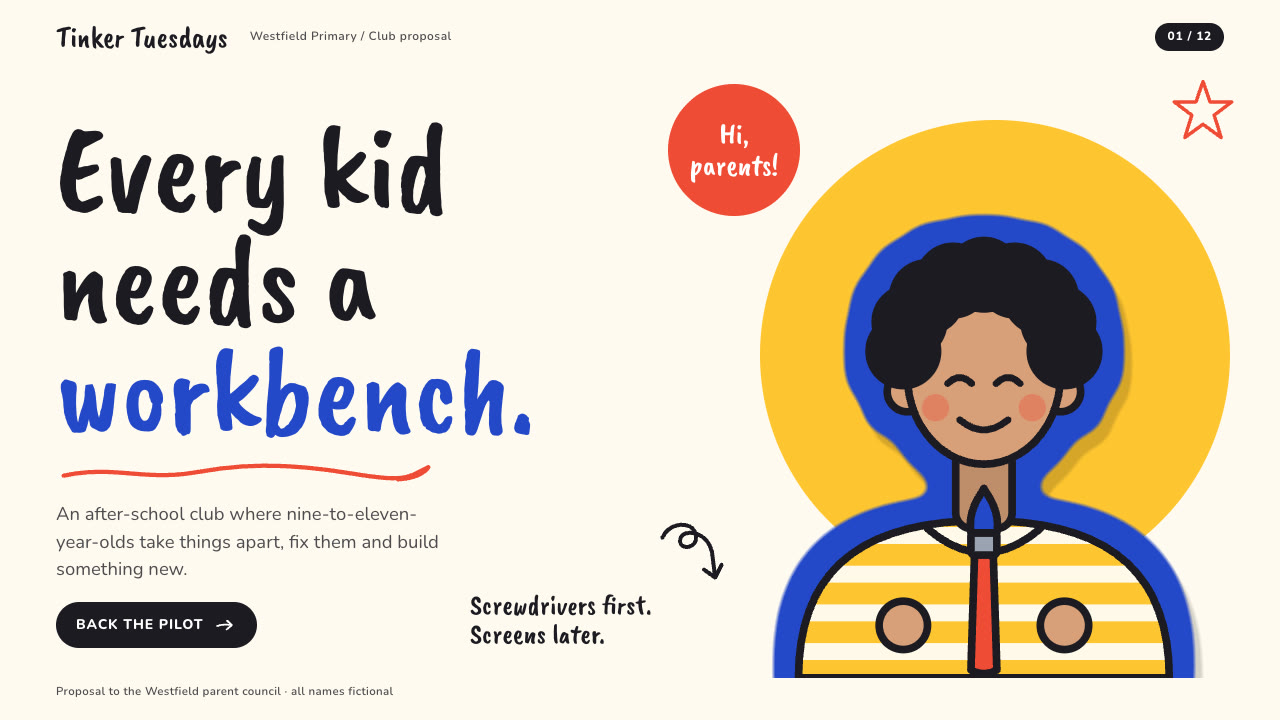
Bring the project, the audience, what you are asking for, the dates, counts and facts to use exactly and the page count; pictures optional. The Skill returns one offline HTML deck that edits in the browser and exports editable PowerPoint.
How it works
Brief and sequence
Your Agent asks for the topic, the audience, what should happen after the talk, the facts and numbers to use exactly, the language and the page count, then gives every page one layout and picks one palette.
Pictures and build
Without your own pictures it describes them in art.json and draws them with doodle-art.py, writes plan.json and settings.json, then runs kit.py compose, make-deck.py and verify-deck.py to build one offline HTML file.
Look and export
It opens every page over local HTTP and checks headline wraps, text inside its cards and panels, labels on one line and bars against their numbers, tries edit, undo, save and present, then exports PowerPoint and runs verify-pptx.py against the deck.
Frequently asked questions
Is the PowerPoint really editable?
Yes. Across the example and test decks the export holds 394 native text boxes, 177 native shapes and 2 native tables; pictures are separate and no slide is a full-slide picture. A text edit, a fill change and a picture resize survived save and reopen, and with all text removed no text is baked into any picture.
Where do the pictures come from?
From you first. Otherwise the bundled doodle-art.py draws anonymous figures, 18 everyday making objects, table scenes and pinned boards from a short JSON description. It is deterministic, refuses a repeated picture and calls no model or image service.
Which fonts does it use?
Caveat Brush for hand-lettered headlines and Nunito for body text, both under the SIL Open Font License. Install them for the same line breaks; otherwise your presentation app substitutes a plain face. Chinese, Japanese and Korean use the system face.
What are the known limits?
In PowerPoint the dashed rules of the materials list show as solid lines. Long Chinese chart titles take two lines. Short rules on the principles layout leave open space in the middle of the paper cards, and text far over the word budgets runs into neighbouring blocks.
What was tested?
Both example decks were rebuilt from a fresh unzip of the package and matched the published HTML byte for byte. Every page was inspected in Chrome and in a LibreOffice render of the exported PowerPoint, and python-pptx edits survived save and reopen. PowerPoint itself was not opened.