Sketch Headline Slides
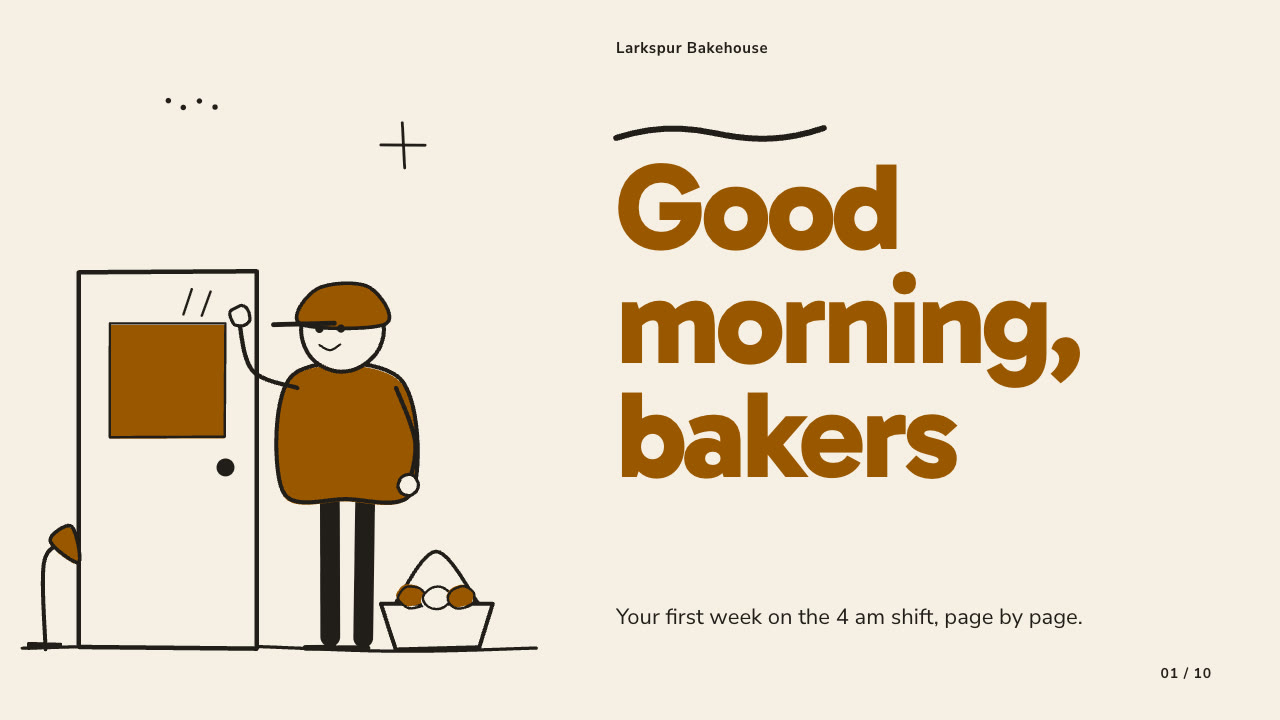
Make onboarding sessions, kickoffs, pilot updates and team plans feel friendly and plain-spoken: one oversized colour headline per page, loose black-marker cartoon people and props, warm paper pages, a few tinted accent pages, timelines, number discs and a simple bar chart.
Bring the subject, the audience, the decision or action the talk should drive, the facts and figures to use exactly and the page count; pictures optional. The Skill returns one offline HTML deck that edits in the browser and exports editable PowerPoint.
How it works
Brief and outline
Your Agent asks once for the subject, audience, the decision or action, page count, language and the facts that must be used exactly, then gives every page one job, with two to four tinted pages per ten and never two in a row.
Scenes and build
It describes each scene in scenes.json and draws it with marker-cast.py when you have no pictures, writes plan.json with a palette swatch, then runs kit.py compose, make-deck.py and verify-deck.py to build one offline HTML file.
Look and export
It opens every page over local HTTP and checks headline wraps, pictures clear of text, crops, bar labels, page numbers and contrast, tries edit, add, delete, undo, save and present, then exports PowerPoint and runs verify-pptx.py against the deck.
Frequently asked questions
Is the PowerPoint really editable?
Yes. Headlines, copy, numbers and labels are native text boxes with speaker notes, and bar fills, number discs, timeline pins and cards are native shapes, so a bar's length or colour can be changed in PowerPoint. Scenes, icons and doodles are separate pictures; no slide is a full-page picture and no text is baked into an image.
Where do the pictures come from?
From you first. Otherwise the bundled marker-cast.py draws deterministic SVG scenes from a short JSON description: cartoon figures in ten poses with seven hair styles, 23 props and small marks, using only the Python standard library. It needs no network access and calls no model or image service.
Which fonts does it use?
Gabarito ExtraBold for headlines and Nunito Sans for body text, both under the SIL Open Font License and shipped in the package. Install both on the presenting machine for matching line breaks in PowerPoint. Chinese, Japanese and Korean headlines use a heavy system face at a reduced size.
What are the known limits?
Layout geometry is fixed per layout, so copy far over the budget collides with pictures or runs off the page. Bar lengths are set by hand. Chinese lines can wrap differently in presentation apps than in the browser. LibreOffice wraps a few English body lines differently from Chrome.
What was tested?
Both example decks were rebuilt from a fresh unzip of the package and matched the published files byte for byte. Every page was inspected in Chrome and in a LibreOffice render of the exported PowerPoint, and python-pptx edits to text, a shape and a picture survived save and reopen. PowerPoint itself was not opened.