Sunfield Disc Slides
Make cheerful decks for sessions run with a group, such as design and prototyping workshops, volunteer and staff trainings, kick-offs and onboarding mornings, where colour is carried by circles: a giant sun disc on the cover with a round picture and badge, coloured corner discs, round icon badges, round picture windows and outlined pills for times and contacts.
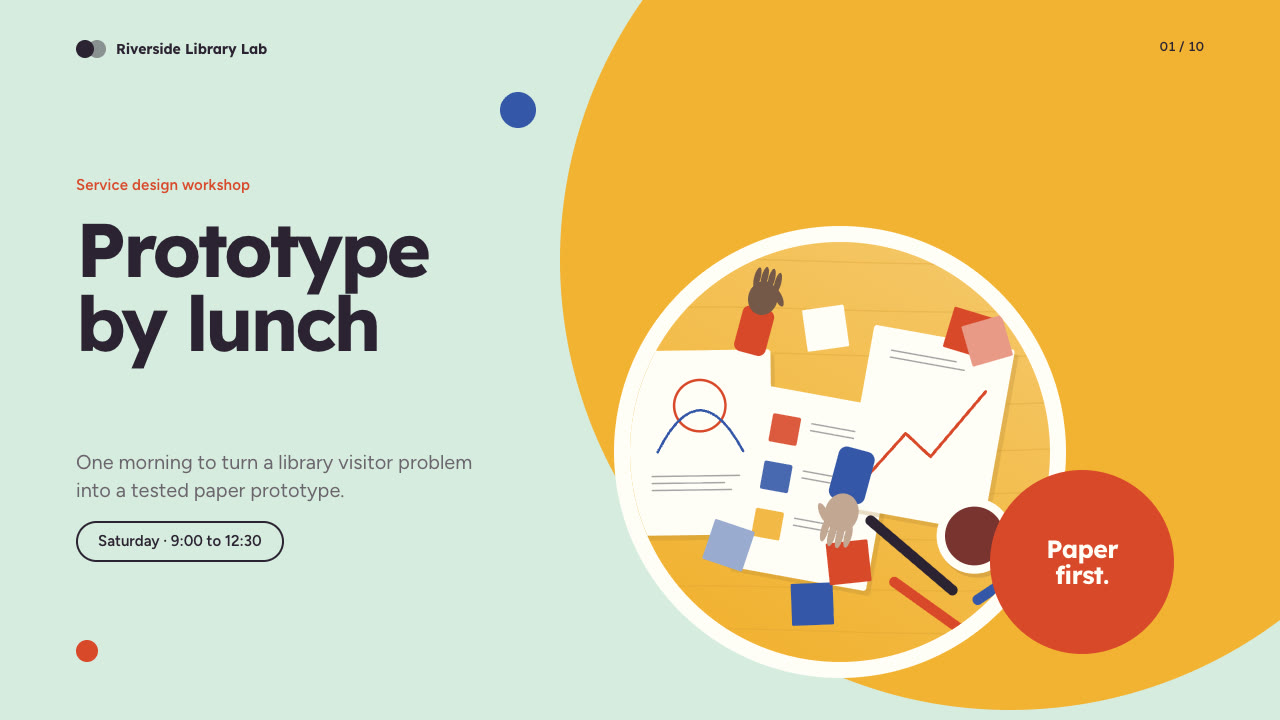
Bring the session, the audience, the agenda, times and figures to use exactly and the page count; your own pictures are optional. The Skill returns one offline HTML deck that edits in the browser and exports editable PowerPoint.
How it works
Brief and sequence
Your Agent asks for the topic, the audience, what should happen after the talk, the facts and numbers to use exactly and the page count, then gives every page one layout and picks one palette.
Pictures and build
Without your own pictures it lists them in scenes.json and paints them with disc-paint.py, keeping subjects in the central circle so they survive the round windows. It writes plan.json and settings.json, then runs kit.py compose, make-deck.py and verify-deck.py to build one offline HTML file.
Look and export
It opens every page in a browser and checks wraps, overlaps and labels, tries edit, undo, save and present, then exports PowerPoint and runs verify-pptx.py against the deck.
Frequently asked questions
Is the PowerPoint really editable?
Yes. Every disc, badge, card, pill outline, bar and device frame is a native shape, all text is in native text boxes, pictures keep their round crop and speaker notes are on every slide. No slide is a full-page picture. The example decks have 105 and 82 text boxes.
Where do the pictures come from?
Your own pictures first. Otherwise the bundled disc-paint.py paints flat illustrations in the deck's palette: work tables from above, colour swatches and cut paper, sticky-note walls, portraits of invented people and screen artwork. It needs no network access and calls no model or image service.
Which fonts does it use?
Lexend for headlines and Figtree for body text, both under the SIL Open Font License and embedded in the deck. Install them on the presenting machine; without them line breaks can change and long Chinese pill text can touch the pill outline. Chinese, Japanese and Korean use system faces at a reduced size.
What are the known limits?
The bar chart is drawn from shapes, not a PowerPoint chart object, so keep bar heights in step with the printed values. Layout geometry is fixed. Long Chinese item lines can leave one character on the last line. Demo organisations, people and figures are fictional.
What was tested?
Both example decks were built from a fresh unzip of the package. Every page was inspected in Chrome and in a LibreOffice render of the exported PowerPoint, 31 browser interaction checks passed on each deck, and python-pptx edits survived save and reopen. PowerPoint, Keynote and WPS were not opened.