Whiteboard concept explainer
Turn a lesson into a text-free 16:9 whiteboard sketch: one central drawing, three to five empty callout boxes joined by arrows and an empty title area.
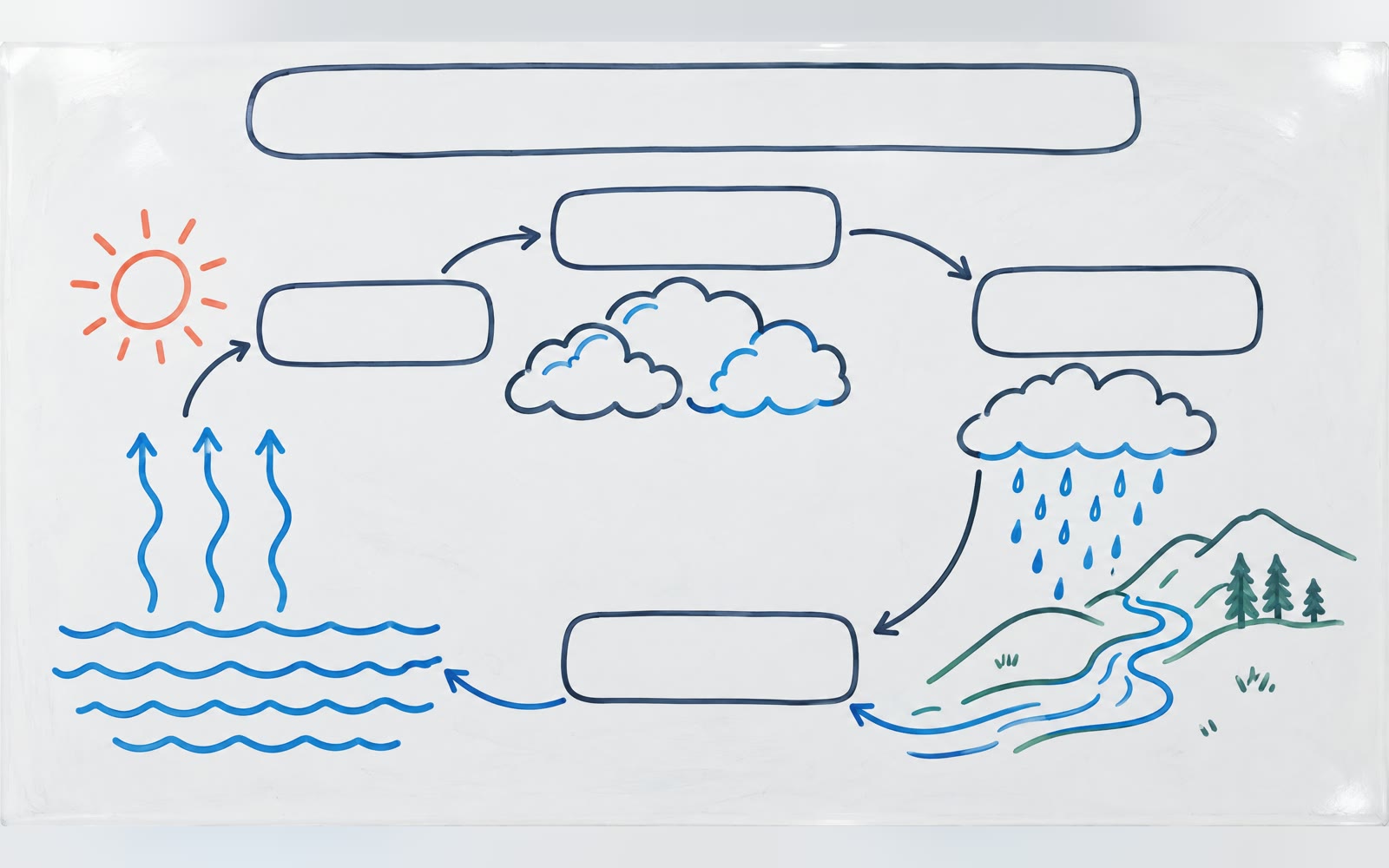
Bring a lesson and three to five callouts. The Skill returns one text-free 16:9 whiteboard image and a bilingual run report.
How it works
Describe the topic and areas
The Skill checks the lesson and the three to five annotation areas you plan to fill.
Render the base image
A SandBase image model draws a central marker sketch with empty callout boxes joined by arrows, leaving each annotation area blank and drawing no text.
Add your text
The Skill checks the PNG and returns it with model, timing, cost and a reminder to confirm the image has no text; add exact labels in your layout tool.
Frequently asked questions
Why is there no text on the image?
On purpose. Image models misspell small text, so this Skill leaves blank annotation areas for you to fill with exact labels and citations in your own layout tool.
Can it write equations on the board?
No. The board stays free of text and equations; add them afterwards so they are exact.
How many blank areas will there be?
One per line in the annotation areas field, three to five in total. The model aims for that number; check it when you review the image.
Does the local Skill match?
Yes. The downloaded package runs the same pipeline with SANDBASE_API_KEY and writes bilingual reports.