Workshop Poster Slides
Invite people to hands-on sessions such as repair evenings, prototyping mornings and maker camps: one rounded plate per page whose colour shows the page role, condensed poster capitals, tape labels, sticker badges, highlighted chips, count tiles, time bars and drawn workbench pictures.
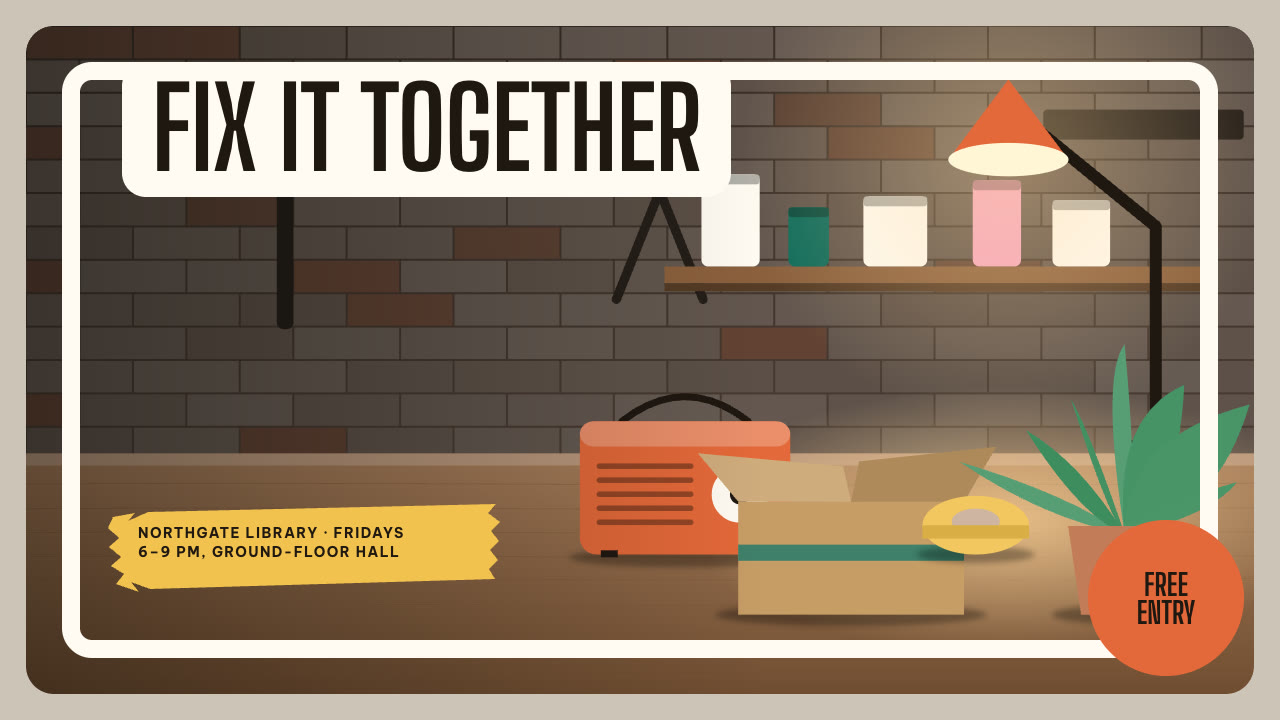
Bring the session, the audience, the date, the facts to use exactly and the page count; pictures optional. The Skill returns one offline HTML deck that edits in the browser and exports editable PowerPoint.
How it works
Brief and outline
Your Agent asks for the session, audience, date, page count, language and the facts that must be used exactly, then gives every page one layout. The plate colour carries the page role: paper explains, deep carries method and time, hot holds a rule, pop holds a playful statement.
Pictures and build
Without your own pictures it describes them in art.json and draws them with bench-art.py, writes plan.json and settings.json, then runs kit.py compose, apply-palette.py, make-deck.py and verify-deck.py to build one offline HTML file.
Look and export
It opens every page over local HTTP and checks heading wraps, badges inside their circles, chips, bar labels, page counters and reading order, tries edit, undo, save and present, then exports PowerPoint and runs verify-pptx.py against the deck.
Frequently asked questions
Is the PowerPoint really editable?
Yes. Headings, counts, table text and labels are native text boxes with speaker notes, and plates, tiles, bars and badges are native shapes. Drawn pictures are separate images. No slide is a full-page picture; with every picture removed the text and shapes still render. Chip highlights are one picture layer behind native text.
Where do the pictures come from?
From you first. Otherwise the bundled bench-art.py draws deterministic vector pictures from art.json: workbenches, material close-ups, anonymous portraits, one object at paper, foam and finished stages, and overhead desks. It uses only the Python standard library and calls no model or image service.
Which fonts does it use?
Big Shoulders Display for condensed capitals and Be Vietnam Pro for text, both under the SIL Open Font License and shipped in the package. Install both on the presenting machine for matching line breaks in PowerPoint. Chinese, Japanese and Korean text uses the system face.
What are the known limits?
Pictures are flat illustrations, not photographs, and people have no faces. If the presentation app wraps a statement line differently, the chip highlights move away from their words. Layout geometry is fixed: in long Chinese copy the badge text leaves its circle and the spark heading reaches the footer.
What was tested?
Both example decks were rebuilt from a fresh unzip of the package and matched the published files byte for byte. Every page was inspected in Chrome and in a LibreOffice render of the exported PowerPoint, and python-pptx edits to a heading, a shape and a picture survived save and reopen. PowerPoint itself was not opened.