Halftone ink illustration
Turn one message into an airy 16:9 editorial illustration: black ink outlines, light halftone texture, lots of white space and a single accent color.
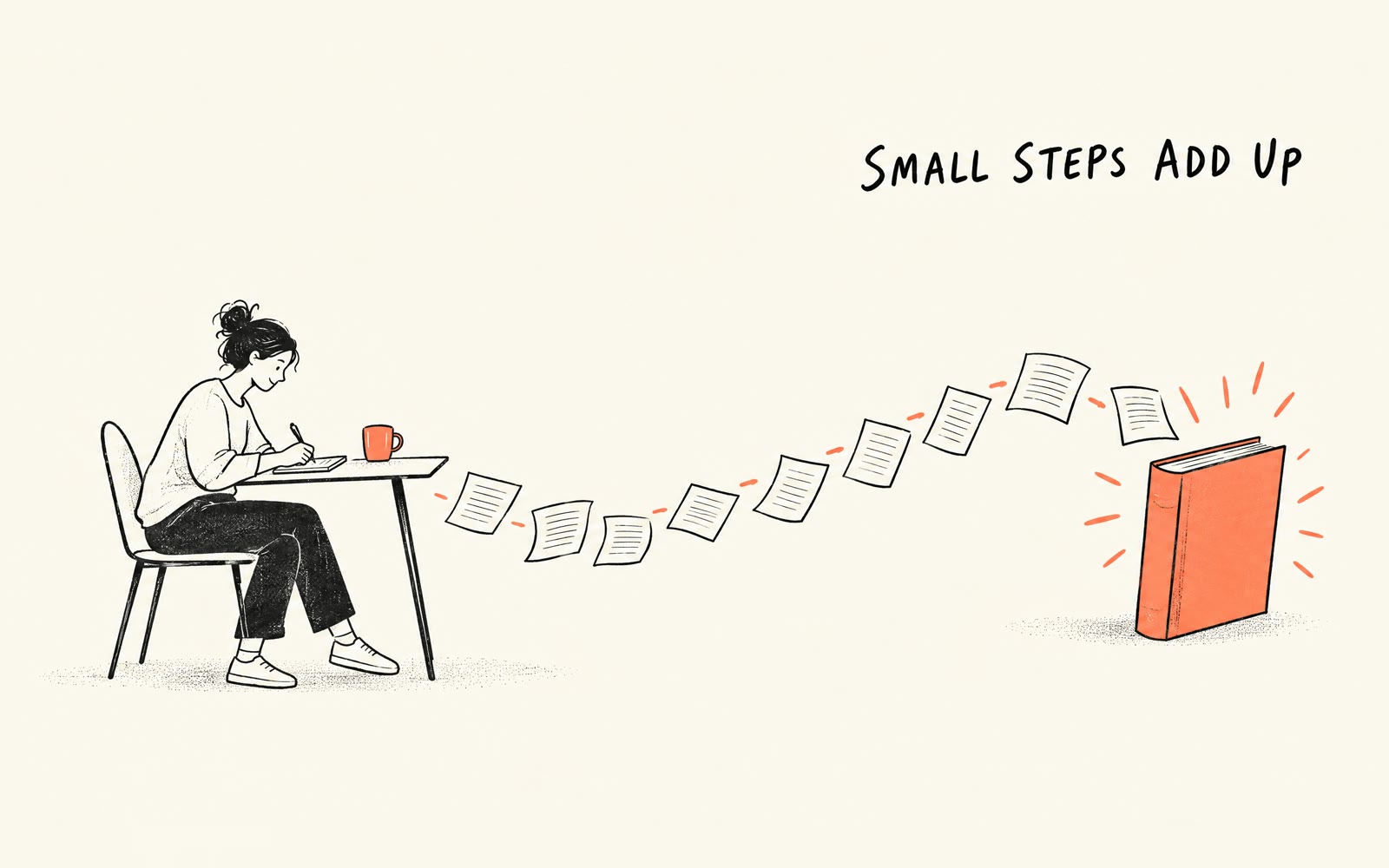
Bring a message, an optional short title and accent color. The Skill returns one 16:9 illustration and a bilingual run report.
How it works
Write the message
The Skill checks the brief and builds the prompt around one visual metaphor.
Render the illustration
A SandBase image model draws black ink lines, light halftone and one accent color on warm paper.
Review the result
The Skill checks the PNG and returns it with model, timing, cost and the title review reminder.
Frequently asked questions
Will there be text on the image?
Only the optional title you supply, at most four words. Leave it empty for a text-free illustration.
Is the title guaranteed exact?
Requested, not guaranteed. Review it before publishing; the report marks text accuracy as needing review.
Can I make a consistent series?
Yes. Put the style decisions in the series note and reuse it for every image.
Does the local Skill match?
Yes. The downloaded package runs the same pipeline with SANDBASE_API_KEY and writes bilingual reports.