Monochrome studio portrait
Turn one consented photo into a calm black-and-white 16:9 studio half portrait with soft directional light and quiet negative space.
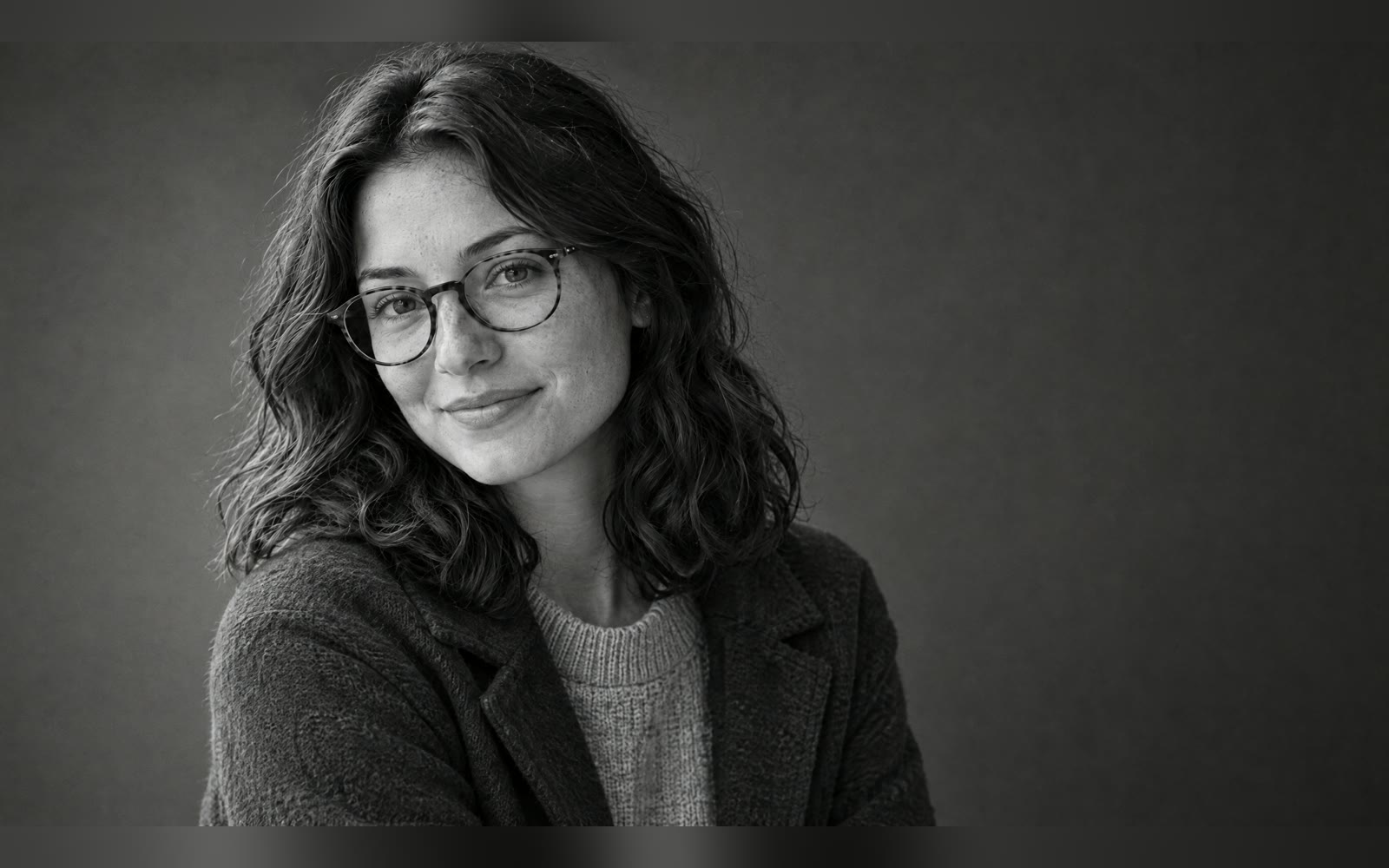
Bring one consented photo and an optional key-light side. The Skill returns one 16:9 monochrome portrait and a bilingual run report.
How it works
Upload and confirm
The Skill checks the photo, removes its metadata and requires your consent.
Edit the photo
A SandBase image edit model restyles backdrop, wardrobe, light and crop while keeping the person.
Review the result
The Skill checks the PNG and returns it with model, timing, cost and a likeness review reminder.
Frequently asked questions
How long is the generated portrait kept?
The generated portrait stays in your private run history, visible only to you when signed in, until you delete it with ‘Delete this run and all images’.
What happens to my uploaded photo?
It is used only for this generation and sent to the SandBase image model service; SandBase Lab deletes the uploaded original when the run ends (within 1 hour).
Will it look exactly like me?
The likeness is preserved on a best-effort basis. It is not an identity document or biometric reference.
Does deleting a run refund today's run?
No. Deleting removes the run and all images, but today's run count is not refunded.
Does the local Skill match?
Yes. The downloaded package runs the same pipeline with SANDBASE_API_KEY; in local mode the photo is uploaded to your own SandBase account storage, which this Skill cannot delete.