Drybrush Almanac Slides
Make decks that look like pages from a naturalist's notebook, for nature, neighbourhood and community projects: warm paper, flowing script headings with one phrase in blue, small sans copy, and a pen-hatched study of birds, sprigs, nests, bird houses, water dishes or planters on a dry-brush ground for every page, with editable tags, numbered markers, connector lines and data bars.
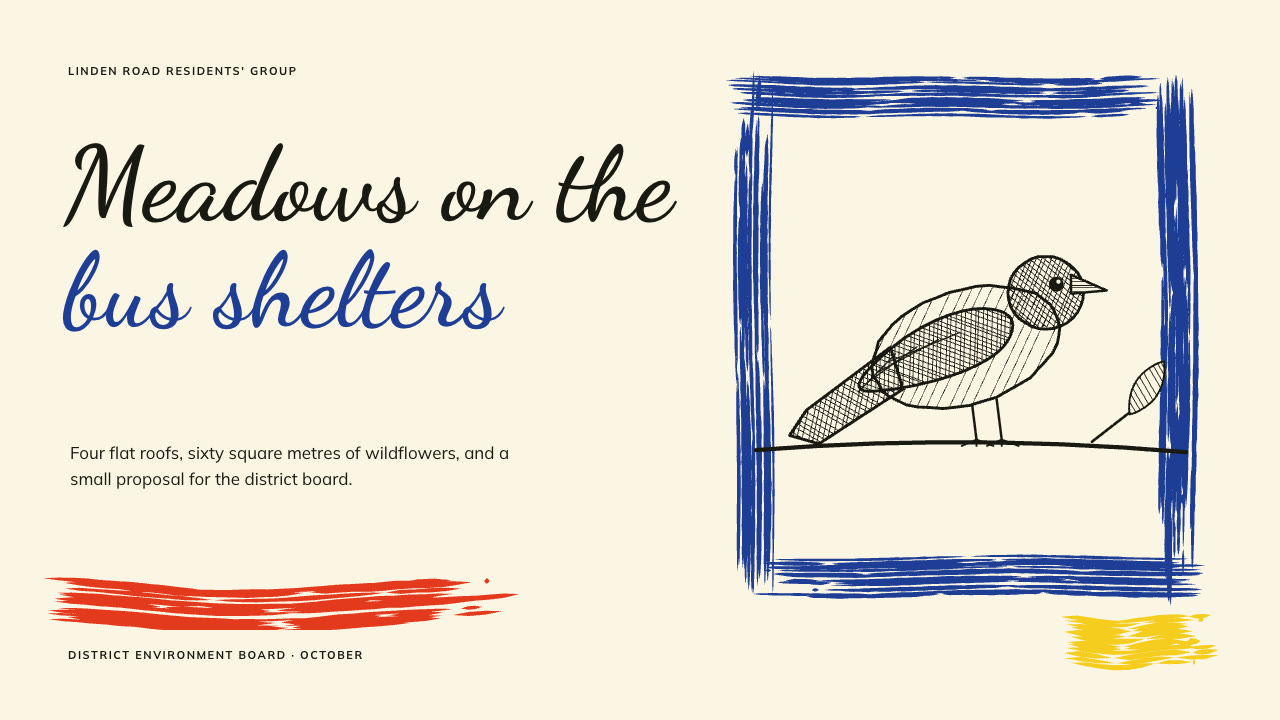
Bring the project, the audience, the facts and figures to use exactly and the page count; your own pictures are optional. The Skill returns one offline HTML deck that edits in the browser and exports editable PowerPoint.
How it works
Brief and sequence
Your Agent asks for the topic, the audience, what should happen after the talk, the facts and numbers to use exactly and the page count, then gives every page one layout and picks one palette.
Pictures and build
Without your own pictures it describes each study in art.json and draws it with almanac-art.py. It writes plan.json and settings.json, then runs kit.py compose, set-palette.py, make-deck.py and verify-deck.py to build one offline HTML file.
Look and export
It opens every page in a browser and checks wraps, overlaps and labels, tries edit, undo, save and present, then exports PowerPoint and runs verify-pptx.py against the deck.
Frequently asked questions
Is the PowerPoint really editable?
Yes. Headings, tags, bar labels and values, stage text, prompts and footers are native text; bars, tags, markers and connector lines are native shapes; each study, brush mark and glyph is a separate picture, with speaker notes and no full-slide pictures. The example decks have 77 and 57 text boxes.
Where do the pictures come from?
Your own pictures first. Otherwise the bundled almanac-art.py draws pen-hatched studies of birds, sprigs, nests, bird houses, water dishes and planters on dry-brush grounds from a short JSON description. It uses only the Python standard library and calls no model or image service; identical input gives identical output.
Which fonts does it use?
Dancing Script for headings and Mulish for copy, both under the SIL Open Font License and shipped in the package. Install them on the presenting machine for matching line breaks. Chinese, Japanese and Korean headings use a heavy system face, so they are not cursive.
What are the known limits?
Studies come from a fixed set of subjects and poses; the flight pose is the most simplified. In PowerPoint tags, bars and markers are plain rounded shapes. In LibreOffice the numbers inside the round markers sit a few pixels low but stay inside. A long Chinese heading can leave one character on its last line.
What was tested?
Both example decks were built from a fresh unzip of the package. Every page was inspected in Chrome and in a LibreOffice render of the exported PowerPoint, 31 browser interaction checks passed on each deck, with 17 build and 23 drawing and palette error-path checks, and python-pptx edits survived save and reopen. PowerPoint, Keynote and WPS were not opened.