High-key Panel Slides
Make bright editorial proposal decks, such as open days, seasonal programmes, studio or venue pitches and community projects for a board or funder: every page pairs a saturated colour area with a calm white reading area, compact Gelasio headlines turn italic on the last words, picture windows overlap with white edges, an open circular badge sits on each page and a colour-coded edge tab carries the page number.
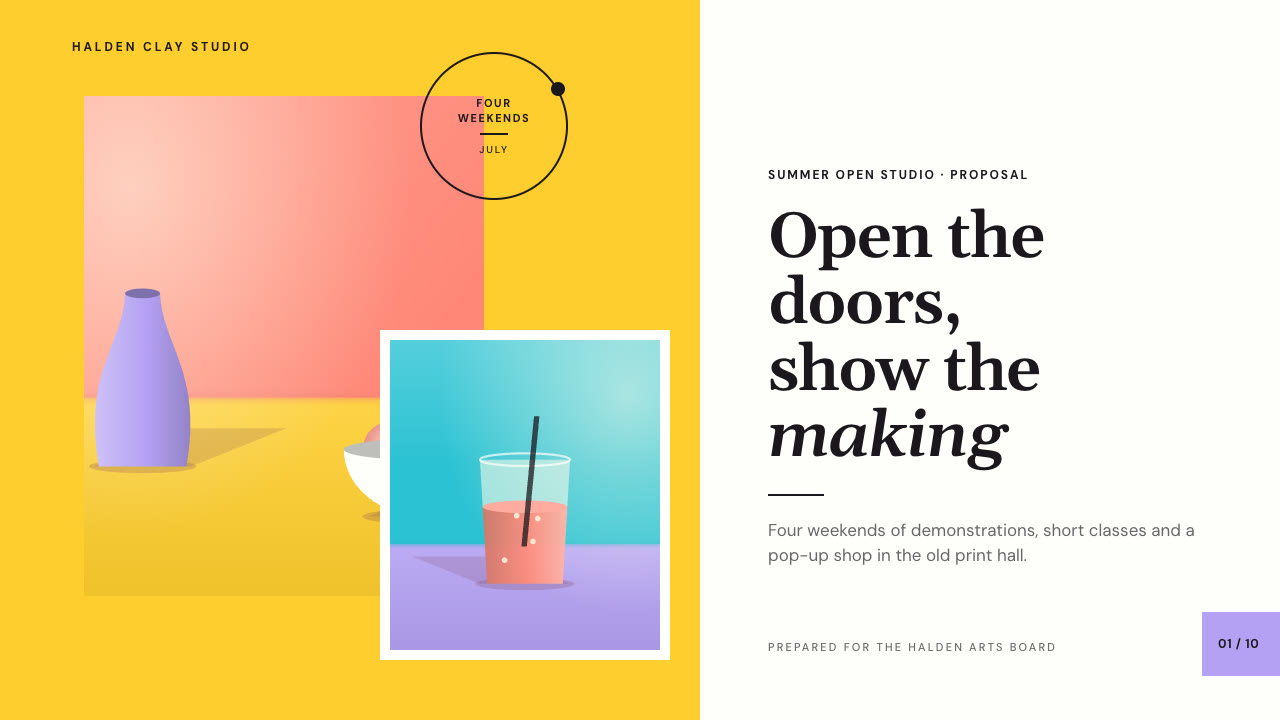
Bring the programme or venue, the audience, the ask, the figures to use exactly and the page count; your own photographs are optional. The Skill returns one offline HTML deck that edits in the browser and exports editable PowerPoint.
How it works
Brief and sequence
Your Agent asks for the topic, the audience, what should happen after the talk, the facts and numbers to use exactly and the page count, then gives every page one layout and picks one palette.
Pictures and build
Without your own photographs it lists the pictures in art.json and draws them with panel-art.py. It writes plan.json and settings.json, then runs kit.py compose, make-deck.py and verify-deck.py to build one offline HTML file.
Look and export
It opens every page in a browser and checks wraps, overlaps and labels, tries edit, undo, save and present, then exports PowerPoint and runs verify-pptx.py against the deck.
Frequently asked questions
Is the PowerPoint really editable?
Yes. Headlines, labels, badges, dots, tabs, frames, colour blocks and figure panels are native PowerPoint text and shapes with speaker notes; each picture is its own image. The example decks have 98 and 79 text boxes, no rendered layers and no full-slide pictures.
Where do the pictures come from?
Your own photographs first. Otherwise the bundled panel-art.py draws flash-lit studio still lifes, faceless half-figure portraits, pool surfaces with floating things, open-air scenes with a low sun and texture studies. It uses only the Python standard library, calls no model or image service, is deterministic and refuses to draw the same picture twice.
Which fonts does it use?
Gelasio (roman and italic) and DM Sans, both under the SIL Open Font License and embedded in the deck. Install them on the presenting machine for matching line breaks in PowerPoint. Chinese, Japanese and Korean use the system face, and Chinese italic is a slanted system face.
What are the known limits?
An empty line between two reading paragraphs shows in the HTML deck, but in PowerPoint the paragraphs follow each other without it. Long Chinese headlines break wherever the line ends unless you place a break.
What was tested?
Both example decks were built from a fresh unzip of the package. Every page was inspected in Chrome and in a LibreOffice render of the exported PowerPoint, 31 of 31 browser interaction checks passed on each deck, with 17 engine and 31 generator and palette error-path checks, and python-pptx edits survived save and reopen. PowerPoint, Keynote and WPS were not opened.