Listen-along Slides
Turn a report, article or idea into a deck people can listen to, on top of a presentation style Skill you already have: the style draws the pages, this Skill writes a spoken script into every page's speaker notes, quotes the voice cost, and after you approve records one take per page and adds a listening bar with play, seek, speed, auto-advance and a script panel.
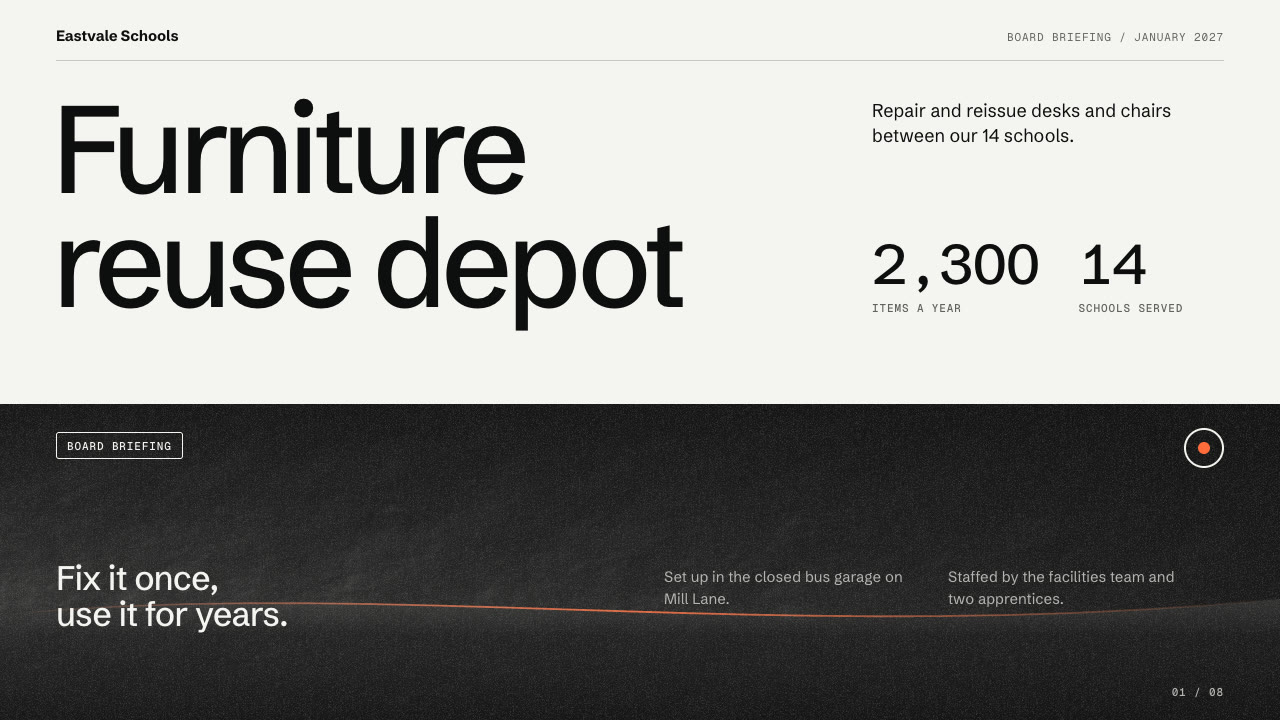
Bring the source material, the audience, the content language, the page count, an installed presentation style Skill and the voice service to use (SandBase text-to-speech, quoted first, or a free offline voice). The Skill returns an HTML deck with a spoken take per page and a listening bar, a single shareable file and a PowerPoint export with the script as notes.
How it works
Style, deck and script
Your Agent asks for the material, audience, language and page count, lets you pick an installed style Skill, builds the deck with that style's own workflow and writes each page's spoken script into its speaker notes. narration.py export and lint check every page.
Quote, then voice
voice.py quote lists the pages, characters, voice and, for SandBase text-to-speech, the price from the model's per-character rate. Only after you say yes does voice.py render write one MP3 per page; unchanged pages are reused.
Listening bar
narration.py attach adds the listening bar to the deck and can write one shareable file with the audio inlined. A page edited after recording shows an amber dot until it is voiced again.
Frequently asked questions
Do I need another Skill?
Yes. It works on top of a presentation style Skill built on the shared single-file editor engine, such as obsidian-proposal-slides or civic-bars-slides. The style draws the pages; this Skill adds the script, the takes and the listening bar.
What does the voice cost?
SandBase text-to-speech is paid per character and always quoted first; nothing is recorded until you confirm. eSpeak NG and the macOS system voice are free and offline, for drafts and private previews. Keys are never printed or stored.
Is the PowerPoint editable?
Yes. It is the style Skill's own native export: the example decks have 98 and 80 text objects and no full-slide pictures, and the notes on every slide match the spoken script. Audio is not embedded in the PowerPoint.
What are the known limits?
Saving in the editor or rebuilding writes a deck without the bar, so run attach again. The script panel covers the lower right of the page while open, and on a phone the deck's Edit and Present buttons sit over the top of the first page. The samples use eSpeak NG, which sounds synthetic.
What was tested?
Both example decks were built from a fresh unzip with the two style Skills installed from their published packages and voiced with eSpeak NG. Every page was inspected in Chrome and in a LibreOffice render of the PowerPoint, python-pptx edits survived save and reopen, 29 of 29 listening-bar checks passed on each deck and 34 of 34 command-line checks passed. No paid voice was used; the SandBase path was checked against a stand-in command.