Photo Mask Montage
Build editorial motion from real licensed photography using intentional crops, masks and continuous reframing.
How it works
Select usable photographs and protected subjects
Design masks and continuous reframing
Check crop, sharpness and transition edges
Frequently asked questions
Does this turn any text into a finished film automatically?
No. This is an Agent authoring workflow: the Agent writes new editable scene code for each brief, then renders and checks it.
What do I need to run it?
Use the pinned rendering tools with Node.js, Chrome/Chromium and FFmpeg, plus authorized assets for your subject. The code workflow needs no model key; optional generated assets require separate configuration.
Example limitations
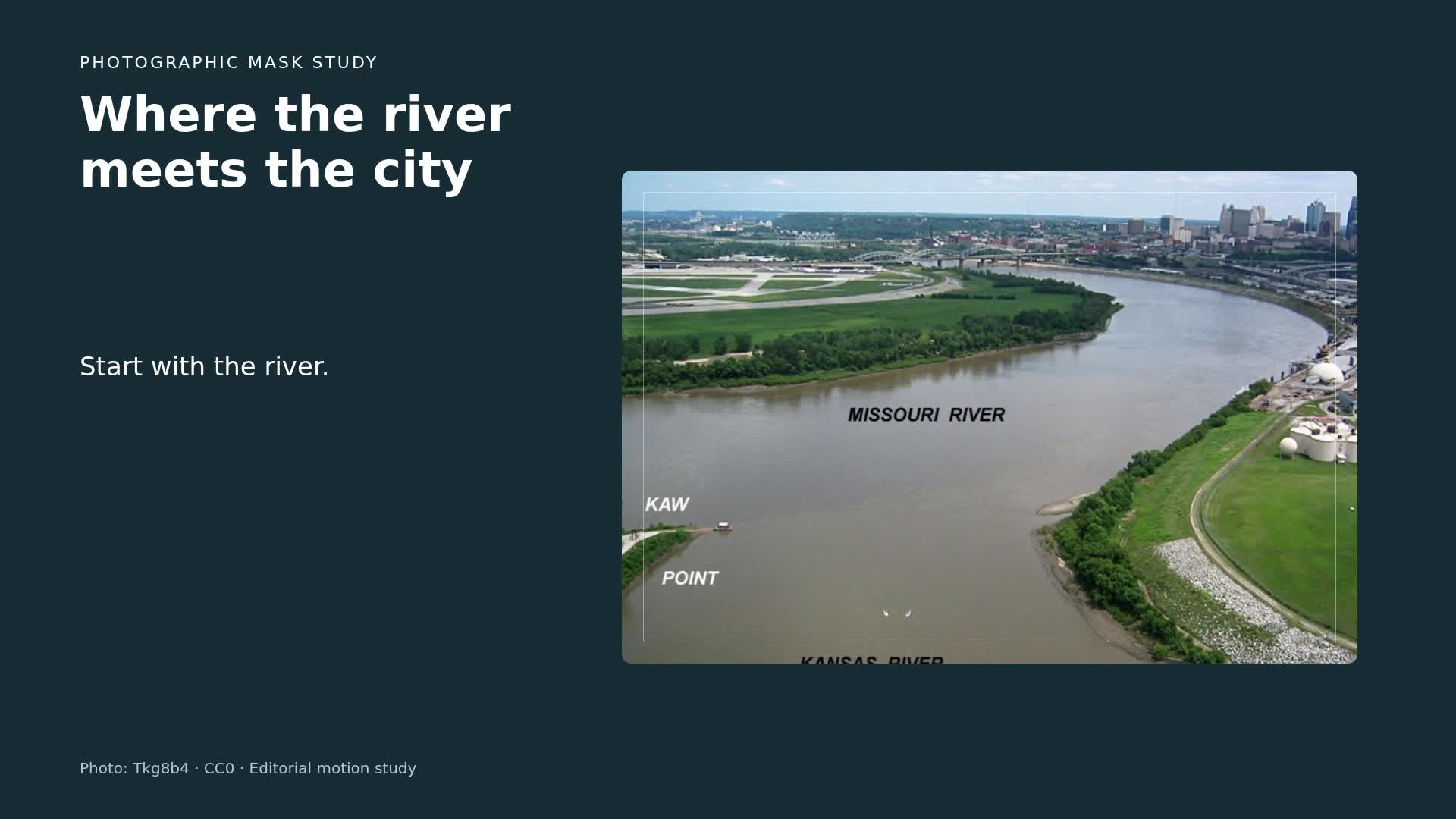
The examples animate masks and pans over two CC0 photographs from Wikimedia Commons, not generated natural motion. The river source is 800 x 570 and appears softer when enlarged; the night-city source is 4147 x 2756. 1080p describes the output canvas, not the original detail of both photos.