Speaker Overlay Package
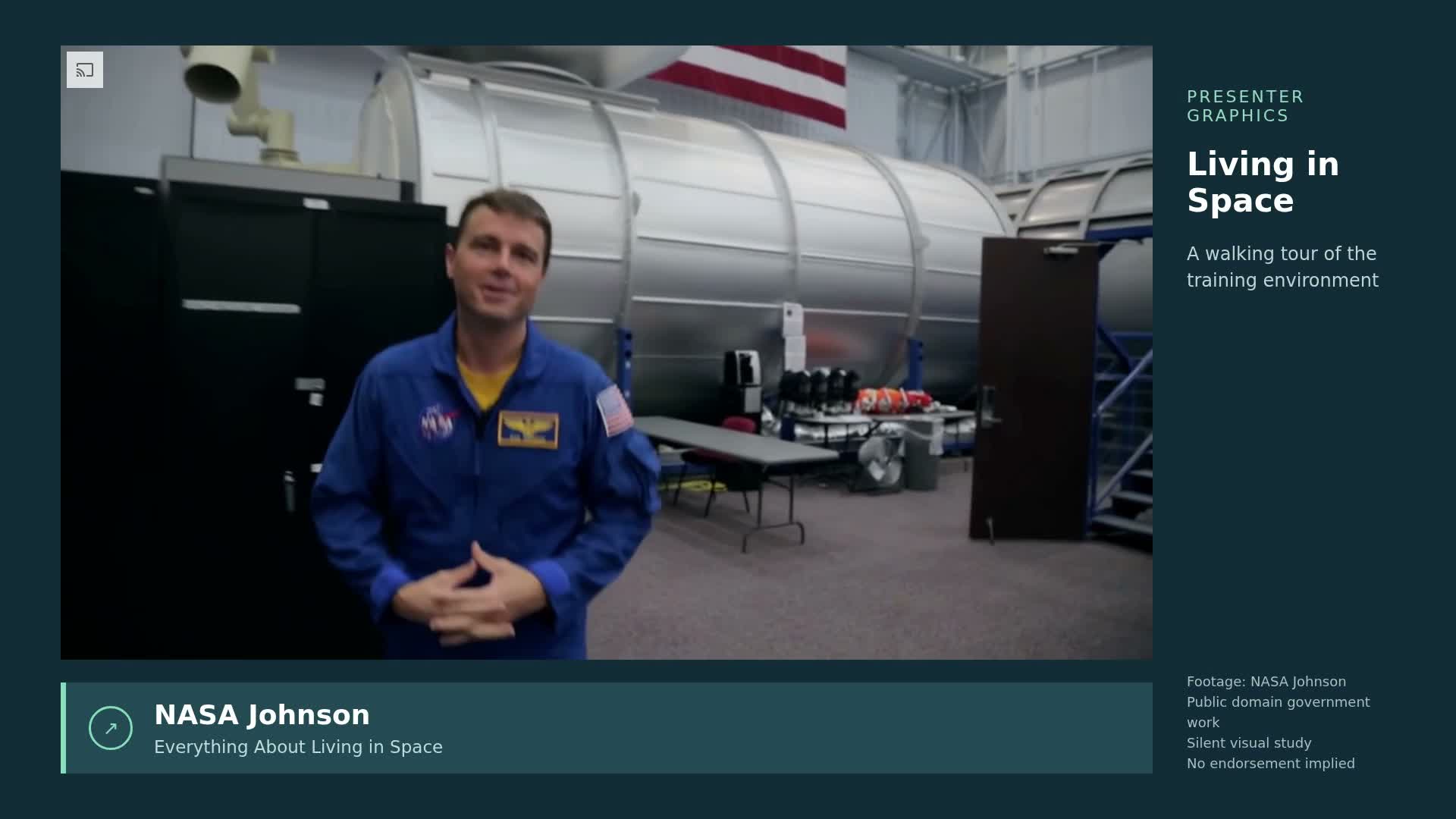
Create timed lower thirds, emphasis labels and supporting graphics over authorized real presenter footage.
How it works
Inspect the clip and reserve face and gesture areas
Animate a readable entry, hold and exit
Check overlays against the complete moving clip
Frequently asked questions
Does this turn any text into a finished film automatically?
No. This is an Agent authoring workflow: the Agent writes new editable scene code for each brief, then renders and checks it.
What do I need to run it?
Use the pinned rendering tools with Node.js, Chrome/Chromium and FFmpeg, plus authorized assets for your subject. The code workflow needs no model key; optional generated assets require separate configuration.
Example limitations
The demonstrations use NASA public-domain footage with a 1280 x 720 source inside a 1080p composition. The silent overlays show programme metadata, not quotations or word-synchronized captions. NASA does not endorse this work.