Wash Scroll Slides
Present a place, a walk, a craft or a cultural programme in an ink-wash idiom: pale layered landscapes alternate with quiet paper pages, a hanging-scroll contents page, a seal-red map with native pins, a sparse timeline, oversized counts and fine gold linework.
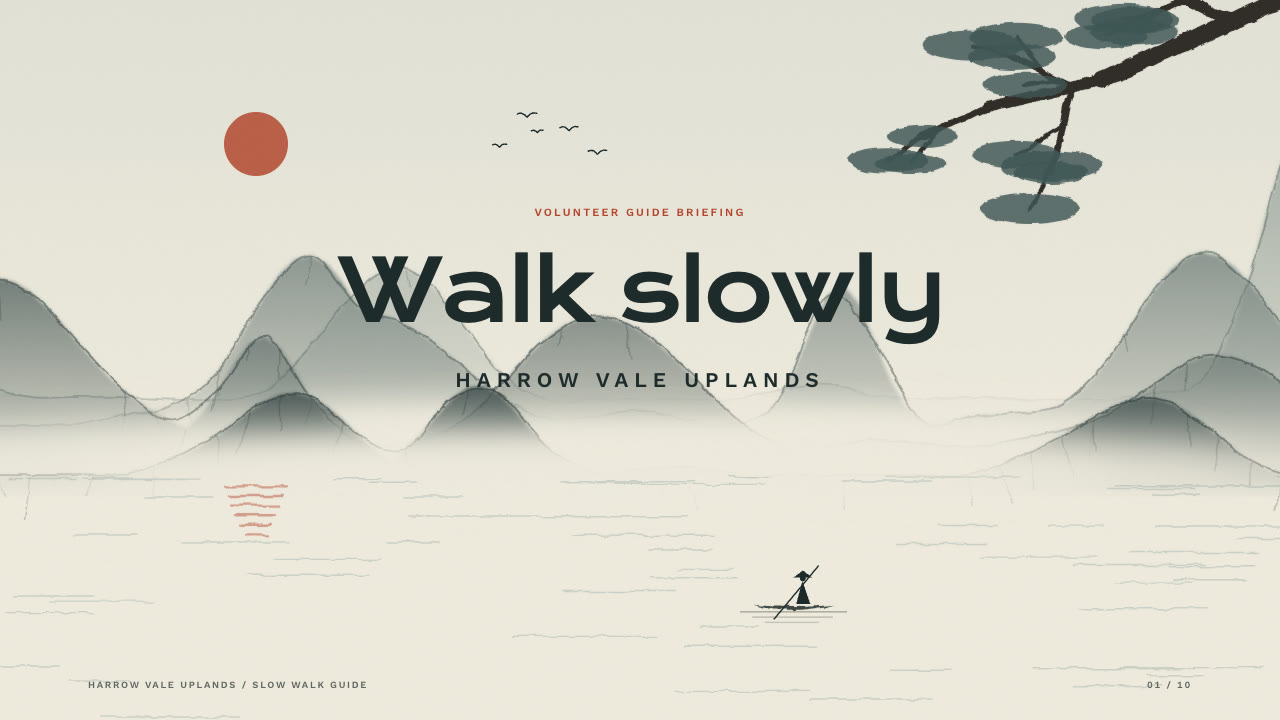
Bring a brief with the subject, the audience, what they should do afterwards, the facts you can stand behind and the page count; pictures optional. The Skill returns one offline HTML deck that edits in the browser and exports editable PowerPoint.
How it works
Brief and story
Your Agent asks for the subject, the audience, what they should do afterwards, the facts you can stand behind and the page count, then gives each page one job and alternates full-bleed landscapes with quiet paper pages.
Pictures and build
It uses your pictures or describes each slot in art.json for ink-art.py, writes plan.json with map pin positions, and runs kit.py compose, apply-palette.py, make-deck.py and verify-deck.py to build one offline HTML file.
Look and export
Look at every page in a browser for heading contrast over the landscape, pins against their labels and corner cutouts against the footer, try edit, undo, save and present, then export PowerPoint and run verify-pptx.py against the deck.
Frequently asked questions
Is the PowerPoint really editable?
Yes. Headings, lines, counts and units, pin dots and labels, contents rings and numbers, the timeline axis and dots, seals and rules are native PowerPoint objects with speaker notes. Full-bleed pictures appear only on cover, divider and closing pages, under native text; there are no rendered text layers.
Where do the pictures come from?
From you, or from the bundled ink-art.py, which draws deterministic vector ink wash from art.json: layered ranges, mist, water and a low sun with boats, birds, pines, roofs, pavilions, bridges, lotus or reeds, plus plum, persimmon, willow, bamboo and pine corners, a fictional map with a dashed route, a hanging scroll, a crane and a still life. It needs no model calls or keys.
Which fonts does it use?
Krona One for headings and counts and Work Sans 400/500/600 for text, under the SIL Open Font License and embedded in the deck. Chinese, Japanese and Korean use a system face, and mixed counts such as 386万 space differently in PowerPoint. Install both fonts on the presenting machine for close wraps.
What are the known limits?
On the timeline page the thin gold guide at the right edge passes through the page counter (04 / 10, 04 / 09); the counter stays readable. PowerPoint can break headings differently from the browser: in the Harrow Vale example LibreOffice sets the timeline heading on one line, so it runs across that guide. Pins closer than about 8 % of the page collide.
What was tested?
Both example decks were built from a fresh unzip of the package. Every page was inspected in Chrome and in a LibreOffice render of the exported PowerPoint, and edits made with python-pptx (text, shape colour, picture size) survived save and reopen. No other presentation app was opened.