Amber Commerce Slides
Explain how people find, buy and receive things in an illustrated retail deck: white pages with warm bands, tall arches and round fields, cream cards and capsules, compact heavy headlines and flat scenes of vans, baskets, doorsteps and shopfronts.
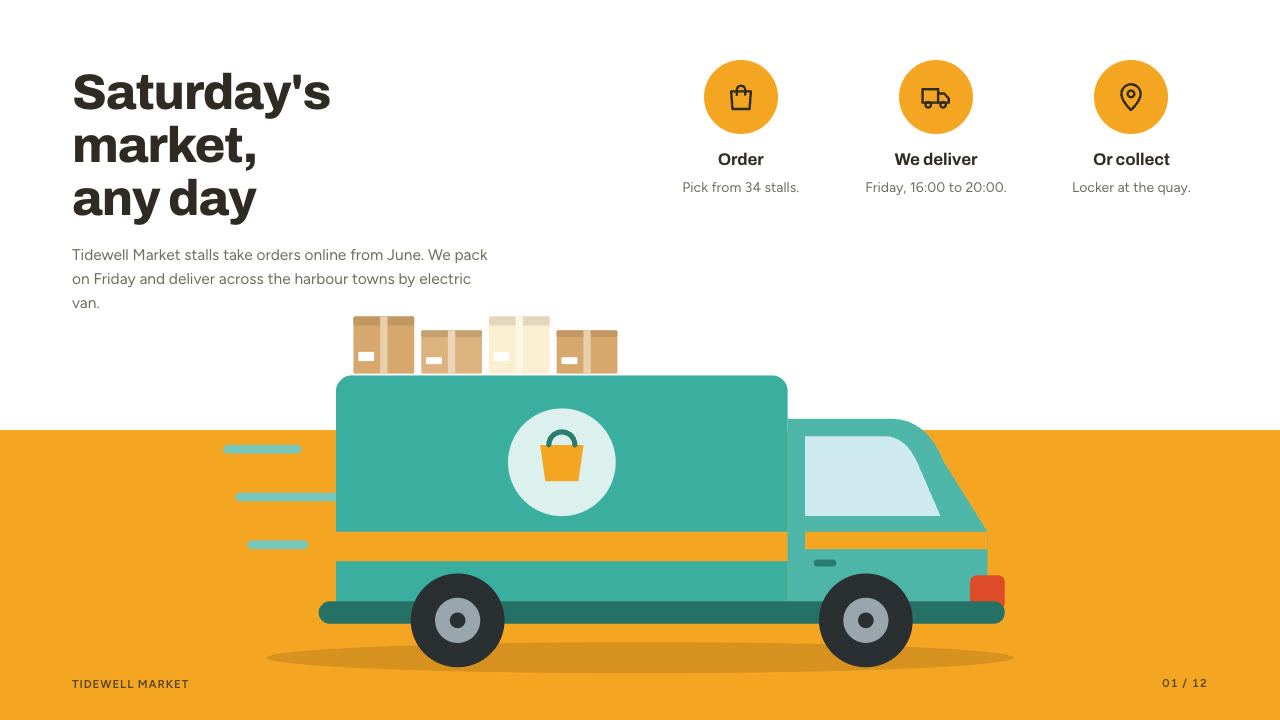
Bring a brief with the shop or service, the audience, the decision you need and the figures you can stand behind; pictures optional. The Skill returns one offline HTML deck that edits in the browser and exports editable PowerPoint.
How it works
Brief and outline
Your Agent asks for the shop or service, the audience, what they should decide or do, the facts you can stand behind and the page count, then gives each page one job from the thirteen layouts and alternates bands, arches, orbs and split panels.
Pictures and build
It uses your pictures or draws flat scenes with market-art.py, writes plan.json, and runs kit.py compose, apply-palette.py, make-deck.py and verify-deck.py to build one offline HTML file.
Look and export
Look at every page in a browser, try edit, undo, save and present, then export PowerPoint and run verify-pptx.py against the deck.
Frequently asked questions
Is the PowerPoint really editable?
Yes. Text boxes, cards, capsules, bands, orbs, coins, bar fills and the table are native PowerPoint objects with speaker notes, and there are no full-slide pictures. The arch fields, window panels, sparks, dashes and line icons export as pictures.
Where do the pictures come from?
From you, or from the bundled market-art.py, which draws flat vector scenes (van, trolley, phone, basket, doorstep handover, clothes rail, shopfront, courier, screens and single products) with invented people. It needs no model calls or keys.
Which fonts does it use?
Archivo 700/800 for headlines and Figtree 400/600 for text, under the SIL Open Font License and embedded in the deck. Chinese, Japanese and Korean use a system face. Install both fonts on the presenting machine for matching wraps in PowerPoint.
What was tested?
Both example decks were built from a fresh unzip of the package. Every page was inspected in Chrome and in a LibreOffice render of the exported PowerPoint, and edits made with python-pptx (text, shape, table cell, picture) survived save and reopen. No other presentation app was opened.