Cursor Workflow Film
Show a product workflow through accurately targeted pointer actions, visible response states and readable results.
How it works
Provide the subject, constraints and assets you are entitled to use.
Your coding Agent writes a new scene and applies this Skill’s motion rules.
Render the scene, inspect its key states and refine the video.
Frequently asked questions
Does any text automatically become a finished film?
No. A coding Agent authors a scene for your brief, then renders and checks it.
What do the two videos demonstrate?
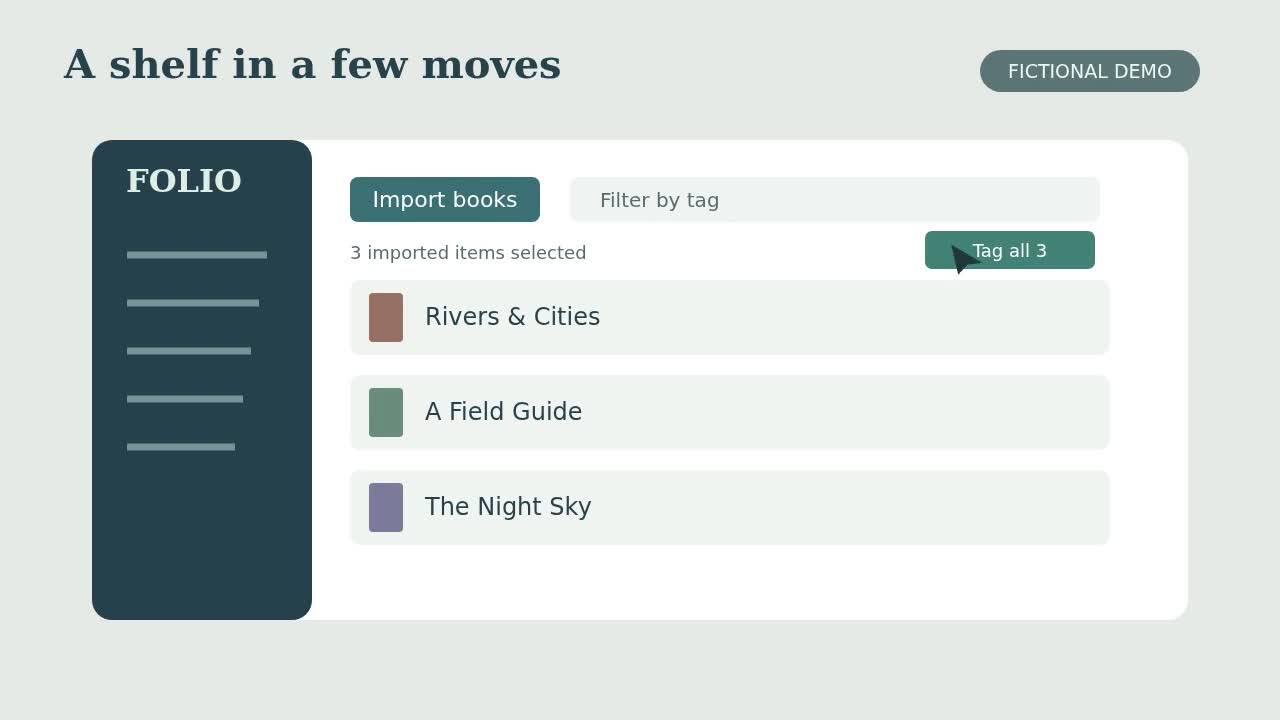
They show two authored examples of this motion approach. Your subject requires its own scene and review.
Example limitations
The examples animate original fictional interfaces. They demonstrate cursor timing and visible state changes, not recordings or functional tests of a real product.