Nightband Pitch Slides
Pitch a product or startup on near-black pages crossed by a band of light: big grotesk headlines, framed product screens, a bar chart, one light roadmap page, sliced team portraits and a contact card.
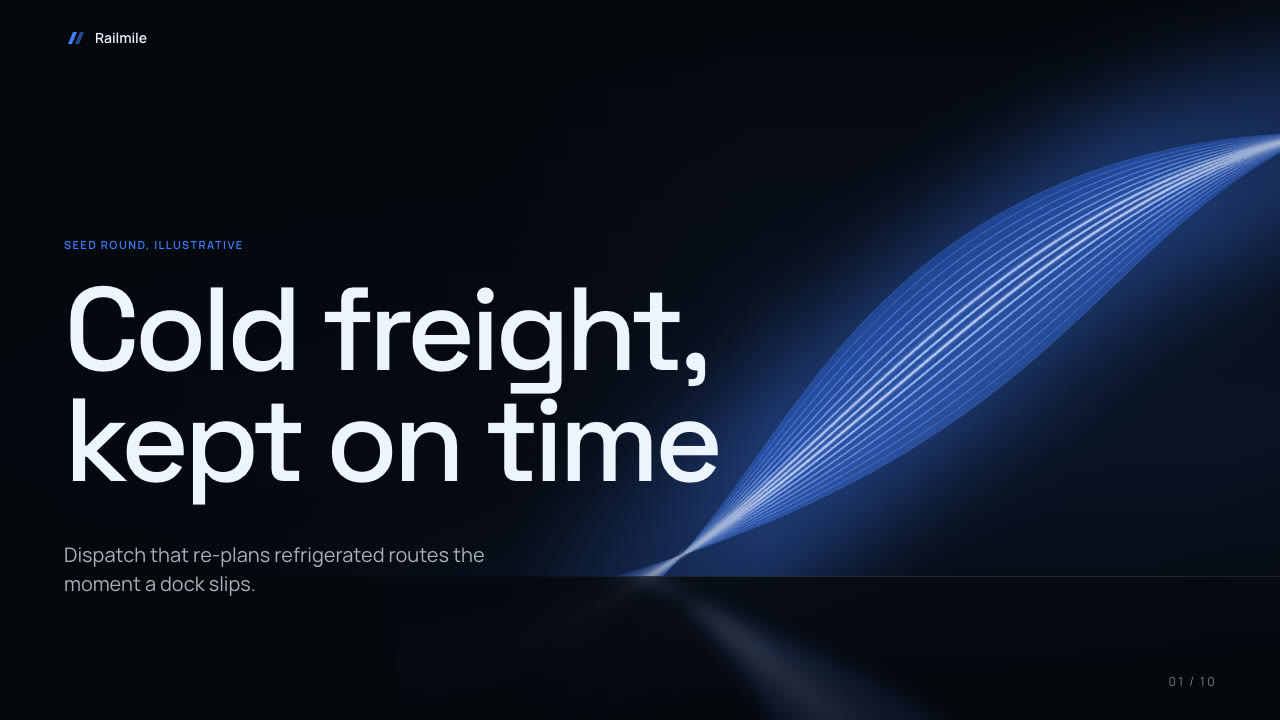
Bring a brief with the product, the audience, the one decision you want and the figures you can stand behind. The Skill returns one offline HTML deck that edits in the browser and exports editable PowerPoint.
How it works
Brief and outline
Your Agent asks for the product, the audience, the one decision the deck should drive, the figures you can stand behind, the page count and your pictures, then gives each page one job and picks a palette.
Pictures and build
nightband-art.py draws the band backdrops, screens and portraits from art.json, kit.py composes plan.json, make-deck.py builds one offline HTML file and verify-deck.py checks it.
Look and export
Look at every page in a browser, try edit, undo, save and present, then export PowerPoint and run verify-pptx.py against the deck.
Frequently asked questions
Is the PowerPoint really editable?
Yes. Text, cards, bars, dots and the comparison table are native PowerPoint objects with speaker notes. On each dark slide the light band is one full-slide picture behind them; to recolour it, generate it again with another palette.
Where do the pictures come from?
From you, or from the bundled generator, which draws vector light bands, abstract interface screens and faceless illustrated busts with no lettering. The example decks use that generator.
Which fonts does it use?
Space Grotesk (500, 600) for headlines and numbers and Manrope (400, 600) for text, under the SIL Open Font License and embedded in the deck. Chinese, Japanese and Korean use a system font. Install both on the presenting machine for matching wraps in PowerPoint.
What was tested?
Both example decks were built from a fresh unzip of the package. Every page was inspected in Chrome and in a LibreOffice render of the exported PowerPoint, and edits made with python-pptx, including a table cell, survived save and reopen. No other presentation app was opened. On one comparison page a thin strand of the band crosses a dim table cell; the text stays legible.