Stride Program Slides
Launch or pitch a programme that gets people moving: one oversized rounded frame per page, drawn outdoor scenes under a flat shade, uppercase headings with an accent run, frosted panels, rings behind cut-out figures, a phone held in hand and oversized chapter cues.
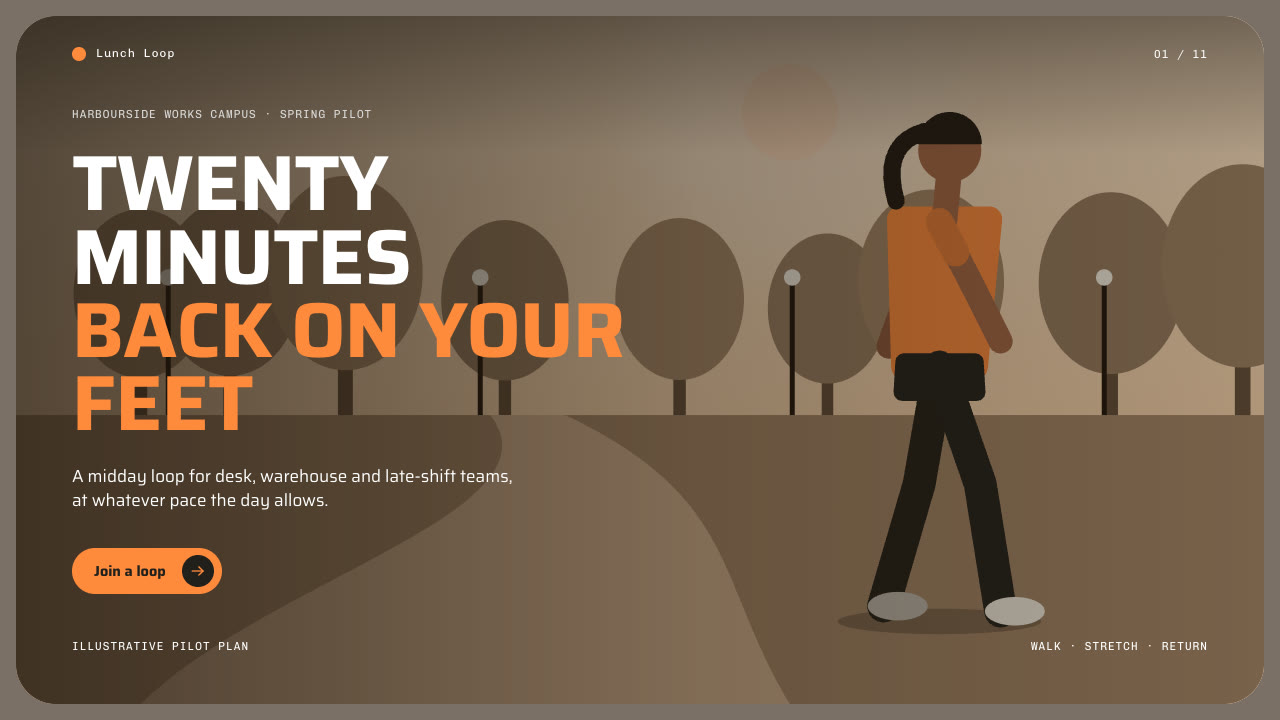
Bring the programme, the audience, the one action the deck should prompt, the facts you can stand behind and the page count; pictures optional. The Skill returns one offline HTML deck that edits in the browser and exports editable PowerPoint.
How it works
Brief and story
Your Agent asks for the programme, the audience, the one action the deck should prompt, the facts you can stand behind and the page count, then gives each page one job using the twelve layouts and their word budgets.
Pictures and build
It draws one picture per slot with stride-art.py when you have none, writes plan.json, then runs kit.py compose, apply-palette.py, make-deck.py and verify-deck.py to build one offline HTML file.
Look and export
It checks every page at 1280×720 for white copy against the scene, heading length, panel text, the phone screen copy and numerals on one line, tries edit, undo, save and present, then exports PowerPoint and runs verify-pptx.py against the deck.
Frequently asked questions
Is the PowerPoint really editable?
Yes. Headings, panels, icon discs, rings, numerals, pills, the frame, the translucent shade over each scene and the phone screen copy are native PowerPoint objects with speaker notes. Each drawn scene is its own picture placed inside the frame; no slide is a full-page picture and no text is rendered into an image.
Where do the pictures come from?
From you first. Otherwise the bundled stride-art.py draws outdoor scenes (park, court, wall, track, plaza, shore at morning, noon or dusk) with up to eight anonymous figures, single cut-out figures, a hand holding a phone and still lifes of sports objects, using only the Python standard library. It calls no model or image service.
Which fonts does it use?
Saira for headings and text and Chivo Mono for eyebrows, footers, the brand mark and the counter, both under the SIL Open Font License and embedded in the package. Install both on the presenting machine for matching line breaks in PowerPoint. Chinese, Japanese and Korean use a system face.
What are the known limits?
Figures are faceless vector drawings with simple poses, not photographs. Layout geometry is fixed, so copy far over the word budget wraps into neighbouring space, and long Chinese headings break wherever the line ends. LibreOffice wraps a few lines differently from the browser.
What was tested?
Both example decks were rebuilt from a fresh unzip of the package and matched the published files. Every page was inspected in Chrome and in a LibreOffice render of the exported PowerPoint, and python-pptx edits to text, a shape and a picture survived save and reopen. PowerPoint itself was not opened.